

•Mario Juričević• 12 min čitanja
Valorant
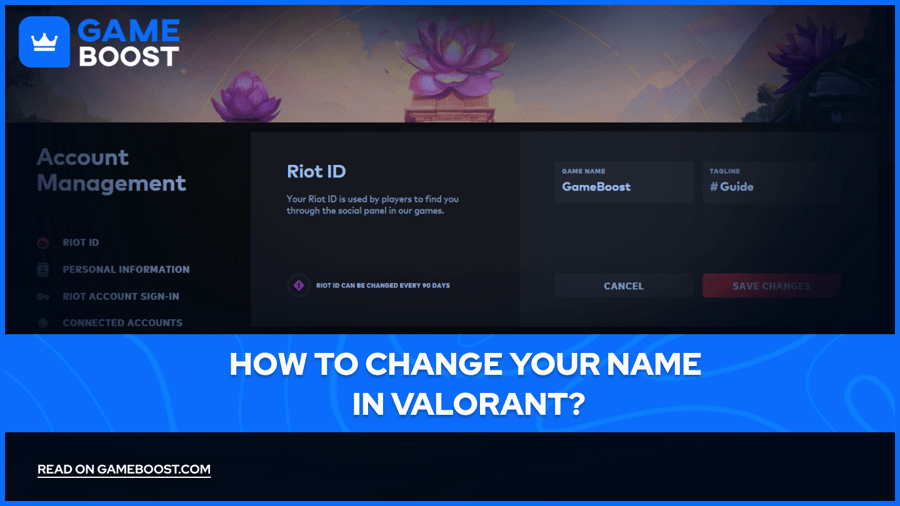
As of 2023, Valorant allows players to personalize their in-game identity through Riot ID. This feature allows you to choose a name that reflects your personality or gaming style, making your presence in the Valorant community more distinctive.
If you're looking to rebrand yourself, shed an outdated username, hide your Valorant name, or simply fancy a change, understanding how to modify your Riot ID is essential for Valorant players. This guide will help you change your name in Valorant, understand Riot IDs, and manage your online identity in the game.
Before diving into the process of changing your name in Valorant, it's crucial to understand what a Riot ID is and how it functions. A Riot ID serves as your universal identifier across all Riot games, including Valorant, and plays a vital role in your online gaming experience.
A Riot ID consists of two key components:
Game Name: Primary part of your identity that appears in-game. It's what other players see and use to identify you during matches and in social interactions within the game.
Tagline: Unique hashtag that distinguishes you from other players who might have the same Game Name. It's an additional identifier that ensures your Riot ID remains unique across the entire Riot Games ecosystem.
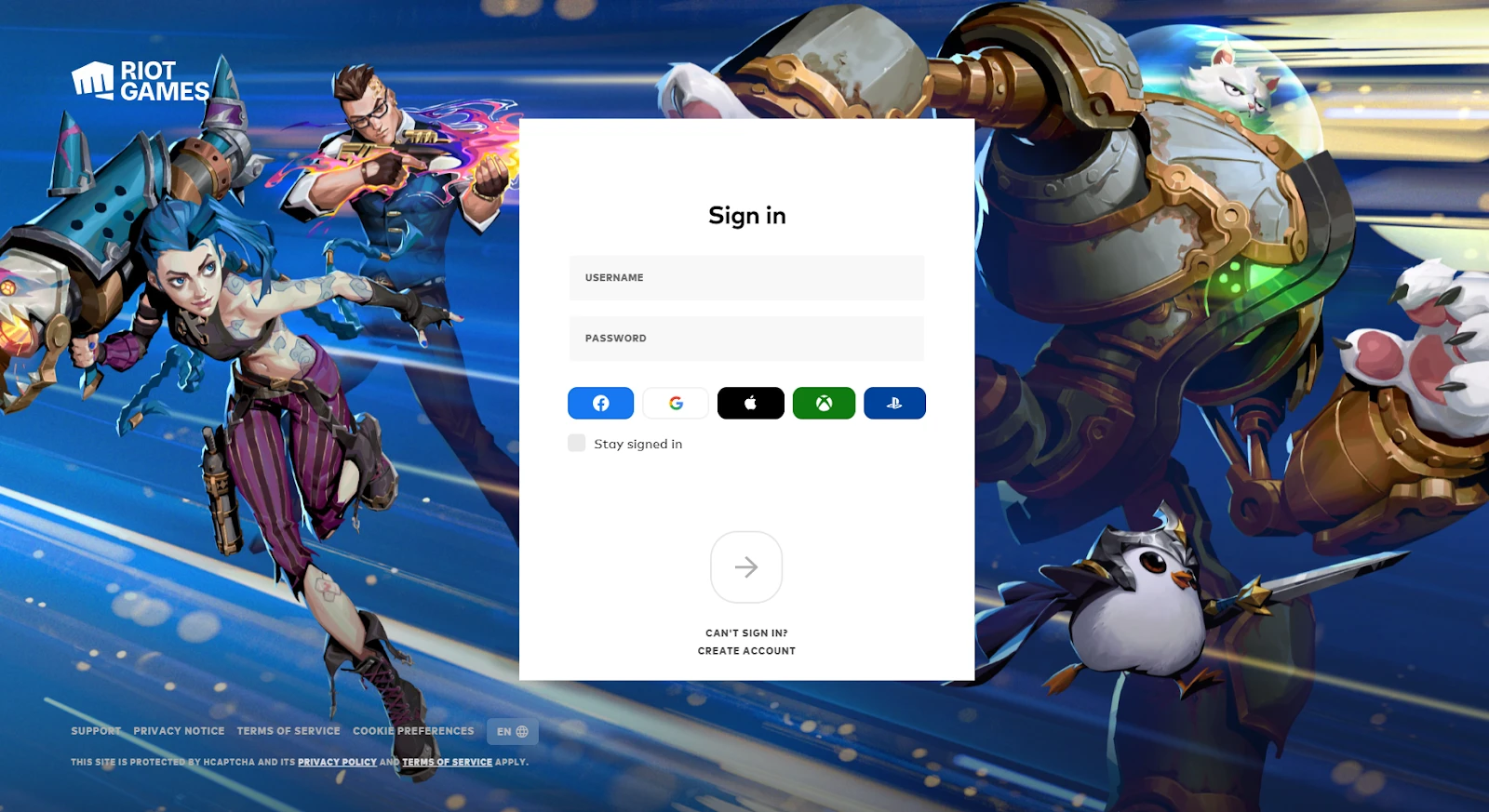
Before you begin, ensure that the Valorant client is closed on your computer. This step is crucial as it allows the changes to take effect properly when you next launch the game. Open your web browser and navigate to the official Riot Games website. Here, you'll need to log in to your account using your current credentials.
Once you're logged in, you'll be presented with various account management options. Look for and click on the "Riot ID" tab, typically located in the account management section. This action will direct you to the page where you can modify your Riot ID.
On the Riot ID tab, you'll see your current Game Name and Tagline displayed. To initiate the change, look for an edit icon – usually represented by a pencil symbol – next to your current Riot ID. Click on this icon to begin making changes to your identity.
Also Read: How to Remake in Valorant? (2024 Guide)
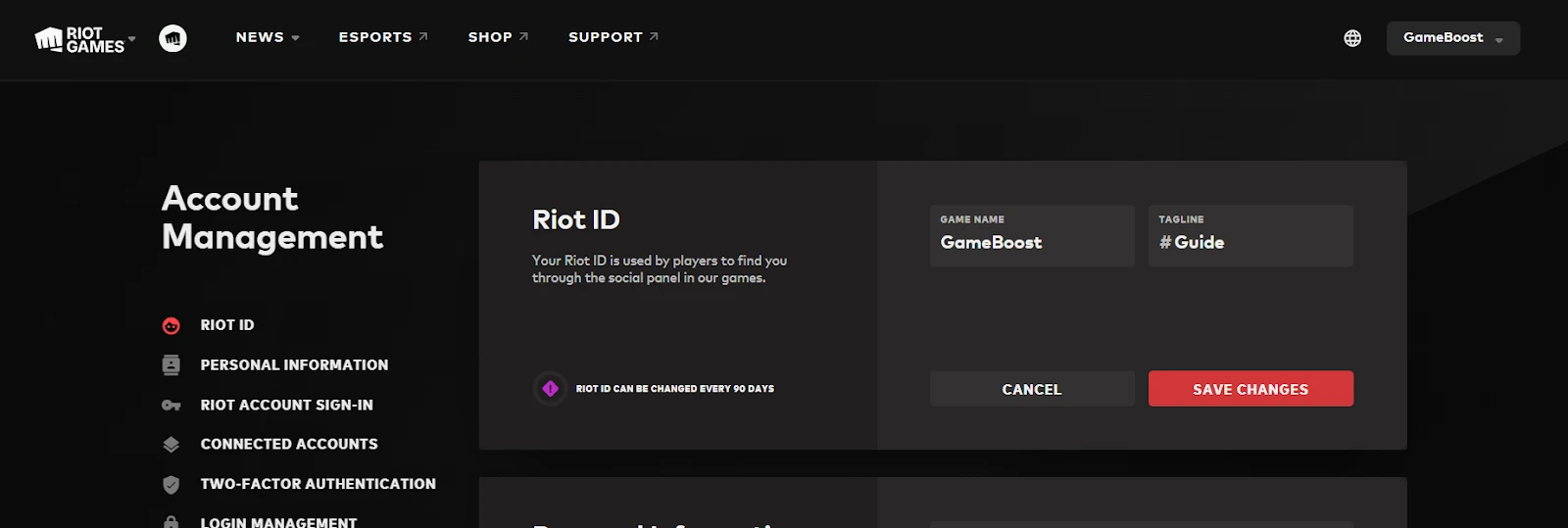
Enter your desired new Game Name in the appropriate field. Your Game Name can be up to 16 characters long and must comply with Riot's community guidelines. For the Tagline, you can either create a custom one or use the "randomize" button to generate a unique combination. The Tagline helps distinguish your account from others with the same Game Name.
After carefully entering your new Game Name and selecting or creating your Tagline, it's time to make it official. Look for the "Save Changes" button and click it to confirm your new Riot ID.
Nakon što ste spremili svoje promjene, vaš novi Riot ID bit će ažuriran u svim Riot igrama, uključujući Valorant. Da biste vidjeli svoje novo ime u akciji, pokrenite Valorant. Vaša ažurirana identitet bi sada trebao biti vidljiv u igri, označavajući uspješno završavanje procesa promjene imena.
Također pročitajte: Kako povezati Playstation račun s Valorantom?
Promjena vašeg imena u Valorantu uzbudljiv je način za osvježavanje vašeg gaming identiteta, ali postoji nekoliko važnih faktora koje treba imati na umu:
Frekvencija promjena: Riot Games je implementirao politiku koja omogućava igračima da promijene svoj Riot ID jednom svakih 90 dana besplatno.
Smjernice za imena: Kada birate svoje novo Ime igre i Tagline, važno je pridržavati se Riotovih smjernica za zajednicu.
Utjecaj na više igara: Promjena vašeg Riot ID-a utječe na vaše ime u svim Riot igrama, ne samo u Valorantu. Ako igrate više Riot naslova, razmislite o tome kako će ova promjena utjecati na vaš identitet u tim igrama prije nego što napravite promjenu.
Završili ste s čitanjem, ali imamo još informativnog sadržaja iz kojeg možete naučiti. Osim toga, nudimo usluge koje mogu unaprijediti vaše gaming iskustvo na sljedeću razinu. Što biste željeli učiniti sljedeće?
Valorant računi na prodaju
Kupite Valorant bodove
Valorant Boosting usluga
Pogledajte sve GameBoost račune
Pogledajte sve GameBoost usluge boostanja
Pogledajte sve GameBoost valute
Pogledajte sve GameBoost ključeve za igre
Pogledajte sve GameBoost poklon kartice
Pogledajte sve GameBoost predmete
Pogledajte sve GameBoost dopune
Counter-Strike 2 skinovi
“ Kristina se pridružila GameBoosto 2024. godine kao SEO specijalistica i brzo je postala glavna autorica za third-person pucačine i kompetitivne igre. Piše o igrama poput Fortnita, Valoranta, League of Legendsa, GTA 5 i Rocksa, s fokusom na vodiče, praktične savjete i najave.”