





PUBG Mobile 账号出售 – 快速交付与安全交易
购买拥有稀有神话级皮肤和高段位的 PUBG Mobile 账号。

PUBG Mobile 账号出售
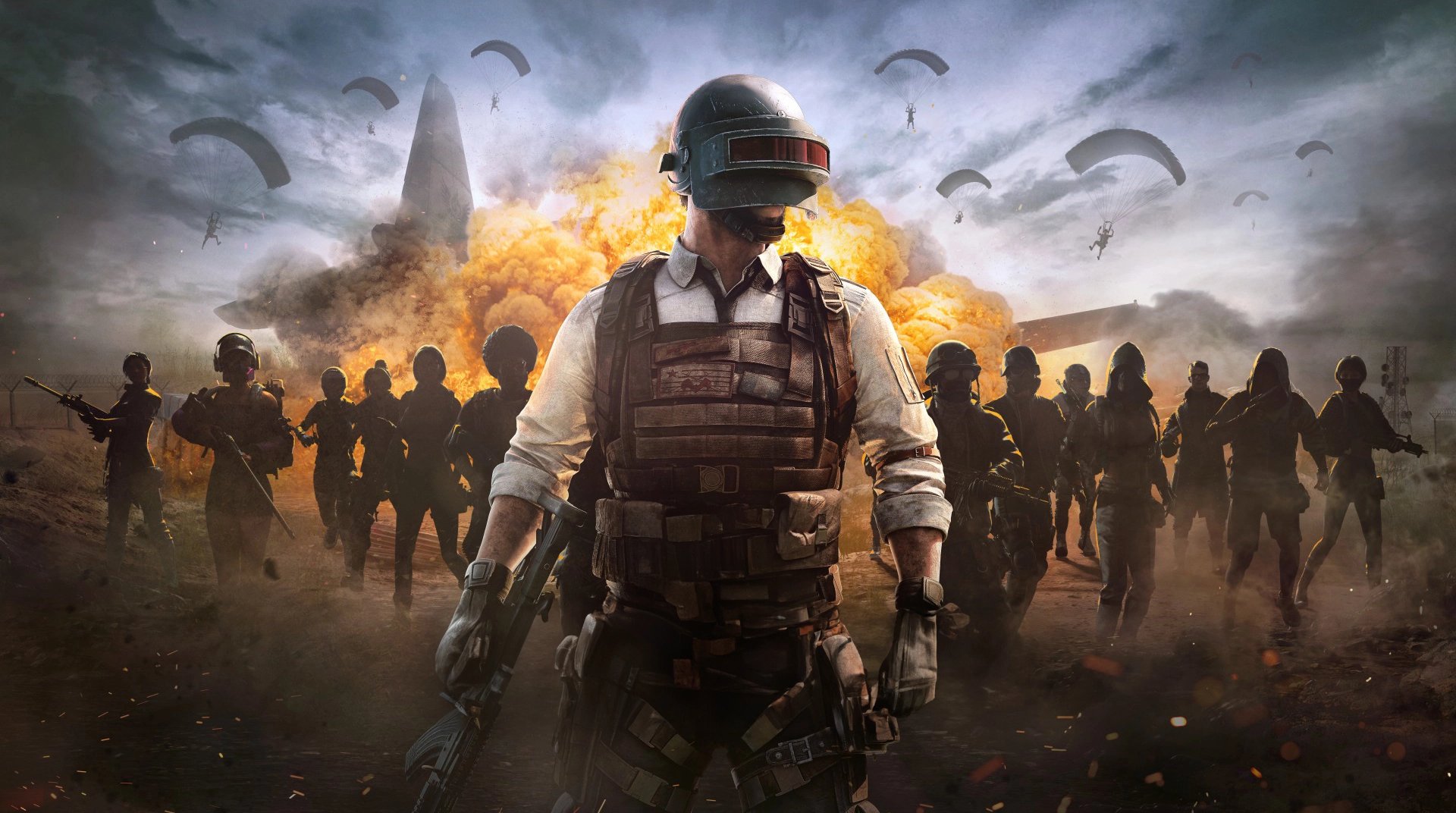
PUBG Mobile 会将最多 100 名玩家投放到同一张地图上。之后,玩家搜刮物资、战斗,并努力成为最后存活的小队。游戏于 2018 年 3 月在全球上线,此后每个赛季都会带来新的 Royale Pass 奖励、活动和宝箱.
这就是老账号脱颖而出的原因。一个赛季的多数服装和武器皮肤一旦赛季结束,就会永久绝版。待售的 PUBG Mobile 账号通常在以下几个方面表现出色:
稀有服装:多数玩家都无法获得的神话套装,例如The Fool 和 Pharaoh X-Suit。
升级武器皮肤:例如Glacier M416这类皮肤,拥有专属击杀特效和动画。
高段位历史:Ace 或 Conqueror账号,可让你进入实力更强的对局。
Royale Pass 奖励:无法再解锁的往季物品。
每个待售 PUBG 账号都会在购买前展示账号拥有的皮肤和段位, 让你清楚了解账号包含的内容。
如何购买 PUBG Mobile 账号?
账号的大部分价值都体现在皮肤上。按段位、账号等级或特定皮肤筛选能节省大量时间。随后,每个商品描述都会列出段位、库存和关联的登录信息.
这是 如何购买 PUBG Mobile 账号的流程:
按段位、等级或价格筛选待售的 PUBG Mobile 账号。
搜索皮肤如果你想找特定的皮肤,比如 Glacier 或 Pharaoh。
打开商品页面并阅读商品描述了解段位、皮肤和登录方式。
点击“购买账号”并付款选择你偏好的支付方式。
在订单面板中获取登录信息付款后。
登录并将绑定的邮箱、Facebook 或 Google 登录方式更换为你自己的。
如果有任何不符之处,你的账户享有 14 天保修,自交付后开始计算。若期间遇到任何登录问题,全天候 24/7 支持随时为你提供帮助。
购买 PUBG Mobile 账号安全吗?
只要交易平台会审核卖家和商品信息,就安全。问题通常出在未经验证的卖家在售出后找回账号。因此,选择一家最值得信赖的 PUBG Mobile 账号购买网站。
GameBoost 是购买 PUBG Mobile 账号的安全平台,每笔订单都会经过几项检查:
通过 KYC 验证的卖家,商品上架前均需完成验证
完整的商品描述,包含段位、皮肤和登录方式
保修保障,账号被找回时可提供保障
登录后,绑定你自己的邮箱或社交账号,就能永久拥有该账号。
可以在 PC 上使用 PUBG Mobile 账号吗?
可以,但不能在《PUBG: Battlegrounds》中使用。PUBG Mobile 与 PC 和主机版是不同的游戏,因此账号、服务器和游戏进度无法互通。
在电脑上,你需要使用像GameLoop 这样的 Android 模拟器,它支持在 PC 上玩 PUBG Mobile. 模拟器玩家会与其他模拟器玩家匹配,除非他们与手机玩家组队。
PUBG Mobile 与 GameBoost 商品
购买 PUBG Mobile 充值
购买 PUBG Mobile 道具
查看所有 GameBoost 账号
查看所有 GameBoost Boost 服务
查看所有 GameBoost 游戏货币
查看所有 GameBoost 游戏密钥
查看所有 GameBoost 礼品卡
查看所有 GameBoost 充值
查看所有 GameBoost 道具
关于 PUBG Mobile帐户的常见问题解答
您将获得该账号的登录信息,账号拥有商品描述中列出的段位、服装和武器皮肤。商品描述还会显示关联的登录方式,例如邮箱、Facebook 或 Google。
可以,只要该账号使用的是你在两台设备上都能登录的方式,例如电子邮箱、Facebook 或 Google。购买前请查看商品描述,确认登录方式。
可以,使用改名卡即可。你可以通过活动获得,也可以在游戏内商店使用 UC 购买。
许多 PUBG Mobile 账号可在几分钟内交付。付款后,登录信息会显示在您的订单面板中。
登录并根据商品描述检查账号。然后绑定你自己的邮箱或社交账号登录方式,并解绑卖家的登录方式,这样就只有你能登录。