


•Filip Premuš• 4 min read
GTA 5

Crouching in GTA 5 throws a curveball at players used to other shooters. There's no dedicated crouch button as you'd find in Call of Duty or Counter-Strike. Rockstar built the mechanic into two separate systems: the cover system and stealth mode. Each serves a different purpose, and mixing them up can cost you in tight situations.
Understanding how these mechanics actually work matters if you want to survive shootouts or slip past enemies undetected. Here's everything you need to know about crouching in GTA 5, from basic controls to advanced combat tactics.
Also Read: Everything to Know About the Garment Factory in GTA V
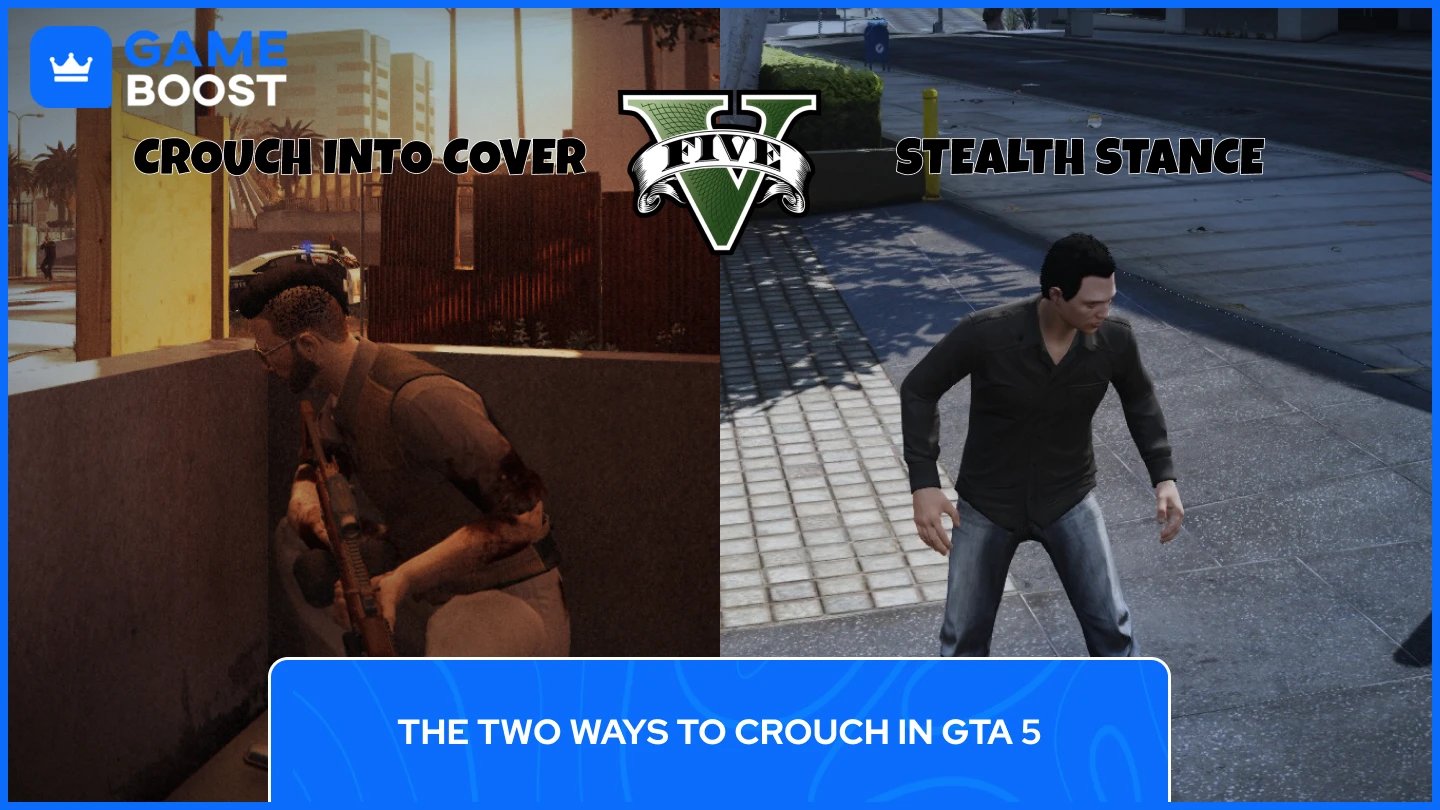
GTA 5 handles crouching differently than most games. You won't find a button that simply makes your character squat down anywhere you want. Instead, crouching is locked behind specific systems.
The cover system is where you'll get a proper crouch. Press the cover button near low objects like cars, concrete barriers, or half-walls, and your character automatically ducks behind them. This isn't just a visual change, as you are protected from incoming fire, but can also peek out to return shots. This mechanic works great for gunfights but only functions when you're near suitable cover. You can't crouch freely in the open.
Stealth mode is the closest thing to a traditional crouch. Press the stealth button and your character hunches slightly, reducing footstep noise. This helps you sneak past enemies during missions but doesn't provide any cover protection. Think of stealth stance as the "sneak" mode, not a combat crouch. It's for moving quietly, not for firefights.
Here's how to crouch in GTA 5 across different platforms:
Action | PC | PlayStation | Xbox |
|---|---|---|---|
Crouch into Cover | Q | R1 | RB |
Stealth Stance | CTRL | L3 | LS |
Important: GTA 5 doesn't have a free crouch button. If you see guides mentioning "C" as a crouch key on PC, they're referring to modded versions of the game, not the vanilla experience.
Taking cover properly can mean the difference between surviving a shootout and respawning at the hospital. Here are the best ways to use the GTA 5 cover system:
Find suitable cover—cars, walls, barriers, and solid objects work best.
Avoid wooden fences or thin materials that bullets can penetrate.
Approach the object and face it directly, then press the cover button (Q on PC, R1 on PlayStation, RB on Xbox). Your character will automatically position itself behind the object. The system automatically makes your character crouch in GTA 5 when taking cover behind low objects. Behind tall walls, you'll stand upright but still stick to the cover.
To peek and shoot, hold the aim button (right-click on PC, L2 on PlayStation, LT on Xbox) to pop out from cover and line up your shot.
For blind fire, press the fire button without aiming to shoot without exposing yourself. This is wildly inaccurate but keeps you safe, and you can balance both methods depending on how many enemies are shooting at you.
Move left or right while in cover to reposition along the same object for better firing angles.
For cover-to-cover movement, aim at nearby cover while behind your current position, then press the cover button. Your character will quickly move to the new location while staying low.
Not all cover is created equal. Concrete barriers, brick walls, and large vehicles offer the best protection. Wooden fences, small barriers, and motorcycles provide poor cover. Avoid cars on fire, explosive barrels, and thin metal sheets entirely. Keep in mind that Police and NPCs can shoot through some materials, so pay attention to what's actually stopping bullets.
Also Read: 5 Fastest Cars in GTA Online
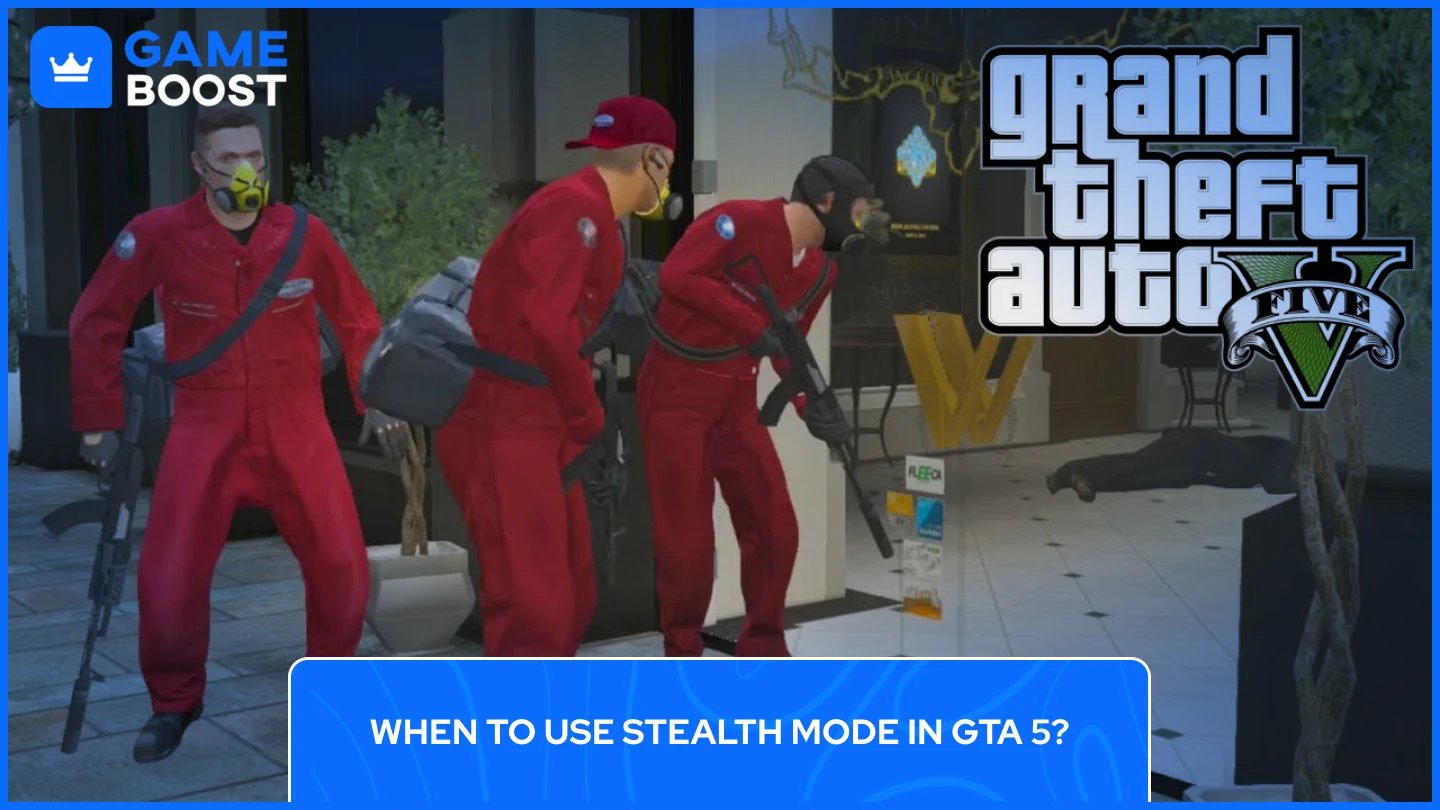
GTA 5’s Stealth mode shines in specific scenarios where noise matters more than protection. It works best during story missions requiring stealth (jewelry store heist setup, assassination contracts), sneaking past enemies without alerting them, setting up silent takedowns with melee weapons, and reducing detection radius during heists.
The limitations for this mode are clear: stealth provides no protection from bullets, doesn't improve weapon accuracy, only reduces footstep noise, and can't be used while sprinting.
Stealth mode is about avoiding combat, not engaging in it. If bullets start flying, get to proper cover immediately.
Also Read: Where to Buy GTA 5 Accounts?
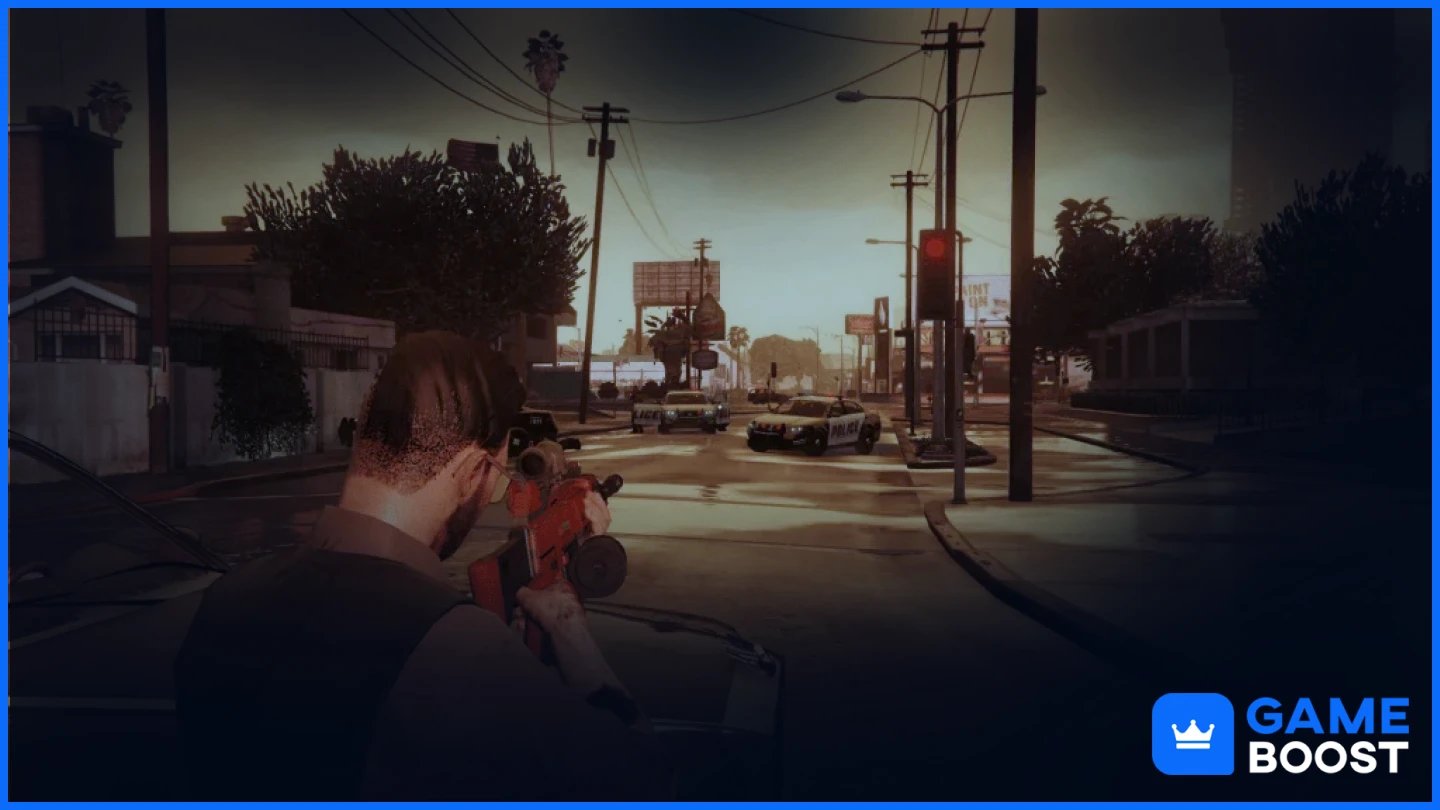
Players coming from other games often find GTA 5's crouch system restrictive. Rockstar made specific design choices here. The game has no free crouch because it prioritizes fast-paced action over tactical shooter mechanics. A traditional crouch button would slow down the gameplay style GTA 5 is known for.
The cover-based design keeps combat flowing smoothly. You don't have to fiddle with positioning, just press one button, and you're protected. Stealth exists as a secondary feature, as GTA 5 isn't a stealth game. Most missions expect loud, chaotic action. Stealth options exist but aren't the main focus.
This differs significantly from GTA San Andreas, which had a full crouch mechanic. Rockstar changed their approach for GTA 5.
Also Read: All Peyote Plant Locations in GTA 5
PC players wanting traditional crouch mechanics can install mods. The most popular is "Stance – Crouch/Prone Mod" by jedijosh920, available on GTA5-Mods.com. The mod adds a free crouch button (no cover required), a prone stance for lying flat, a dolphin dive when sprinting, and customizable controls.
Important warnings: This mod only works in Story Mode, and cannot be used in GTA Online (you'll be banned), requires Script Hook V and .NET Script Hook, and may conflict with other mods.
Some players report issues with stealth missions when using crouch mods, since the game expects you to use the default stealth stance system.
No, vanilla GTA 5 only lets you crouch by taking cover or using stealth mode. There's no standalone crouch button in the base game.
Not directly. The cover system provides stability for aiming, but it's the cover itself helping you aim steadier, not the crouched position. Stealth mode doesn't affect weapon stats at all.
You can't run while crouched. Stealth mode forces you to walk slowly. If you start sprinting, you exit stealth mode immediately.
Stealth mode and crouching aren't the same. Stealth mode makes your character hunch slightly and reduces noise, but it's not a proper crouch. You're still vulnerable to gunfire and don't get the protection that cover provides.
Your stealth skill (one of the character stats) determines how quiet your footsteps are in stealth mode. Higher stealth levels let you move faster while remaining quiet. It doesn't affect the cover system.
GTA 5's approach to crouching takes getting used to if you're coming from traditional shooters. The cover system works great for combat situations, giving you protection and tactical positioning in firefights. Stealth mode fills a different role, letting you move quietly during missions that require sneaking.
Neither system gives you the freedom of a true crouch button, but they work well for what GTA 5 is designed to be: a fast-paced action game where cover-based shootouts and occasional stealth sections keep things interesting. Master both mechanics, and you'll handle any situation Los Santos throws at you, from police shootouts to heist infiltrations.
GTA 5 Key
GTA 5 Enhanced Key
Buy GTA 5 Items
GTA 5 Accounts For Sale
View all GameBoost Accounts
View all GameBoost Boosting Services
View all GameBoost Currencies
View all GameBoost Game Keys
View all GameBoost Gift Cards
View all GameBoost Top Ups
View all GameBoost Items
Counter-Strike 2 Skins
“ Filip Premuš is a seasoned gaming content writer specializing in titles like Steal a Brainrot, Old School RuneScape, and other popular online games. With a sharp focus on accuracy, updates, and in-game strategy, he creates comprehensive guides that help players stay ahead of the meta and make informed decisions.”