
Game Keys

Shop Game Keys by Platform
Browse game keys for every platform we sell.


Trending




Recently Added


Best Deals




Trusted by Millions of Gamers Worldwide

Excellent 4.9 out of 5.0
Based on 4,194,000+ orders

N***ke
Germany
Got my game key instantly after purchase. Worked flawlessly on Steam. Will definitely buy again.
S***er
United States
Super fast delivery and everything was legit. I got a great deal too. Highly recommend GameBoost.
K***to
Japan
Key arrived in seconds. I was able to activate it without any problems. Great platform.
A***on
Greece
Absolutely legit. Was worried at first, but the key was real and support was friendly.
R***ure
Netherlands
Best price I could find for Elden Ring. Got the key instantly. Amazing!
P***ge
Sweden
Everything worked as expected. I activated the key on my Epic account with no hassle.
Budget Picks

Cheap Game Keys — PC, Steam, Xbox, PlayStation & Nintendo
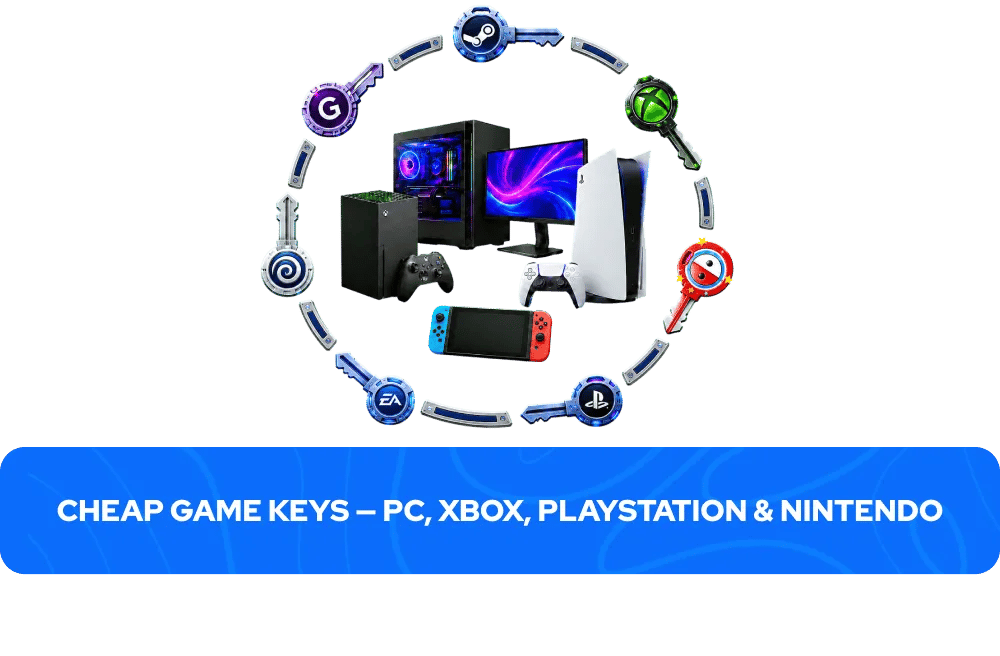
Finding the right game at the right price used to mean waiting for a sale, checking multiple stores, or settling for full retail. GameBoost changes that — over 28,000 game keys across PC, Xbox, PlayStation, and Nintendo, all at competitive prices every day of the year. New releases, classic titles, indie gems, and AAA blockbusters across every genre and every major platform, delivered instantly to your account the moment you purchase. From the latest PlayStation Studios exclusives and Xbox Game Studios releases to the biggest Steam launches and Nintendo eShop titles, the full range of modern gaming is here in one place.
What Is a Game Key?
A game key — also called a CD key, activation code, or digital code — is a unique alphanumeric string that unlocks a specific game on its native platform. Rather than buying a physical disc or downloading directly from a platform store at full retail price, you purchase the code from a marketplace like GameBoost, receive it instantly in your account dashboard, and redeem it on the platform of your choice. Once activated, the game is permanently added to your library and can be downloaded and played at any time on any device logged into that account.
Game keys come in several types. Standard game keys unlock the base game only. Deluxe, Ultimate, Gold, and Game of the Year editions include the base game plus additional content such as DLC, season passes, cosmetic items, in-game currency, or soundtracks. DLC keys add content to a game you already own and require the base game to use. Season Pass keys bundle future or existing DLC into a single purchase. Gift cards add credit to a platform wallet rather than unlocking a specific game. Always check the product page before purchasing to confirm exactly what a key includes.
How Do Game Keys Work?
The process of buying and activating a game key on GameBoost takes less than two minutes from start to finish. Here is how it works across the four major platforms:
Steam (PC): Purchase your key on GameBoost → open the Steam client → click "Add a Game" in the bottom left corner → select "Activate a Product on Steam" → enter your key → the game is added to your Steam library and is ready to download.
Xbox: Purchase your key on GameBoost → press the Xbox button to open the guide → select Store → press the View button → select Redeem → enter your 25-character code → confirm. Alternatively, redeem at redeem.microsoft.com via a web browser.
PlayStation: Purchase your key on GameBoost → sign into your PSN account on your console → navigate to the PlayStation Store → scroll down and select Redeem Codes → enter your code → confirm. Alternatively, redeem at store.playstation.com via a web browser.
Nintendo: Purchase your key on GameBoost → select Nintendo eShop on the HOME Menu → select the account you want to use → select Redeem Code on the left side of the screen → enter your 16-character code → confirm.
Your key appears in your GameBoost account dashboard immediately after your payment is processed — no waiting, no email delays. Exceptions apply to pre-orders and certain products where the delivery timeframe is stated on the product page.
Browse Game Keys by Platform
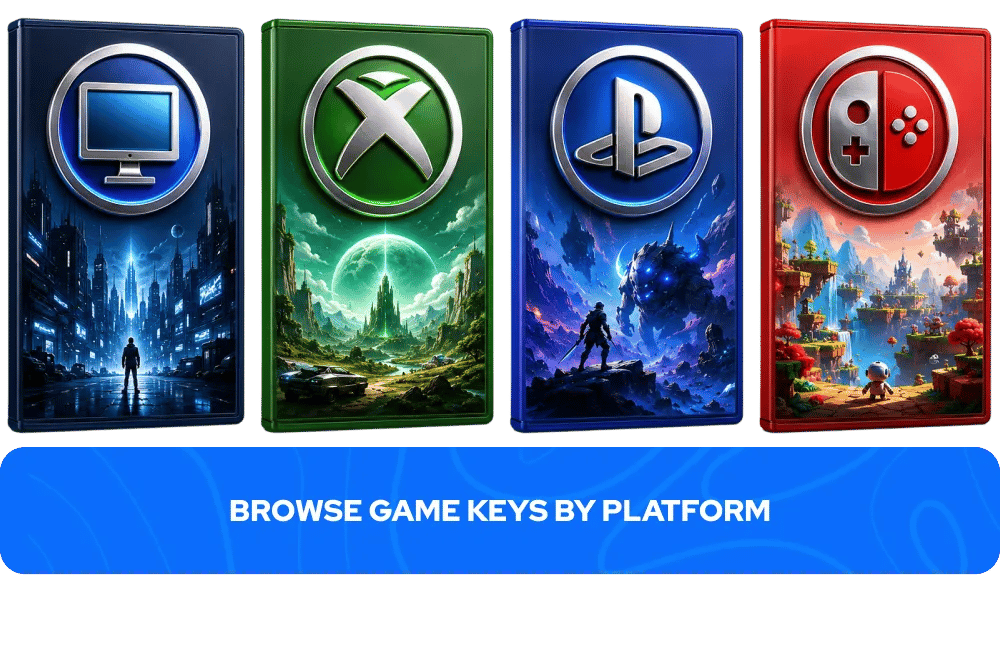
GameBoost stocks game keys across every major gaming platform. Browse the full range:
PC game keys — the widest selection of any platform, covering Steam, GOG, EA App, Ubisoft Connect, and more. From AAA blockbusters to indie gems, PC gaming's back catalogue is unmatched in depth and variety.
Steam game keys — the largest PC gaming platform with thousands of titles across every genre. Steam keys activate directly through the Steam client and are permanently tied to your Steam account.
Xbox game keys — Xbox Series X/S and Xbox One titles including Xbox exclusives, multiplatform releases, and Game Pass subscriptions.
PlayStation game keys — PS5 and PS4 titles including PlayStation Studios exclusives, multiplatform releases, and PSN codes. From God of War to Spider-Man, PlayStation's first-party catalogue is unmatched in cinematic ambition.
Nintendo game keys — Nintendo Switch and Nintendo Switch 2 titles including Nintendo exclusives and the best third-party games available on the eShop.
GOG game keys — DRM-free PC games with no mandatory launcher. GOG keys give permanent ownership with no platform dependency.
EA App game keys — Electronic Arts titles on PC including EA Sports FC, Battlefield, The Sims, and Dragon Age.
Ubisoft Connect game keys — Ubisoft's full PC catalogue including Assassin's Creed, Far Cry, and Tom Clancy's Rainbow Six Siege.
Browse Game Keys by Genre
Whatever you want to play, GameBoost has it. Here are the most popular genres available across all platforms:
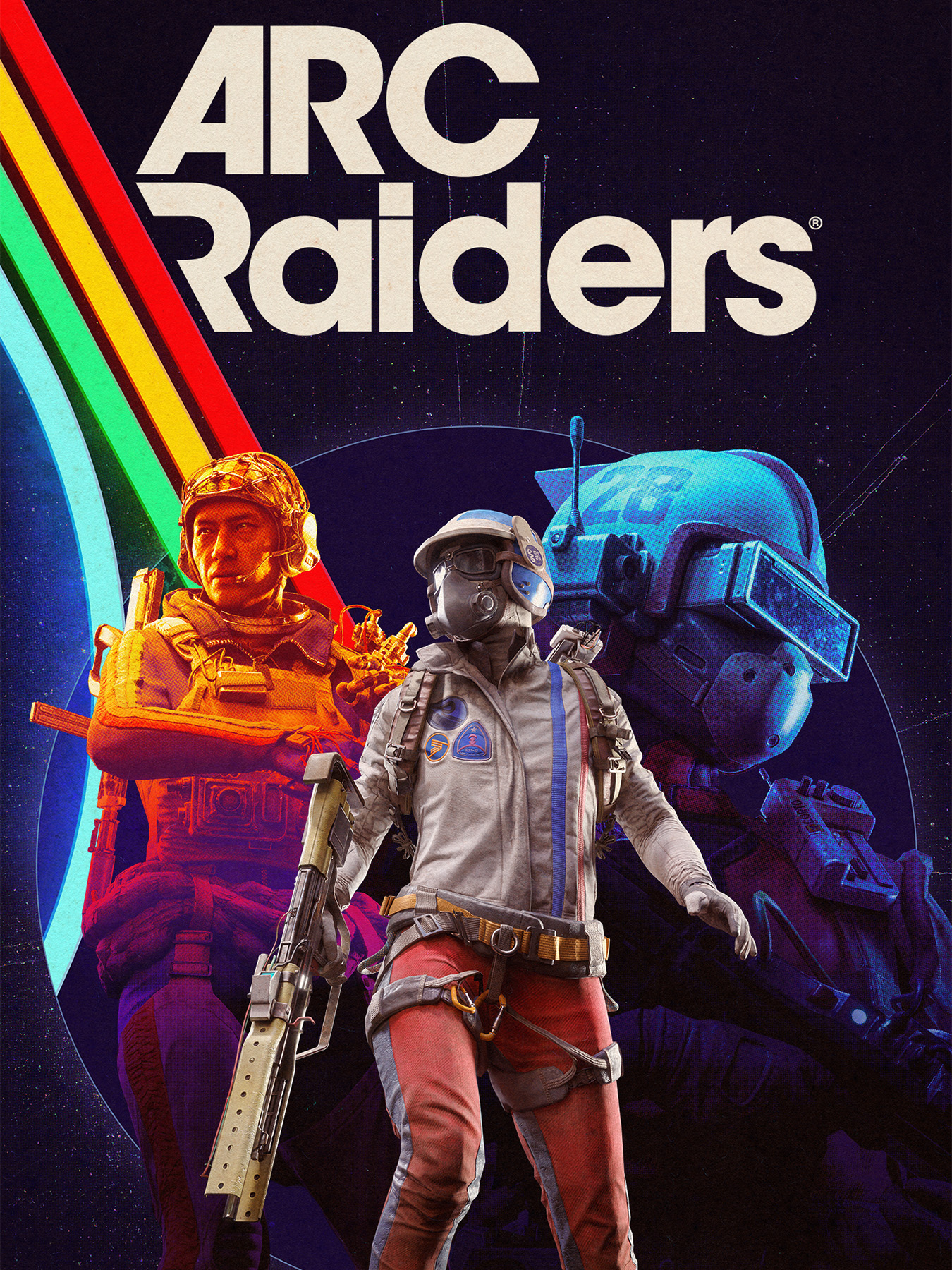
Action — fast-paced games built around combat, reflexes, and moment-to-moment intensity. Titles like ARC Raiders, Stellar Blade, and Black Myth: Wukong represent the genre at its best across PC, PlayStation, and Xbox.
Adventure — story-driven games built around exploration, narrative, and discovery. From Uncharted: Legacy of Thieves Collection to Detroit: Become Human, adventure games deliver some of gaming's most memorable experiences.
RPG — deep character progression and richly written worlds that reward dozens or hundreds of hours of investment. Elden Ring, Clair Obscur: Expedition 33, and The Witcher 3 are among the most acclaimed RPGs available on GameBoost.
Strategy — games that reward planning, patience, and long-term thinking over reflexes. PC is the natural home of the strategy genre, from grand strategy titles to real-time tactical games.
Simulation — systems-driven games focused on mastery and optimisation. Satisfactory, Farming Simulator 25, and Euro Truck Simulator 2 represent the genre's breadth on PC.
Survival — hostile open worlds where managing resources, hunger, and health is as important as combat. Valheim, Subnautica 2, and Don't Starve Together are among the most played survival titles on GameBoost.
Horror — atmospheric, tension-driven experiences built around dread and survival. Silent Hill f, The Outlast Trials, and Reanimal are standout horror titles available across multiple platforms.
Sports — from realistic football simulations to chaotic party games, sports gaming covers every competitive discipline. EA Sports FC 26, REMATCH, and Golf With Your Friends are among the most played sports titles on GameBoost.
Racing — from hyper-realistic endurance simulators to arcade racers. Le Mans Ultimate and Forza Horizon 6 represent the genre's two poles on PC and Xbox respectively.
Indie — creative and surprising experiences from independent studios. Balatro, Schedule I, and PEAK are proof that the best games do not always come from the biggest studios.
Multiplayer and Co-op — online experiences built around playing with or against other people. Helldivers 2, Squad, and Sea of Thieves are among the most played co-op titles on GameBoost right now.
Puzzle — cerebral games that reward observation, patience, and lateral thinking. PC is the ideal platform for puzzle games where precise controls and the ability to play at your own pace create perfect conditions for focused engagement.
Game Keys vs Gaming Subscriptions
Game keys and gaming subscriptions serve different purposes, and understanding the difference helps you decide which makes more sense for any given title.
A game key gives you permanent ownership of a specific game. Once activated, the game is in your library forever — no ongoing cost, no risk of losing access if a subscription lapses, and no dependency on a service remaining active. Buying a key is the right choice when you know exactly which game you want and plan to spend significant time with it.
Gaming subscriptions — Xbox Game Pass,PlayStation Plus, Nintendo Switch Online, EA Play — provide access to a rotating library of games for a monthly or annual fee. They are the right choice when you want to browse a wide range of titles without committing to individual purchases, or when a game you want is available on a service you already pay for. The key limitation is that access ends when the subscription ends — the game is not yours to keep.
Many buyers do both: a subscription for casual discovery and trying new things, and individual game keys for titles they know they want to own permanently. GameBoost stocks both game keys and gift cards for the major subscription services, so you can cover both approaches from one place.
How to Choose the Right Game Key
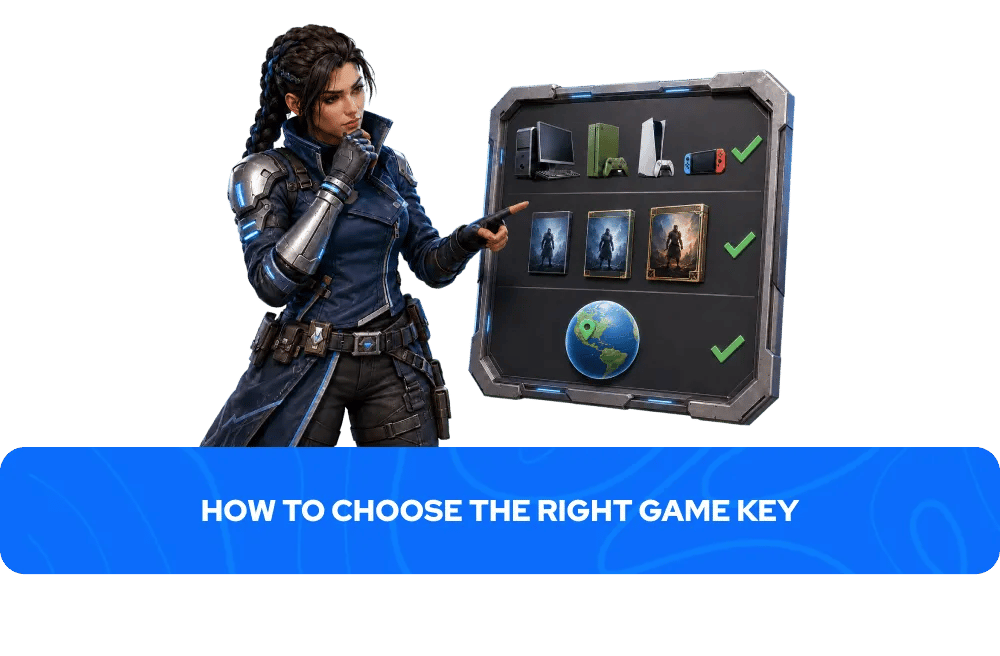
Three things to check before every game key purchase:
1. Platform: Make sure the key activates on the platform you want. A Steam key only activates on Steam. An Xbox key only activates on Microsoft accounts. A PlayStation key only activates on PSN. Keys are not interchangeable between platforms — always check the platform before purchasing.
2. Edition: Confirm which version you are buying. Standard editions include the base game only. Deluxe, Ultimate, Gold, and other premium editions include additional content. DLC keys and season passes require the base game to use. The product page always lists exactly what is included — read it before purchasing.
3. Region: Some game keys are region-locked and can only be activated on accounts registered in specific countries. On GameBoost, the region is always clearly stated in the product title and listing. Global keys work in most countries. EU keys activate in supported European countries. ROW keys cover most countries outside restricted markets. Always check the region before purchasing to avoid activation issues.
Game Key Regions Explained
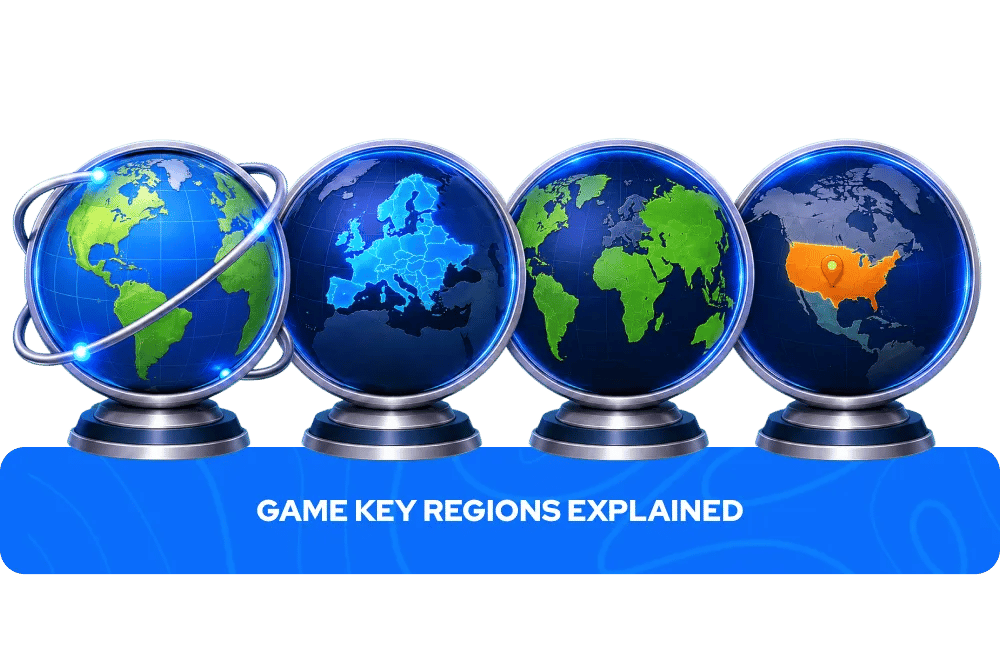
Game keys can have different region restrictions depending on the publisher, platform, and product package. The most common region labels on GameBoost are:
Region | Where it activates | Notes |
Global | Most countries worldwide | The most versatile option, no geographic restrictions in most cases |
Europe (EU) | Supported European countries only | Does not activate outside listed territories |
ROW (Rest of World) | Most countries outside restricted markets | Excluded countries vary by game, check the product page |
Region-specific | A specific country or market (US, UK, Asia etc.) | Always clearly labelled in the product title and listing |
Since region rules can vary from game to game and publisher to publisher, always check the activation details on the product page before purchasing. If you are unsure whether a key works in your country, contact GameBoost's 24/7 live chat support before completing your purchase.
Why Are Game Keys So Cheap?
GameBoost offers game keys at prices consistently below the official store because we work directly with an established network of suppliers and distributors built up over years in the digital games market. Our team sources products from across the globe, which means we can offer competitive prices on thousands of titles without compromising on quality or legitimacy. Every key activates on the same platform as a key purchased directly from Steam, Xbox, PlayStation, or Nintendo — the difference is the price, not the product. Whatever you are looking for, you will find it cheaper on GameBoost than on the official store, every day of the year.
Why Buy Game Keys on GameBoost
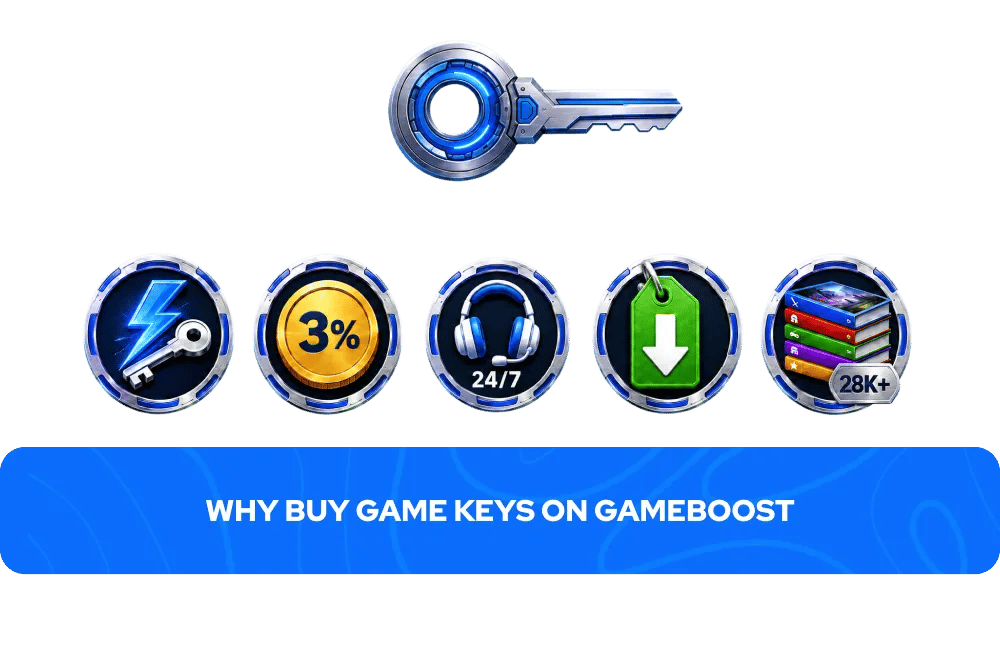
GameBoost is a dedicated game key marketplace with over 20,000 verified Trustpilot reviews and an Excellent rating — one of the most trusted platforms in the reseller category. Every purchase on GameBoost includes:
Instant delivery — your key appears in your GameBoost account dashboard immediately after payment is processed. No waiting, no email delays, no queues.
3% cashback in GB Coins — every purchase earns cashback that accumulates in your GameBoost account and can be applied to future purchases, reducing the cost of every game you buy over time.
24/7 live chat support — the GameBoost support team is available around the clock for any issues with purchase, activation, or your account. If something goes wrong, help is always available.
Competitive prices year-round — GameBoost's prices are consistently below official store prices and are available every day of the year, not just during seasonal sale windows.
28,000+ keys in stock — a wide catalogue covering PC, Xbox, PlayStation, and Nintendo across every genre, with new titles added daily.
FAQs About Game Keys
A game key is a unique digital code that unlocks a specific game on its native platform — Steam, Xbox, PlayStation, Nintendo, GOG, EA App, or Ubisoft Connect. Once activated, the game is permanently added to your library and can be downloaded and played at any time.
Yes — buying game keys from a verified marketplace like GameBoost is safe. GameBoost has over 20,000 Trustpilot reviews and an Excellent rating. Every key activates on the same platform as a key purchased directly from the official store, with no difference in the game or your access to it.
GameBoost works directly with an established network of suppliers and distributors to offer game keys at prices consistently below the official store. Every key activates on the same platform and gives you the same access as buying directly — the difference is the price, not the product.
The platform is always clearly stated in the product title and listing on GameBoost — Steam, Xbox, PlayStation, Nintendo, GOG, EA App, or Ubisoft Connect. Keys are platform-locked and cannot be used on a different platform from the one stated in the listing.
No. A game key can only be activated once and is permanently tied to the account it is redeemed on. Once activated, it cannot be transferred or reused on another account.
Most game keys do not have an expiry date. However, this can vary depending on the product and publisher. Check the product listing before purchasing if expiry is a concern.
A game key unlocks a specific game on a specific platform. A gift card adds credit to a platform wallet — such as Steam, Xbox, PlayStation, or Nintendo eShop — that can be spent on any game, DLC, or subscription available in that store. GameBoost stocks both game keys and gift cards for all major platforms.
A Global key works in most countries worldwide with no geographic restrictions in most cases. It is the most versatile region option for international buyers. Some Global keys may still have excluded territories — always check the product page for any regional restrictions before purchasing.
Contact GameBoost's 24/7 live chat support with your order details. Common issues include region mismatches — make sure the key region matches your account country — or the key having already been activated. The GameBoost support team will assist with any activation issues.
Yes. After purchasing, copy the key from your GameBoost account dashboard and send it to the recipient. They can then activate it on their own account. Note that a key can only be activated once, so keep it secure until you are ready to gift it.
Standard editions include the base game only. Deluxe, Ultimate, Gold, and other premium editions include the base game plus additional content such as DLC packs, season passes, in-game currency, cosmetic items, or soundtracks. The product page always lists exactly what each edition includes.
It depends on how you play. A game key gives you permanent ownership of a specific title with no ongoing cost. A subscription gives you access to a rotating library for a monthly fee, but access ends when the subscription lapses. Buying a key makes more sense for games you know you want to own long-term. A subscription makes more sense for casual browsing across a wide range of titles.

Still looking for something to play?
Check out the full library, and find your next favorite game.