Steam Game Keys at the Best Price
Buy Steam game keys at the best price — instant delivery, 3% cashback, and thousands of titles in stock.



More Game Keys by Platform
Browse game keys for every platform we sell.



Buy Cheap Steam Keys on GameBoost
Browse thousands of cheap Steam game keys on GameBoost with instant delivery and prices consistently below the Steam store. From the latest AAA releases and indie breakouts to classic titles and deluxe editions, every key activates directly on Steam and is permanently added to your library with no restrictions. Every purchase comes with instant key delivery to your GameBoost account dashboard, 3% cashback in GB Coins, and 24/7 live chat support, backed by over 19,000 verified Trustpilot reviews. With new titles added daily and prices available year-round rather than only during seasonal sales, GameBoost is the smarter way to build your Steam library.
What Is a Steam Key?
A Steam key is a unique alphanumeric code that activates a game or software licence on your Steam account. Once redeemed, the game is permanently added to your Steam library and can be downloaded, installed, and played at any time on any PC logged into your account. Steam keys purchased on GameBoost activate on exactly the same platform as keys purchased directly from the Steam store — the only difference is the price. Each key can only be redeemed once and is permanently tied to the account it is activated on, so always make sure you are logged into the correct Steam account before redeeming.
Steam keys come in several types. Standard game keys unlock the base game only. Deluxe, Ultimate, and Game of the Year editions include the base game plus additional content such as DLC packs, season passes, cosmetic items, or soundtracks. DLC keys add content to a game you already own and require the base game to use. Always check the product page before purchasing to confirm exactly what a key includes.
Why Buy Steam Keys on GameBoost?
The Steam store charges full retail price for every game at launch and relies on seasonal sales — Summer Sale, Winter Sale, and a handful of others — to offer meaningful discounts. Those sales come a few times a year at best, and the most popular titles rarely see deep discounts even then.
GameBoost offers competitive prices on Steam game keys every day of the year, not just during sale windows. The same game that costs €60 on the Steam store at launch is often available for significantly less on GameBoost from day one, with no waiting and no compromises. Every key activates on Steam and adds the game to your library permanently, with access to all Steam features — cloud saves, achievements, Workshop mods, Steam Community, and automatic updates — exactly as if you had bought it directly.
Every purchase on GameBoost also earns 3% cashback in GB Coins that can be applied to future purchases, and 24/7 live chat support is available if anything goes wrong. With over 19,000 verified Trustpilot reviews and an Excellent rating, GameBoost is one of the most trusted Steam key marketplaces available.
If you prefer the flexibility of store credit over a specific game key, GameBoost also stocks Steam gift cards so you can add funds to your Steam wallet and spend them whenever you are ready.
Browse Steam Keys by Genre
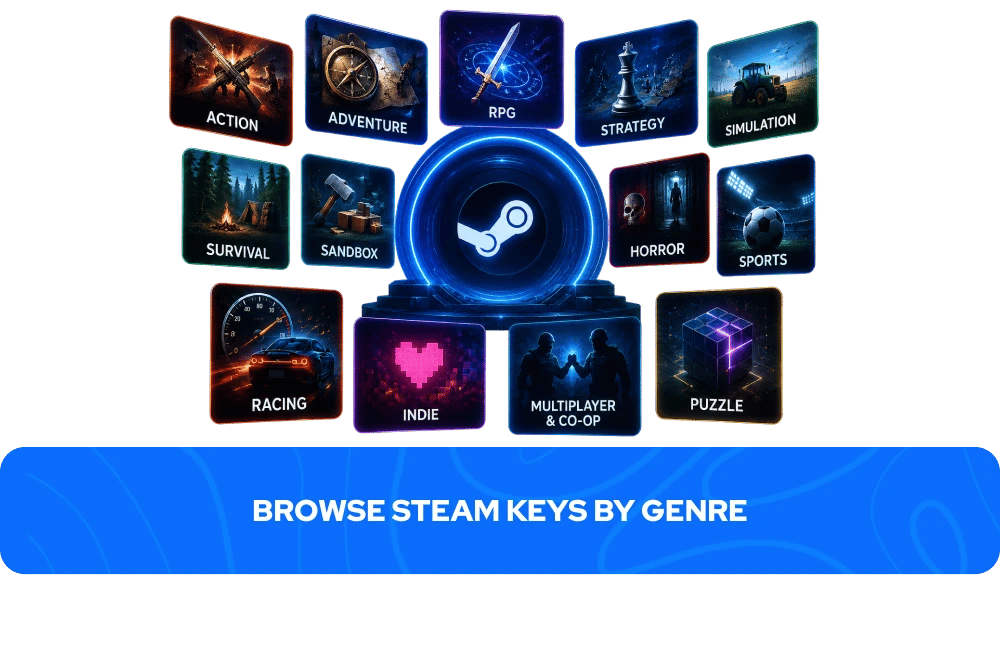
Steam has one of the most diverse game libraries of any platform. Here are the most popular genres available on GameBoost:
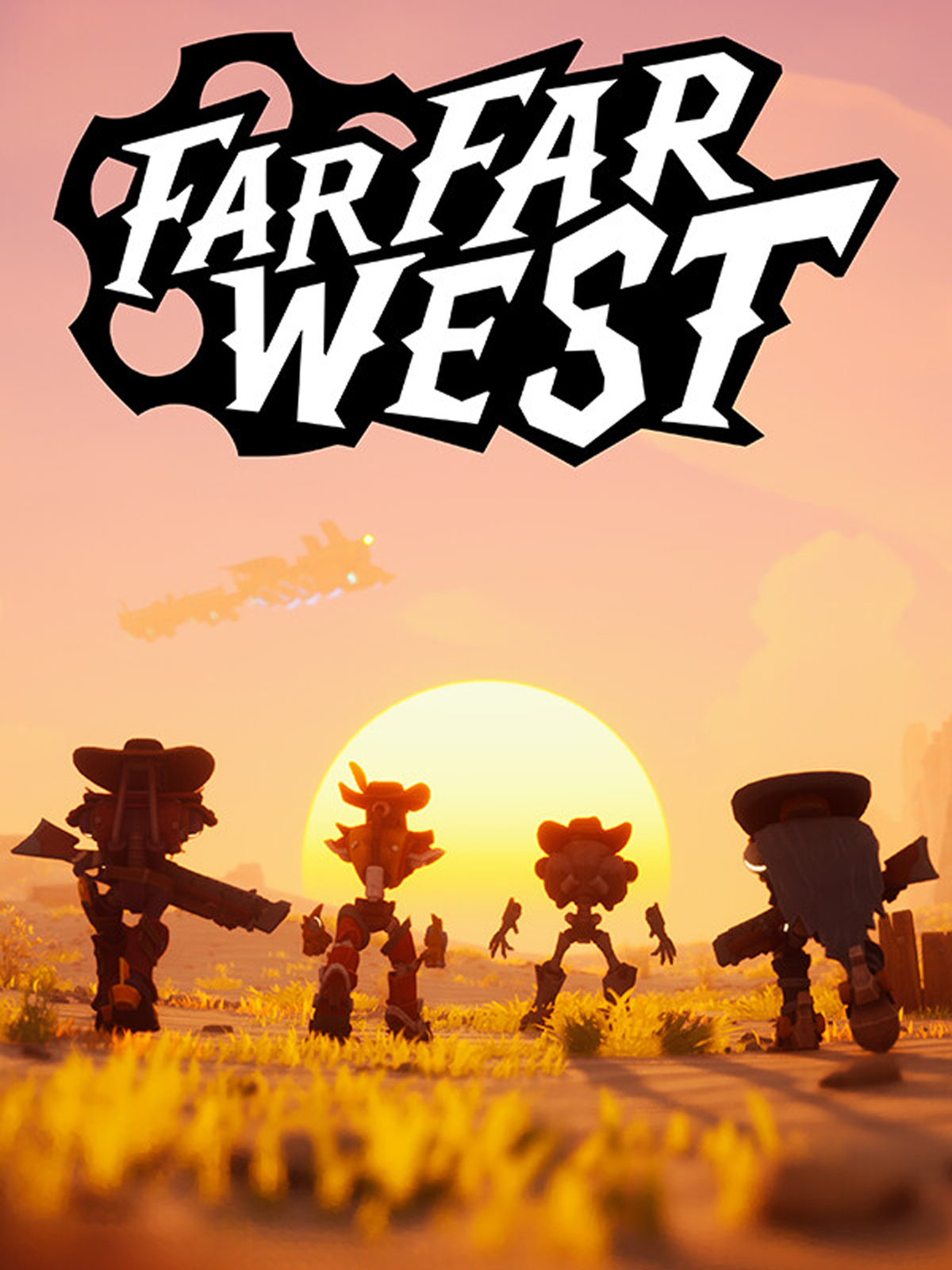
Action — fast-paced, reflex-driven games built around combat and moment-to-moment intensity. Far Far West is one of the most played action titles available on GameBoost right now.
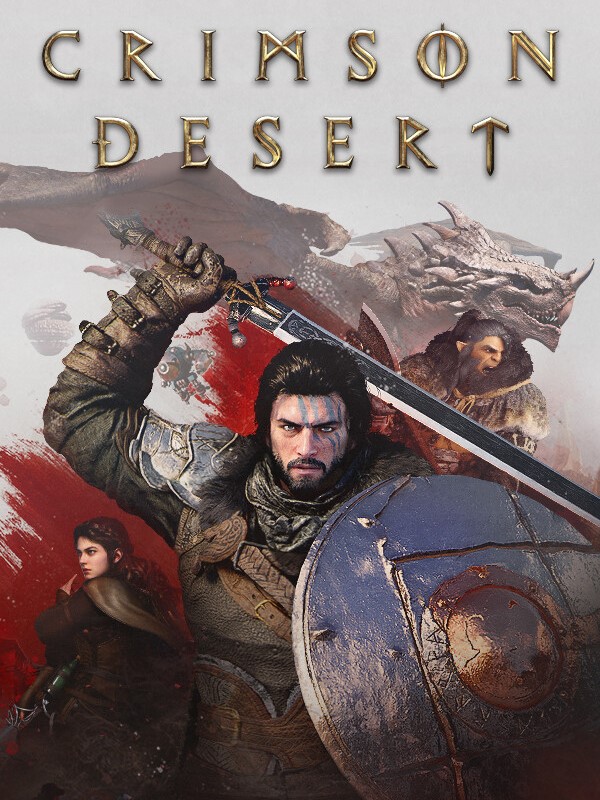
Adventure — story-driven games built around exploration, narrative, and discovery at your own pace. Crimson Desert is a standout adventure title available on Steam via GameBoost.
RPG — deep character progression and story-driven worlds that reward dozens or hundreds of hours of investment. Gothic 1 Remake is currently one of the hottest RPGs available on Steam.
Strategy — games that reward planning, patience, and long-term thinking over reflexes. Mount & Blade II: Bannerlord is one of the highest-rated strategy titles on Steam and available on GameBoost.
Simulation — systems-driven games focused on mastery and optimisation, from factory builders to farming and racing simulators. Solarpunk is one of the most celebrated simulation titles on Steam right now.
Survival — hostile open worlds where managing resources, hunger, and health is as important as combat. Subnautica 2 is one of the most played survival titles on Steam and available on GameBoost.
Sandbox — open-ended games with no fixed objectives, designed for creative freedom and emergent gameplay. Garry’s Mod is one of the best-loved sandbox titles available on Steam.
Horror — atmospheric, tension-driven experiences that use sound design and environmental storytelling to create lasting dread. Silent Hill f is among the most acclaimed co-op horror titles on Steam right now.
Sports — competitive sports experiences ranging from realistic simulations to fast-paced arcade games. NBA 2K26 the newest installment of the popular basketball game series.
Racing — from hyper-realistic endurance simulators to arcade racers, PC racing games benefit from high refresh rate monitors and precise peripherals. Assetto Corsa is one of the most acclaimed racing simulators available on GameBoost.
Indie — creative, surprising experiences from independent studios pushing the boundaries of what games can be. Balatro is one of the most celebrated indie titles ever released on Steam.
Multiplayer and Co-op — online experiences built around playing with or against other people, from tactical shooters to co-op survival games. Helldivers 2 is among the most played co-op titles on Steam right now.
Puzzle — cerebral, observation-driven games that reward patience and lateral thinking over reflexes. Escape From Duckov offers a uniquely creative puzzle-meets-extraction experience available on Steam via GameBoost.
Popular Steam Keys on GameBoost
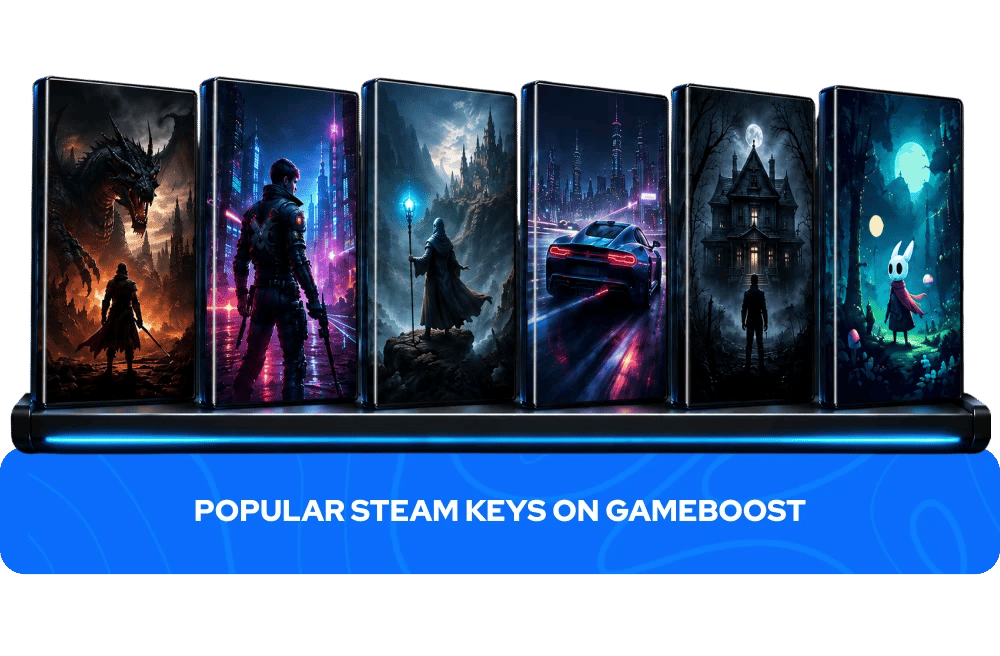
Balatro — Game of the Year 2024, a poker-inspired roguelike deck builder that turns simple card combinations into addictive, escalating chaos.
Dragon's Dogma 2 — Capcom's open-world action RPG sequel, built around a deep Pawn system and visceral, creative combat against massive creatures.
Schedule I — the highest-rated game of 2025 on Steam, an open-world crime simulator built entirely by a solo developer.
Dark Souls: Remastered — the definitive version of the game that defined the soulslike genre, now with 4K resolution and dedicated multiplayer servers.
Don't Starve Together — the beloved multiplayer survival game from Klei Entertainment, still going strong nearly a decade after release.
Mount & Blade II: Bannerlord — a sprawling medieval sandbox RPG where diplomacy, combat, and conquest are entirely in your hands.
Stellar Blade — Shift Up's visually stunning action adventure, finally available on PC with unlocked framerates and DLSS support.
The Outlast Trials — a co-op psychological horror game set in the Cold War, where survival depends on stealth and teamwork.
Date Everything! — a wildly original dating simulator where literally everything in your house is dateable.
Reanimal — a co-op horror adventure from the creators of Little Nightmares, following two siblings through a nightmarish flooded island.
How to Activate a Steam Key
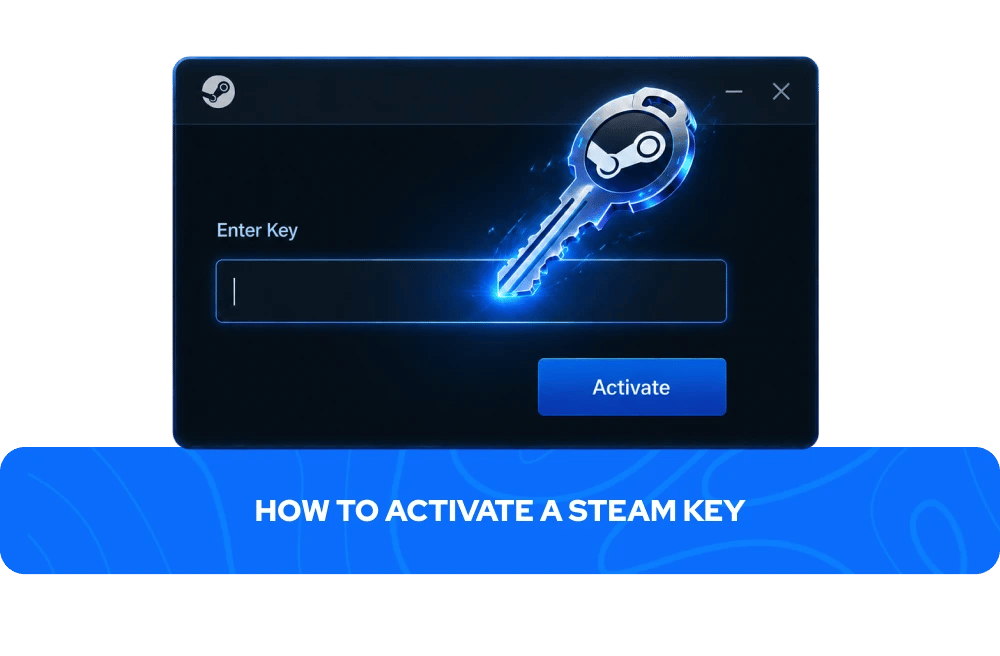
Activating a Steam key takes less than a minute:
Open the Steam client and log into your account
Click on "Add a Game" in the bottom left corner
Select "Activate a Product on Steam" from the dropdown
Enter your Steam key and follow the on-screen instructions
The game is added to your Steam library and is ready to download
Your Steam key will appear in your GameBoost account dashboard immediately after your payment is processed — no waiting, no email delays.
What to Check Before Buying a Steam Key
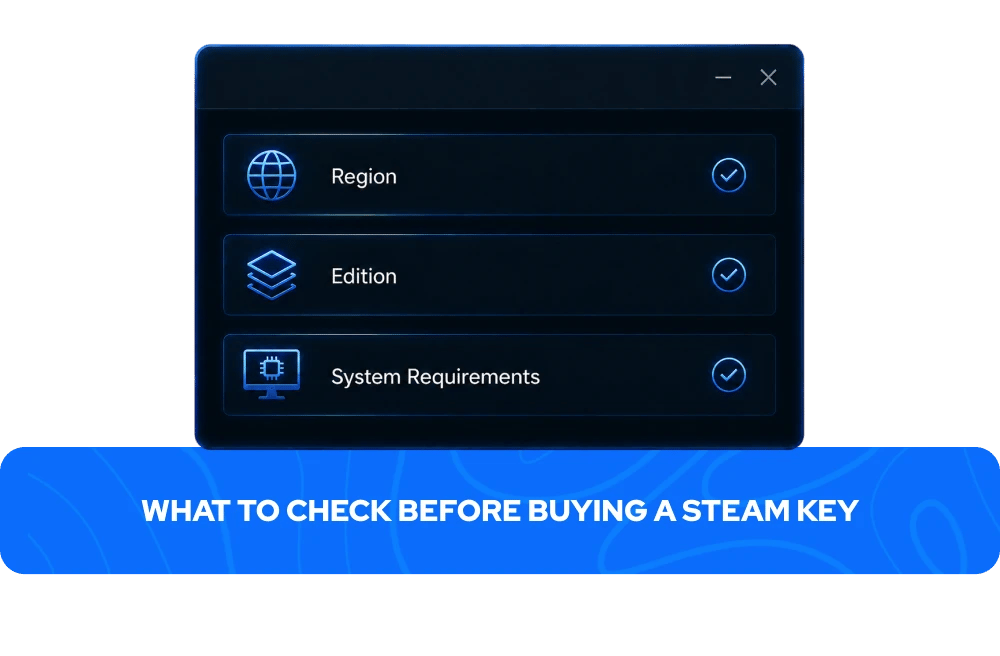
Steam keys can differ by region, edition, and included content. A quick check before purchasing avoids the most common activation issues:
Region — some Steam keys are region-locked and can only be activated on accounts registered in specific countries. On GameBoost, the region is always clearly stated in the product title and listing. Global keys work in most countries. EU keys activate in supported European countries. ROW keys cover most countries outside restricted markets. Always check the region before purchasing if you are unsure.
Edition — confirm which version you are buying. Standard editions include the base game only. Deluxe, Ultimate, and other premium editions include additional content. DLC keys and season passes require the base game to use. The product page always lists exactly what is included.
System requirements — make sure your PC meets the minimum requirements for the game before purchasing. System requirements are listed on each product page and on the Steam store page for the game.
Steam Key Regions Explained
Steam game keys can have different region restrictions depending on the publisher and product package. The most common region labels on GameBoost are:
Global — works in most countries worldwide. The most versatile option for international buyers.
Europe (EU) — activates in supported European countries only. Does not activate outside the listed territories.
ROW (Rest of World) — activates in most countries globally outside specific restricted markets. Excluded countries vary by game and are listed on the product page.
Since region rules can vary from game to game, always check the activation details on the product page before purchasing.
Steam Platform Features
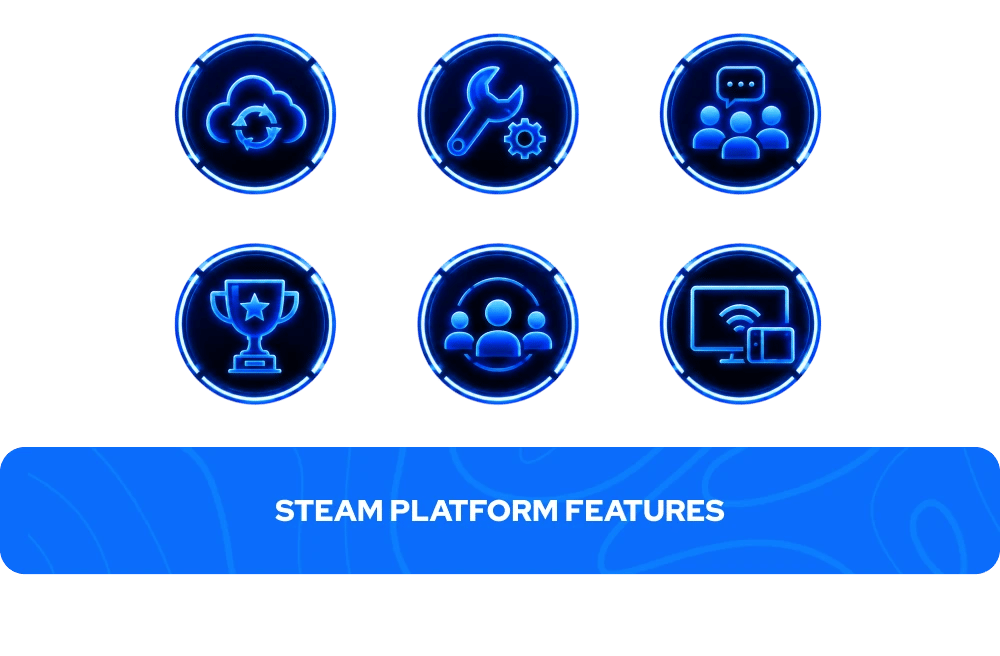
When you activate a Steam key, the game becomes a permanent part of your Steam library with access to all of Steam's platform features:
Feature | What it does |
Cloud Saves | Syncs your game progress across all PCs logged into your Steam account — never lose your progress when switching devices |
Steam Workshop | Browse and install user-created mods, maps, and custom content for thousands of supported games |
Steam Community | Reviews, guides, artwork, discussion forums, and social features connecting millions of players |
Achievements | Track in-game milestones, compare progress with friends, and build your achievement collection across your library |
Automatic Updates | Games update automatically in the background so you always have the latest version without manual intervention |
Family Sharing | Share your Steam library with up to five family members on trusted devices |
Steam Deck Support | Many Steam games are verified or playable on Steam Deck — check individual game pages for compatibility |
Remote Play | Stream games from your PC to other devices including mobile, tablet, and TV via Steam Link |
More Game Keys on GameBoost
FAQs About Steam Game Keys
A Steam key is a unique digital code that activates a game or software licence on your Steam account. Once redeemed, the game is permanently added to your Steam library and can be downloaded and played at any time. Each key can only be activated once.
Open the Steam client, click on "Add a Game" in the bottom-left corner, select "Activate a Product on Steam" from the drop-down, enter your key, and follow the on-screen instructions. The game will appear in your library immediately after activation.
Steam keys on GameBoost are delivered instantly after purchase. Your key appears in your GameBoost account dashboard immediately after your payment is processed, with no waiting period. Exceptions apply to pre-orders and certain products where the delivery timeframe is stated on the product page. Always check the product page before purchasing if delivery timing is important to you.
Yes. GameBoost is a verified marketplace with over 19,000 Trustpilot reviews and an Excellent rating. Every purchase includes instant delivery, 3% cashback in GB Coins, and 24/7 live chat support.
GameBoost buys Steam game keys in volume from authorised distributors and passes the savings on to buyers. The keys activate on Steam identically to keys purchased directly from the Steam store — the difference is the price, not the product.
Some Steam keys are region-locked and can only be activated on accounts registered in specific countries. On GameBoost, the region is always clearly stated in the product title and listing. Always check the region before purchasing to ensure compatibility with your Steam account.
Yes. A Steam key can be shared before it is activated — simply copy the key from your GameBoost account dashboard and send it to the recipient. Once the key has been activated on a Steam account, it is permanently tied to that account and cannot be transferred or reused.
No. Each Steam key can only be activated once. Once redeemed, the key is permanently linked to the Steam account it was used on and cannot be activated on any other account.
Most Steam keys do not have an expiry date. However, this can vary depending on the product and publisher. Check the product listing on GameBoost before purchasing if expiry is a concern.
GameBoost sells Standard game keys (base game only), Deluxe and Ultimate Edition keys (base game plus additional content), DLC keys (additional content for games you already own), and Season Pass keys (bundles of future or existing DLC). The product type is always clearly stated in the listing.
Contact GameBoost's 24/7 live chat support with your order details. Common issues include region mismatches — make sure the key region matches your Steam account country — or the key having already been activated. GameBoost's support team will assist you with any activation issues.
The game itself is identical — both methods add the same game to your Steam library with access to all Steam features. The difference is price and where the transaction takes place. Buying a Steam key on GameBoost typically costs less than buying directly on the Steam store, especially outside of Steam's seasonal sale windows.