Buy Epic Games Keys | Cheap Epic Games Store Keys
Epic Games titles at competitive prices — instant delivery, 3% cashback, and new keys added regularly.





More Game Keys by Platform
Browse game keys for every platform we sell.



Epic Games Keys on GameBoost
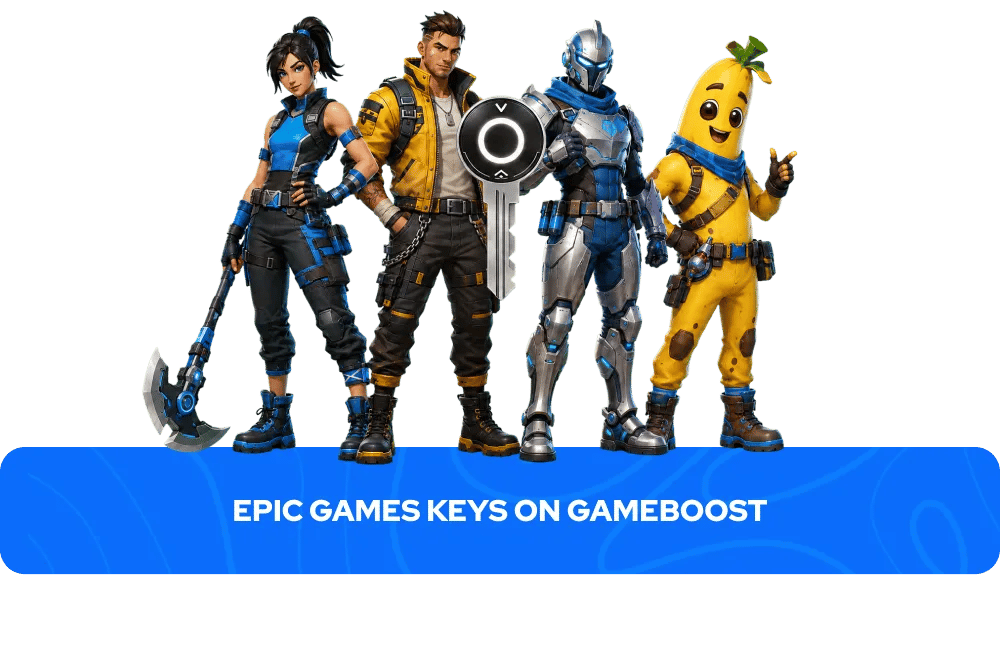
Browse Epic Games keys on GameBoost with instant delivery and prices consistently below the official Epic Games Store. Every key activates directly through the Epic Games Launcher and adds the game permanently to your Epic Games library. Every purchase comes with instant key delivery to your GameBoost account dashboard, 3% cashback in GB Coins, and 24/7 live chat support, backed by over 20,000 verified Trustpilot reviews. From new releases to classic titles, GameBoost carries Epic Games keys across a range of PC titles.
What Is the Epic Games Store?
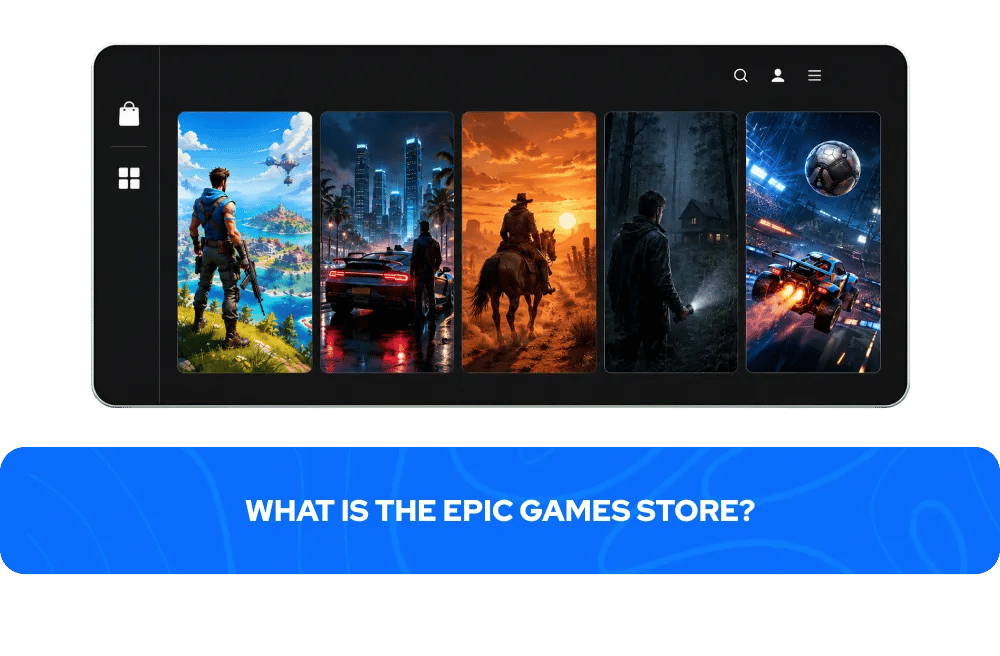
The Epic Games Store is a digital distribution platform developed by Epic Games — the studio behind Fortnite and the Unreal Engine — and one of the fastest growing PC gaming platforms of the past decade. Launched in 2018 as a direct competitor to Steam, the Epic Games Store has built a substantial library through a combination of exclusive deals, developer-friendly revenue sharing, and a weekly free games programme that has given away hundreds of titles to registered users since launch.
The platform is home to some of gaming's biggest titles including Fortnite, the battle royale phenomenon that remains one of the most played games in the world; Grand Theft Auto V, still one of the best-selling games ever made; Red Dead Redemption 2, Rockstar's critically acclaimed open world epic; Alan Wake 2, the acclaimed horror sequel developed exclusively for the platform; and Rocket League, the hybrid football and vehicular action game that went free-to-play in 2020. A free Epic Games account and the Epic Games Launcher are required to activate and play any Epic Games key — both are available at store.epicgames.com.
How to Activate an Epic Games Key
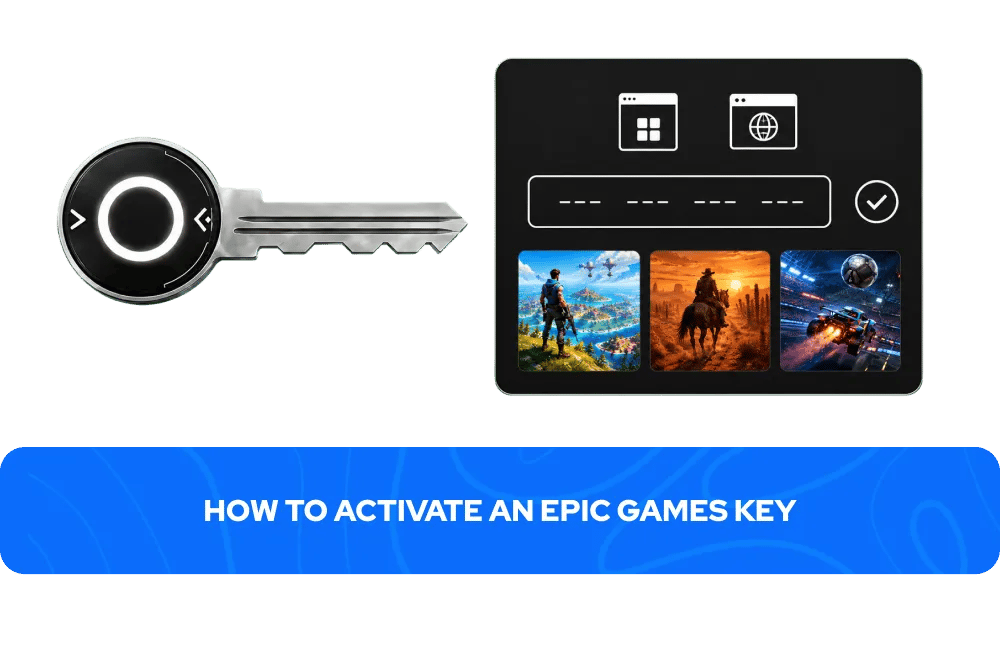
Activating an Epic Games key takes less than two minutes. You can redeem your key through the Epic Games Launcher or the Epic Games Store website:
Via the Epic Games Launcher:
Open the Epic Games Launcher and log in to your account
Click your name in the bottom left corner and select Redeem Code
Enter your key and click Redeem
The game will appear in your library
Via the Epic Games Store website:
Go to store.epicgames.com and log in to your account
Hover over your username in the top right corner and click Redeem Code
Enter your key and click Redeem
The game will appear in your library
Your Epic Games key will appear in your GameBoost account dashboard immediately after your payment is processed — no waiting, no email delays.
More Game Keys on GameBoost
FAQs About Epic Games Keys
An Epic Games key is a unique digital code that activates a game on your Epic Games account through the Epic Games Launcher or website. Once redeemed, the game is permanently added to your Epic Games library and can be downloaded and played at any time.
Epic Games keys on GameBoost are delivered instantly after purchase. Your key appears in your GameBoost account dashboard immediately after your payment is processed, with no waiting period.
Yes. A free Epic Games account and the Epic Games Launcher are required to activate and play any Epic Games key. You can create a free account at store.epicgames.com before purchasing.
Some Epic Games keys are region-locked and can only be activated on accounts registered in specific countries. On GameBoost, the region is always clearly stated in the product listing. Always check the region before purchasing to ensure compatibility with your Epic Games account.
Yes. GameBoost is a verified marketplace with over 20,000 Trustpilot reviews and an Excellent rating. Every purchase includes instant delivery, 3% cashback in GB Coins, and 24/7 live chat support.
You are eligible for a refund if the key has not been revealed and a valid refund reason is provided and approved by GameBoost, if the delivered key is not as described, or if the key is invalid or duplicated. You are not eligible for a refund if the key has been revealed and redeemed successfully. Contact our 24/7 live chat support for any refund requests.