Buy Cheap Xbox Game Keys
Xbox Series X/S and Xbox One game keys at the best price — instant delivery, 3% cashback, and new titles added daily.






More Game Keys by Platform
Browse game keys for every platform we sell.



Xbox Game Keys on GameBoost
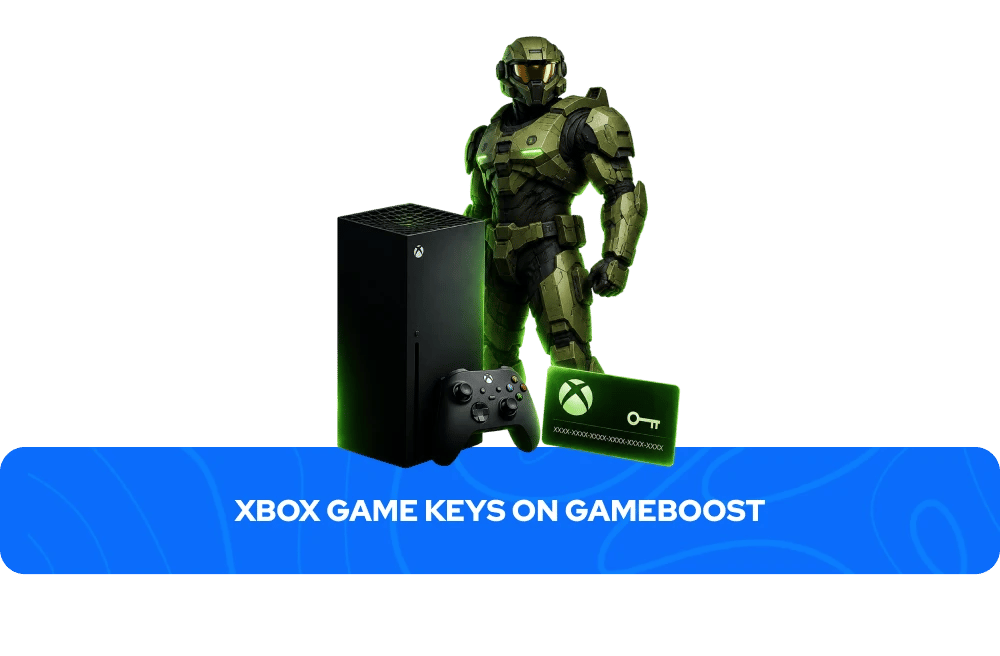
Browse a wide range of Xbox game keys on GameBoost with instant delivery and prices consistently below the Microsoft Store. From Xbox Series X/S exclusives to backwards-compatible Xbox One classics, every key activates directly on your Microsoft account and adds the game permanently to your library. Every purchase comes with instant key delivery to your GameBoost account dashboard, 3% cashback in GB Coins, and 24/7 live chat support, backed by over 19,000 verified Trustpilot reviews. With new titles added daily and prices available year-round rather than only during seasonal sales, GameBoost is the smarter way to build your Xbox library.
What Is an Xbox Game Key?
An Xbox game key is a unique 25-character code that activates a game on your Microsoft account. Once redeemed, the game is permanently added to your Xbox library and can be downloaded and played on any Xbox console — or PC, for titles that support Xbox Play Anywhere — signed into that account. Each key can only be redeemed once and is permanently tied to the account it is activated on.
Xbox keys come in several types. Standard game keys unlock the base game only. Deluxe, Ultimate, and Gold editions include the base game plus additional content such as DLC, season passes, or cosmetic items. Xbox Game Pass codes unlock subscription access rather than individual games, as do Xbox Live game keys which provide Gold membership for online multiplayer and monthly Games with Gold titles.GameBoost also stocks Xbox gift cards, which add credit to your Microsoft account to spend on games, DLC, or subscriptions of your choice. Always check the product page before purchasing to confirm exactly what a key includes.
Why Buy Xbox Game Keys on GameBoost?
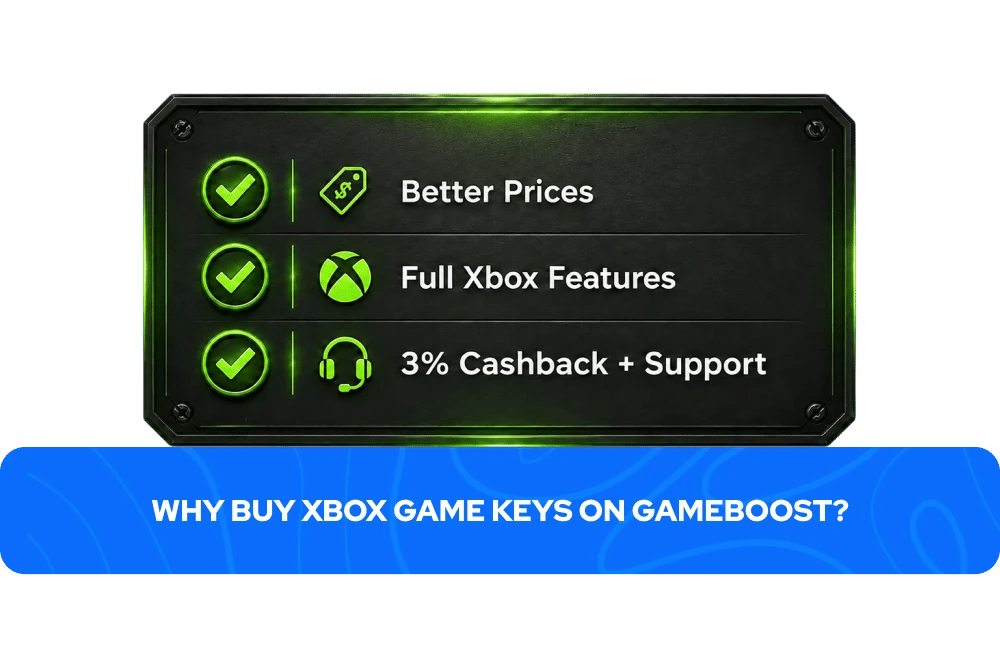
The Microsoft Store charges full retail price for most games at launch, with discounts typically limited to seasonal sales a handful of times a year. GameBoost offers competitive prices on Xbox game keys every day of the year, often significantly below the official store price even outside of sale periods.
Every key activates on your Microsoft account exactly as if purchased directly from the Microsoft Store — full access to achievements, cloud saves, Quick Resume on Series X/S, and backwards compatibility with older Xbox titles. Every purchase on GameBoost also earns 3% cashback in GB Coins that can be applied to future purchases, and 24/7 live chat support is available if anything goes wrong. With over 19,000 verified Trustpilot reviews and an Excellent rating, GameBoost is a trusted destination for Xbox game keys, gift cards, and subscriptions.
Popular Xbox Game Keys on GameBoost
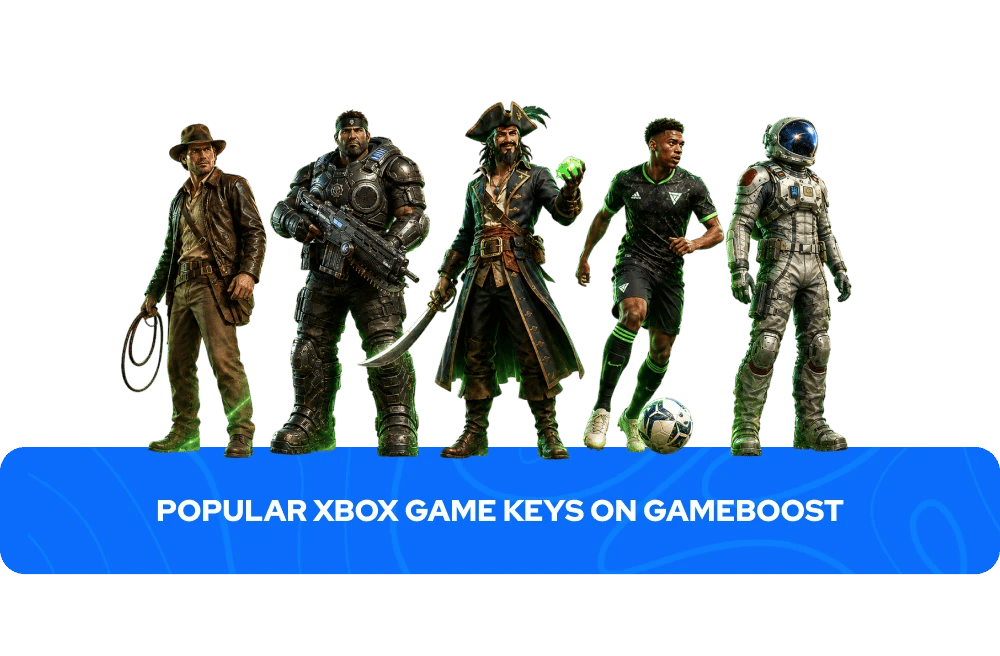
Forza Horizon 6 — the latest entry in the genre-defining open-world racing series, now set against a stunning new landscape with next-generation visuals.
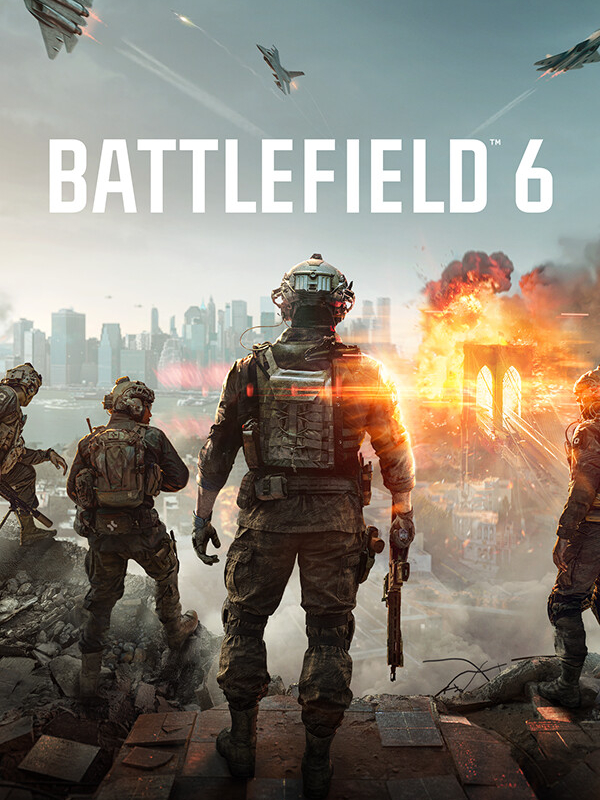
Battlefield 6 — DICE's return to large-scale military combat, bringing destructible environments and massive multiplayer battles back to Xbox.
EA Sports FC 26 — the latest entry in EA's flagship football series, featuring updated squads, refined gameplay mechanics, and the most comprehensive football experience on Xbox.
Sea of Thieves — Rare's beloved shared-world pirate adventure, one of the most unique and enduring co-op experiences available on Xbox.
Indiana Jones and the Great Circle — a first-person adventure that captures the spirit of the films better than almost any game has before, developed by MachineGames.
Gears of War 4 — the return of one of Xbox's most iconic franchises, delivering intense cover-based combat and a gripping new chapter in the Gears story.
Starfield — Bethesda's massive space RPG with over 1,000 planets to explore, dozens of factions to join, and hundreds of hours of content to discover.
Avowed — Obsidian Entertainment's epic first-person RPG set in the world of Pillars of Eternity, combining deep storytelling with fluid combat.
How to Activate an Xbox Game Key
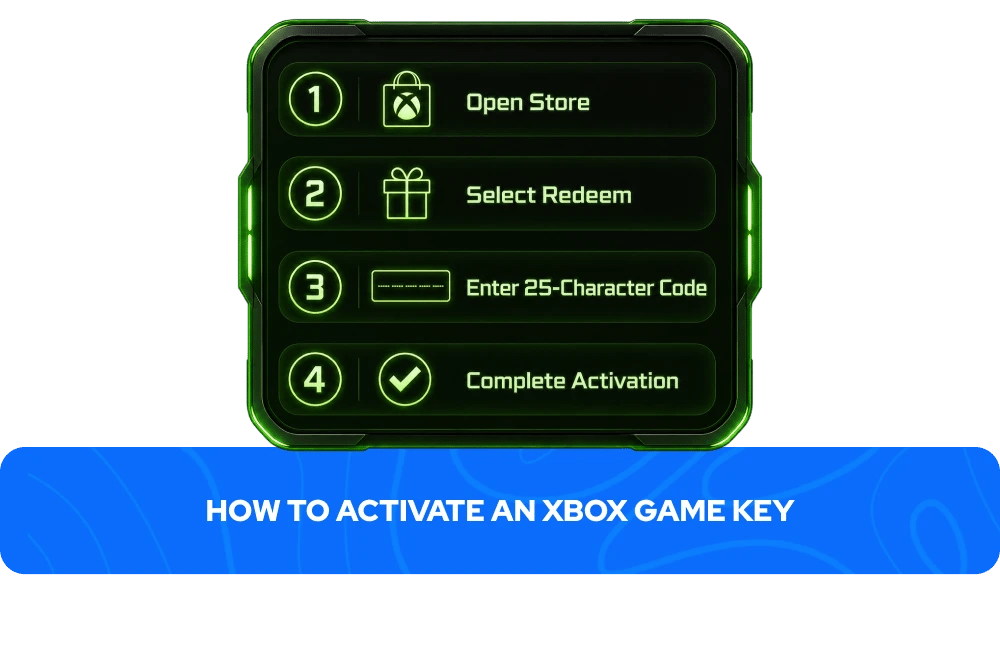
Activating an Xbox key takes less than two minutes:
Go to the Microsoft Store app on your Xbox.
In the sidebar, select "Redeem."
Enter the 25-character code from your GameBoost account.
Follow the on-screen instructions to complete activation.
Alternatively, you can redeem your code via a web browser: go to redeem.microsoft.com, sign in to your Microsoft account, select Redeem, enter your code, and confirm.
Your Xbox key will appear in your GameBoost account dashboard immediately after your payment is processed — no waiting, no email delays.
How to Redeem Other Xbox Codes
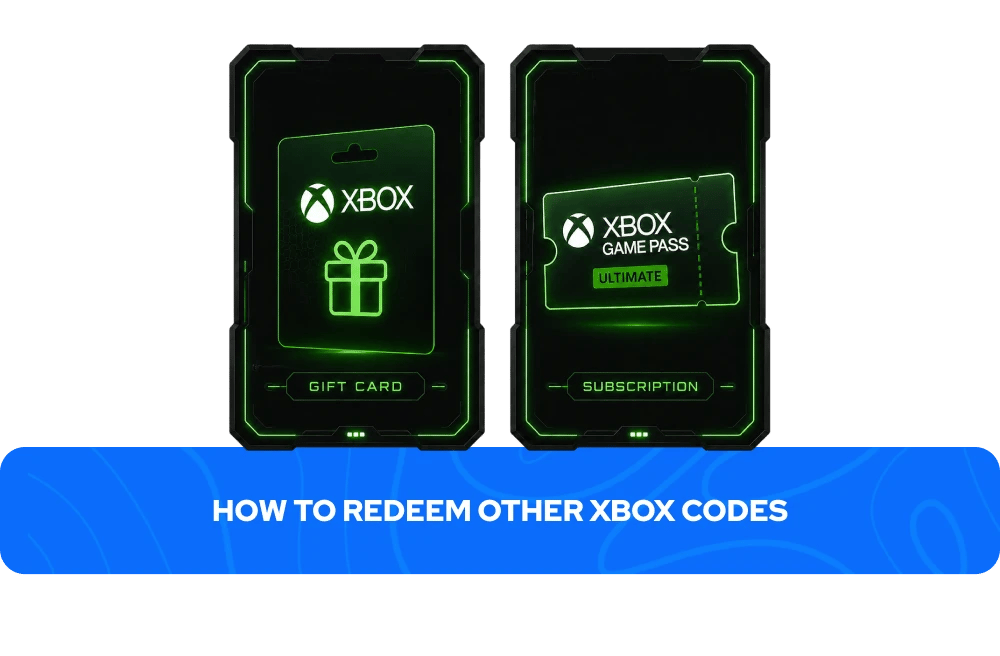
Gift cards and subscription codes follow a similar redemption process to game keys but add credit or access rather than unlocking a specific game directly.
To redeem an Xbox gift card or subscription code:
Go to the Microsoft Store app on your Xbox.
In the sidebar, select "Redeem."
Enter the 25-character code from your GameBoost account.
Follow the on-screen instructions to complete activation
Gift card credit can then be used to purchase any game, DLC, or subscription from the Xbox Store at your discretion. Subscription codes, such as Xbox Game Pass, activate or extend your membership immediately upon redemption — if you already have an active subscription, the new code typically extends your current membership rather than starting a new one.
You can also redeem any of these codes via a web browser at redeem.microsoft.com by signing into your Microsoft account and entering the code.
What to Check Before Buying an Xbox Game Key
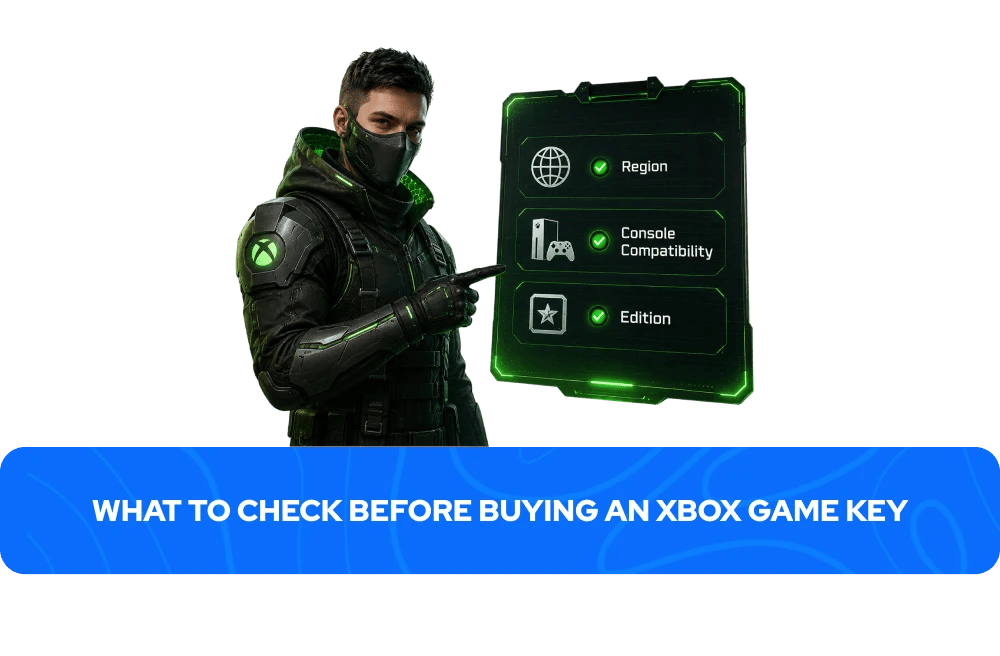
Xbox keys can differ by region, edition, and console compatibility. A quick check before purchasing avoids the most common activation issues:
Region — some Xbox keys are region-locked and can only be activated on accounts registered in specific countries. On GameBoost, the region is always clearly stated in the product listing.
Console compatibility — confirm whether its Xbox Series X key, Xbox One, or both. Many newer titles support both generations through Xbox Smart Delivery, while some older titles are exclusive to Xbox One.
Edition — confirm which version you are buying. Standard editions include the base game only, while Deluxe, Ultimate, and Gold editions include additional content. The product page always lists exactly what is included.
Xbox Game Key Regions Explained
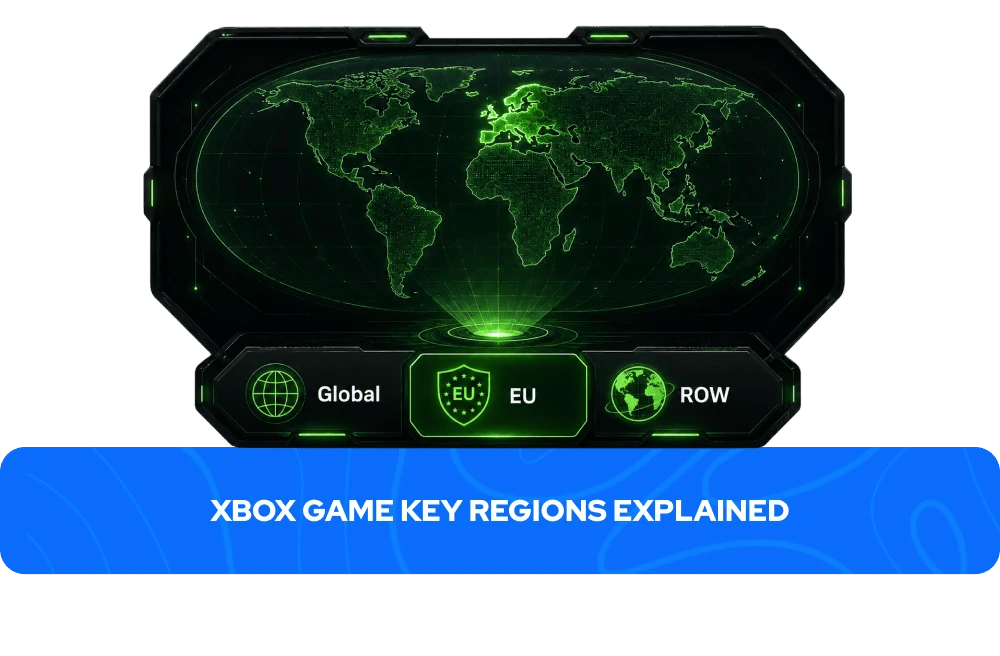
Xbox game keys can have different region restrictions depending on the publisher and product package. The most common region labels on GameBoost are:
Global — works in most countries worldwide, the most versatile option for international buyers.
Europe (EU) — activates in supported European countries only.
ROW (Rest of World) — activates in most countries globally outside specific restricted markets.
Since region rules can vary from game to game, always check the activation details on the product page before purchasing.
Can You Play Xbox Games on PC?
Yes — many Xbox games can be played on PC, though the method depends on the specific title and what you already own.
Xbox Play Anywhere is the most common way. Selected Xbox titles purchased on console can also be installed and played on Windows PC at no extra cost, with saves and achievements synced across both platforms through your Microsoft account. To check whether a game supports this, look for the Xbox Play Anywhere label on the Xbox Store listing or product page before purchasing.
Game streaming is the second option. If you own an Xbox console, you can stream games from your console to a PC over your local network using the Xbox app on Windows. This requires both devices to be connected to the same network and does not require purchasing the game separately for PC — it simply mirrors what is running on your console.
Xbox Game Pass for PC is a separate subscription that gives direct access to a large library of games on PC without needing a console at all, independent of any individual game purchase.
Not every Xbox title supports Play Anywhere or PC play — always check the product page or the official Xbox Store listing to confirm compatibility before purchasing if playing on PC matters to you.
Xbox Platform Features
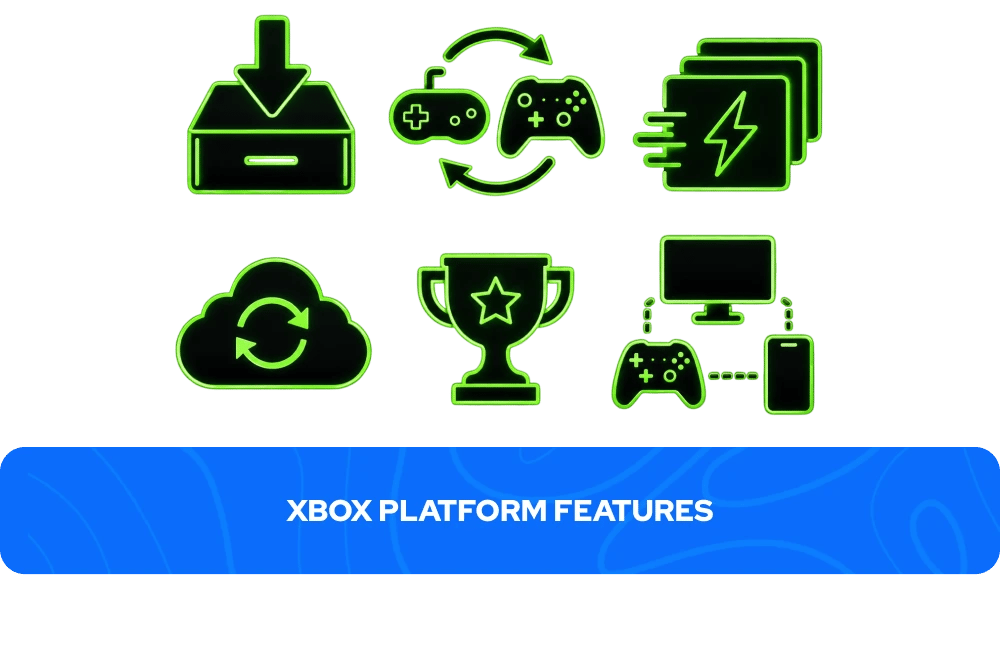
Feature | What it does |
Xbox Smart Delivery | Buy a game once and get the best version automatically, whether you play on Xbox One or Series X/S |
Backwards Compatibility | Play select Xbox, Xbox 360, and Xbox One games on Xbox Series X/S |
Quick Resume | Instantly switch between multiple games on Series X/S without long reload times |
Cloud Saves | Your progress syncs automatically across consoles signed into the same account |
Achievements | Track milestones and Gamerscore across your entire Xbox library |
Cross-Platform Play | Play with friends across Xbox, PC, and other supported platforms |
Xbox Play Anywhere | Selected titles purchased on Xbox can also be played on Windows PC at no extra cost |
Xbox Game Pass | A subscription service offering access to a large rotating library of games, available separately on GameBoost |
More Game Keys on GameBoost
FAQs About Xbox Game Keys
An Xbox game key is a unique 25-character code that activates a game on your Microsoft account. Once redeemed, the game is permanently added to your Xbox library and can be downloaded and played on any Xbox console signed into that account.
- Go to the Microsoft Store app on your Xbox.
- In the sidebar, select "Redeem."
- Enter the 25-character code from your GameBoost account.
- Follow the on-screen instructions to complete activation
Xbox game keys on GameBoost are delivered instantly after purchase. Your key appears in your GameBoost account dashboard immediately after your payment is processed, with no waiting period. Exceptions apply to pre-orders and certain products where the delivery timeframe is stated on the product page.
Yes. GameBoost is a verified marketplace with over 19,000 Trustpilot reviews and an Excellent rating. Every purchase includes instant delivery, 3% cashback in GB Coins, and 24/7 live chat support.
Some Xbox games support Xbox Play Anywhere, which allows you to play the same purchased title on both Xbox and Windows PC at no extra cost. Check the product page or the Xbox Store listing to confirm whether a specific title supports this feature. Not all Xbox games are available on PC.
Some Xbox game keys are region-locked and can only be activated on accounts registered in specific countries. On GameBoost, the region is always clearly stated in the product listing. Always check the region before purchasing to ensure compatibility with your Microsoft account.
Many modern Xbox titles support Smart Delivery, meaning a single key works on both Xbox One and Xbox Series X/S, automatically installing the best version for your console. Some older or console-specific titles are exclusive to one generation. The product page always specifies which consoles a key supports.
No. An Xbox game key can only be activated once and is permanently tied to the Microsoft account it is redeemed on. Once activated, the key cannot be transferred to another account.
An Xbox game key permanently unlocks a specific game on your account, with no subscription required. Xbox Game Pass is a subscription service that gives access to a rotating library of games for as long as the subscription is active — if you cancel, access to those games ends. GameBoost sells both individual game keys and Xbox Game Pass subscriptions separately.
You are eligible for a refund if the key has not been revealed and a valid refund reason is provided and approved by GameBoost, if the delivered key is not as described, or if the key is invalid or duplicated. You are not eligible for a refund if the key has been revealed and redeemed successfully, if the key works correctly and matches the product description, or if you do not like the game or changed your mind. Contact our 24/7 live chat support for any refund requests.