EA App Game Keys at the Best Price
Electronic Arts titles at competitive prices — instant delivery, 3% cashback, and new releases added daily.








More Game Keys by Platform
Browse game keys for every platform we sell.



EA App Game Keys on GameBoost
Browse a wide range of EA App game keys on GameBoost with instant delivery and prices consistently below the official EA Store. From the biggest sports simulations and blockbuster shooters to story-driven RPGs and life simulation classics, every key activates directly through the EA App and adds the game permanently to your library. Every purchase comes with instant key delivery to your GameBoost account dashboard, 3% cashback in GB Coins, and 24/7 live chat support, backed by over 20,000 verified Trustpilot reviews. With new titles added daily and prices available year-round rather than only during seasonal sales, GameBoost is the smarter way to build your EA library.
What Is the EA App?
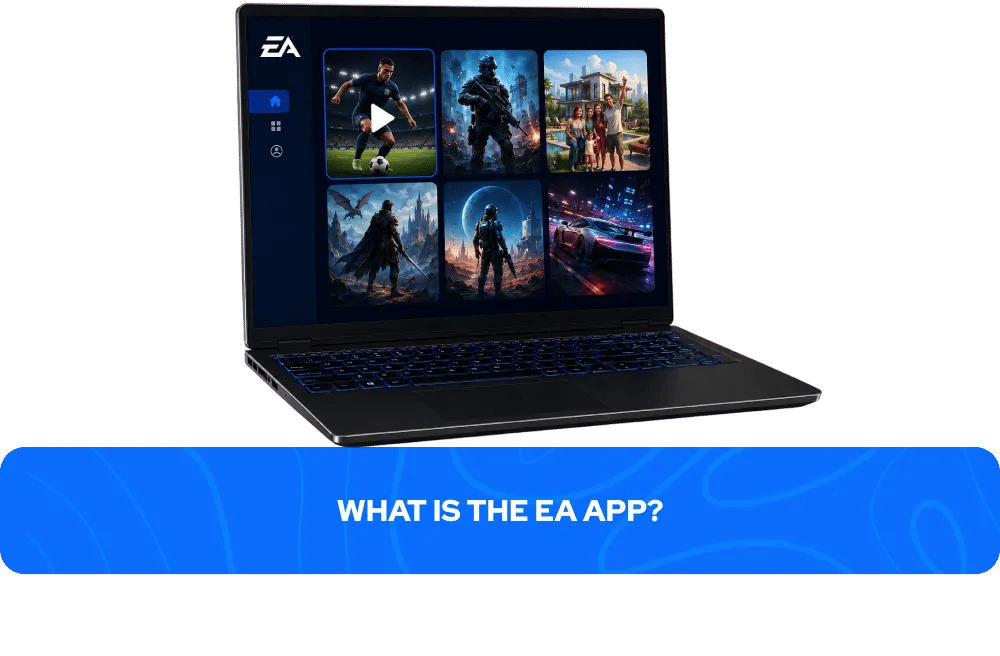
The EA App is Electronic Arts' official PC gaming platform, replacing Origin as EA's primary desktop client in 2023. It is required to play all EA titles on PC regardless of where they were purchased — including titles bought through Steam or other third-party platforms. The EA App provides a centralised library for all your EA games, handles updates automatically, and manages online multiplayer and social features across EA's catalogue.
EA App game keys are digital codes that activate a specific game on your EA account. Once redeemed, the game is permanently added to your EA library and can be downloaded and played at any time on any PC logged into your account. Each key can only be redeemed once and is permanently tied to the account it is activated on. Note that while many EA titles are also available on Steam, the EA App is still required to run them — purchasing an EA App key directly is the most straightforward way to access EA titles on PC.
Why Buy EA App Game Keys on GameBoost?
The official EA Store charges full retail price for most games at launch, with discounts typically limited to seasonal sales and EA Play subscriber deals. GameBoost offers competitive prices on EA App game keys every day of the year, often significantly below the official store price without the need for a subscription or a sale window.
Every key activates through the EA App exactly as if purchased directly from Electronic Arts — full access to all game updates, online multiplayer, and EA's social features. Every purchase on GameBoost also earns 3% cashback in GB Coins that can be applied to future purchases, and 24/7 live chat support is available if anything goes wrong. With over 20,000 verified Trustpilot reviews and an Excellent rating, GameBoost is a trusted destination for EA App game keys and gift cards.
Popular EA App Game Keys on GameBoost
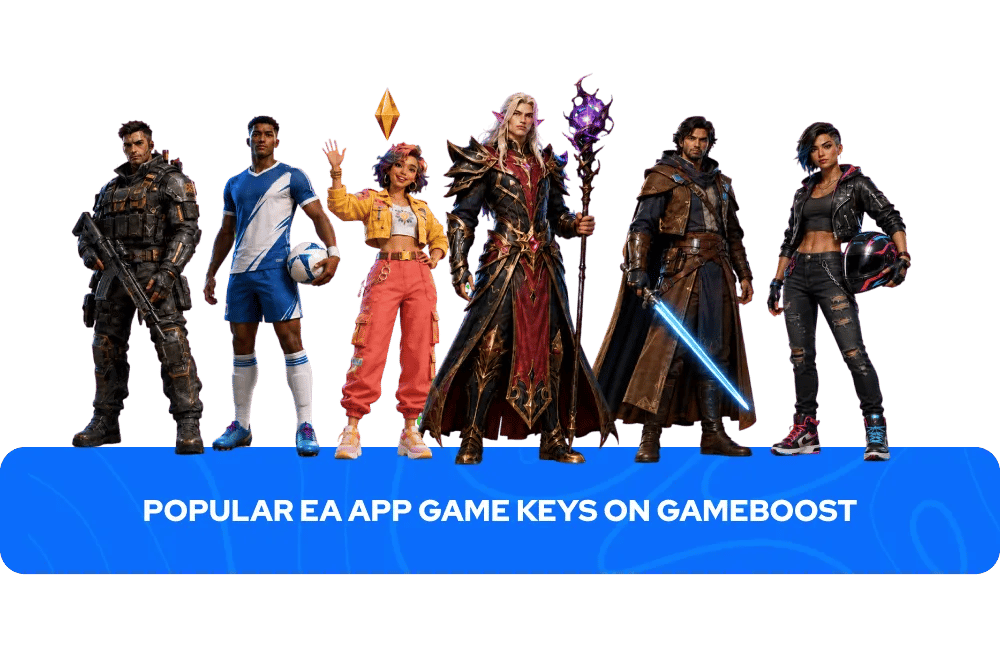
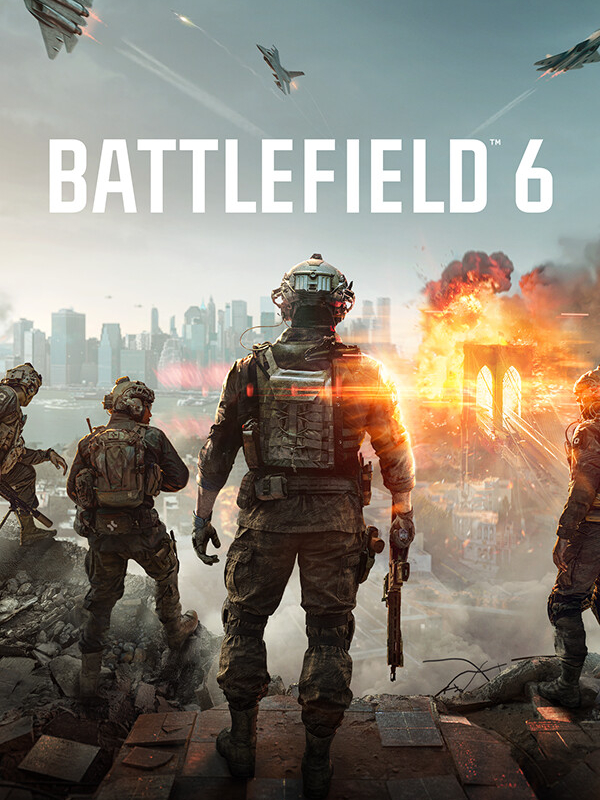
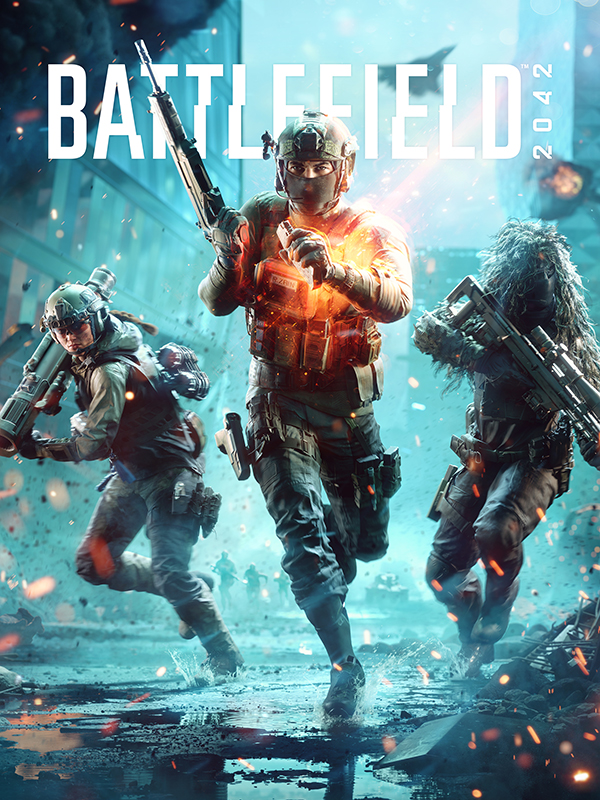
Battlefield 6 — the biggest EA launch of 2025 and the best-selling game globally for the year, delivering large-scale cinematic multiplayer combat that reclaimed the franchise's position at the top of the shooter genre.
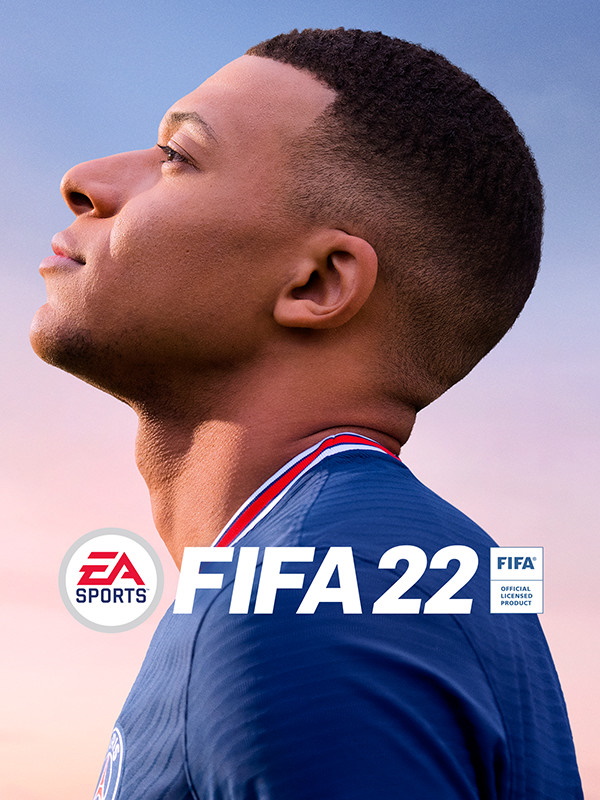
EA Sports FC 26 — the latest entry in EA's flagship football simulation series, featuring updated squads, refined gameplay mechanics, and the most comprehensive football experience available on PC.
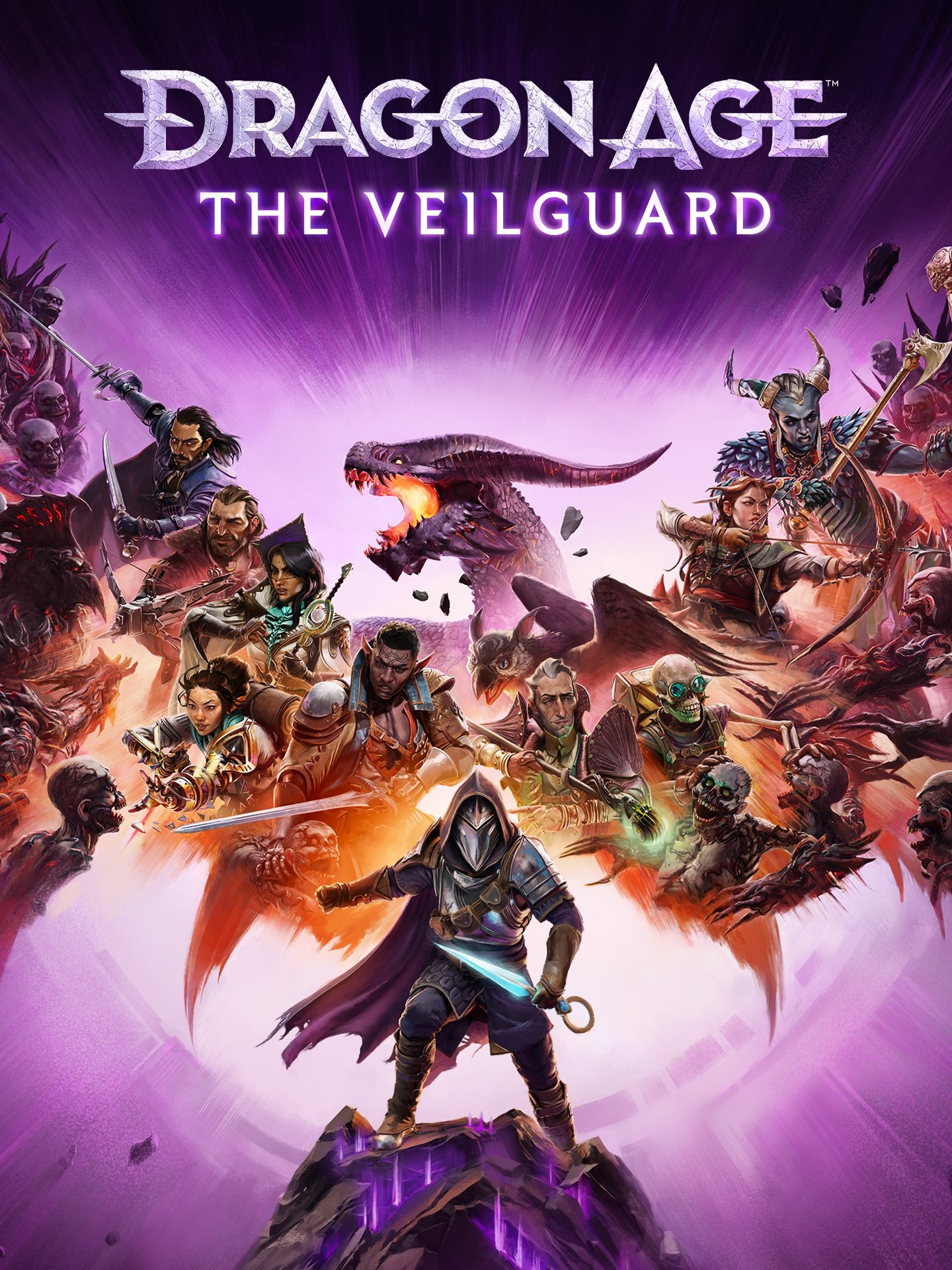
Dragon Age: The Veilguard — BioWare's long-awaited RPG sequel, combining deep character progression, rich world-building, and the kind of companion-driven storytelling that made the franchise essential.
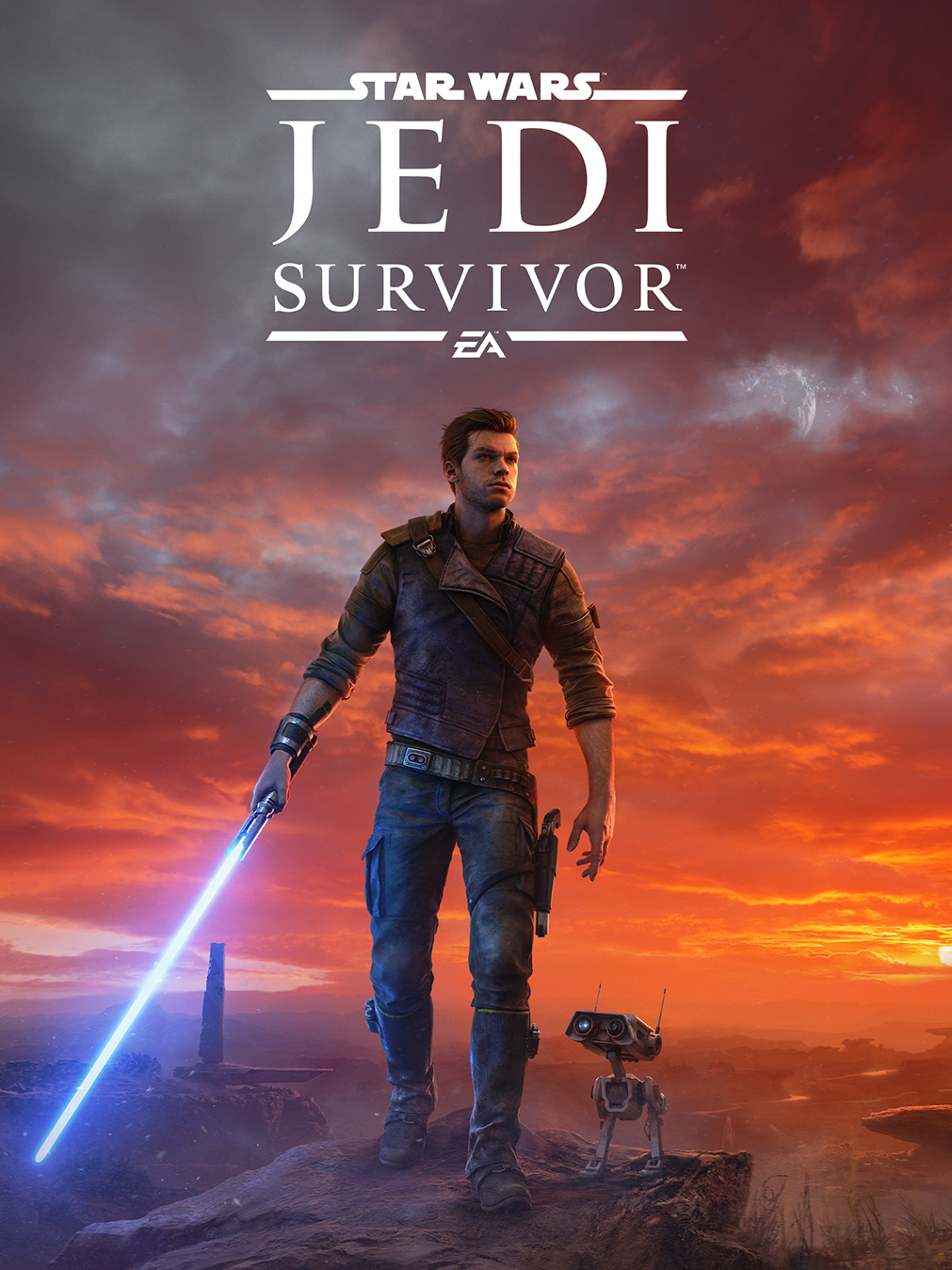
Star Wars Jedi: Survivor — Respawn Entertainment's acclaimed action adventure sequel, expanding Cal Kestis' story across a larger world with refined combat and some of the finest Star Wars storytelling outside of the films.
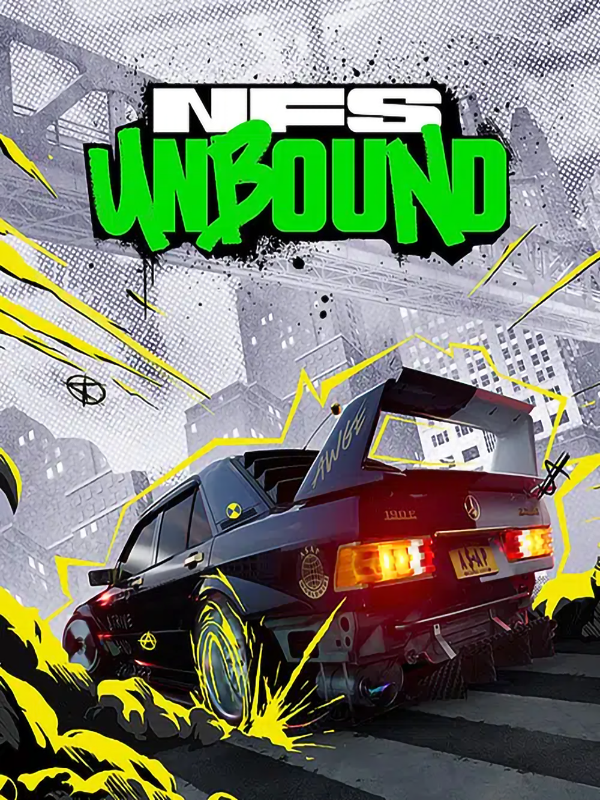
Need for Speed Unbound — EA's most stylistically distinctive racing game in years, blending realistic driving mechanics with an anime-influenced visual style and a strong soundtrack.
The Sims 4 — EA's longest-running live service and one of the most played games on PC, offering an open-ended life simulation experience that has captivated players across two decades.
What Is EA Play?
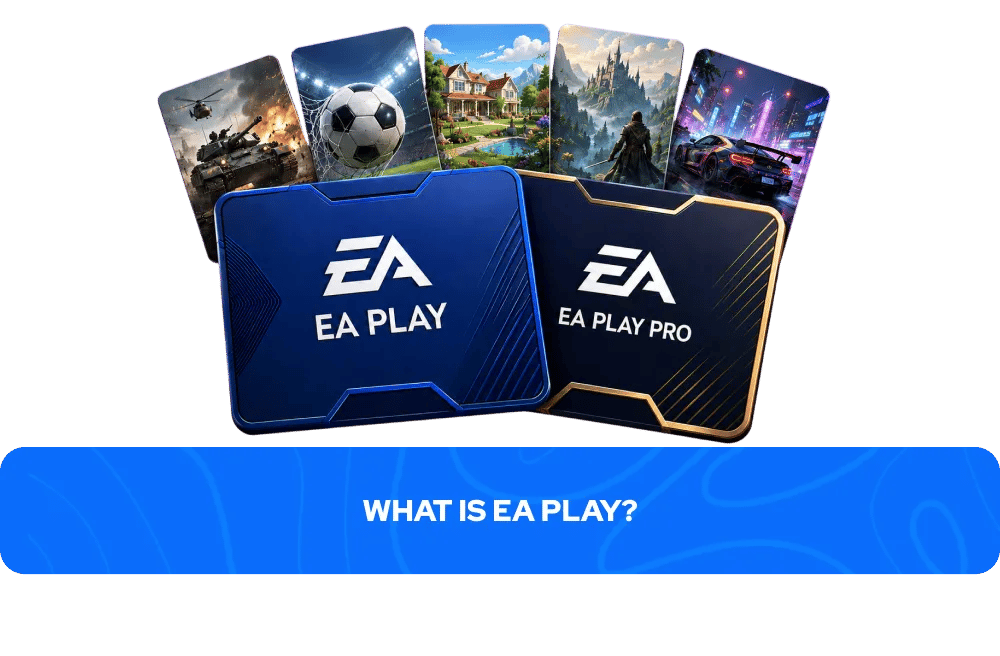
EA Play is Electronic Arts' subscription service offering access to a rotating library of EA titles, 10% discounts on EA Store purchases, and early trials of upcoming releases. It is available in two tiers — EA Play and EA Play Pro — and is accessible on PC via the EA App as well as PlayStation and Xbox consoles.
GameBoost does not currently sell EA Play subscriptions. However if you are looking for a specific EA title rather than subscription access, buying an EA App game key on GameBoost gives you permanent ownership of that game at a competitive price with no ongoing subscription required. GameBoost also stocks EA gift cards which can be used to fund an EA Play subscription or purchase games directly through the EA Store.
How to Activate an EA App Game Key
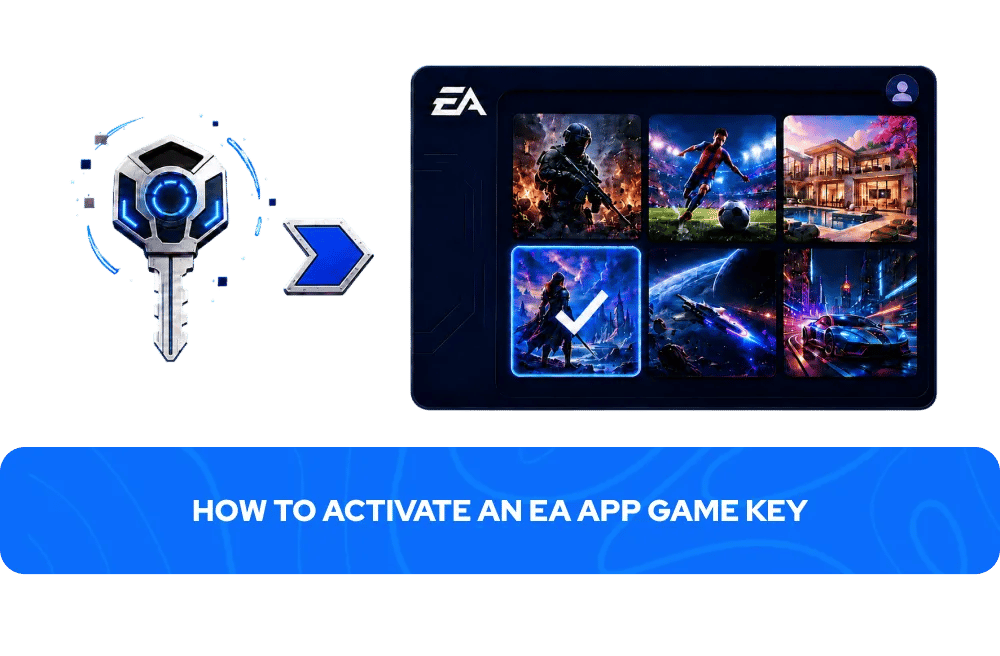
Activating an EA App game key takes less than two minutes:
Open the EA App client on your PC
Click on your profile icon in the top right corner
Select Redeem Code from the dropdown menu
Enter your code and select Next
The game will be added to your EA library and is ready to download
Your EA App key will appear in your GameBoost account dashboard immediately after your payment is processed. Exceptions apply to pre-orders and certain products where the delivery timeframe is stated on the product page.
What to Check Before Buying an EA App Game Key
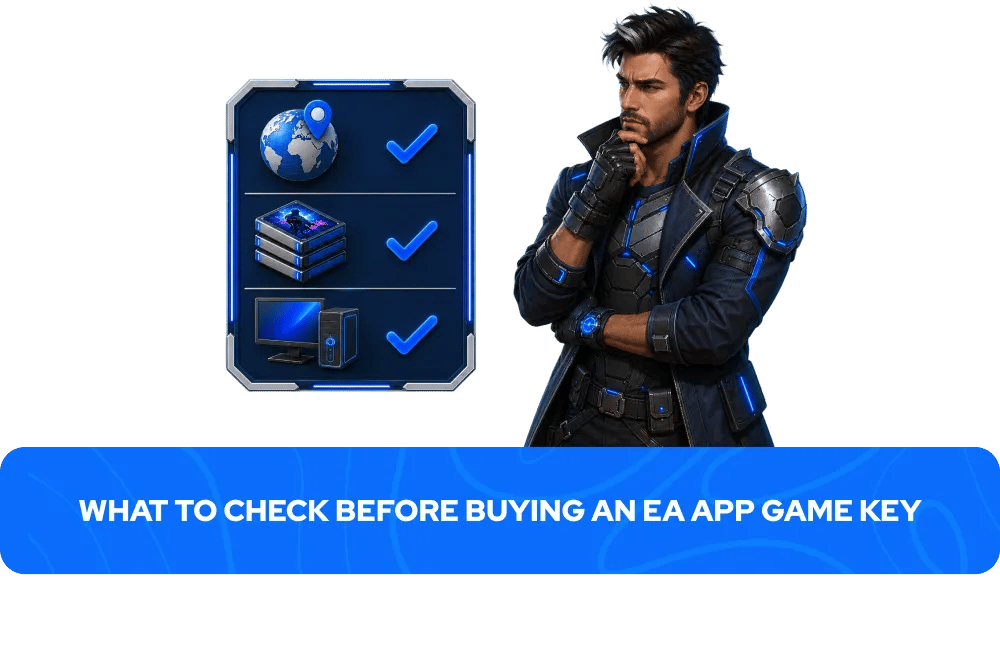
EA App keys can differ by region, edition, and included content. A quick check before purchasing avoids the most common activation issues:
Region — some EA App keys are region-locked and can only be activated on accounts registered in specific countries. On GameBoost, the region is always clearly stated in the product listing. Always check the region before purchasing to ensure compatibility with your EA account.
Edition — confirm which version you are buying. Standard editions include the base game only, while Deluxe and Ultimate editions include additional content such as DLC, in-game currency, or cosmetic items. The product page always lists exactly what is included.
Platform — EA App keys are for PC only. They cannot be activated on PlayStation, Xbox, or Nintendo consoles. If you are looking for console versions of EA titles, GameBoost stocks PlayStation and Xbox game keys separately.
More Game Keys on GameBoost
FAQs About EA App Game Keys
An EA App game key is a unique digital code that activates a game on your Electronic Arts account through the EA App. Once redeemed, the game is permanently added to your EA library and can be downloaded and played at any time on any PC logged into your account.
Open the EA App client, click your profile icon, select Redeem Code, enter your code, and select Next. The game will appear in your EA library immediately after activation and is ready to download.
EA App game keys on GameBoost are delivered instantly after purchase. Your key appears in your GameBoost account dashboard immediately after your payment is processed. Exceptions apply to pre-orders and certain products where the delivery timeframe is stated on the product page.
Yes. GameBoost is a verified marketplace with over 20,000 Trustpilot reviews and an Excellent rating. Every purchase includes instant delivery, 3% cashback in GB Coins, and 24/7 live chat support.
Yes. The EA App is required to play all EA titles on PC regardless of where they were purchased — including titles bought through Steam. The EA App is free to download from the official Electronic Arts website.
Some EA App keys are region-locked and can only be activated on accounts registered in specific countries. On GameBoost, the region is always clearly stated in the product listing. Always check the region before purchasing to ensure compatibility with your EA account.
An EA App game key permanently unlocks a specific game on your account with no ongoing subscription required. EA Play is a subscription service that provides access to a rotating library of EA titles for as long as the subscription is active — if you cancel, access to those games ends. GameBoost sells EA App game keys and EA gift cards but does not currently sell EA Play subscriptions directly.
No. EA App game keys are for PC only and activate through the EA App client. If you are looking for console versions of EA titles, GameBoost stocks PlayStation game keys and Xbox game keys separately.
You are eligible for a refund if the key has not been revealed and a valid refund reason is provided and approved by GameBoost, if the delivered key is not as described, or if the key is invalid or duplicated. You are not eligible for a refund if the key has been revealed and redeemed successfully, if the key works correctly and matches the product description, or if you do not like the game or have changed your mind. Contact our 24/7 live chat support for any refund requests.