






Buy CoDM Points – Secure Payments, Fast Delivery & 24/7 Support

What Is CP in Call of Duty Mobile?
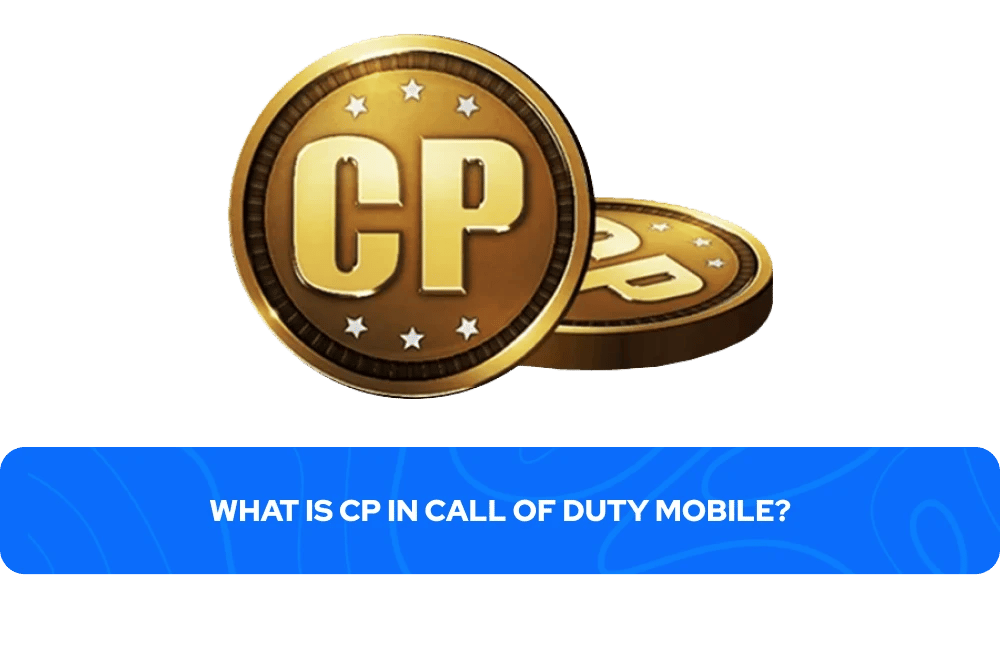
CP, short for COD Points, is the premium in-game currency used in Call of Duty: Mobile. Unlike the console and PC versions of the franchise, the game runs its own separate CP economy that has no connection to Warzone, Black Ops, or any other title in the series. Players spend Points on seasonal Battle Passes, Lucky Draws, operator bundles, weapon blueprints, and cosmetic content available in the Call of Duty Mobile CP store. CP cannot be earned through regular gameplay, so the only way to get it is by purchasing directly through the in-game store or through a third-party CODM CP top-up marketplace.
The currency covers a wide range of spending tiers depending on what players are after. Two purchases stand out as the most common reasons players look to buy Call of Duty Mobile CP:
Battle Pass — The most CP-efficient option in the game. Completing all 50 Premium tiers returns over 1,100 CP to the player, effectively covering the cost of the following season's pass.
Lucky Draws — The most CP-intensive option. Each pull costs progressively more than the last, and the totals add up fast:
~5,800 CP for a full draw in regions starting at 10 CP per pull
12,000–15,000+ CP in regions starting at 30 CP per pull
Even higher for Mythic-tier draws
For most players, the Battle Pass is where Points deliver the clearest value, while Lucky Draws are better approached with a set CP budget in mind.
Here's a quick overview of what COD Mobile CP is typically spent on and how much each purchase costs:
Content Type | Approximate CP Cost |
|---|---|
COD Mobile Standard Battle Pass | 220–560 CP (varies by region) |
COD Mobile Battle Pass Bundle | 520–1,280 CP (varies by region) |
Lucky Draw (full draw, low-price region) | ~5,800 CP |
Lucky Draw (full draw, high-price region) | 12,000–15,000+ CP |
Direct purchase bundles | Varies per bundle |
These figures apply specifically to the Global version of Call of Duty Mobile. Garena runs its own separate pricing structure with generally lower CP costs across Battle Passes, Lucky Draws, and seasonal content, largely due to regional pricing adjustments built into that version of the game.
How to Buy COD Mobile CP and Claim It?
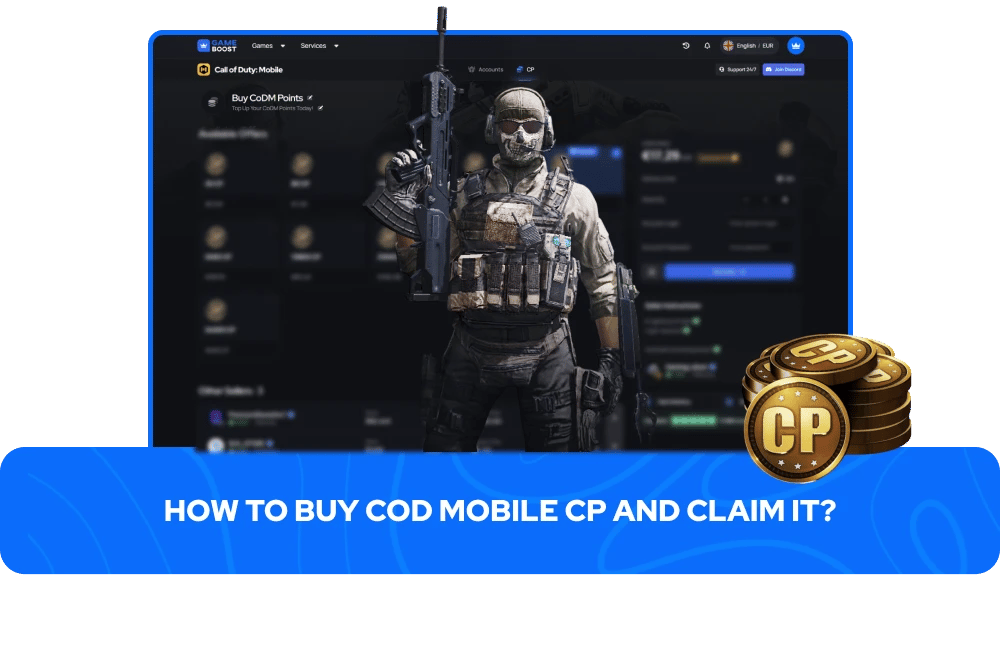
Buying COD Mobile CP through GameBoost is a direct top-up process: no codes, no manual redemption steps, and no waiting around. Once the order is submitted, the CP is credited straight to the Call of Duty Mobile account linked to the UID provided during checkout.
To complete your order, you only need a few account details:
Find your COD Mobile UID inside the game by tapping your player avatar in the main lobby, opening the Basic tab, and copying the numeric ID shown below your username.
Select a CP amount on the GameBoost product page that matches what you need.
Enter your UID accurately during checkout. A single incorrect digit sends the CP to the wrong CODM account, and that transaction cannot be reversed.
Complete payment using your preferred method, and the CP will appear in your balance automatically once the order is processed.
After the top-up is complete, the balance becomes available in the in-game store: the Battle Pass tab, active Lucky Draws, seasonal bundles, and any direct-purchase cosmetics currently listed in the store.
There's no activation period, no cooldown, and no additional steps required inside the game. This is especially useful when a Lucky Draw, Battle Pass, or limited-time bundle is close to ending. GameBoost orders are processed quickly, so there's no risk of missing a time-limited event due to a slow top-up.
COD Mobile Versions and CP Compatibility
Before purchasing COD Mobile CP, knowing which version of the game you're on is a required step, not an optional one. Call of Duty Mobile is not a single unified game across all regions. The Garena version of COD Mobile is exclusive to players in Southeast Asia, except for Vietnam, while the Global version, published by Activision, covers all other supported regions excluding Vietnam, Belgium, and China. Both versions run on entirely separate servers with no account transfers, no cross-play, and no shared currency. CP purchased for the COD Mobile Global version cannot be used on the Garena version, and vice versa.
On the Garena version of COD Mobile, CP costs, Lucky Draw pricing, and seasonal bonuses tend to be lower than on the Global version, where prices are notably higher across North America and Europe. Garena players may also encounter Garena Shells as an alternative top-up method for certain purchases. The simplest way to confirm which version you're running is to check the startup screen; as the Global version displays Activision or Call of Duty branding, while the Garena version shows the Garena logo.
Also, before placing an order, COD Mobile CP is account-bound, not device-bound. There's no built-in gifting feature for COD Points inside the game itself, but topping up CP to another player's COD Mobile account is possible through third-party services by entering their UID at checkout rather than your own.