








Buy Apex Coins – Secure Payments, Fast Delivery & 24/7 Support

Apex Legends and Apex Coins
Apex Legends is a free-to-play battle royale developed by Respawn Entertainment and published by EA, released in February 2019 for PC, PlayStation, and Xbox. The game has crossed 170 million registered players to date as of October 2024, making it one of the most active titles in the genre.
Squad-based matches pit up to 20 three-person teams against each other, and players take on the role of characters called Legends, each with unique abilities. Because the game is free, its monetization runs entirely through cosmetics and optional purchases, which is where Apex Coins come in.
Apex Legends uses three types of in-game currency, each serving a different purpose:
Apex Coins are the only currency purchased with real money, used to buy cosmetics, Legends, and Apex Packs directly from the store.
Legend Tokens are earned by leveling up and can be spent to unlock new Legends over time without spending money.
Crafting Metals drop from Apex Packs and are used to craft specific cosmetic items like skins and banners.
For players who want store access without grinding through gameplay, buying Apex Legends Coins is the most direct option.
Apex Coins Pricing and Costs
An individual Apex Pack costs 100 Apex Coins, with a bundle of 10 packs available for 1,000 Apex Coins. Legendary skins in the direct purchase shop are typically priced at 1,800 AC. The Battle Pass can be purchased with Apex Legends Coins or with real currency directly through your platform's store, in-game, on the Apex Legends Official Store, or through a first-party platform store. One exception applies: on PlayStation, the Battle Pass Premium can no longer be purchased with Apex Coins and must be bought directly through the PlayStation Store.
Apex Coins are sold in five fixed bundles through official platform stores, and larger bundles include bonus coins that lower the effective cost per coin. Players looking for cheap Apex Coins can find the same bundles on GameBoost, typically at lower prices than the official platform stores.
How to Buy Cheap Apex Coins?
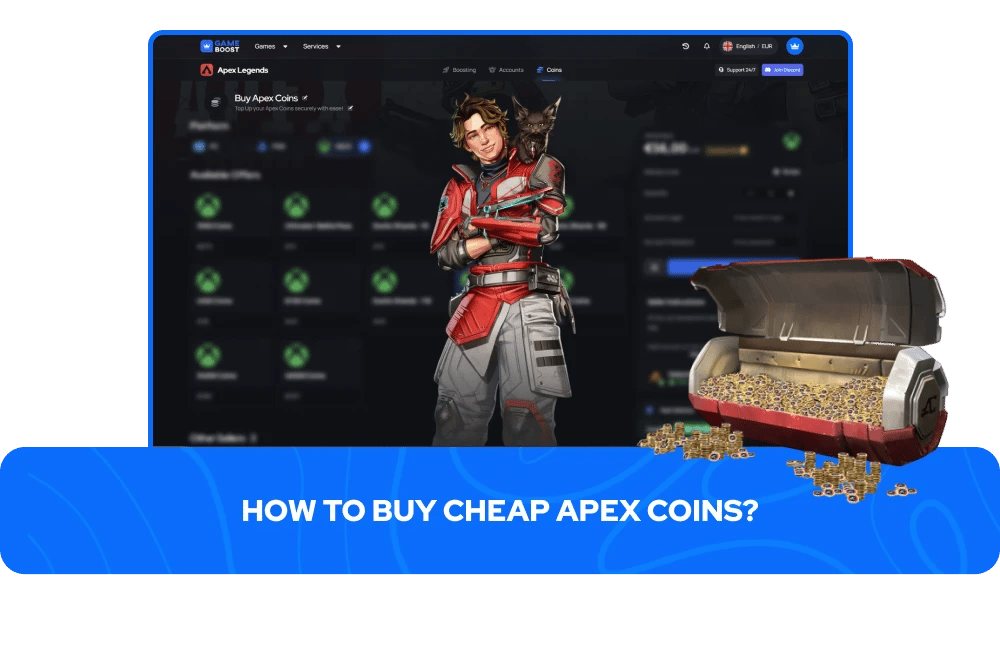
GameBoost offers Apex Legends Coins for sale as either a digital code or a direct account top-up, depending on the listing. Always check the delivery method on the product page before ordering, as the process differs between the two.
For digital code orders, the code is delivered after purchase and redeemed through your EA account. To redeem Apex Coins on PC, open the EA App, go to My Collection, and select Redeem Code. Alternatively, go to EA Account and Billing settings, select Payment Methods, and choose Add More next to EA Wallet. On console, redemption runs through the platform's own store flow.
For direct account top-ups, account credentials are required to complete the transfer. Stock and pricing vary by bundle, so checking the Apex Coins listing description before purchasing gives the most accurate picture of pricing, availability, and delivery method.
Apex Coins Refunds and Gifting
Apex Coins and in-game purchases are generally non-refundable. Coins already spent on skins, Legends, or any other in-game items cannot be returned, as Apex Legends has no native refund feature for completed purchases.
If coins were bought accidentally and have not been spent yet, contacting EA Help directly gives the best chance of a reversal, though this is not guaranteed. For purchases made on Xbox, PlayStation, or Steam, refund requests need to go through that platform's own support channel rather than EA directly. Microsoft Store purchases on Xbox and PC can be submitted within 72 hours, though refunds on virtual currency are not guaranteed there either.
If a real-money refund is approved through a platform rather than EA, the equivalent Apex Coin amount gets deducted from the wallet, which can result in a negative coin balance. Any future purchases will then go toward clearing that balance first.
On gifting, players cannot send Apex Coins directly to another player's account. What is possible is gifting legends, legend passes, battle passes, and select Store offers, using coins from your own wallet. To send a gift, players must be Level 50 or higher, have two-factor authentication enabled, hold enough Apex Coins to cover the gift, and be in-game friends for at least two weeks.
Platform friendships on PlayStation, Xbox, or Steam do not count toward that requirement. Gifts are sent through the Store tab by selecting an item and choosing the Gift option, with a limit of five gifts per 24-hour period. Gifted items are final and non-refundable once sent.
Are Apex Legends Coins Cross-Platform?
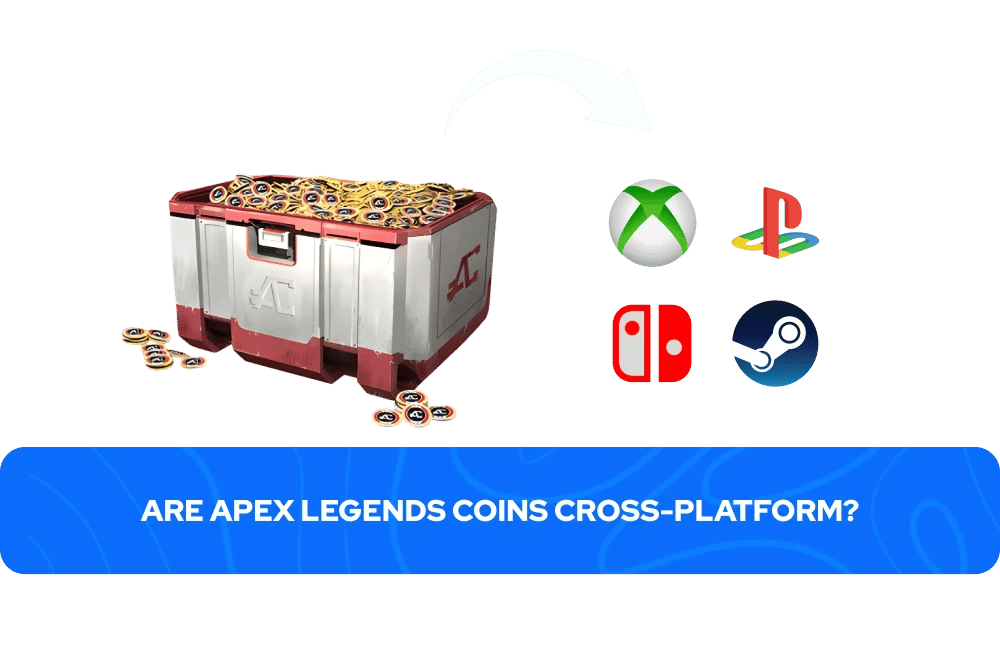
All Apex Coins acquired on PC, Xbox, and PlayStation are merged into one wallet and can be spent across any of those three platforms, so a purchase made on one carries over to the others as long as the same EA account is used. Apex Coins on Nintendo Switch are kept in a separate wallet and can only be spent on Switch, though any non-exclusive content purchased with them is still shared across all linked platforms.
Given that Apex Legends will no longer be playable on Nintendo Switch beginning August 4, 2026, Switch-specific coin purchases are no longer a practical consideration for most players.
More Apex Legends & GameBoost Products
Frequently Asked Questions
Yes — buying Apex Coins is safest when using a trusted marketplace. GameBoost supports secure payments, works with reliable sellers, and provides transparent listings to help ensure smooth transactions.
Apex Coins are the primary premium currency in Apex Legends. Players use them to unlock skins, purchase the Battle Pass, open Apex Packs, and access limited-time cosmetic items.
Delivery times can vary depending on the selected offer and platform, but many orders are processed quickly after purchase. Always review the listing for the expected delivery window.
Many players look for better pricing to maximize value while still enjoying premium content. Purchasing coins through a trusted platform can provide flexibility when new skins, events, or seasonal updates arrive.
GameBoost focuses on secure transactions, transparent offers, competitive pricing, and responsive support — helping players purchase confidently without unnecessary risk.