Buy GOG Games - Cheap GOG Game Keys
Discover DRM-free GOG game keys with instant delivery, secure checkout, and competitive prices on GameBoost.







More Game Keys by Platform
Browse game keys for every platform we sell.



GOG Game Keys On GameBoost
Whether you’re looking to revisit legendary PC classics or dive into the latest DRM-free releases, GameBoost makes it easy to buy GOG games at competitive prices. Our collection includes digital GOG game keys for award-winning RPGs, strategy games, indie hits, action adventures, survival games, and much more—all delivered instantly after purchase.
Unlike many digital storefronts, GOG (Good Old Games) gives players true ownership of their games. Most titles on the platform are completely DRM-free, allowing you to download, install, and play your games without mandatory online authentication. That means you can enjoy your favorite PC games whenever you want, even without an internet connection.
Every purchase from GameBoost includes instant delivery, secure checkout, 24/7 customer support, and 3% cashback in GB Coins, making it one of the easiest and most rewarding ways to expand your GOG library.
Whether you’re searching for modern AAA releases like Cyberpunk 2077, timeless RPGs like The Witcher 3: Wild Hunt, or beloved classics that have been updated for modern PCs, you’ll find a growing collection of GOG games ready to redeem and play within minutes.
Why Buy GOG Games from GameBoost?
GameBoost makes buying digital games simple, secure, and affordable.
Instant Delivery – Receive your GOG key immediately after your purchase is completed.
Competitive Prices – Save on your favorite GOG games with great deals available throughout the year.
Secure Payments – Shop confidently using trusted payment methods and encrypted checkout.
24/7 Customer Support – Our support team is always available if you need assistance before or after your purchase.
3% Cashback in GB Coins – Earn rewards on every purchase and save on future orders.
Trusted Marketplace – Thousands of gamers choose GameBoost for fast, reliable digital game delivery.
What Makes GOG Different?
GOG is more than just another digital game store. Operated by CD Projekt, the company behind The Witcher series and Cyberpunk 2077, GOG has built its reputation around one core principle: giving players greater control over the games they purchase.
Unlike many digital platforms that rely heavily on Digital Rights Management (DRM), GOG focuses on offering DRM-free games whenever possible. This means that after purchasing and downloading your game, you can play without mandatory online authentication or intrusive copy protection.
Some of the biggest advantages of GOG include:
DRM-free downloads for most titles
Offline installers for long-term backups
Play without a permanent internet connection
Access your games whenever you want
Classic PC games optimized for modern systems
A growing library of modern AAA and indie releases
For players who value ownership, flexibility, and preservation, GOG remains one of the best platforms for buying PC games.
GOG vs Steam – Which Platform Is Right for You?
Both GOG and Steam are excellent platforms for PC gamers, but they focus on different priorities. While Steam offers the largest gaming ecosystem with extensive community features, GOG stands out by giving players greater ownership and flexibility through its DRM-free approach.
Feature | GOG | Steam |
DRM-Free Games | Most titles | Most titles use Steam DRM |
Offline Installers | Available | Not available |
Offline Play | Supported | Supported |
Cloud Saves | Supported | Supported |
Achievements | Yes | Yes |
Friends & Community | Basic social features | Extensive community ecosystem |
Mods & Workshop | Limited | Steam Workshop |
Best For | DRM-free ownership and classic PC games | Multiplayer gaming and community features |
Neither platform is inherently better, they simply serve different types of players. If you value owning your games, keeping offline installers, and playing without unnecessary restrictions, GOG is an excellent choice. If you prioritize multiplayer communities, user-generated content, and a massive integrated ecosystem, Steam remains one of the most popular gaming platforms in the world.
Many PC gamers choose to use both platforms, building a library that combines Steam’s extensive catalog with GOG’s DRM-free collection. At GameBoost, you can conveniently browse both GOG Games and Steam Games, making it easy to find the right version for your preferred platform.
Popular GOG Games

GOG offers one of the most diverse PC game libraries available, featuring everything from modern blockbusters to classic titles that have been preserved for today’s hardware. Whether you enjoy story-driven RPGs, challenging strategy games, atmospheric adventures, or indie masterpieces, there’s something for every type of player.
Some of the most popular GOG games include:
Baldur’s Gate 3
Metro Exodus
Fallout New Vegas
Many of these games are available without digital rights management (DRM), giving players the freedom to install, back up, and enjoy their purchases with fewer restrictions than traditional digital storefronts.
Whether you’re building your first GOG collection or expanding an existing library, you’ll find games across every major genre, from immersive open-world adventures to tactical strategy experiences and nostalgic PC classics.
Rediscover Classic GOG Games
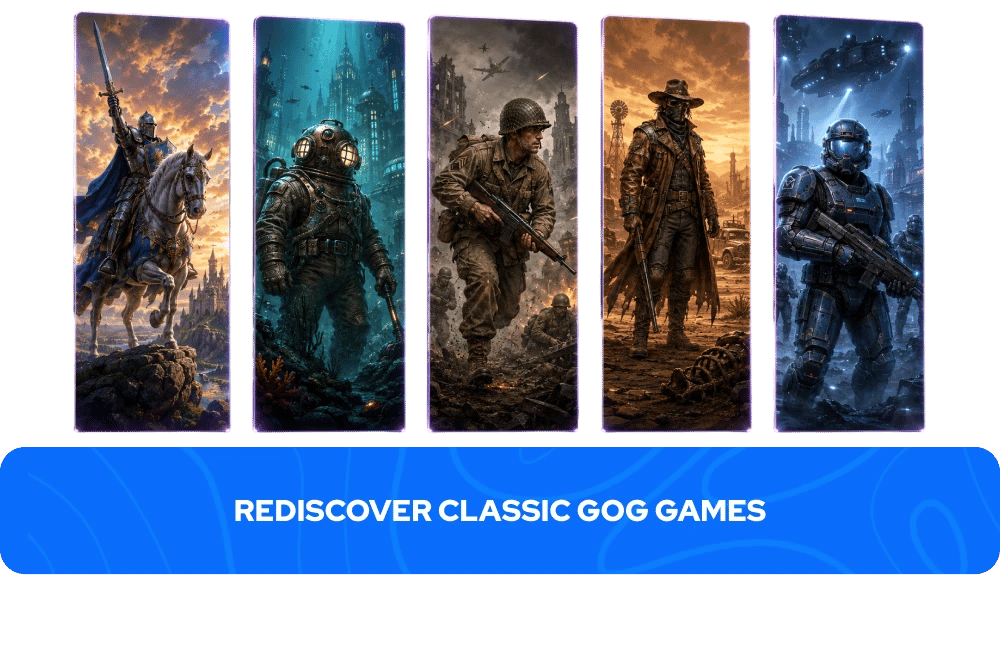
One of GOG’s defining features is its commitment to preserving gaming history. Long before it became a destination for modern AAA releases, GOG earned its reputation by bringing classic PC games back to life. Many older titles have been updated to run smoothly on modern versions of Windows, making it easy to revisit legendary adventures without complicated fixes or compatibility patches.
Some of the most beloved classics on GOG include:
Manage Your Library with GOG Galaxy
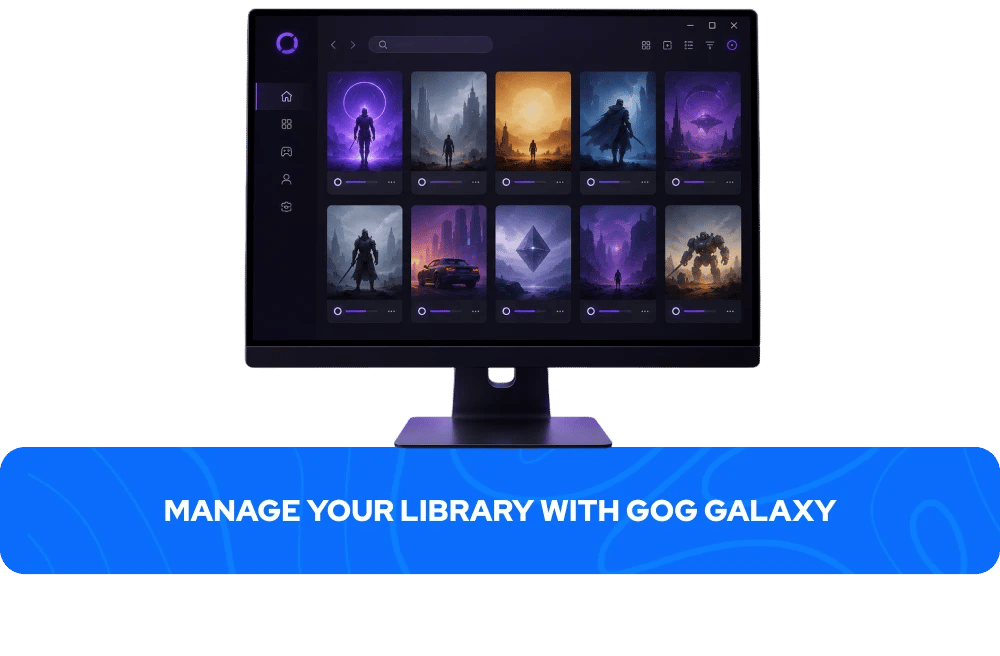
While GOG games can be downloaded directly from your account, many players choose to use GOG Galaxy, the platform’s optional desktop application.
GOG Galaxy helps organize your gaming experience by allowing you to:
Manage your GOG game library from one place.
Automatically update installed games.
Track achievements and playtime.
Sync cloud saves for supported titles.
Connect libraries from other supported platforms, making it easier to manage your collection.
Whether you prefer launching games directly or using GOG Galaxy, you’ll always have access to your purchases whenever you need them.
How to Redeem a GOG Key
Redeeming your GOG game is quick and easy:
Sign in to your GOG account or create one if you don’t already have one.
Open the Redeem Code page on GOG.
Enter the game key you received from GameBoost.
Confirm the redemption to add the game permanently to your library.
Download the game through GOG Galaxy or directly from your GOG account and start playing.
Once redeemed, your game will remain available in your library whenever you want to download or reinstall it.
More Game Keys on GameBoost
FAQs About GOG Game Keys
GOG (Good Old Games) is a digital game distribution platform operated by CD Projekt. It specializes in DRM-free PC games, offering both classic favorites and modern releases from a wide range of publishers.
Most games sold on GOG are DRM-free, allowing you to install and play them without mandatory online authentication. Some titles may include additional online features, so always check the product page for specific details.
Yes. One of GOG’s biggest advantages is that most games can be played offline after installation, making the platform popular among players who value flexibility and ownership.
No. GOG Galaxy is optional. You can download installers directly from your GOG account if you prefer not to use the launcher.
Yes. Once a game has been redeemed to your GOG account, it remains in your library, allowing you to download or reinstall it whenever you need.
Most GOG keys support activation in multiple regions, but some products may have geographic restrictions. Always review the product page before purchasing.
GameBoost delivers digital keys instantly after your payment has been successfully processed, allowing you to start downloading your game right away.