

•Filip Premuš• 9 min read
Call of Duty

Call of Duty runs on Activision accounts, which store your progression, unlocks, and purchases across all titles. Losing access to that account means losing everything tied to it, from a forgotten password to a compromised email or a full account takeover.
Activision does offer recovery options, but the process isn't always straightforward, and knowing which steps to follow can save you a lot of time. In this article, we'll explore the different ways to recover your Call of Duty account, from resetting a forgotten password to submitting a hacked account recovery request through Activision Support.

If your account was hacked and your login details changed, you'll need to create a temporary Activision account and submit a recovery request. The process takes up to 2 days.
To recover a hacked account, you must link a platform account (Xbox, PlayStation, Steam, Battle.net, or Ubisoft) that was previously connected to the compromised account.
If you still have access to your registered email, resetting your password takes minutes through the Forgot Password option on the Call of Duty or Activision login page.
Password reset links expire after 24 hours, and Activision cannot manually change account details if you've lost access to your registered email.
After recovering your account, enable 2FA, review all linked platform accounts, and switch to an email address you actively control.
Avoid using work or .edu email addresses on your Activision account, as losing access to those can permanently lock you out.
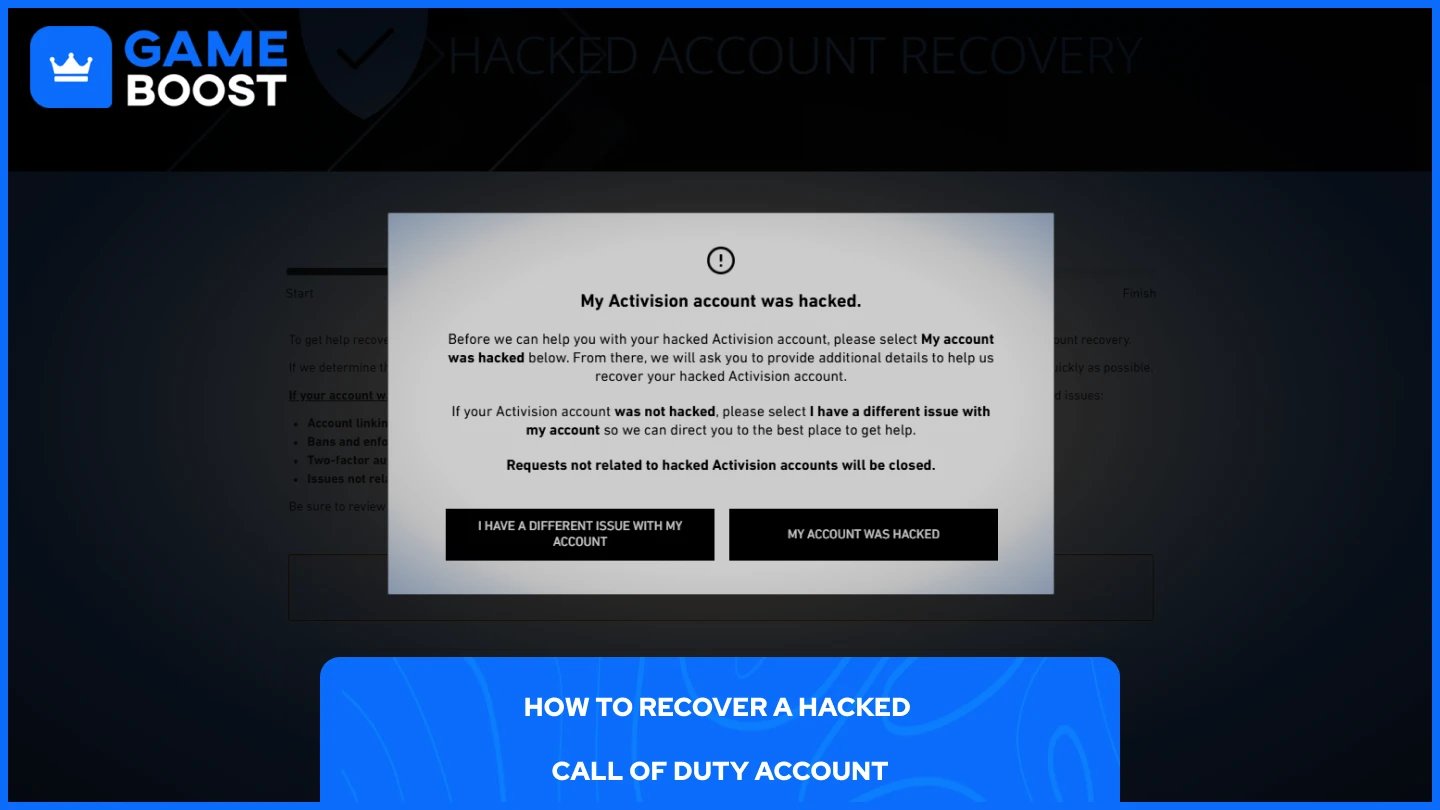
If someone has taken over your account and changed your login details, the standard password reset won't work. Activision's hacked account recovery process requires you to create a temporary Activision account to submit a recovery request, and you'll need to link a platform account, Xbox, PlayStation, Steam, Battle.net, or Ubisoft, that was previously connected to the hacked account.
To submit a recovery request:
Select "My account was hacked."
Choose what happened: unknown account linked, details changed, or full account takeover.
Create a temporary Activision account using a valid email.
Link a platform account that was originally tied to your hacked account.
Fill in the required account details and submit the request.
Requests can take up to 2 days to process, and you'll be notified via email once it's complete. If Activision confirms the account was hacked, they'll work to restore your original progress, stats, and content. Do not make any purchases on the temporary account, as progress and purchases cannot be transferred.
Also Read: Black Ops 7 Season 2 Battle Pass Guide: Tiers and Rewards
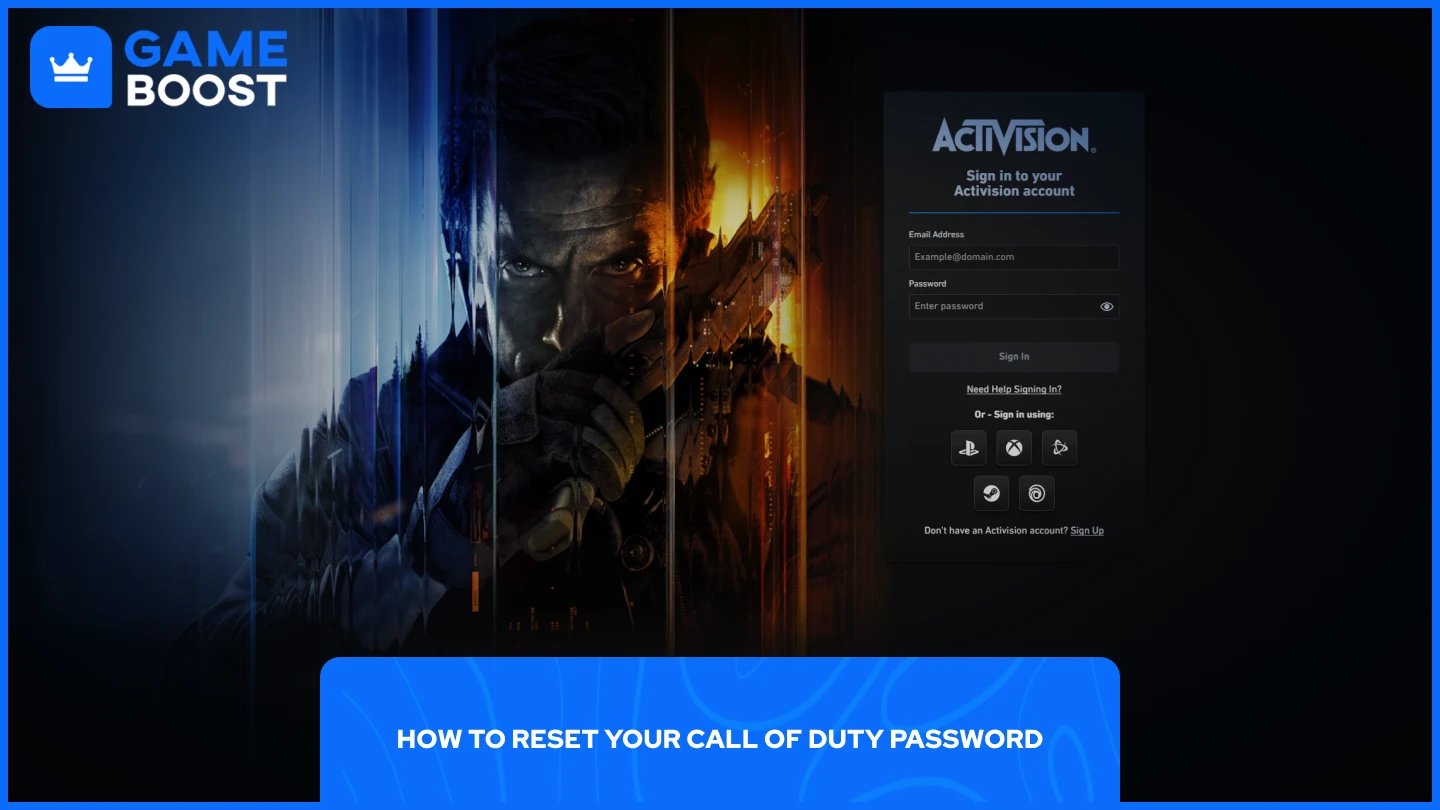
If you still have access to your registered email, resetting your password is straightforward. After submitting a reset request, a password reset link is sent to the email address associated with your Activision account. Note that the link expires after 24 hours.
To reset your password:
Go to profile.callofduty.com.
Click "Forgot Password."
Enter the email address linked to your account.
Check your inbox for the reset link.
Follow the link and set a new password.
If you no longer have access to the email address on your account, you won't be able to reset your password through this method. In that case, Activision Support may also be unable to change account details due to privacy and security policies, so your best option is to go through the hacked account recovery flow described above.
Also Read: How to Get Tempest Camo in Black Ops 7
Once you're back in, the priority is making sure it doesn't happen again. Regularly updating your password and staying cautious of phishing emails or messages that ask for your login information are two of the most effective habits to maintain. Beyond that, there are a few steps worth taking immediately after recovery:
Enable two-factor authentication (2FA) through your Activision account settings. This adds a second layer of verification every time someone tries to log in.
Update the email address on your account to one you actively use and have full control over. Activision strongly recommends avoiding work emails or .edu addresses, as losing access to those can lock you out of your account.
Review all linked platform accounts and remove any you don't recognize.
Set a strong, unique password that you don't use on any other platform.
These steps take a few minutes but significantly reduce the risk of losing access again.
Also Read: How to Get Infestation Camo in Black Ops 7
Recovering a Call of Duty account comes down to knowing which situation you're dealing with. A forgotten password is a quick fix through the reset flow, while a hacked account requires going through Activision's formal recovery process, which can take up to two days. Either way, the steps are manageable as long as you have access to a previously linked platform account or your registered email.
“ Mustafa Atteya has been writing about gaming and esports since 2023, specializing in competitive game content and player improvement guides. At 25, he brings both hands-on gaming experience and professional SEO writing expertise to the GameBoost team.”