
•Filip Premuš• 6 min read
Gift Cards
iTunes gift cards are still one of the most popular ways to load credit onto an Apple account—whether you're grabbing a subscription, downloading paid apps, or buying music and movies. And even though the "iTunes" name is fading in favor of "Apple ID balance," the cards still work the same. If you’ve got one in hand or in your inbox, here’s how to redeem it and where to apply it.
Also Read: How to Redeem Nike Gift Cards: Complete Guide
Redeem iTunes gift cards through the App Store or Settings on iPhone, iPad, or Mac.
Gift card balance converts into an Apple ID balance and works across Apple services.
You can use the iTunes card for subscriptions, games, in-app purchases, and iCloud.
Both physical and digital cards include a 16-digit redemption code.
Cards don’t expire in most regions, but region-locking applies (US card = US account only).
You can redeem an iTunes gift card directly from an Apple device or on a desktop. The card balance goes to your Apple ID, which you can then use for purchases across App Store, Apple Music, iCloud, and other Apple services.
Open the App Store app.
Tap your profile icon (top right).
Tap Redeem Gift Card or Code.
Use your camera to scan the code or enter it manually.
Open the App Store.
Click your name in the sidebar.
Choose Redeem Gift Card.
Enter the code when prompted.
Download and open iTunes for Windows.
Sign in with your Apple ID.
From the menu bar, choose Account > Redeem.
Enter your code to add the balance.
Also Read: How to Redeem Google Play Cards: Step-by-Step Guide
Every iTunes gift card includes a 16-digit alphanumeric code starting with "X."
On physical cards, it’s often hidden under a scratch-off label on the back.
On digital cards, it appears in the body of the email or webpage.
If you receive a screenshot or secondhand card, make sure the code hasn’t already been redeemed. Codes can only be used once.
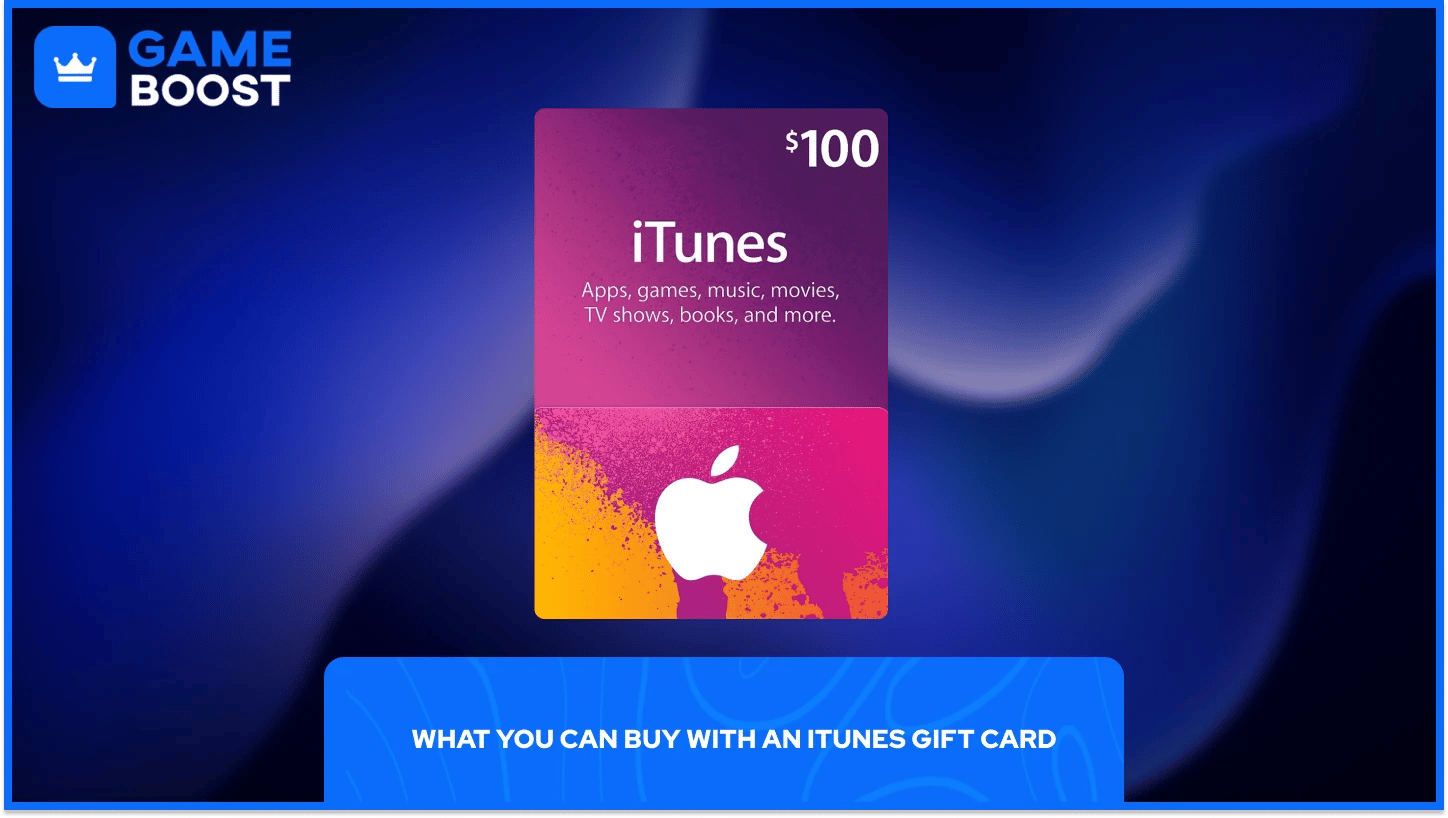
Once redeemed, the balance is available as Apple ID credit. You can spend it on:
App Store apps and games
Subscriptions like Apple Music, Apple TV, and iCloud+
In-app purchases and game currency
Music, movies, and shows from iTunes or the Apple TV app
Note: In most cases, you can’t use iTunes gift cards to buy hardware or accessories from the Apple Store. However, Apple Gift Cards in some regions do support physical product purchases—check local terms before redeeming.
Wrong Region: iTunes cards are region-locked. A U.S. card won’t work on a Canadian or European account.
Already Redeemed: If you see an error, someone may have already used the code—especially with secondhand or resold cards.
Apple ID Not Signed In: You must be logged into the Apple ID you want to load the balance onto.
If you run into problems, visit Apple Support and select "Billing & Subscriptions" to speak with an Apple advisor.
Not exactly. Older cards were branded as iTunes Gift Cards and only worked for digital purchases. Newer Apple Gift Cards (or Apple Account balance) can sometimes be used for both digital content and physical items like Apple hardware—depending on your country.
If you're unsure which one you have, look at the packaging. If it says "App Store & iTunes," it's for digital content only. If it just says "Apple Gift Card," it may be used across more Apple services.
Also Read: How to Redeem eBay Gift Cards: Step-by-Step Guide
Yes—but they're slowly being phased out. While you can still find "App Store & iTunes" branded cards in some stores or online retailers, Apple has mostly transitioned to using a unified Apple Gift Card. That new version combines app credit and hardware purchases under one balance, but both still work the same for digital redemptions.
An iTunes gift card adds credit to your Apple ID balance, which you can use to:
Buy paid apps and games
Subscribe to Apple services (like iCloud, Music, TV)
Make in-app purchases or game currency purchases
Rent or buy music, movies, and TV shows
You cannot use iTunes gift cards to send gifts, purchase other gift cards, or make purchases outside the Apple ecosystem.
Also Read: How to Redeem Binance Gift Cards: Everything to Know
A: No. iTunes cards only work within the Apple ecosystem—you’ll need an iPhone, iPad, Mac, or iTunes on Windows.
A: Yes. All redeemed balances stack under your Apple ID, and you can keep adding more cards as needed.
A: Absolutely. As long as you have credit in your Apple ID, it’ll be used first for any active subscriptions.
A: In most regions, they don’t expire. But if purchased from a third-party site, the seller may impose time restrictions on activation.
A: No. Once redeemed, the credit is locked to the Apple ID that used it. There's no official way to transfer funds.
iTunes gift cards are still a simple way to add credit to your Apple ID—whether you're treating yourself or giving someone else the flexibility to choose what they want. Just make sure you're signed into the right account, use a card that matches your region, and redeem it directly through the App Store or Settings. With a few taps, you're set to spend on anything from a game skin to extra iCloud space.
How to Redeem Adidas Gift Cards
How to Redeem Spotify Gift Cards
How to Redeem Apple Gift Cards
View all Entertainment Gift Cards
“ Filip Premuš is a seasoned gaming content writer specializing in titles like Steal a Brainrot, Old School RuneScape, and other popular online games. With a sharp focus on accuracy, updates, and in-game strategy, he creates comprehensive guides that help players stay ahead of the meta and make informed decisions.”