

•Filip Premuš• 6 min read
Gift Cards
Google Play is the official digital store operated by Google for Android devices and other compatible platforms. It serves as the marketplace where users can download Android apps, games, e-books, and in many regions, movies and TV shows.
Google Play cards are prepaid products that add credit to your Google Play balance, which you can then spend in the Google Play Store. These gift cards are widely available at retail stores and online platforms, making them a convenient option for purchasing digital content without linking a credit card or for gifting to others.
Many users receive these cards as gifts or prefer using them to manage their digital spending. However, the redemption process isn't always immediately obvious, especially for first-time users who aren't familiar with where to enter the code or what steps to follow. In this article, we'll explore how to redeem Google Play cards and where you can purchase these cards for yourself or as gifts.
Also Read: How to Redeem Apple Gift Cards: Step-by-Step Guide
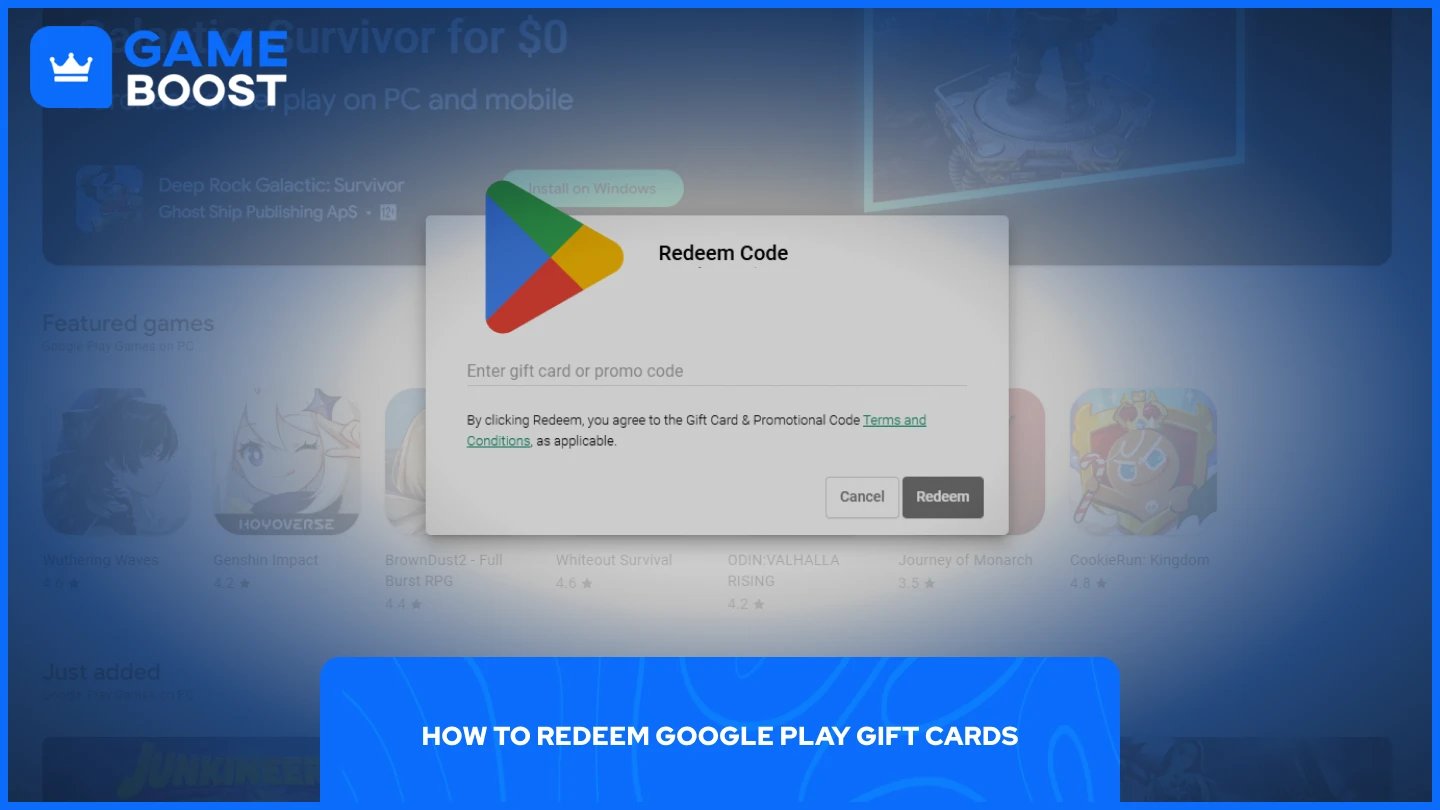
Google Play offers two straightforward methods for redeeming your gift card codes. You can choose either option depending on what's most convenient for you:
PC (through any web browser)
Android Devices (phones, tablets, etc.)
Each method has its own steps, but the outcome is the same. Your Google Play balance will be credited immediately after redemption, and you can start using it right away across the entire Google Play ecosystem.
Also Read: How to Redeem Xbox Game Pass Codes: Step-by-Step Guide
Redeeming codes on PC is straightforward. You can do it through any browser. Here's how:
Go to the Google Play code redemption page
Sign in to your Google account
Enter the code from your gift card
Click "Redeem"
The credit will appear in your Google Play balance within seconds. You can verify this by checking your payment methods in the Google Play Store. This method works on Windows, Mac, Linux, or any operating system with a web browser and internet connection.
On Android devices, the process is even simpler. The redemption feature is directly integrated into the Google Play Store app. Here's how:
Open the Google Play Store app on your device
Tap your profile icon in the top right corner
Select "Payments & subscriptions"
Tap "Redeem code"
Scan the gift card barcode or enter the code manually
Tap "Redeem"
The scanning option is particularly convenient if you have a physical card. Just position your camera over the barcode, and the app will automatically detect and enter the code. If scanning doesn't work or you have a digital code, you can type it in manually. The balance updates instantly once the redemption completes.
Google Play gift cards are available for purchase directly from Google's official website or at most major retail stores, including Walmart, Kroger, Target, 7-Eleven, and many other outlets. These cards typically come in denominations ranging from $10 to $100.
However, retail stores and official channels sell these cards at face value. A $25 gift card costs exactly $25 with no discounts or promotional offers. You're paying full price for the credit you receive.
Alternatively, you can purchase Google Play gift cards from third-party marketplaces like GameBoost, which offers them at prices below retail value. The platform provides 3-6% cashback on every purchase, combined with instant digital delivery, making it a solid option for anyone looking to save money on their Google Play purchases. The discount, combined with cashback, can add up quickly if you regularly buy apps, games, or in-game currency through the Google Play Store.
Also Read: How to Redeem League of Legends Gift Cards
Redeeming Google Play gift cards takes just a few clicks, whether you're using a PC or Android device. The process is identical for both methods, with your balance updating immediately after entering the code. If you purchase cards regularly, consider third-party marketplaces like GameBoost to get better value through discounts and cashback rewards.
“ Mustafa Atteya has been writing about gaming and esports since 2023, specializing in competitive game content and player improvement guides. At 25, he brings both hands-on gaming experience and professional SEO writing expertise to the GameBoost team.”