

•Hamza Rashid• 6 min read
Steal a Brainrot
Steal a Brainrot runs on a simple but addictive loop: steal brainrots from other players, earn more money, buy brainrots, and keep defending your base from everyone trying to do the same thing back to you. Once you get deep enough into that loop, running a single Roblox account starts limiting your Steal a Brainrot progression in ways that are hard to work around.
Before rebirthing, it’s recommended to store your most valuable brainrots on an alternate account, which tells you everything about how central a second account is to playing the game seriously. This article covers how to create a second Roblox account, how to use it as a dedicated storage base, and how to move brainrots between accounts without losing anything valuable.
A second Roblox account acts as a dedicated storage base for your most valuable Steal a Brainrot brainrots
Rebirthing wipes all cash and brainrots from your base, making an alt account the safest way to protect rare units during a reset
The transfer process relies on the steal mechanic and works best in a private server to avoid interference from other players
Private servers cost 79 Robux per month, but free links are regularly shared in the official Steal a Brainrot Discord
Roblox does not ban players for having multiple accounts, but any rule violation on one account can carry consequences across all linked accounts
A second account at maximum base capacity holds 27 brainrots across three floors, which requires reaching Rebirth 10
The Account Switcher in Roblox settings lets you manage up to five accounts from the same browser without logging out
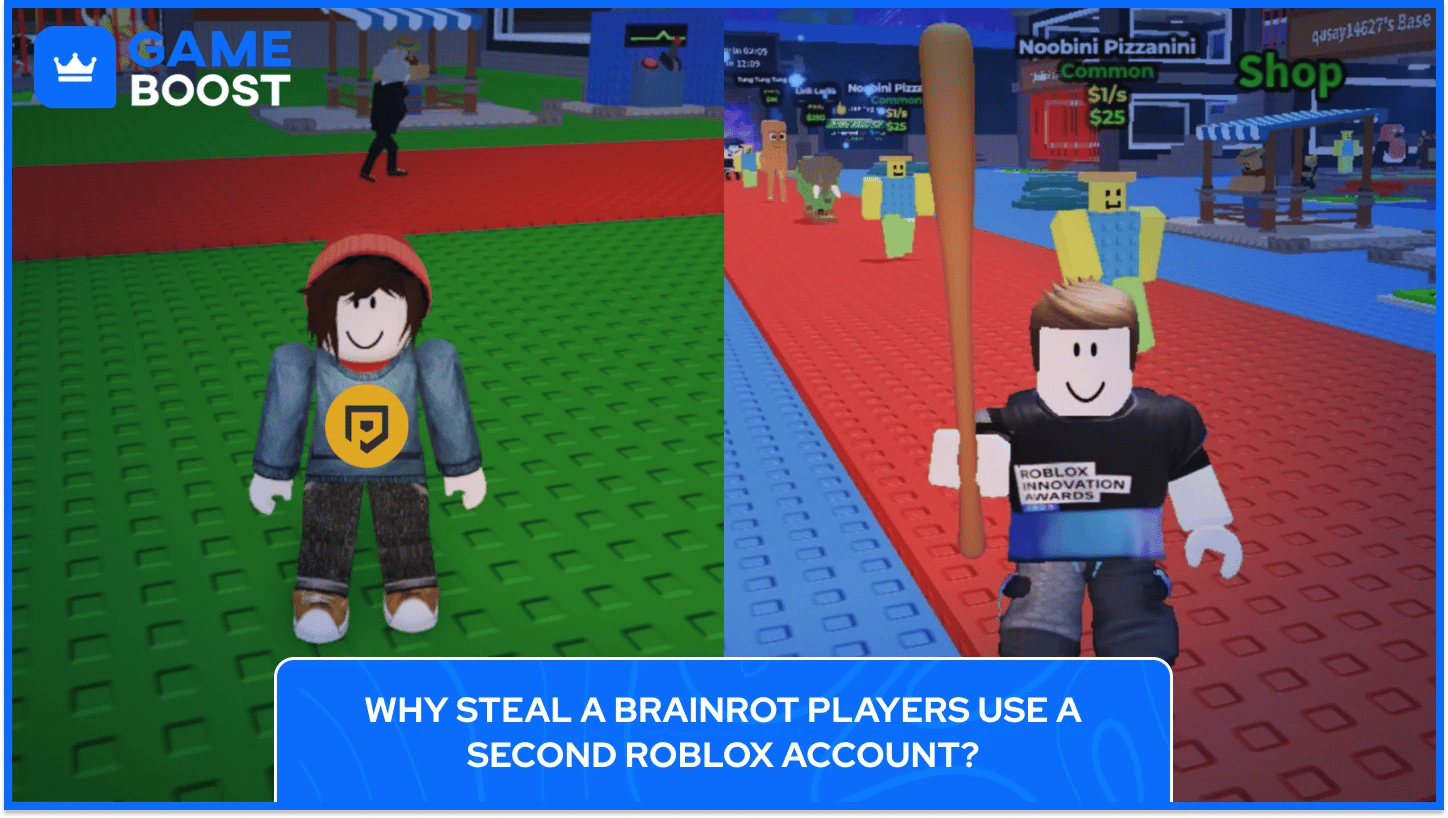
Most players who get serious about Steal a Brainrot hit the same wall at some point. They've built up a solid collection, they've got a few rare brainrots sitting in their base, and then the Rebirth system shows up and asks them to hand all of it back. Rebirthing in SAB resets your cash and wipes every brainrot from your base, but in return, you get permanent upgrades like higher cash multipliers, extra base slots, extended lock timers, and access to stronger gear in the Coins Shop.
The trade-off makes sense long-term, but losing a Mythic or a Secret brainrot you spent hours collecting is a brutal cost to pay for a multiplier bump. That's where a second account becomes genuinely useful. By coordinating with a second Steal a Brainrot account before rebirthing, you can move your most valuable brainrots out of your base, complete the reset on your main, and steal them straight back to get the rebirth bonuses and keep your rare collection intact.
Beyond Rebirth protection, a second Steal a Brainrot account gives you a permanent, dedicated storage base that nobody else can touch. Any brainrot sitting in your alt's base is completely safe from other players, since only the base owner and their approved Connections can pass through the gate. That makes the second Steal a Brainrot account a far more reliable safety net than trusting a friend, especially when high-value brainrots are involved.
A second account also lets you keep brainrots needed for future rebirths locked away in a separate base, so you can collect the next rebirth requirements in advance without risking them in public servers.
Also Read: Steal a Brainrot: How to Enable 2FA on Your Account
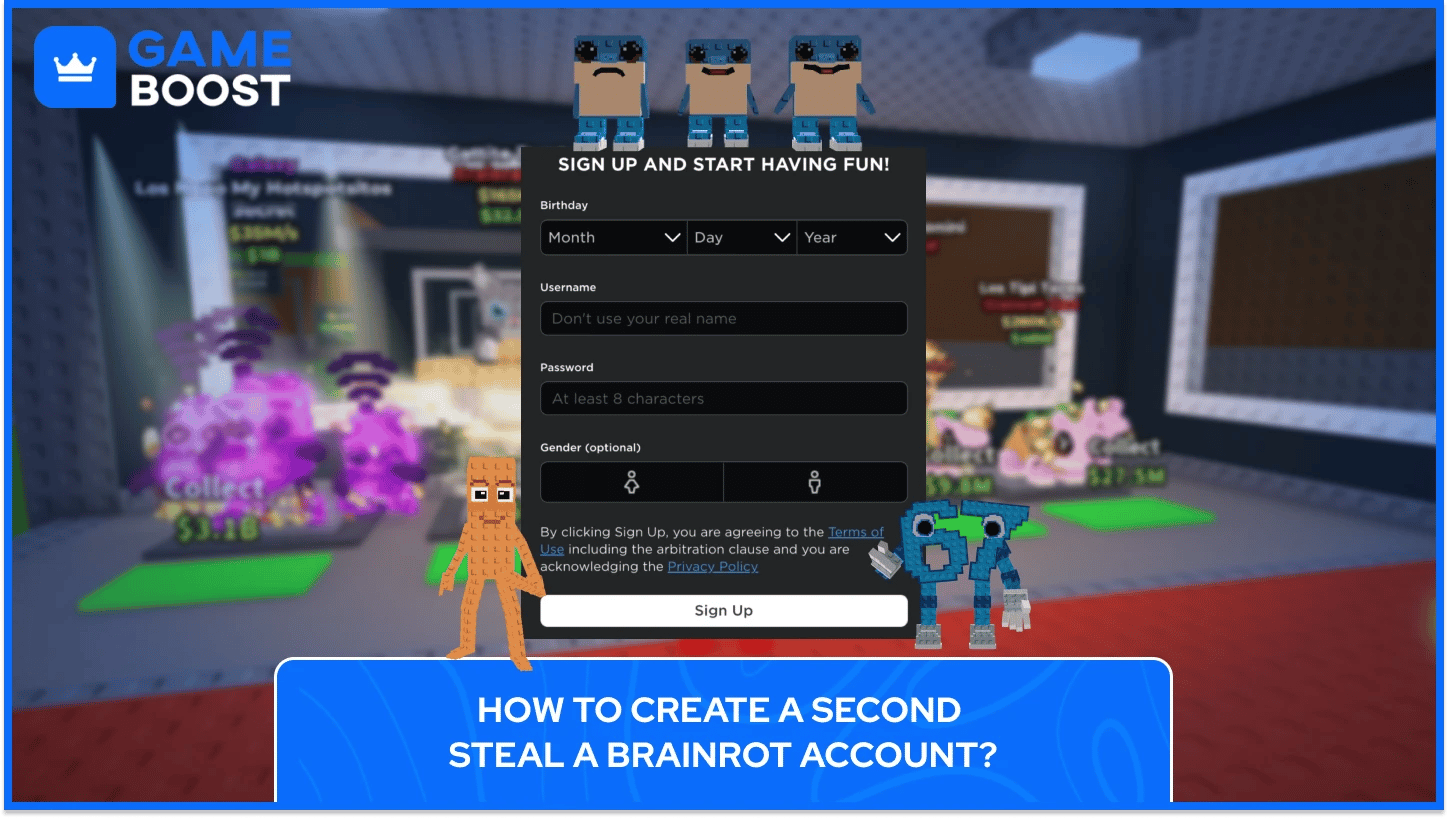
Steal a Brainrot doesn't have its own standalone account system. All progress, collected brainrots, and in-game status are tied directly to a Roblox account. Creating a second Steal a Brainrot account means creating a second Roblox account, and the process is the same as your first one.
To set up a second Roblox account, follow these steps:
Go to roblox.com and click Sign Up
Enter a date of birth, username, and password (use a unique username unrelated to your main account)
Complete the verification step and log in
Search for Steal a Brainrot and join a server to activate the account in-game
Roblox's Account Switcher lets you store up to five accounts and switch between them on the web, though the feature only works for users aged 13 and older and accounts without parent privileges. This makes switching between your main and alt accounts quick without logging out each time.
Roblox does not ban players simply for owning more than one account, as the platform's Community Standards and Terms of Service don't prohibit multiple accounts. The only scenario where having an alt becomes a problem is if it's used to evade an existing ban or break platform rules, in which case Roblox reserves the right to suspend or terminate alternate accounts connected to the same user.
For running both accounts at the same time on a single device, you can run multiple Roblox instances using the Roblox App, but you cannot use the same account across multiple sessions simultaneously.

There's no built-in trading system in Steal a Brainrot, so moving brainrots between accounts relies entirely on the stealing mechanic, and doing it safely requires a private server.
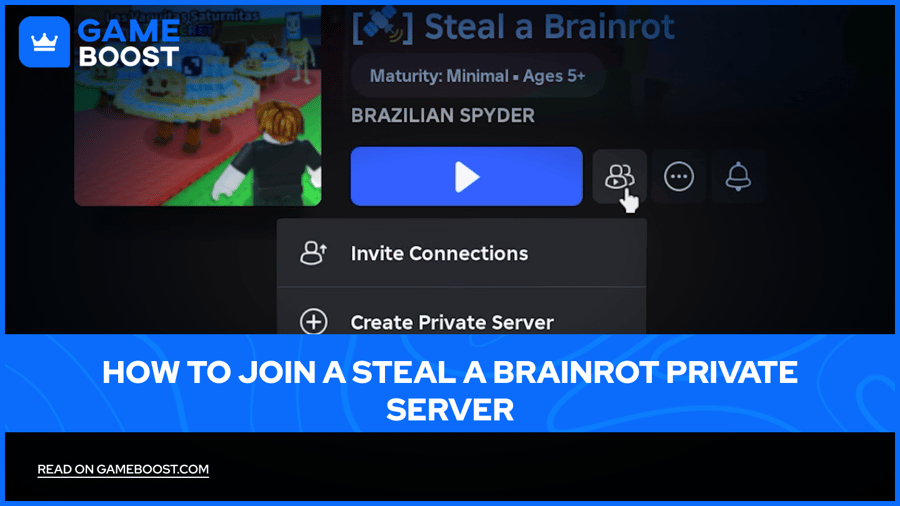
A private server in Steal a Brainrot costs 79 Robux per month as a recurring subscription. To create a private server, open the game page, scroll to the Socials section, press Create Private Server, pay the fee, and generate a URL to share. Once you have the server running, you can invite only the accounts you control, which removes the risk of anyone else jumping in and stealing your brainrots mid-transfer.
The transfer process of Brainrots in Steal a Brainrot between two accounts works like this:
Log in to your main account and join your private server
On a second device or browser, log in to your alt account and join the same server
Unlock your main account's base and have the alt account steal the brainrots you want to transfer
Once the alt has everything, rebirth on your main
After rebirthing, unlock the alt's base and steal the brainrots back to your main
When a player steals a brainrot, they get slowed down, stripped of all items, and the base owner gets alerted. In a private server with only your own accounts present this doesn't create any real risk, but the stealing process takes a few seconds per brainrot, so factor that in if you're moving a large collection before a rebirth.
If you don't want to pay for a private server, the official Steal a Brainrot Discord frequently has players sharing free private server links where you can coordinate the transfer. Just make sure the server is quiet enough that no one else is watching your base when it's unlocked.
Using a second Steal a Brainrot account as a second storage base sits well within Roblox's platform rules, but both accounts need to stay clean for the setup to keep working. If a user violates Roblox's Terms or Community Standards, Roblox can take action on different accounts determined to belong to the same user. Any rule violation on your main account can carry over to your second Steal a Brainrot account, and the same applies in reverse.
The main things to avoid with a second account in Steal a Brainrot are:
Using the alt Steal a Brainrot account to evade a ban on your main account is explicitly against Roblox's Terms of Service and can result in both accounts being suspended
Exploiting or scripting on either account puts both at risk, regardless of which one runs the cheat
Scamming other players during transfers or trades, even using a secondary account, can trigger moderation on all linked accounts
Outside of those scenarios, running a second Roblox account as another Steal a Brainrot storage base is standard practice across the community and poses no issue with the platform.
Also Read: How to Get 1x1x1x1 in Steal a Brainrot
Once both Steal a Brainrot accounts are set up, and you've run your first successful transfer, a few habits will make the whole system run much more smoothly. These are the practices that help when managing two Steal a Brainrot accounts:
Keep the alt account at a low rebirth level. The goal of the second Steal a Brainrot account is storage, not progression. A high-rebirth alt has longer lock timers, which can be useful, but it also requires more investment to maintain. Most players keep the alt at an early rebirth stage and focus all active grinding on the main.
Label which brainrots are stored on your alt account and which are on your main, either in a notes app or just a quick list on the side. When you're mid-rebirth and need to move fast, knowing exactly what's sitting where stops you from accidentally rebirthing with valuable brainrots still in your main's base.
Store the brainrots needed for your next several rebirths on the alt in advance to rebirth faster without needing to re-farm requirements each time. Stack multiple future rebirth requirements on the alt and pull them back whenever you're ready to reset.
Use the alt to scout servers before committing your main. If the server looks good, bring the main in. If it's full of high-rebirth players hunting for steals, move on without risking anything valuable.
Set up the Account Switcher in your Roblox settings to keep both accounts accessible from the same browser without logging out each time. This cuts down the friction of switching between accounts significantly, especially when you're in the middle of a pre-rebirth transfer.
Running two accounts becomes second nature fast. The first rebirth you complete without losing a single rare brainrot makes the whole setup feel worth the ten minutes it took to get running.

Running two Steal a Brainrot accounts simultaneously on a single device requires running two separate Roblox sessions, which is possible through the Roblox app but takes some setup. The most reliable option for most players is using a second device, such as a phone, for the alt account while the main runs on PC.
A base at maximum capacity across all three floors can hold up to 27 brainrots, with the first floor holding 10, the second floor 8, and the third floor 7. Reaching that capacity on an alt account requires getting to Rebirth 10, since the third floor unlocks at that point.
As long as the alt account stays logged in and the base lock timer is active, the brainrots are secure. The base locks automatically when you join a server, and no other player can enter without your permission. The main risk is logging the alt into a public server and forgetting to monitor it.
Admin Abuse events are hosted by SpyderSammy on Tuesdays and Saturdays at 3:00 PM EST and are open to any player in the server. A second account can join these events the same as any other account, which makes it possible to farm high-tier brainrots on the alt and transfer them to the main afterward.
Getting through the Steal a Brainrot Rebirth system without losing your rare collection separates players who progress fast from those who spend hours re-farming the same brainrots repeatedly. A second Roblox account removes that problem completely, and the further you get into the game, the more uses it picks up beyond just rebirth protection.
Early on, the second account handles pre-rebirth storage. As you push into higher rebirth levels and start collecting Secrets and Brainrot Gods, it becomes a permanent safe base for units that are too valuable to risk sitting in a public server. Scouting servers with the alt before bringing your main in, stockpiling future rebirth requirements in advance, and running transfers through a private server are all habits that compound over time and make the grind noticeably faster.
Steal a Brainrot Accounts for Sale
“ Kristina joined GameBoost in 2024 as an SEO specialist and quickly became the go-to writer for third-person shooter and competitive games. She covers titles like Fortnite, Valorant, League of Legends, GTA 5, and Roblox, focusing on how-to guides, practical tips, and updates.”