
•Hamza Rashid• 6 min read
Steal a Brainrot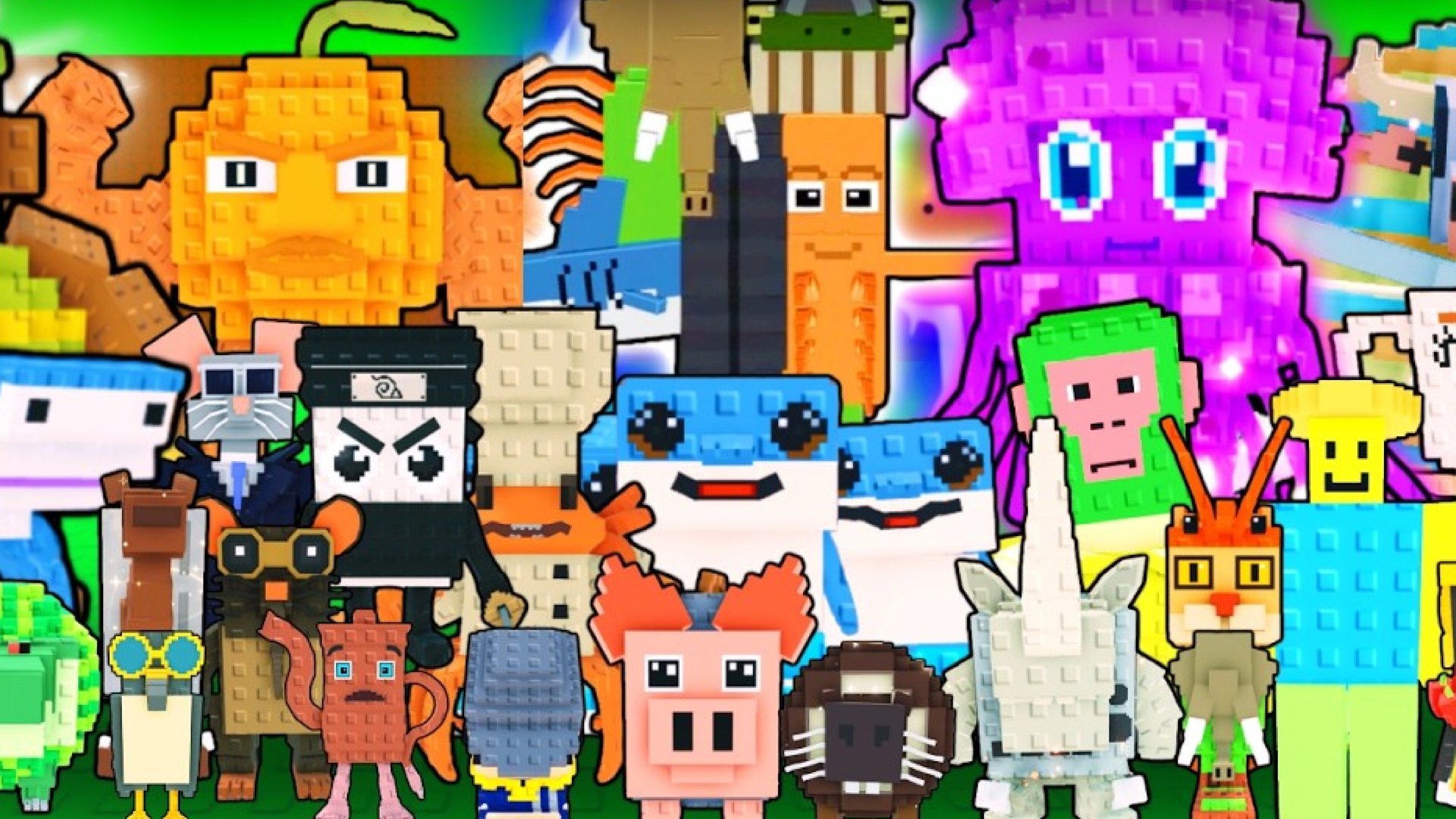
Steal a Brainrot is a Roblox tycoon game developed by Brazilian Spyder, where players build a base of Italian Brainrot characters that generate cash over time. The game revolves around stealing Brainrots from other players' unlocked bases and defending your own, with rarer characters capable of generating hundreds of thousands of dollars per second.
Enabling two-factor authentication on your Roblox account adds a second layer of security beyond your password. Roblox supports several 2FA methods, including email verification, authenticator apps, security keys, and passkeys, giving you flexible options depending on how much protection you want.
In this article, we'll explore how to set up 2FA on your Roblox account step by step, the differences between each available method, and which option offers the best protection for your Steal a Brainrot progress.

Roblox offers three 2FA methods: Email, Authenticator App, and Security Keys.
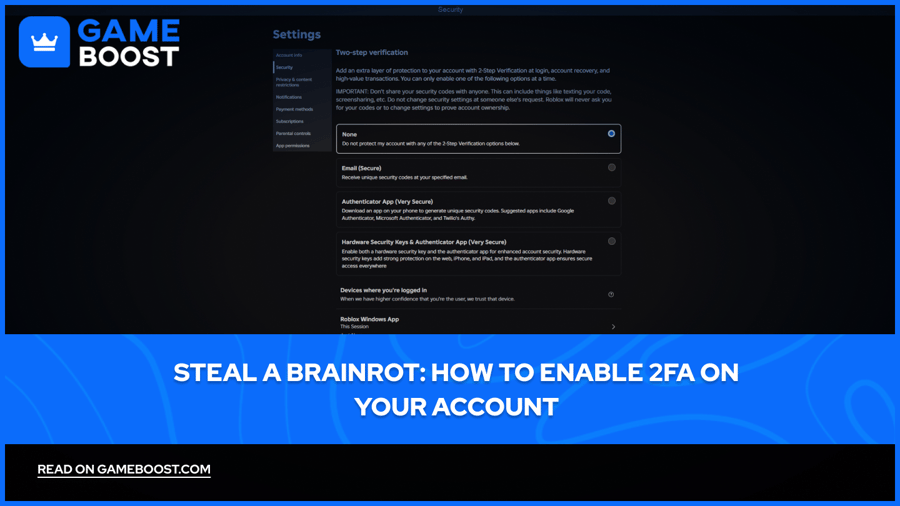
To enable 2FA, go to Settings > Security and select your preferred verification method under the 2-Step Verification section.
The Authenticator App is the best option for most players, generating time-based codes that work offline and are harder to intercept than email codes.
Security Keys offer the highest level of protection, but require Authenticator 2FA to be active first before they can be set up.
When setting up an Authenticator App, Roblox provides backup codes. save these immediately, as they're your main recovery option if you lose access to the app.
If you lose access to both your 2FA method and backup codes, you'll need to contact Roblox Support and verify your identity through account details, with no guarantee of recovery.
Enabling 2FA on Roblox takes less than five minutes. The steps are the same regardless of which verification method you choose, with only minor differences at the end depending on your selection:
Log in to your Roblox account, click “More”, and go to “Settings.”
Click on the Security tab.
Under the 2-Step Verification section, choose your preferred method: Email, Authenticator App, or Hardware Security Keys & Authenticator App.
Follow the on-screen prompts to complete the setup for your chosen method.
For the Authenticator App option, you'll need to scan a QR code using an app like Google Authenticator or Microsoft Authenticator on your phone. Once enabled, you'll be asked to enter a unique code from the app every time you log in with your password. For Email, Roblox will send a verification email whenever you attempt to log in from a new device.
Also Read: All OG Brainrots in Steal a Brainrot
Roblox offers three 2FA methods, and they're not equal in terms of security. Here's how they compare:
Method | Security Level | Best For |
|---|---|---|
Basic | Casual players with no sensitive account data | |
Authenticator App | Strong | Most players, good balance of security and convenience |
Hardware Security Keys & Authenticator App | Highest | High-value accounts with rare Brainrots or large Robux balances |
Email is considered the least secure option, while passkeys and security keys offer the strongest protection. The main weakness with email 2FA is that anyone who also has access to your email account can bypass it entirely.
The Authenticator App is the most practical choice for the majority of players. The codes it generates are time-based and work without an internet connection, making them harder to intercept compared to email codes. Security Keys provide the highest level of protection, but require Authenticator 2FA to be enabled first before they can be set up.
Also Read: All Brainrot Gods in Steal a Brainrot
Losing access to your 2FA method can lock you out of your account entirely, so Roblox provides a few fallback options.
When setting up an Authenticator App, Roblox generates a list of backup codes that can be used in place of your authenticator app codes if you ever lose access to the app or accidentally delete it. Save these codes somewhere secure when you first set up 2FA, as they're your primary recovery option.
If you have 2-Step Verification enabled and lose access to your primary method, you'll need two different verification methods on your account to successfully recover access. Accounts without sufficient backup methods may be unable to regain access. This makes it worth adding a secondary method during setup.
If you've exhausted your backup codes and still can't get in, contact Roblox Support directly. They'll ask you to verify your identity through account details such as your original email address, billing information, or the date the account was created. Recovery through support is not guaranteed, which is why keeping backup codes saved is critical from the start.
Also Read: All Mythic Brainrots in Steal a Brainrot
Securing your Roblox account with 2FA is a step that's easy to overlook until it's too late. In a game like Steal a Brainrot, where rare characters take real time and money to accumulate, losing your account to unauthorized access isn't a risk worth taking.
The Authenticator App is the best option for most players, offering strong protection without much added inconvenience. Whatever method you go with, make sure you save your backup codes somewhere safe when setting it up. Roblox's account recovery process is limited, and without those codes, regaining access becomes significantly harder.
Steal a Brainrot Accounts for Sale
“ Mustafa Atteya has been writing about gaming and esports since 2023, specializing in competitive game content and player improvement guides. At 25, he brings both hands-on gaming experience and professional SEO writing expertise to the GameBoost team.”