
.png)
•Hamza Rashid• 6 min read
Steal a Brainrot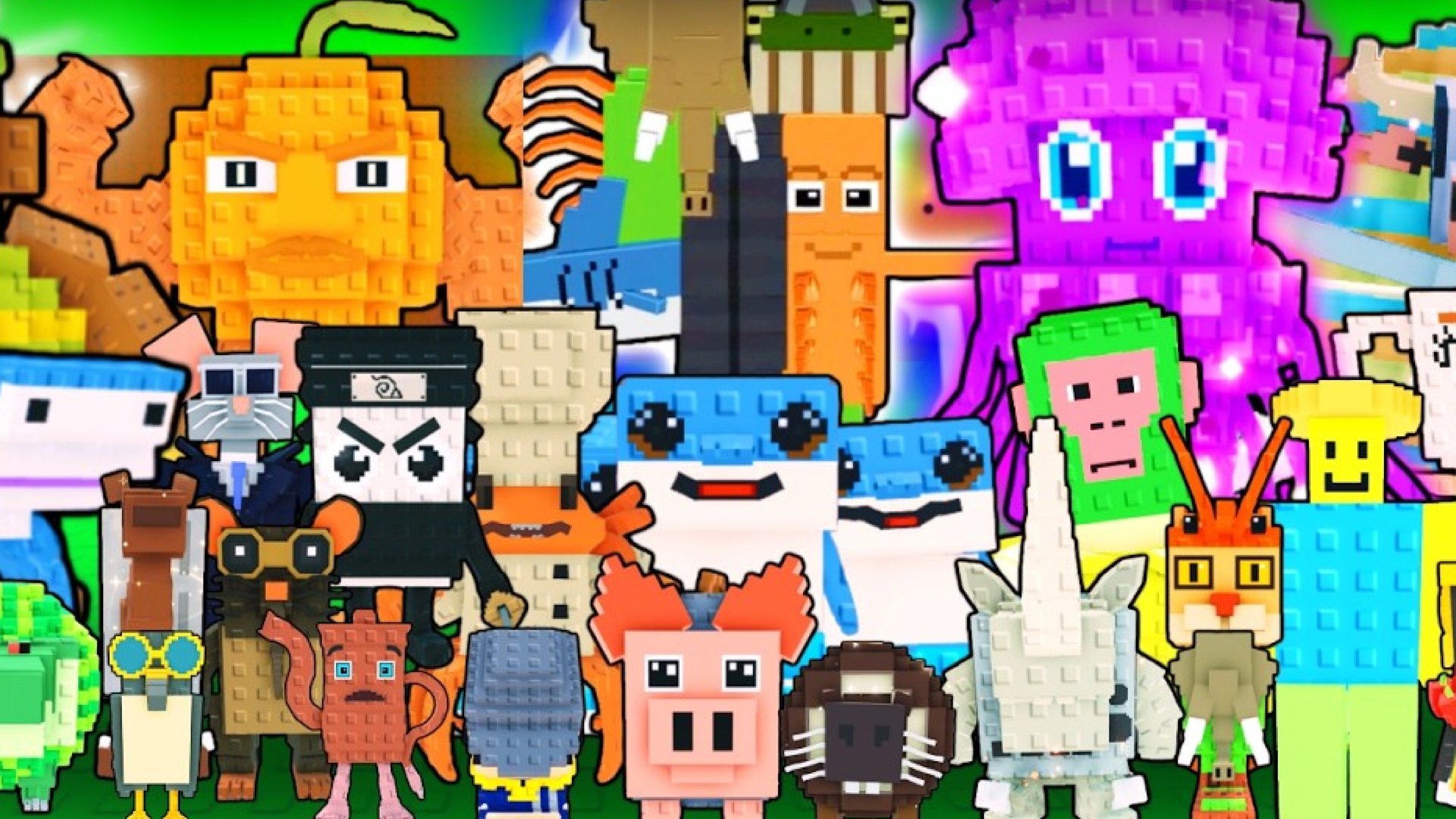
Steal a Brainrot puts each player in charge of a personal base filled with collectible Brainrot characters, and any player who walks past that base can steal a character standing outside it. A private server closes that base off to everyone except an invited group, cutting out random theft entirely.
Setting one up or joining an existing one happens directly inside the Steal a Brainrot game page on Roblox, without any outside tools or downloads. A private server costs 79 Robux per month and renews automatically until the owner cancels it, so budgeting for the subscription matters before committing to one.
The guide below covers how to create a private server, how to join one through a shared link, and how console players get access on a platform that blocks direct link joins.
Private servers cost 79 Robux per month, and the fee renews automatically on the same date each month until canceled.
Creating a server happens inside the Socials or Servers section where players name the server and pay to activate it.
Every server holds a maximum of eight players and the same limit applies to public and private lobbies alike.
Shared links open the server directly so clicking one while logged into Roblox loads the server and prompts entry.
Owners control access through the configuration menu and they can restrict entry to friends, add specific players, or generate a fresh link.
Console players cannot join through a pasted link the owner has to add them directly inside the server settings.
Gameplay stays identical inside a private server the spawn rates, prices, and mechanics match public lobbies exactly.
A private server does not alter any of the mechanics inside Steal a Brainrot. Brainrot spawn rates, item prices, and rebirth requirements stay identical to a public lobby, so a private server functions as a filtered version of the same game, not a separate mode.
The real change sits in who gets to walk through a base. Public lobbies fill with random players who can steal an unguarded Brainrot within seconds of a server loading in. A private server limits that same base to a chosen group instead. Farming a rare Brainrot or testing a base layout gets far less stressful once random players stop walking through the door.

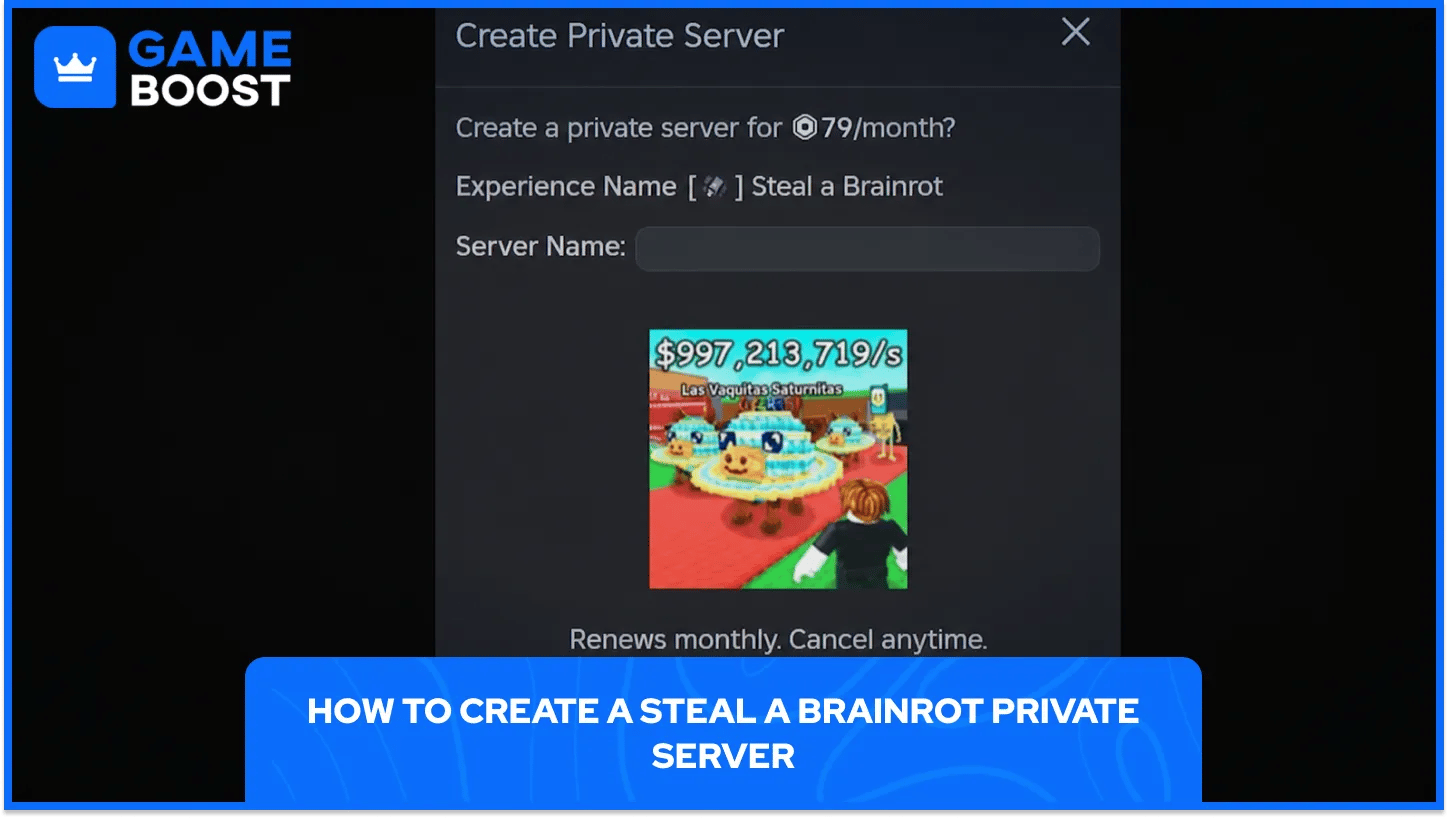
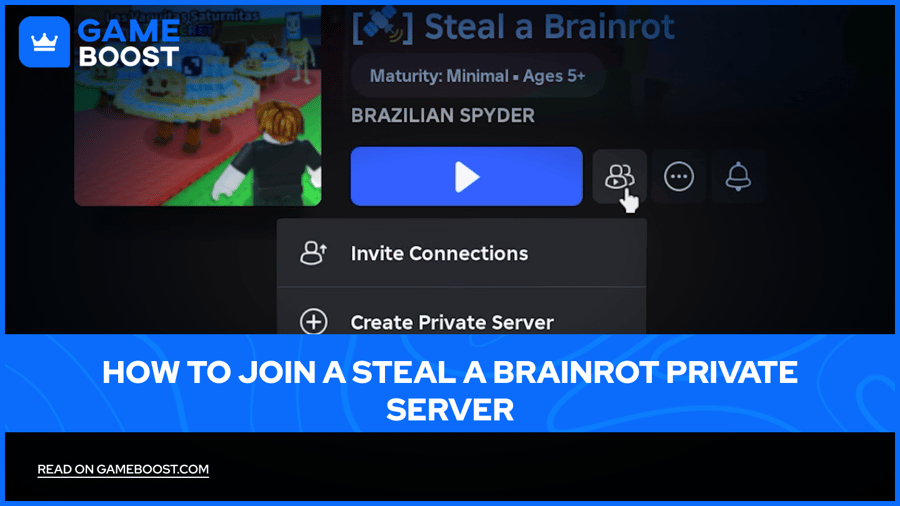
Creating a Steal a Brainrot private server takes place entirely on the game page, without any third-party sites or extra software. The option sits inside the Socials section on desktop and the Servers tab on mobile, both leading to the same setup screen.
The full process runs through a short sequence of steps.
Open the Steal a Brainrot game page: load the game through Roblox on a supported platform.
Scroll down to the Socials or Servers section: this sits below the main game description and badges.
Select the Create Private Server option: the button sits on the right side of that section.
Name the new server: a clear name helps identify it later inside the servers list.
Subscribe and pay the Robux fee: Roblox deducts 79 Robux immediately once the payment confirms.
Join the newly created server: a Join button appears the moment the server finishes generating but remember at any given time there can only be a maximum of 8 people in the server.
Once the server exists, a configuration menu opens up access to further settings. Renaming the server, restricting entry to friends only, and generating a shareable link all live inside that same menu, and none of those changes affect the monthly subscription price.
The charge repeats automatically on the same date each month until the owner cancels the subscription from the server settings. Canceling stops future renewals but does not refund the current billing period, so an owner planning to step away from the game benefits from canceling ahead of the next renewal date.
A shared link offers the fastest way into a Steal a Brainrot private server without setting one up personally. Server owners generate these links from the configuration menu and pass them along to friends, guildmates, or trading partners.
Getting inside one follows a short set of actions.
Log into the Roblox account first: the link only works when a player stays signed in already.
Click the private server link: this opens the Steal a Brainrot game page in a browser or app.
Confirm the prompt to launch Roblox: the page automatically detects the private server and offers a direct entry point.
Wait for the server to load: the game launches straight into the private instance instead of a public lobby.
Reconnecting to the same server later does not require saving the original link. Returning players can find the server again through the servers list on the Steal a Brainrot game page, provided the owner kept the subscription active.
Links do go inactive once an owner cancels a subscription or removes a player from the allowed list. A dead link produces an error message instead of loading the server, and the fastest fix is asking the owner for a fresh link or checking the public servers list for that same server name.
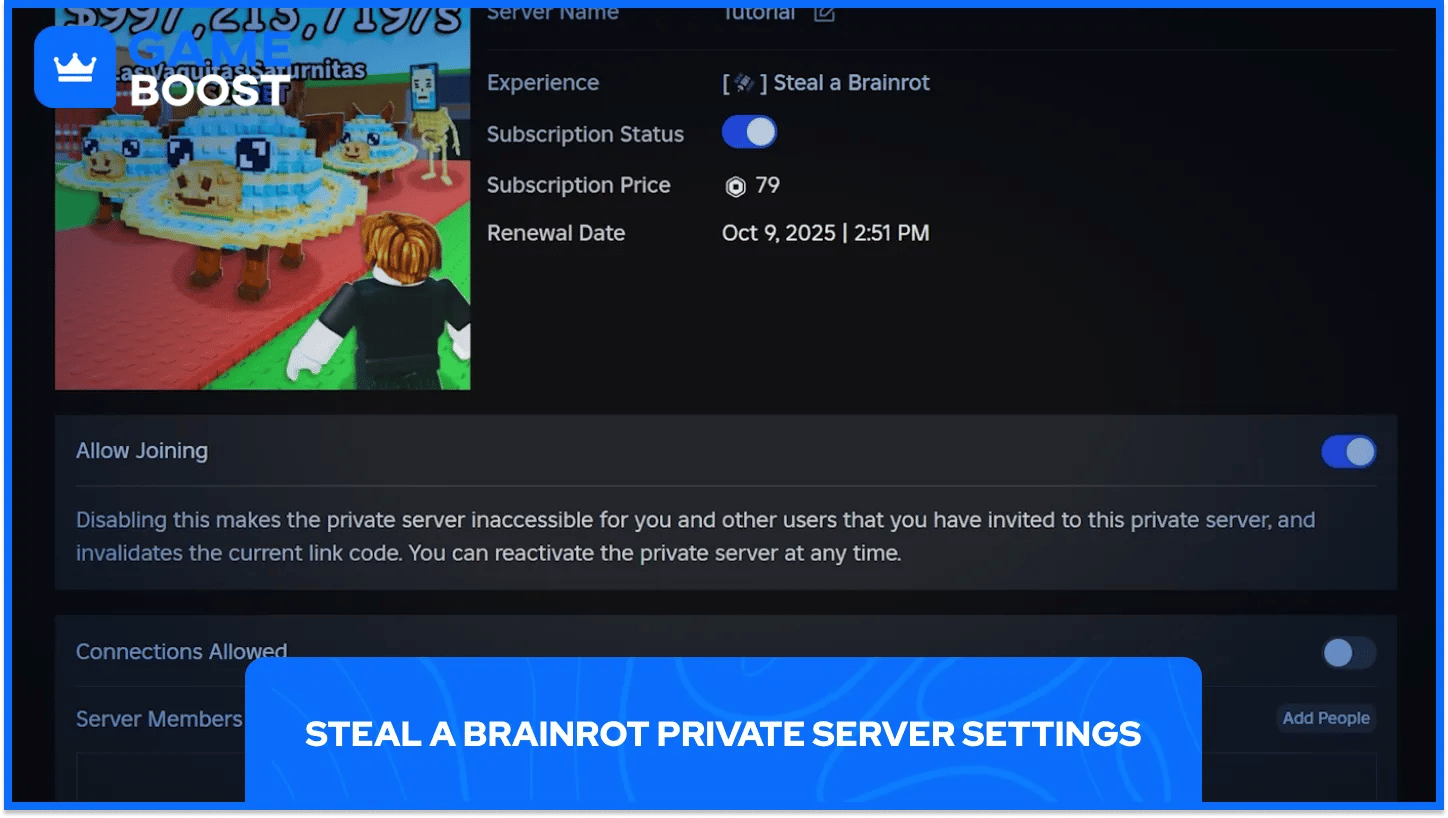
Every private server ships with a configuration panel that controls exactly who gets inside. Each setting controls a different part of who gets access and how. You can access the configuration setting by pressing the three dots present next to your private server.
Setting | What It Controls |
|---|---|
Friends Only | Limits entry to the owner's Roblox friends list |
Invite Specific Players | Adds individual accounts by username, even outside the friends list |
Private Server Link | Generates a shareable URL that grants entry to anyone who clicks it while logged in |
Rename Server | Changes the display name shown in the servers list |
Subscription Status | Stops future monthly renewals without refunding the current period |
Combining Friends Only with the invite list gives an owner the tightest possible control, since only approved accounts ever see a Join button. Sharing a link publicly opens the door wider, and that setting works best for temporary trading sessions or one-off group farming runs instead of a server meant to stay private for the long run.
Age-based restrictions also apply automatically on Roblox, and accounts under thirteen can only enter private servers hosted by an existing friend regardless of what the owner configures inside the game. Older accounts can restrict who adds them to a private server through their own privacy settings, adding another control layer on top of whatever the server owner configures.
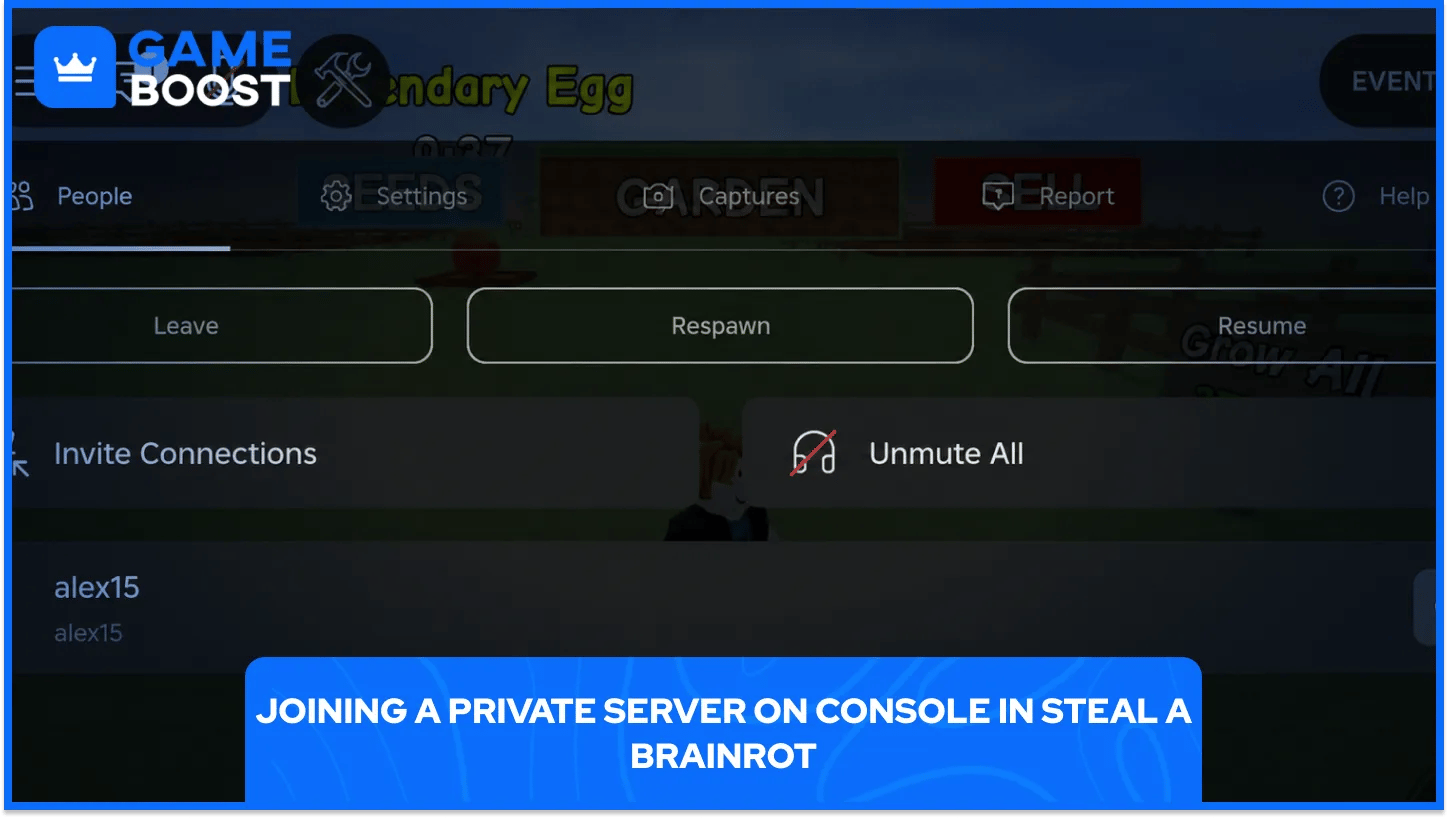
Console support for Steal a Brainrot private servers works differently from PC or mobile. A pasted link does nothing on PlayStation or Xbox, since consoles cannot open Roblox links directly through a browser the way desktop and mobile devices can.
Getting a console account into a private server requires a short workaround.
Create a Roblox account on PC or mobile first: this secondary account handles the setup work.
Add the main console account as a friend: the friend connection needs to happen from the secondary account.
Create or open the private server from the secondary account: any PC or mobile device works for this step.
Open the server configuration menu: the Customize option sits inside the same settings panel used for renaming.
Toggle on the Friends Allowed setting: this permission specifically opens the door for console accounts.
Switch to the console and join from the main account: the server should now appear as an available option.
Skipping the Friends Allowed toggle leaves the console account locked out even after the secondary account joins successfully. The toggle works as the actual gatekeeper for console entry, separate from any link or invite sent to other platforms.
Server owners planning a mixed group across PC, mobile, and console benefit from setting up Friends Allowed from the start instead of troubleshooting a locked-out console player later. Once enabled, the setting stays active for that server until an owner manually turns it back off.
Public lobbies fill up fast, and a fresh spawn next to an unguarded base often ends with a stolen Brainrot before the owner even loads in fully. Private servers remove that specific risk by keeping the player count limited to people the owner actually trusts.
Testing base layouts, running trades, or grinding toward a rebirth goal all move faster without random interference pulling focus away from the actual task. Groups of friends also get a shared space that behaves exactly like the main game, just without strangers wandering through mid-session.
A private server turns Steal a Brainrot from a race against strangers into a controlled space built around trust. Setting one up takes a few minutes and a small Robux fee, and the resulting server runs exactly like the main game without the theft that makes public lobbies stressful.
Groups that farm together on a regular basis get the strongest value from the subscription, since a shared and protected base saves more time across a full month than the fee actually costs. A peaceful grind, a safe trading spot, or a closed space for real-life friends all come from the same short setup process, and that process stays available on desktop, mobile, and console alike once the Friends Allowed setting gets configured correctly.
Steal an Egg Acccounts for Sale
“ Hamza is your average video game enthusiast who’s always looking for his next game to play. Whether he’s diving into a competitive multiplayer match, exploring a massive open world, or getting completely hooked on a new release, gaming has always been one of his favorite ways to spend his time. Over the years, his love for games has grown into a passion for understanding and sharing everything about them. Through his articles, Hamza aims to help gamers discover new games, improve their skills, stay up to date with the latest gaming news, and get the most out of their favorite titles.”