


•Hamza Rashid• 8 min read
Clash of Clans
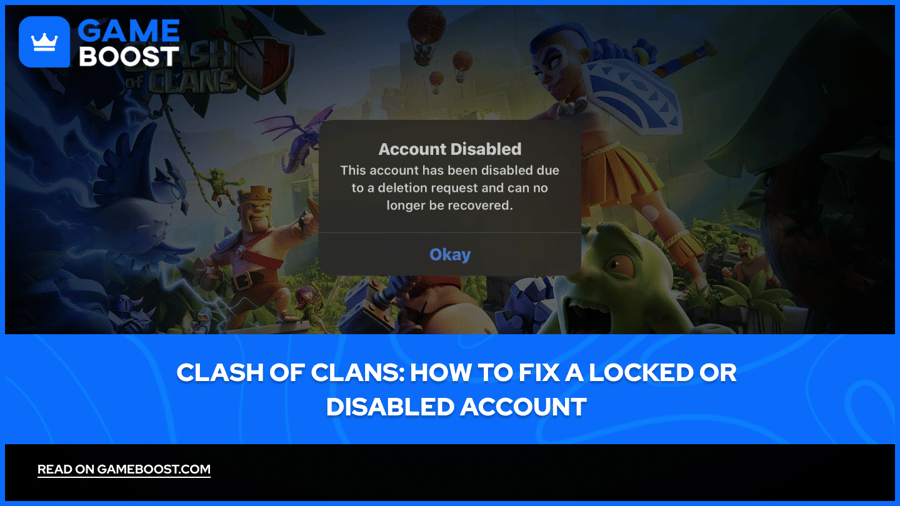
Getting locked out of a Clash of Clans account is more common than most players expect. It can happen for several reasons, including suspicious login attempts, a mistaken deletion request, or simply losing access to the linked Supercell ID, and when it does, years of progress suddenly become inaccessible.
Supercell does have a recovery process in place, but it's not always straightforward. In this article, we'll explain what causes accounts to get locked or disabled and walk you through exactly how to fix it.
Also Read: How to Recover Your Account in Clash of Clans
Clash of Clans accounts can get locked or disabled due to too many failed login attempts, suspicious activity, a deletion request, or a Terms of Service violation.
If your account was disabled following a deletion request, you have a 30-day window to contact Supercell before it's permanently gone.
To unlock your account, go to Settings > Help and Support inside the game and submit a request to a Supercell agent.
Supercell may ask you to verify ownership, having your in-game name, player tag, Town Hall level, and purchase history ready speeds the process up.
Once you recover your account, enable Account Protection through Supercell ID to block unauthorized recovery attempts.
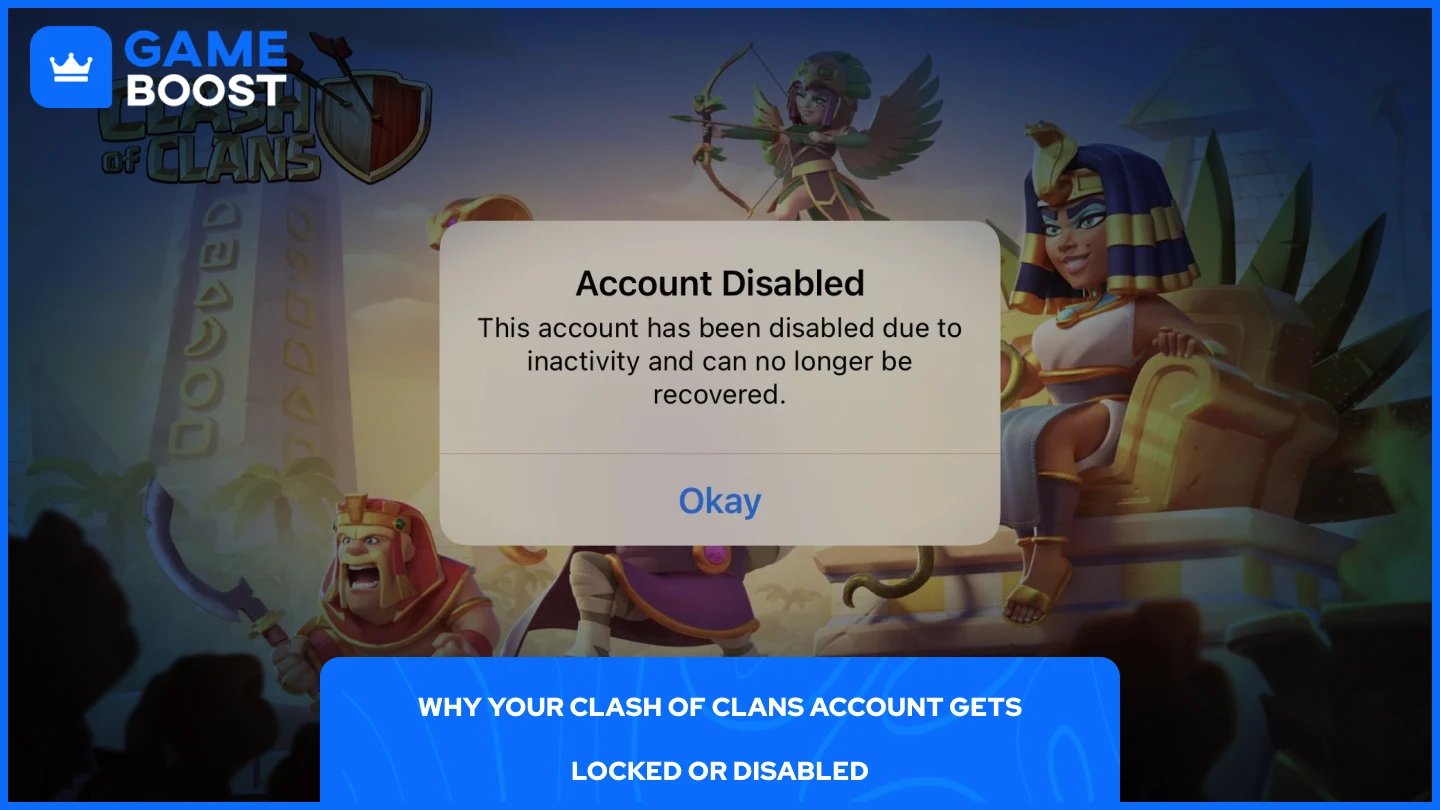
Supercell locks or disables accounts automatically when something flags as suspicious or when a specific action triggers their security system. It's rarely a manual decision, which means it can happen even if you haven't done anything wrong.
Reason | What Happens |
|---|---|
Too many failed login attempts | Supercell temporarily locks the account as a security measure |
Suspicious login from a new device or location | Account gets flagged and locked pending verification |
Deletion request submitted | Account is disabled and enters a 30-day deletion window |
Someone else accessed your account | Supercell may lock it if unauthorized access is detected or reported |
Account Protection feature triggered | A recovery attempt by someone else gets blocked |
Terms of Service violation | Account is permanently or temporarily banned |
If you're not sure why your account was locked, the in-game Help & Support section usually shows a message explaining the reason.
The process goes through Supercell's in-game support, so you'll need to access it from inside Clash of Clans. Here's how:
Open Clash of Clans and tap the gear icon to open Settings.
Scroll down and tap Help and Support.
Describe your situation clearly and follow the instructions
A Supercell support agent will typically respond within a few hours. They may ask you to verify account ownership by providing details like your in-game name, Town Hall level, approximate account creation date, or any past purchases. Answer as accurately as you can. You don't need to be exact on everything, but the more detail you provide, the faster the process goes.
If your account was disabled due to a deletion request, act quickly. Supercell gives a 30-day window before the deletion is permanent, so contacting support before that window closes is critical.
Also Read: How to Transfer a Clash of Clans Account to iPhone/Android
Once you get your account back, enabling Account Protection through Supercell ID is the most important step you can take. This feature prevents anyone from recovering or transferring your account without your direct approval, which stops unauthorized access attempts from ever getting through.
Beyond that, make sure your Supercell ID is linked to an email address you actively use. If Supercell ever needs to verify your identity or send a login code, that's where it goes. Using an old or rarely-checked email is one of the more common reasons players get stuck during recovery.
It's also worth avoiding third-party sites or services that claim to offer free Gems or account boosts. These often require your login credentials and are a fast way to get your account compromised or banned entirely.
Also Read: Clash of Clans Single Player Campaign Rewards

Unfortunately, no. Once the 30-day deletion period expires, the account is permanently deleted, and Supercell cannot recover it. If you submitted a deletion request by mistake or someone else triggered it without your knowledge, you need to contact Supercell support before that window closes. There's no workaround once the deadline passes.
It depends on the reason for the ban. Temporary bans expire on their own, while permanent bans can be appealed through Supercell support. That said, bans tied to cheating, botting, or Terms of Service violations are rarely reversed. If you believe your account was banned by mistake, submitting an appeal is worth trying.
You don't need to be completely accurate on everything. Supercell support understands that players don't always remember exact dates or clan names. Providing a close estimate is acceptable, just be as specific as you can.
Getting your Clash of Clans account back is manageable as long as you act quickly and go through the right channels. The in-game Help & Support is your best starting point, and having your account details ready makes the whole process faster. Once you're back in, set up Account Protection, it takes a minute and saves a lot of headache down the line.
Buy CoC Account
CoC Clans For Sale
Clash of Clans Top Up
View all GameBoost Accounts
View all GameBoost Boosting Services
View all GameBoost Currencies
View all GameBoost Game Keys
View all GameBoost Gift Cards
View all GameBoost Top Ups
View all GameBoost Items
Counter-Strike 2 Skins
“ Mustafa Atteya has been writing about gaming and esports since 2023, specializing in competitive game content and player improvement guides. At 25, he brings both hands-on gaming experience and professional SEO writing expertise to the GameBoost team.”