


•Hamza Rashid• 8 min read
Clash of Clans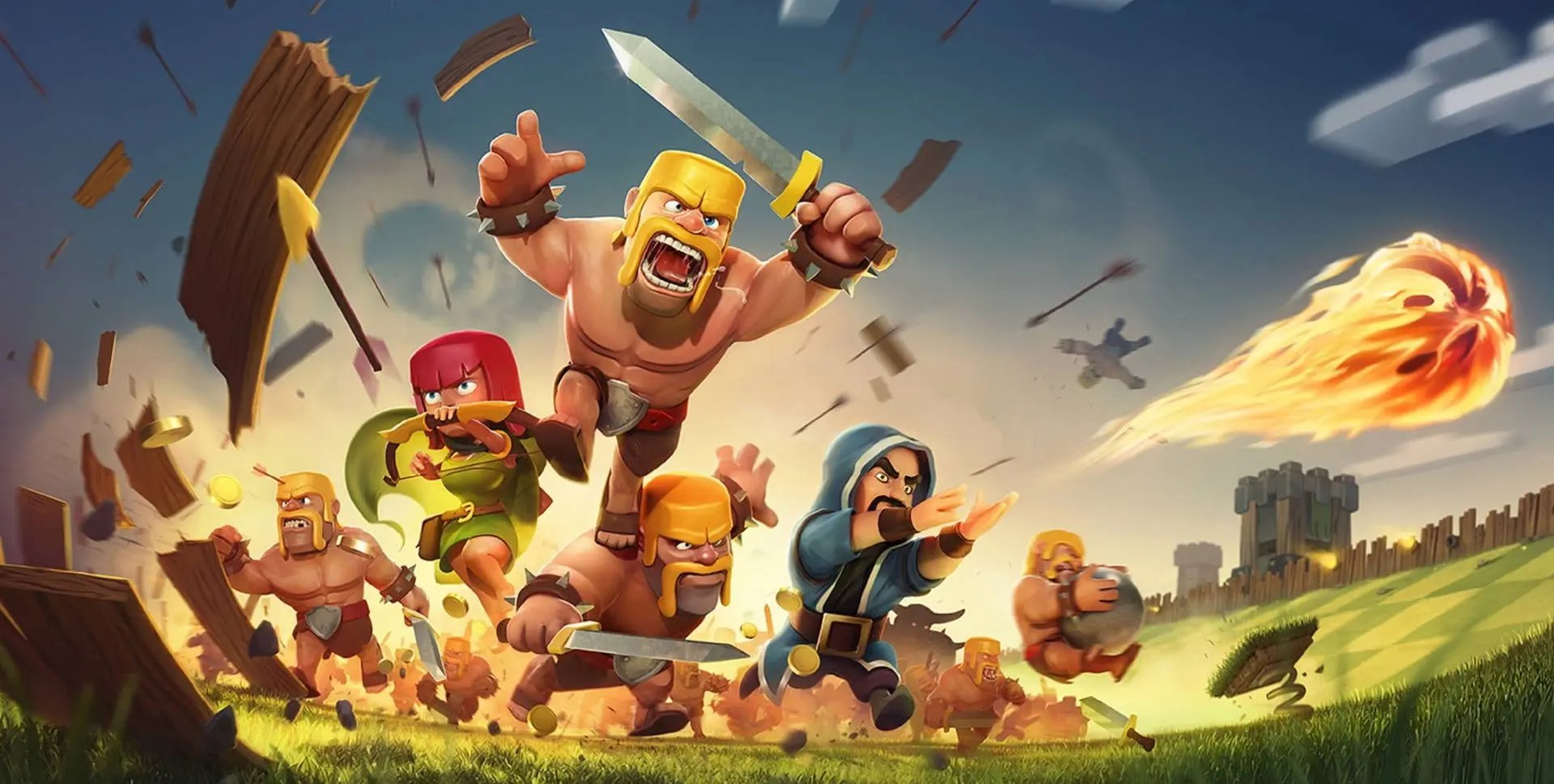
Clash of Clans is a free-to-play mobile strategy game. Released in 2012, the game has built one of the largest mobile gaming communities in the world, with millions of active players still logging in daily to raid villages and build up their bases.
Switching to a new phone doesn't mean starting over. Supercell built cross-platform account transfer directly into the game, so moving your village between an iPhone and an Android device is straightforward once you know the steps.
In this article, we'll explore how to transfer your Clash of Clans account to iPhone or Android, covering both methods so you can pick the one that works best for your situation.
Also Read: Clash of Clans Single Player Campaign Rewards
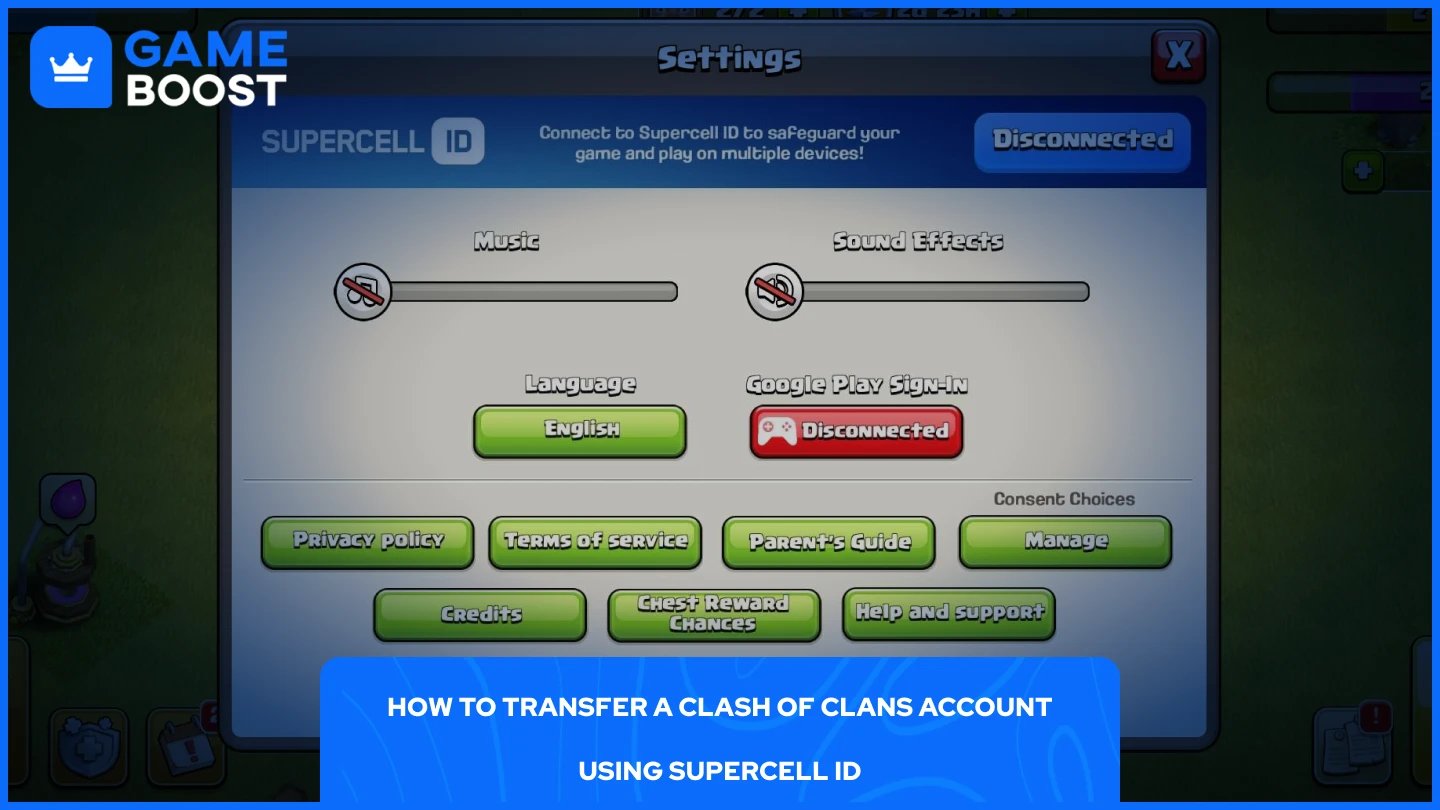
Supercell ID is the easiest and most reliable way to transfer your account. It works across both platforms, so it doesn't matter if you're moving from iPhone to Android or the other way around. If you haven't set one up yet, you'll need to do that first before starting the transfer.
To transfer your Clash of Clans account using Supercell ID:
Open Clash of Clans on your current device and tap the Settings icon in the bottom right corner.
Next to Supercell ID, click “Disconnected” and follow the on-screen steps to create an account using your email address.
Check your email for a verification code, enter it in-game, and confirm the link.
Install Clash of Clans on your new device and open it.
Select "Log in with Supercell ID" and log in with the same email and verification code.
Your village will load automatically on the new device.
Once logged in, your full progress, including your village, troops, and resources, carries over completely.
Also Read: How to Get More Builders in Clash of Clans
Losing or breaking your phone doesn't mean losing your village, as long as your account was linked to a Supercell ID beforehand. If it was, the recovery process is straightforward. If it wasn't, you'll need to contact Supercell support directly and provide as much detail about your account as possible.
To recover your Clash of Clans account using Supercell ID:
Install Clash of Clans on your new device and open it.
Go through the tutorial until you see the "Already have a village?" option.
Tap "Sign in with Supercell ID" and enter the email address linked to your account.
Check your inbox for the verification code, enter it in-game, and your village will load automatically.
If you never linked a Supercell ID, open the game on your new device, go to Settings, tap "Help & Support," and select "Lost Village." Follow the prompts and choose "Contact Us" to reach Supercell's support team. Be ready to provide your village name, Town Hall level, and clan name to help them verify ownership.
Also Read: Can You Still Get Erling Haaland Skin in Clash of Clans?
Supercell ID lets you save multiple accounts on a single device, so switching between them takes just a few taps. Each account needs its own Supercell ID to work.
To switch between accounts:
Open Clash of Clans and tap the Settings icon.
Tap the swap accounts icon (two rotating arrows).
Tap the account you want to switch to.
To add a second account that isn't saved yet, tap "Sign in with another ID" and log in with its Supercell ID credentials. Checking "Remember me on this device" during login means you won't need to enter a verification code every time you switch.
Supercell ID is the one thing that makes all of this possible, transferring your account, recovering it, and switching between multiple villages. If you haven't set one up yet, do it before you need it. Losing access to a high-level village because it wasn't linked to anything is a frustrating situation that's entirely avoidable.
Buy CoC Account
CoC Clans For Sale
Clash of Clans Top Up
View all GameBoost Accounts
View all GameBoost Boosting Services
View all GameBoost Currencies
View all GameBoost Game Keys
View all GameBoost Gift Cards
View all GameBoost Top Ups
View all GameBoost Items
Counter-Strike 2 Skins
“ Mustafa Atteya has been writing about gaming and esports since 2023, specializing in competitive game content and player improvement guides. At 25, he brings both hands-on gaming experience and professional SEO writing expertise to the GameBoost team.”