
•Mustafa Atteya• 5 min read
MLBB

Mobile Legends has no shortage of ways to spend Diamonds, but gifting them to someone else is not as obvious as it sounds. There is no direct transfer button, and plenty of players waste time looking for one before realizing it simply does not exist.
That said, there are a few legitimate methods that get the job done, and knowing which one fits your situation makes the whole process a lot easier. In this article, we'll explore how to gift Diamonds in Mobile Legends, covering every available method and what to watch out for along the way.
Also Read: How to Get Diamonds in Mobile Legends

Mobile Legends does not support direct Diamond transfers between accounts.
You can gift specific items like skins, the Starlight Pass, and the Weekly Diamond Pass through the in-game shop using your own Diamonds.
To send actual Diamonds, top up directly into your friend's account using their ML ID and server number via GameBoost.
Always double-check the ML ID and server number before completing any payment, as mistakes cannot be reversed.
Avoid anyone claiming they can transfer Diamonds in exchange for your login credentials, as this is a known scam.
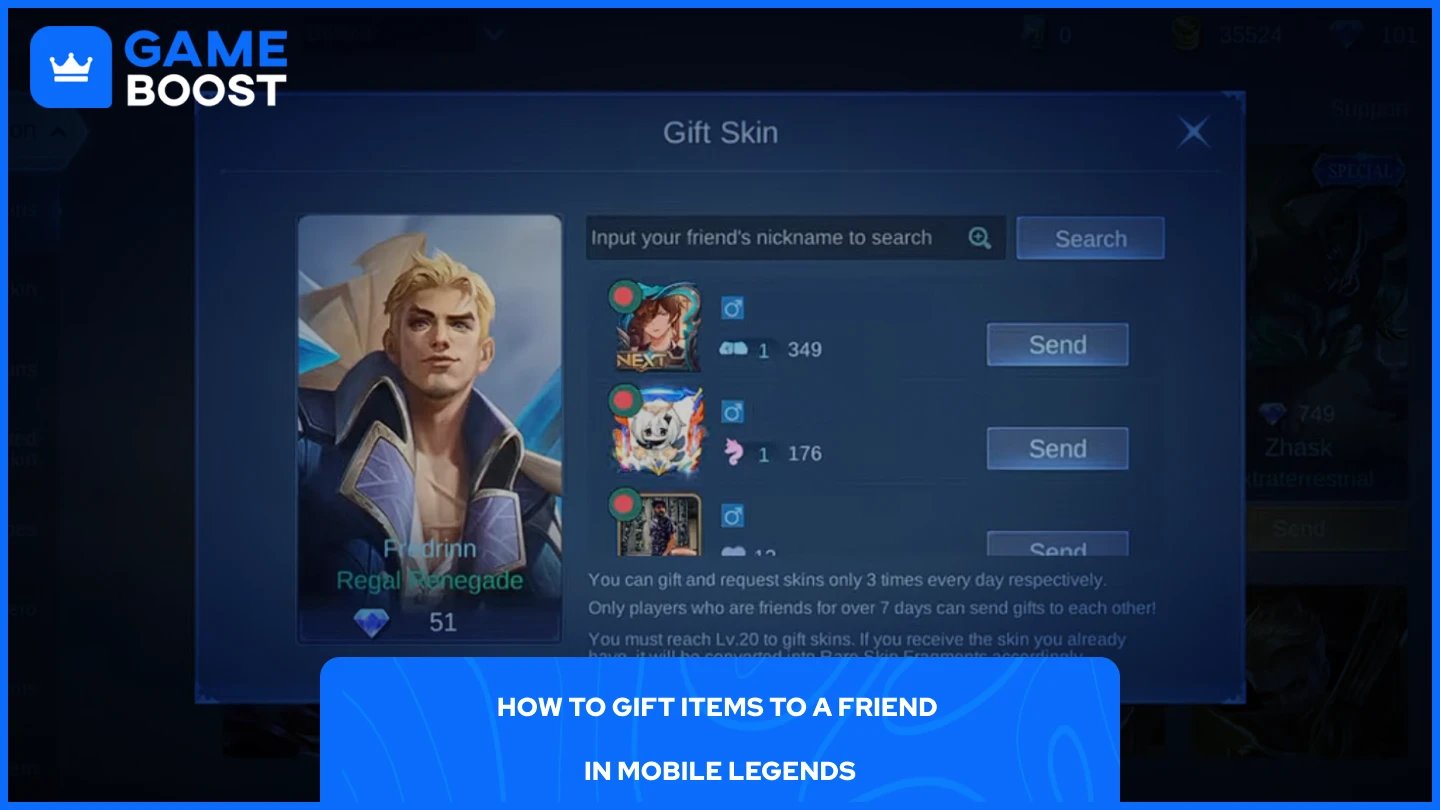
Mobile Legends does not allow direct Diamond transfers, but you can spend your Diamonds to send specific items to a friend through the in-game shop. This includes skins, the Starlight Pass, and the Weekly Diamond Pass. Not every item in the shop has this option, so you will only see it where it applies.
Here is how to do it:
Open Mobile Legends and head to the Shop.
Tap the Gift button.
Find the item you want to gift.
Select the friend you want to send it to.
Confirm the purchase.
Your friend will receive a notification and can claim the item from their in-game mailbox.
Also Read: How to Redeem Codes in Mobile Legends: Bang Bang
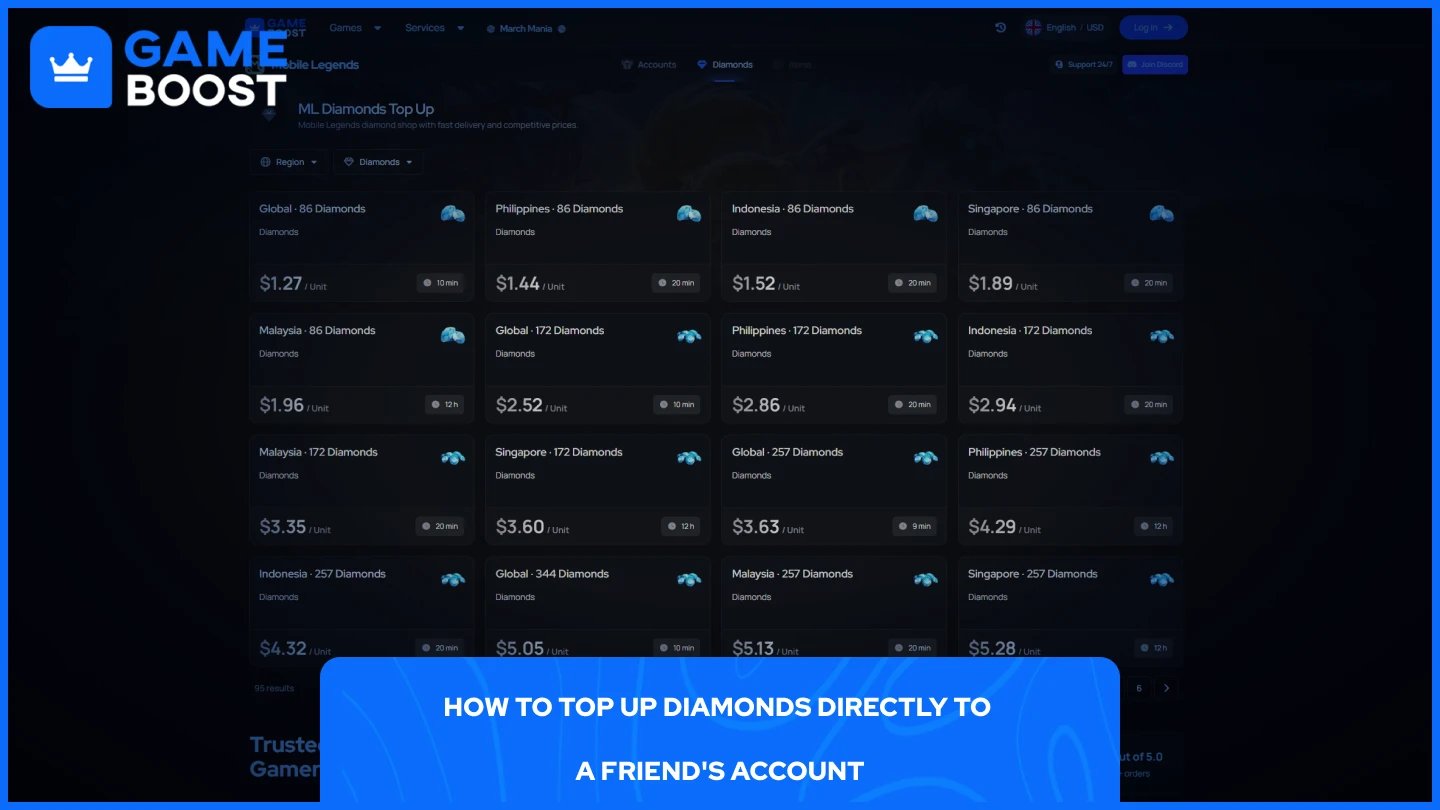
If you want your friend to receive actual Diamonds rather than a specific item, the most reliable method is topping up directly into their account through a third-party platform. You do not need to log into their account to do this, but you will need their ML ID and server number.
Ask your friend for their ML ID and server number.
Go to GameBoost, which offers Mobile Legends Diamond top-ups at cheaper rates than most platforms.
Select Mobile Legends and enter your friend's ML ID and server number.
Choose a Diamond package and complete the payment.
The Diamonds will be credited to their account within a few minutes. We also have 24/7 live chat support in case anything comes up during the process.
A common scam involves someone claiming they can transfer Diamonds if you share your login credentials. Moonton does not support Diamond transfers between accounts, so anyone making that offer is not being honest with you.
A few things to keep in mind:
Always double-check your friend's ML ID and server number before completing any payment. Sending to the wrong account cannot be reversed.
Only use trusted platforms like Codashop, GameBoost, or the official Mobile Legends top-up page.
Screenshot your payment confirmation as proof in case anything goes wrong.
Never enter your account details on any third-party site, regardless of what it promises.
Also Read: Mobile Legends: How to Create a New Account?
Gifting Diamonds in Mobile Legends is not as straightforward as it sounds, but the options available get the job done. Gifting items directly through the shop works well if you already know what your friend wants, and topping up through GameBoost is the better move if you want them to have the freedom to spend as they please. Whichever method you go with, always verify the ML ID and server number before completing any payment.
MLBB Top Up
Mobile Legends Accounts For Sale
View all GameBoost Accounts
View all GameBoost Boosting Services
View all GameBoost Currencies
View all GameBoost Game Keys
View all GameBoost Gift Cards
View all GameBoost Top Ups
View all GameBoost Items
Counter-Strike 2 Skins
“ Mustafa Atteya has been writing about gaming and esports since 2023, specializing in competitive game content and player improvement guides. At 25, he brings both hands-on gaming experience and professional SEO writing expertise to the GameBoost team.”