


•Mustafa Atteya• 5 min read
Identity V
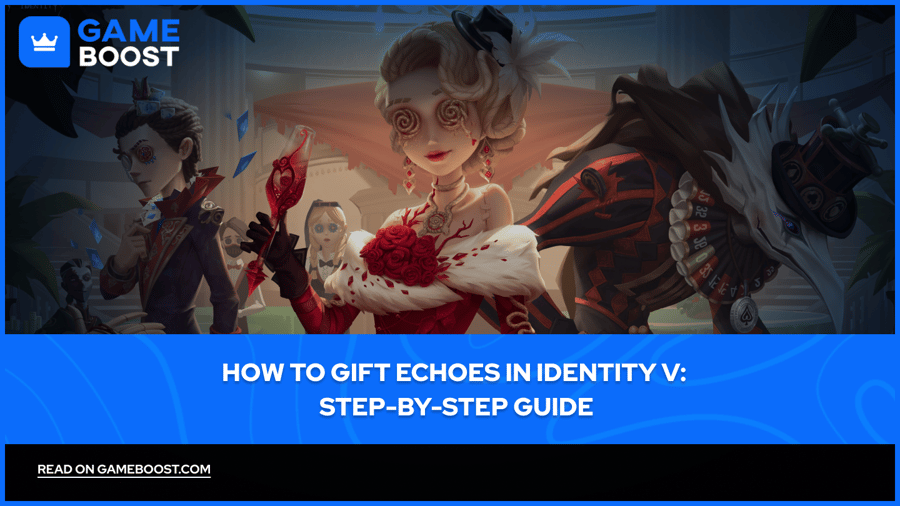
Identity V is a mobile survival horror game by NetEase that has built a dedicated playerbase since its 2018 release. Like most mobile games in its genre, it runs on a premium currency system, and in Identity V, that currency is Echoes.
Echoes are purchased with real money and used to buy costumes, characters, and other items from the in-game store. Sending them directly to another player isn't possible, but there are ways to gift Echoes to friends.
In this article, we'll walk you through exactly how to gift Echoes in Identity V, what the process looks like step by step, and what to keep in mind before sending.
Also Read: All Identity V Codes

Identity V does not support direct Echo transfers between players; gifting works through item purchases or account top-ups instead.
To gift Echoes indirectly, use the official Identity V top-up website and enter the recipient's User ID and server region.
For in-game gifting, browse the Illusion Hall, select an item, and tap the Gift button to send it to a friend.
Both accounts must have been friends for at least 24 hours before in-game gifting becomes available.
Both accounts must have completed the tutorial and reached at least Level 5 before gifting is possible.
The recipient must be a Confidant, which requires an Intimacy Level of 8, meaning you need to have played together beforehand.
Both players must be on the same server for Illusion Hall gifting; cross-region gifting is not supported.
Each player can have a maximum of 5 Confidants, so gifting is limited to that group.
Unverified accounts may face additional restrictions; linking an email or phone number through the settings menu removes most of them.
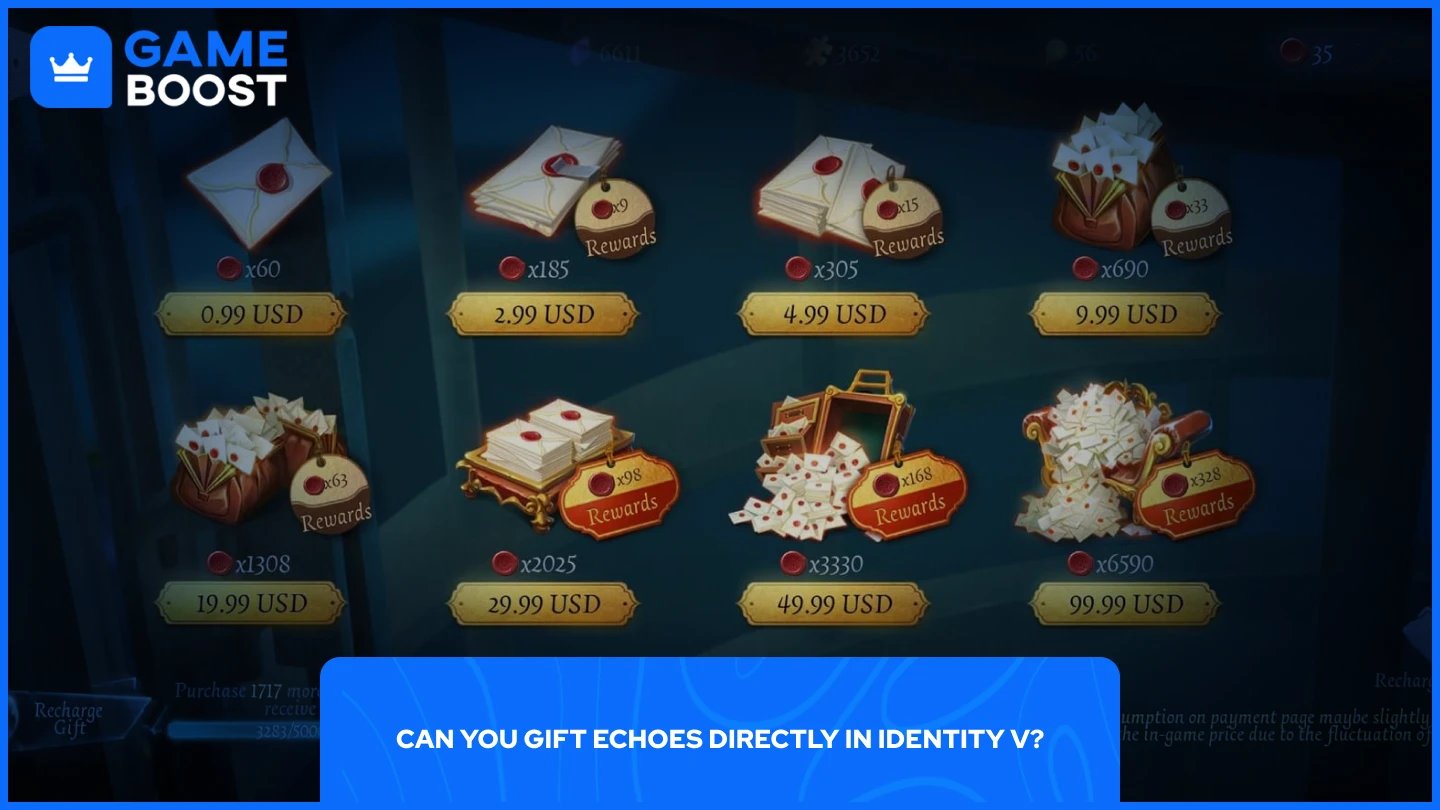
No, Identity V does not allow players to transfer Echoes directly to another account. There is no option to send the currency itself, regardless of how long you've been friends with someone or what your relationship status is in-game.
What you can do instead is purchase an item with your Echoes and send that item as a gift. Costumes, characters, accessories, and crates all qualify for gifting through the Illusion Hall, so the result is effectively the same as sending Echoes, just with an extra step.
The closest method to gifting Echoes directly is topping up another player's account through the official Identity V top-up website. To do this, you'll need the recipient's User ID and server region, which they can find by opening the game, going to Settings, and checking the Games section.
Once you have that information, follow these steps:
Go to the official Identity V top-up website.
Select the server region that matches the recipient's account.
Enter their User ID.
Choose the Echo package you want to purchase.
Complete the payment.
If you'd rather skip third-party platforms and get Echoes at a better value, GameBoost offers Identity V top-ups at competitive rates with fast delivery, making it a reliable option for gifting or topping up your own account.
Once both accounts meet the friendship requirements, follow these steps:
Open Identity V and go to the Illusion Hall.
Browse the store and select the item you want to gift.
On the item's page, tap the Gift button instead of the Buy button.
A friend list will appear. Select the player you want to send the gift to.
Confirm the purchase, and the item will be sent directly to their account.
The recipient will receive a notification and can claim the item from their in-game mailbox.
Before you can send a gift, there are a few conditions that both accounts need to meet.
The recipient must be on your friends list and have reached Confidant status, which requires an Intimacy Level of 8. You can't send gifts to someone you just added.
Both accounts must have been friends for at least 24 hours before gifting becomes available.
Both accounts need to have completed the tutorial and reached at least Level 5.
Both players must be on the same server. Cross-region gifting through the Illusion Hall is not supported.
Each player can have a maximum of 10 Confidants, so gifting is limited to that group.
Unverified accounts, those without a linked email or phone number, may face additional restrictions. Completing account verification through the settings menu removes most of them.
Gifting Echoes in Identity V isn't as straightforward as sending currency directly, but the two available methods get the job done. Topping up a friend's account through the official website is the quickest way to send Echoes, while the in-game gifting system works well for sending specific items. Just make sure both accounts meet the Confidant and level requirements before attempting to send anything in-game, or the option simply won't be available.
“ Mustafa Atteya has been writing about gaming and esports since 2023, specializing in competitive game content and player improvement guides. At 25, he brings both hands-on gaming experience and professional SEO writing expertise to the GameBoost team.”