


•Hamza Rashid• 7 min read
Clash of Clans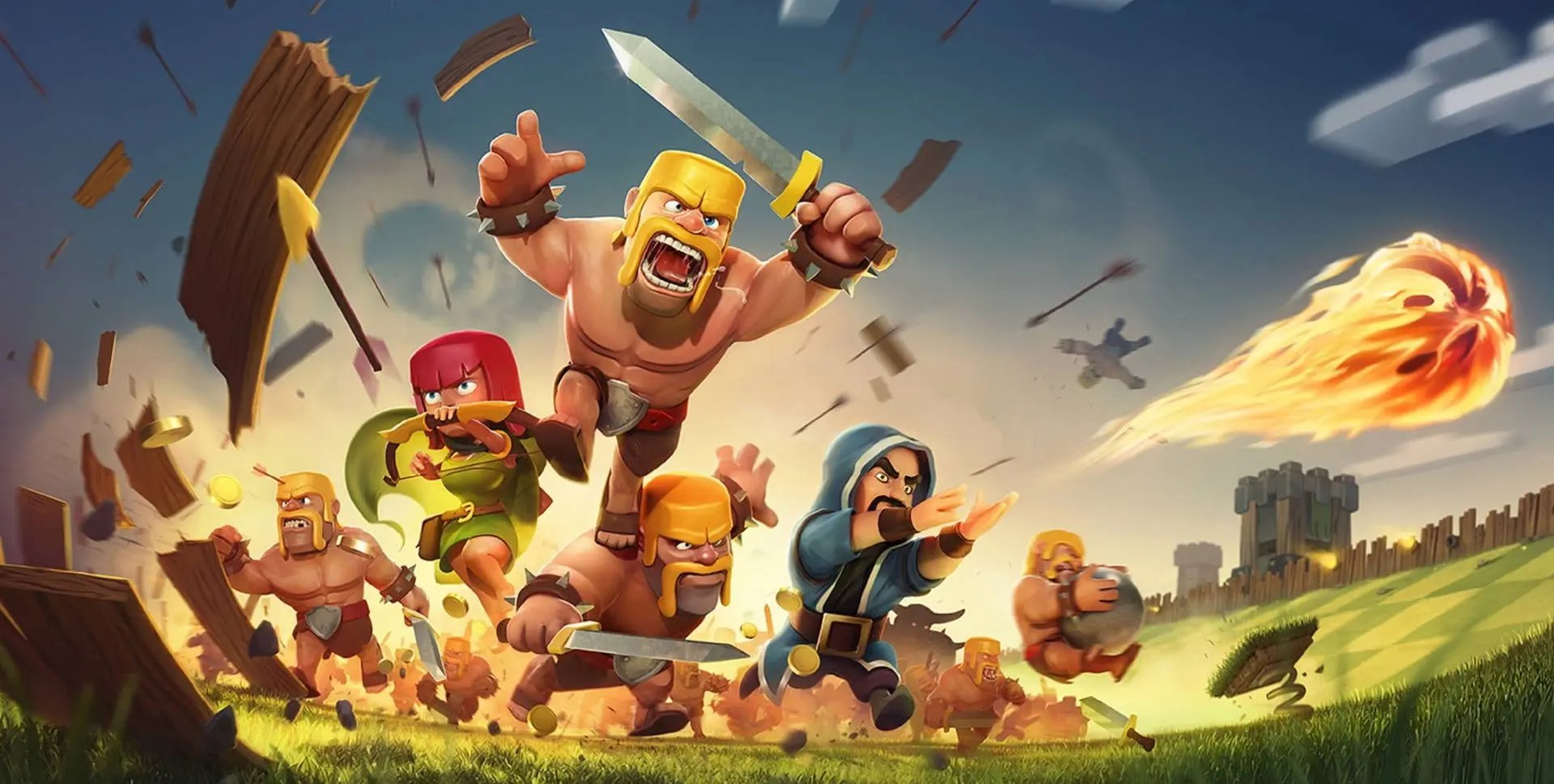

Clash of Clans is an online mobile strategy game developed by Supercell. Launched in 2012, it has become one of the most played and profitable mobile games worldwide and remains one of the longest-running mobile titles to this day. The game is free to download and play on iOS and Android devices.
Many players want to access Clash of Clans on their computers, particularly Mac users who prefer the larger screen and desktop experience. While Supercell hasn't released an official Mac version, several reliable methods allow you to play the game on your Mac without complications.
In this article, we'll explore how you can play Clash of Clans on your Mac and everything you need to know to get started with each method.
Also Read: How to Play Clash of Clans on PC
You cannot download a native Clash of Clans app for macOS because the game is officially released only for mobile platforms (iOS and Android). There is no official Mac version on the Mac App Store, and Supercell has not released a macOS build of the game.
However, a few alternatives exist:
Android Emulators
iPhone screen mirroring
Each method has its advantages and limitations. Emulators provide a complete desktop experience with keyboard and mouse controls, while screen mirroring offers the most authentic mobile gameplay if you already own an iPhone. Both options allow you to access your existing Clash of Clans account and progress without starting over.
Also Read: How to Donate Troops in Clash of Clans
Android emulators are a common alternative for those who want to experience their mobile games on PC or Mac devices. These programs create a virtual Android environment on your computer, allowing you to run mobile apps and games without needing a physical Android device.
BlueStacks offers a Mac version available for download that you can easily install. Once installed, you'll have access to an Android device on your Mac where you can later download Clash of Clans from the Google Play Store and play it using your keyboard and mouse.
Access to the full Google Play Store library
Larger screen experience compared to a mobile
Keyboard and mouse support for better controls
Free to download and use
Syncs with your existing Clash of Clans account
Requires significant system resources and can slow down older Macs
Contains advertisements unless you pay a $2 monthly fee
Some features may not work properly on larger screens
Performance varies depending on your Mac's specifications
Occasional bugs and crashes reported by users
Also Read: Everything to Know About Clash of Clans Gold Pass
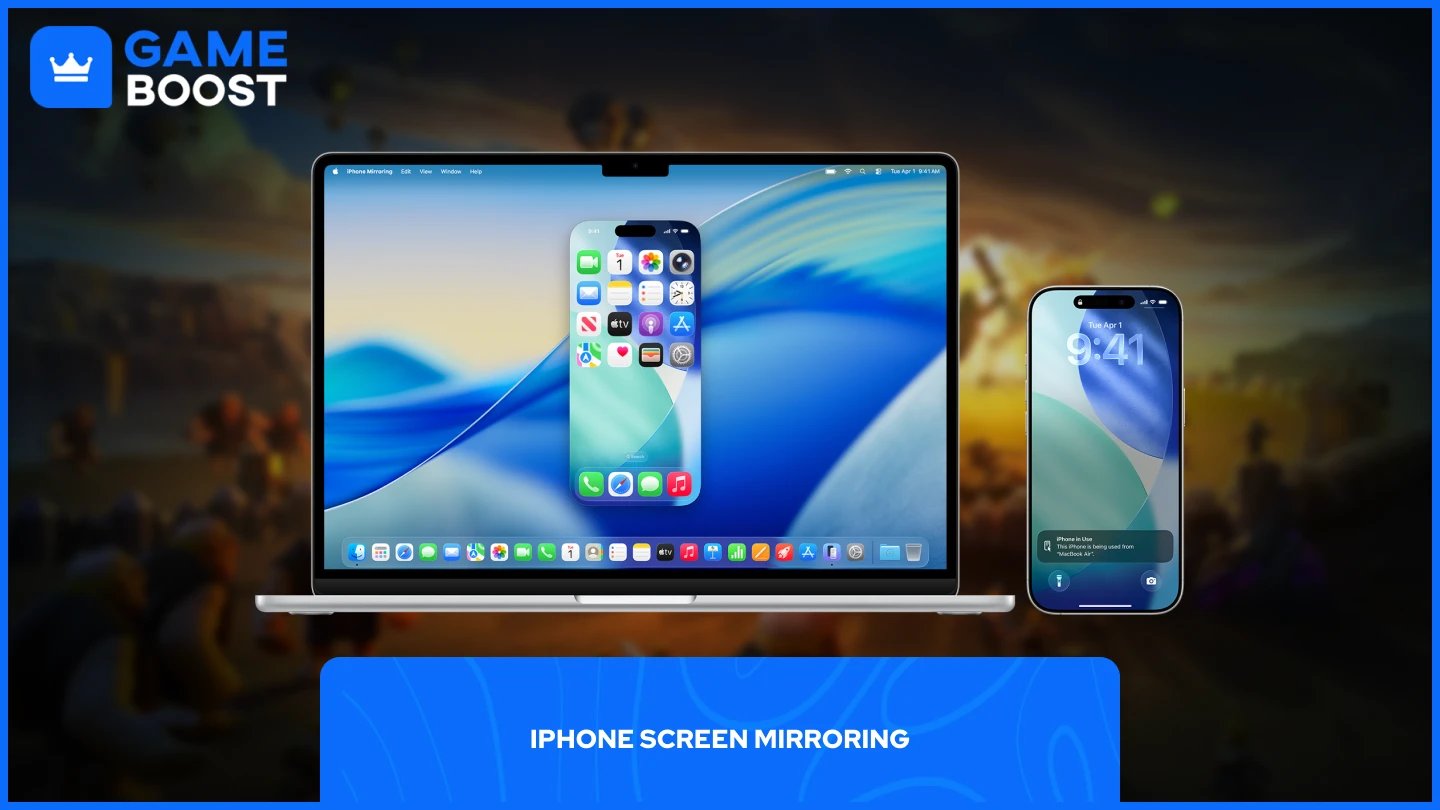
iPhone screen mirroring is a built-in feature for Mac users. Apple introduced iPhone Mirroring in 2024, allowing you to view and control your iPhone directly from your Mac's screen without installing any third-party software.
The feature works through a dedicated iPhone Mirroring app that comes pre-installed with macOS Sequoia. Once you open the app, it automatically detects your iPhone and establishes a connection via Bluetooth and Wi-Fi. Your iPhone screen appears in a window on your Mac, and you can interact with it using your mouse, keyboard, and trackpad just like you would on the phone itself.
For Clash of Clans specifically, this method provides the most authentic mobile gaming experience since you're technically playing on your actual iPhone. Your game progress syncs automatically because you're using your real device. The larger Mac screen makes it easier to manage your village, while your Mac's keyboard allows for faster typing when chatting.
Your iPhone must remain locked during the mirroring session and needs to stay within close proximity to your Mac (essentially in the same room). Audio from Clash of Clans plays through your Mac's speakers, which typically offer better sound quality than your iPhone.
No additional software downloads required (built into macOS)
Authentic mobile experience using your actual iPhone
All progress automatically syncs to your existing account
Keyboard support for faster in-game chat
Audio plays through Mac speakers for better sound quality
Drag and drop files between Mac and iPhone
iPhone notifications appear on Mac
Completely free with no ads or subscriptions
No performance overhead or system resource consumption
Only available on macOS Sequoia (15 or later) and iOS 18
Requires a Mac with Apple Silicon (M1 or later) or T2 Security Chip
iPhone must be nearby and locked during gameplay
Can't use your iPhone for other tasks while mirroring
Both devices must be signed into the same Apple ID
Requires Wi-Fi and Bluetooth enabled on both devices
Not available in the European Union
Limited to one Mac and one iPhone at a time
Can't access iPhone camera or microphone features
Playing Clash of Clans on a Mac is possible through Android emulators or iPhone screen mirroring. BlueStacks works on Mac devices but requires significant system resources. iPhone mirroring provides the best experience if you have an iPhone and run macOS Sequoia, with no additional software needed. Choose based on your current setup and device availability.
CoC Clans For Sale
Clash of Clans Top Up
Clash of Clans Account For Sale
View all GameBoost Accounts
View all GameBoost Boosting Services
View all GameBoost Currencies
View all GameBoost Game Keys
View all GameBoost Gift Cards
View all GameBoost Top Ups
View all GameBoost Items
Counter-Strike 2 Skins
“ Mustafa Atteya has been writing about gaming and esports since 2023, specializing in competitive game content and player improvement guides. At 25, he brings both hands-on gaming experience and professional SEO writing expertise to the GameBoost team.”