

•Filip Premuš• 7 min read
GTA 6
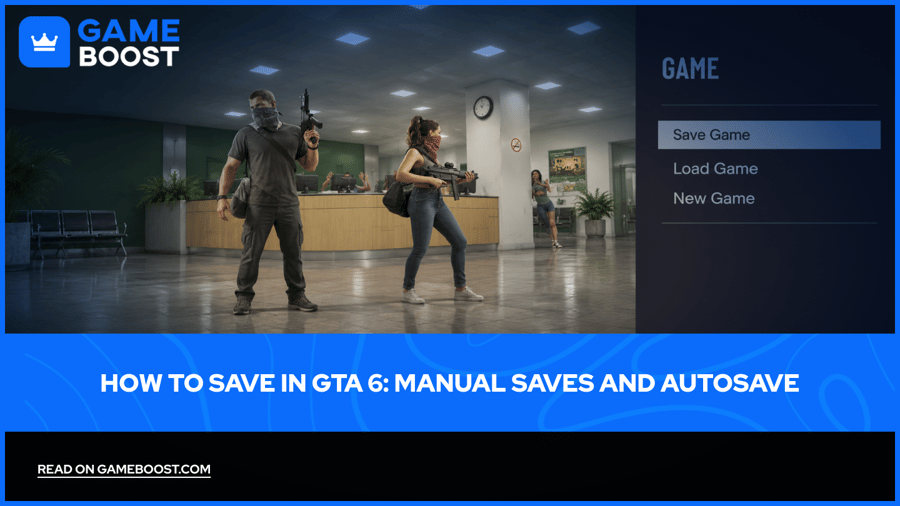
To save in GTA 6, pause during free roam and choose Game > Save Game, then select a slot. Press Options on PS5 or the Menu button on Xbox Series X|S to open the pause menu. You have 15 manual save slots and a separate autosave.
Make a manual save before ending a session or returning to an older part of the story. The autosave keeps changing as you play, so a separate file gives you a point you can return to later. If you're starting a first playthrough with a GTA 6 account, get into that habit once the prologue ends and manual saving becomes available.
Open the Pause Menu > Game > Save Game during free roam.
Use Options on PS5 or Menu on Xbox to reach the pause menu.
Rotate between manual slots and keep separate chapter backups.
Save your current progress before loading an older file, which can replace the autosave.
Finish missions, leave combat, and escape police before trying to save.
Make a clean save before using cheats; activating one disables saving for that session.
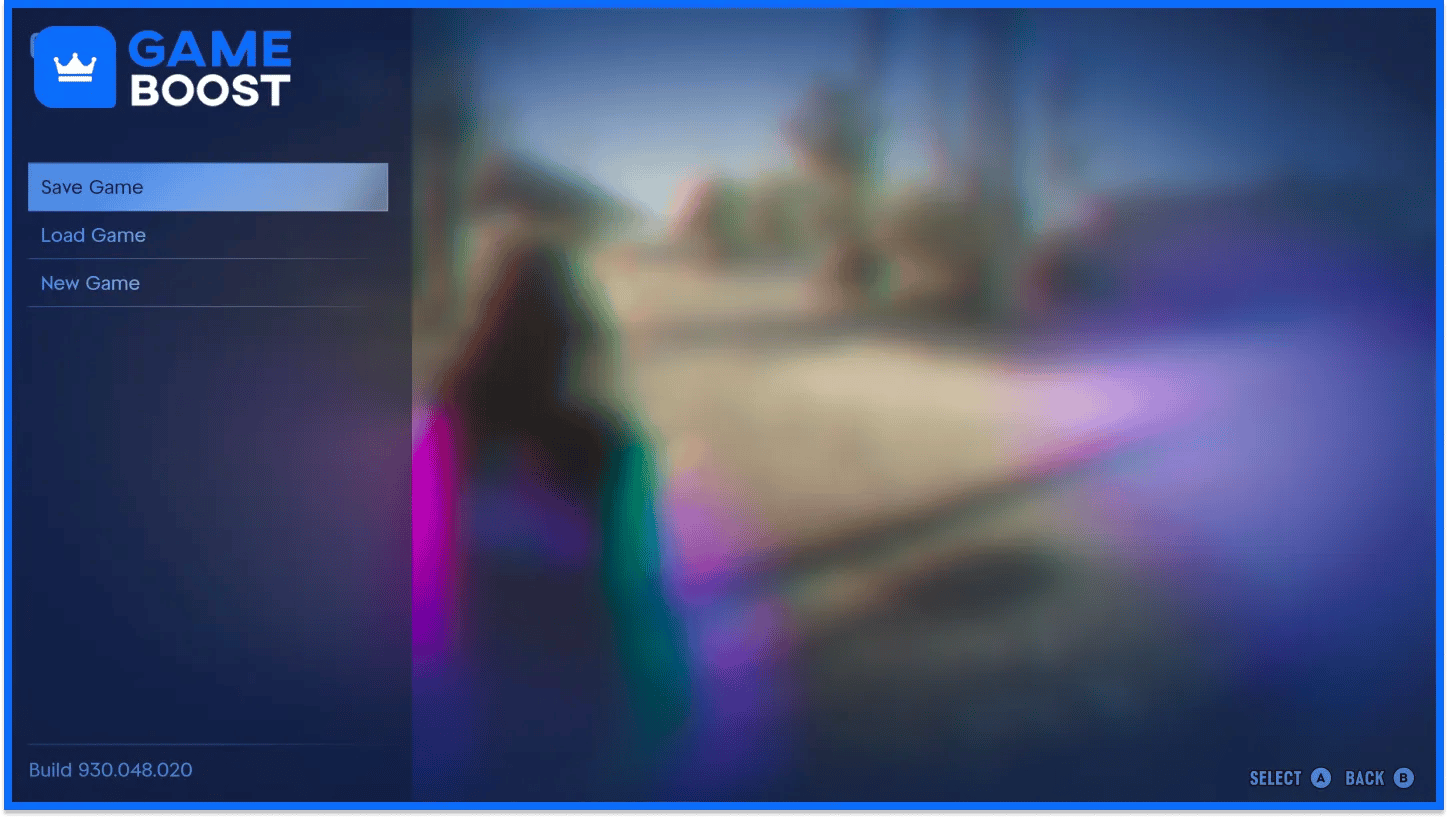
Manual saving becomes available after the prologue, when you can move around in free roam. You can save through the pause menu without travelling back to a house.
Finish the current mission and return to free roam.
Press Options on PS5 or Menu on Xbox Series X|S.
Select Game.
Choose Save Game.
Pick an empty slot, or choose an existing manual save to overwrite.
Confirm your choice and let the save finish before quitting.
On PS5, the Options button opens the menu you need. The touchpad opens the map, which can leave you searching the wrong screen for the save command.
Check the selected file before confirming an overwrite. If you want to keep that point in the story, choose another slot. You don't need a separate file after every small activity, though keeping more than one recent save gives you room to recover from a mistake.
The menu path works the same way on both consoles. Only the button used to open the pause menu changes.
Action | PS5 | Xbox Series X|S |
|---|---|---|
Open the pause menu | Options | Menu |
Save manually | Game > Save Game | Game > Save Game |
Load a previous file | Game > Load Game | Game > Load Game |
Use Save Game to record your current progress. Choose Load Game when you want to return to a file you've already created. Check the date and progress shown before selecting either one.
GTA 6 uses one autosave slot, separate from the manual files you choose to keep. It records progress after story missions and some other content, replacing the previous autosave as it updates.
Don't assume every purchase, trip, or small activity creates a fresh autosave. Before closing the game after a long stretch of free roam, save manually. That leaves less progress resting on whether an automatic save happened recently.
Loading an older manual file can also replace your autosave with that earlier progress. For example, if you load a Chapter 1 file after reaching Chapter 2, the autosave won't stay protected at Chapter 2. Create a manual backup of your newest progress before going back.
You can select the autosave through Game > Load Game. Check its timestamp and story progress before treating it as your latest available file.
Start with what your character is doing. Manual saving can be unavailable during the prologue, active missions, combat, or a police pursuit. Cheats also prevent saving once activated.
Situation | What to do |
|---|---|
You're still in the prologue | Continue until free roam and manual saving become available |
A mission is active | Finish it and try again in free roam |
You're fighting | Leave combat and check the menu again |
Police are pursuing you | Escape the pursuit before saving |
You've activated a cheat | Quit and reload your clean save to return to ordinary play |
If the menu is unavailable during a mission, wait until you've finished the objective sequence. A checkpoint inside that mission doesn't give you a manual file you can select and keep.
If you've used GTA 6 cheats, plan to return to your pre-cheat save. Turning an effect off doesn't give you a reliable way to keep progress from that session. Save first, experiment afterward.
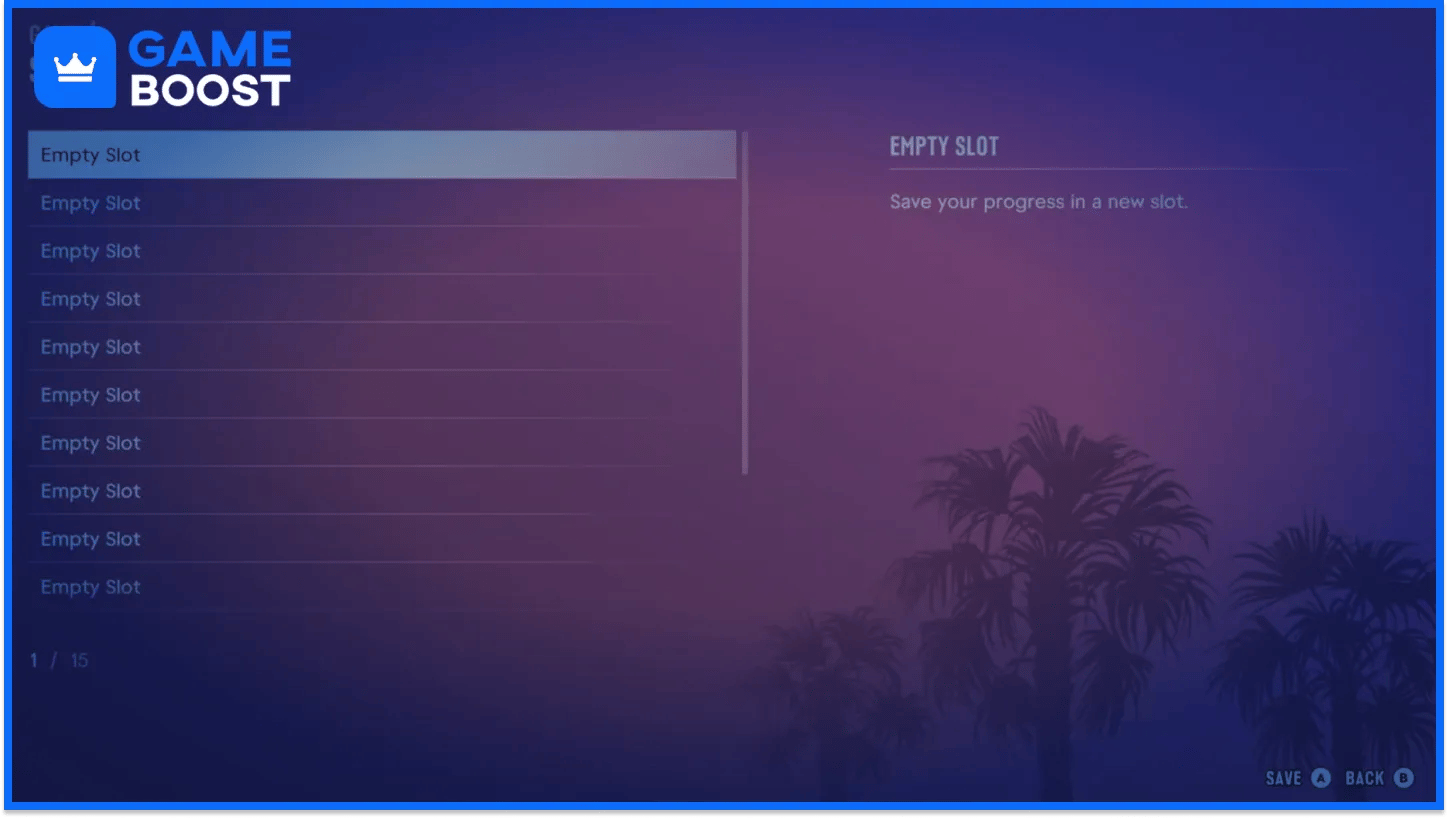
Use a few rotating saves for ordinary play and leave older chapter files untouched. GTA 6 gives you 15 manual slots, so you can keep milestones without replacing your newest progress every time.
One practical arrangement is:
Save purpose | Suggested use |
|---|---|
Recent progress | Rotate between three slots after missions or useful free-roam progress |
Chapter backups | Keep a separate file near the start of each chapter |
Before a risky activity | Save before experimenting or starting a job you may want to retry |
Before loading an old file | Keep your current progress in a slot you'll leave untouched |
This is a suggested routine, so adjust it to how often you return to earlier sections. If you only want a dependable fallback, two or three recent files are easier to manage than fifteen near-identical saves.
At launch, GTA 6 has no dedicated mission replay menu. Loading an earlier manual save gives you another way to revisit a mission, provided the file comes from before it. Keep the newer campaign file separate so returning to an old chapter doesn't become your only remaining progress.
Saving fits alongside the other GTA 6 beginner habits, such as protecting spare cash and checking equipment before a job. Make the backup before the risk.
Save through Game > Save Game before quitting, testing cheats, or returning to an older chapter. Keep a few rotating files and a separate backup of progress you don't want to lose. If saving is greyed out, finish the mission or escape the current trouble, then try again in free roam.
“ Filip Premuš is a seasoned gaming content writer specializing in titles like Steal a Brainrot, Old School RuneScape, and other popular online games. With a sharp focus on accuracy, updates, and in-game strategy, he creates comprehensive guides that help players stay ahead of the meta and make informed decisions.”