

•Filip Premuš• 4 min read
GTA 5

The Vigilante is one of the most recognizable vehicles in GTA Online, modeled after the Batmobile and equipped with a rocket boost and front-mounted machine guns (with an optional missile upgrade). At $3,750,000 from Warstock Cache & Carry, it's a serious investment, and at some point, you might decide it's time to cash out.
Selling it isn't as simple as driving to the nearest Los Santos Customs. The Vigilante is a special weaponized vehicle, so the process works differently compared to regular cars. In this article, we'll explore how to sell the Vigilante in GTA Online, what you'll get for it, and what to keep in mind before confirming the sale.
Also Read: How to Drift in GTA 5: Complete Guide

The Vigilante cannot be sold at Los Santos Customs due to its weaponized vehicle status
You need an MOC with a Vehicle Workshop, an Avenger, or an Arena Workshop with the Weapons Expert mechanic to sell it
Drive the Vigilante into your workshop, open the modification menu, scroll to the bottom, and select "Sell"
The base resale price is $2,250,000, which is 60% of the original $3,750,000 purchase price
You also get back 50% of your upgrade costs, but paint, neon, and smoke upgrades do not count toward the resale value
On a fully upgraded Vigilante, the total payout can reach around $2,450,000
Also Read: Where to Buy GTA 5 Accounts?
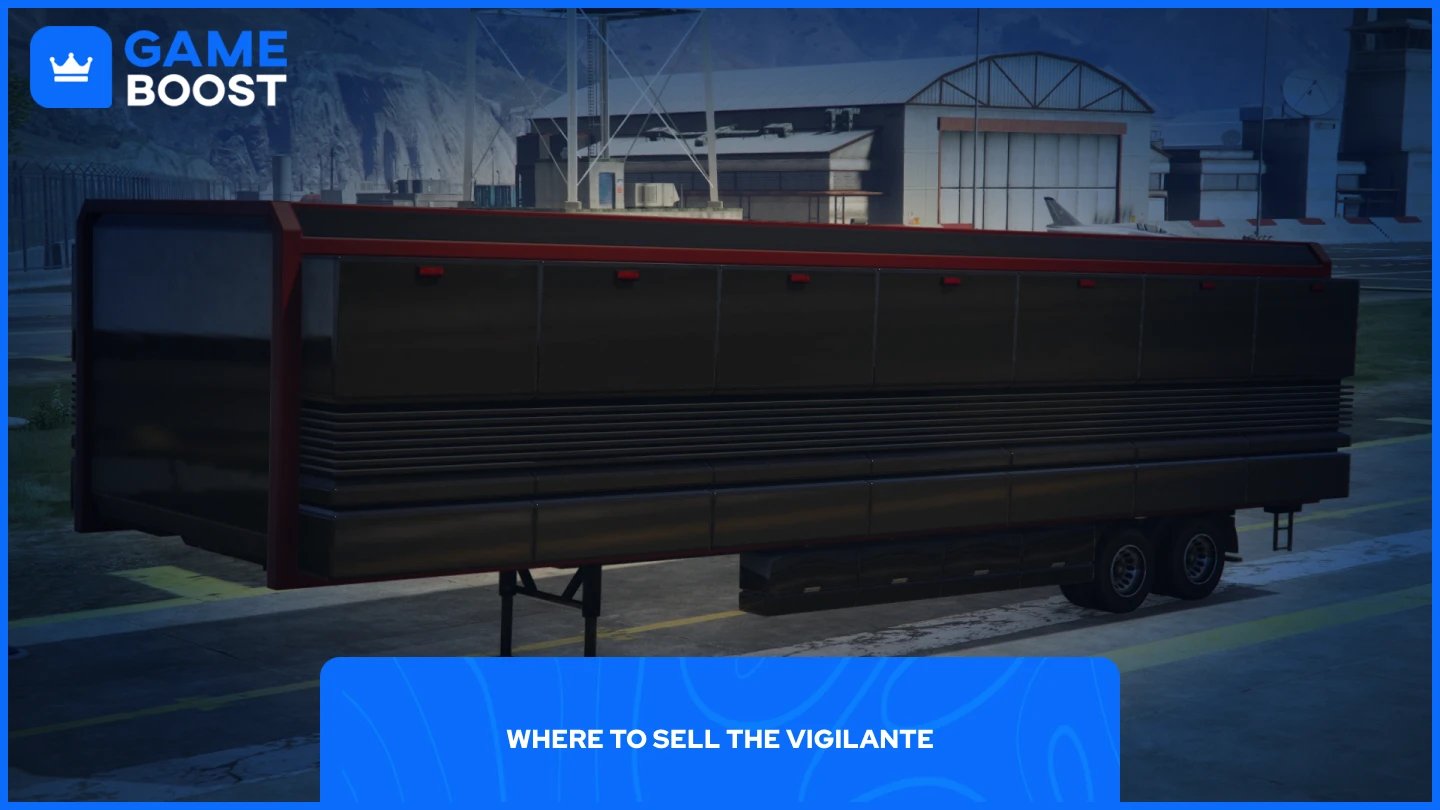
The Vigilante is a weaponized vehicle, which means Los Santos Customs won't accept it. To sell it, you need access to one of the following workshops:
Mobile Operations Center (MOC) with a Vehicle Workshop bay
Avenger with a Vehicle Workshop
Arena Workshop with the Weapons Expert mechanic
All three give you access to the same sell option, so whichever one you already own works. The MOC and Avenger are the most common choices since they're already popular purchases for players who own multiple special vehicles.
If you don't own any of these, you'll need to buy one before proceeding. The MOC is available from Warstock Cache & Carry and is generally the most affordable entry point.

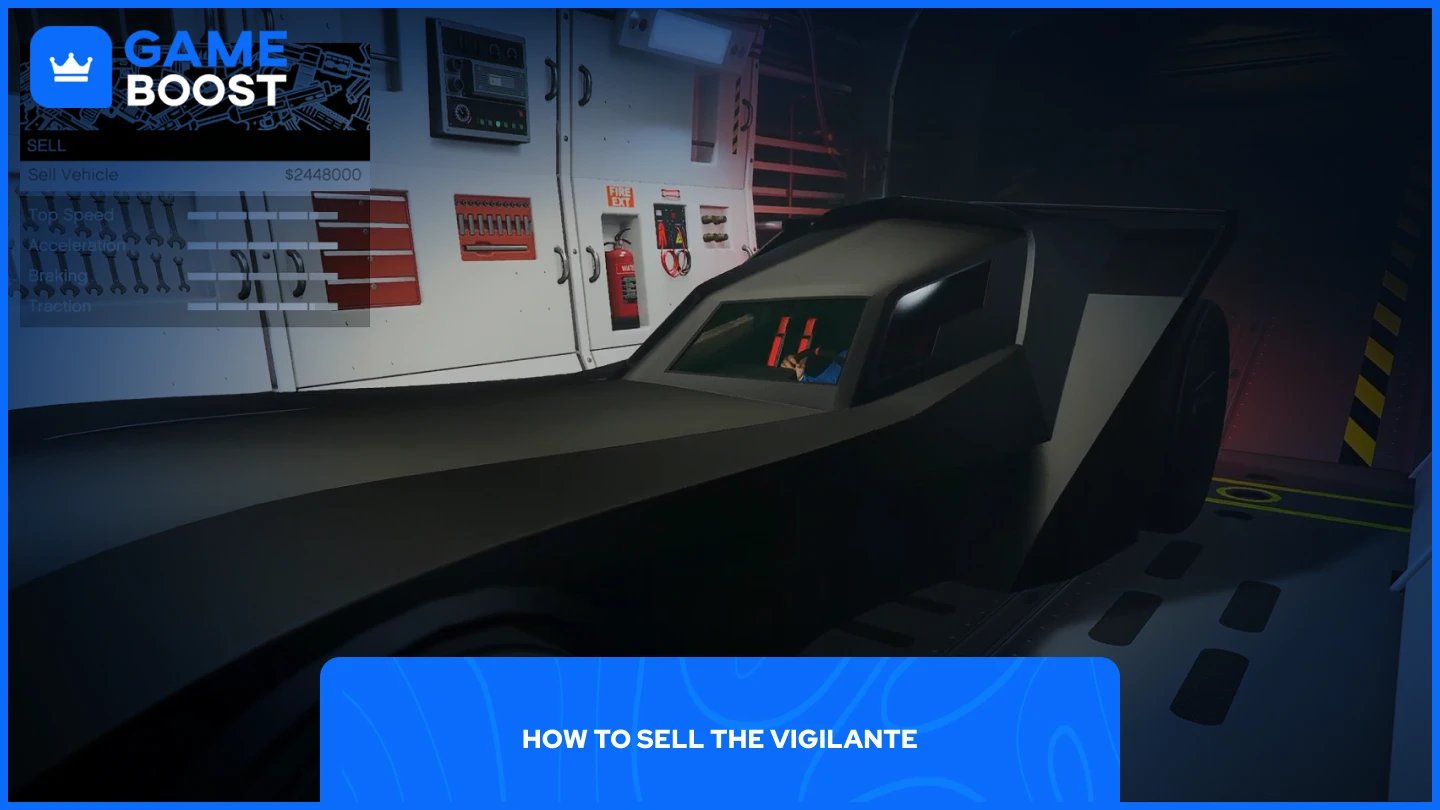
Selling the Vigilante is a short process once you're inside the right workshop. Follow these steps:
Retrieve your Vigilante and drive it into your MOC, Avenger, or Arena Workshop.
Open the vehicle modification menu once inside.
Scroll to the bottom of the menu and select the "Sell" option.
Confirm the sale when prompted.
The money will be added to your account immediately. If the sell option doesn't appear, try making a small modification first, such as changing the armor, then check again. Restarting the game also resolves this in most cases.
Also Read: How to Get Oppressor MK2 in GTA Online
Selling the Vigilante returns $2,250,000, which is 60% of its original $3,750,000 purchase price, plus 50% of the value of any upgrades you've installed.
So the more you've upgraded it, the more you get back. Keep in mind that certain upgrades don't contribute to the resale value, including paint, smoke, neon colors, and some Benny's interior options. Performance and weapon upgrades are what move the number.
On a fully upgraded Vigilante, the total payout can reach around $2,450,000, making it one of the better returns you can get when selling a special vehicle in GTA Online.
Also Read: How to Buy Ammo in GTA 5: Complete Guide
Selling the Vigilante comes down to having the right workshop. Without an MOC, Avenger, or Arena Workshop, the option simply isn't available, so that's the main hurdle for most players. The 60% base return is reasonable for a special vehicle, and if you've put money into upgrades, the payout goes up accordingly. Just avoid spending on paint or neon beforehand since those don't count toward the resale value.
GTA 5 Key
GTA 5 Enhanced Key
Buy GTA 5 Items
GTA 5 Accounts For Sale
View all GameBoost Accounts
View all GameBoost Boosting Services
View all GameBoost Currencies
View all GameBoost Game Keys
View all GameBoost Gift Cards
View all GameBoost Top Ups
View all GameBoost Items
Counter-Strike 2 Skins
“ Mustafa Atteya has been writing about gaming and esports since 2023, specializing in competitive game content and player improvement guides. At 25, he brings both hands-on gaming experience and professional SEO writing expertise to the GameBoost team.”