


•Hamza Rashid• 7 min read
Fortnite
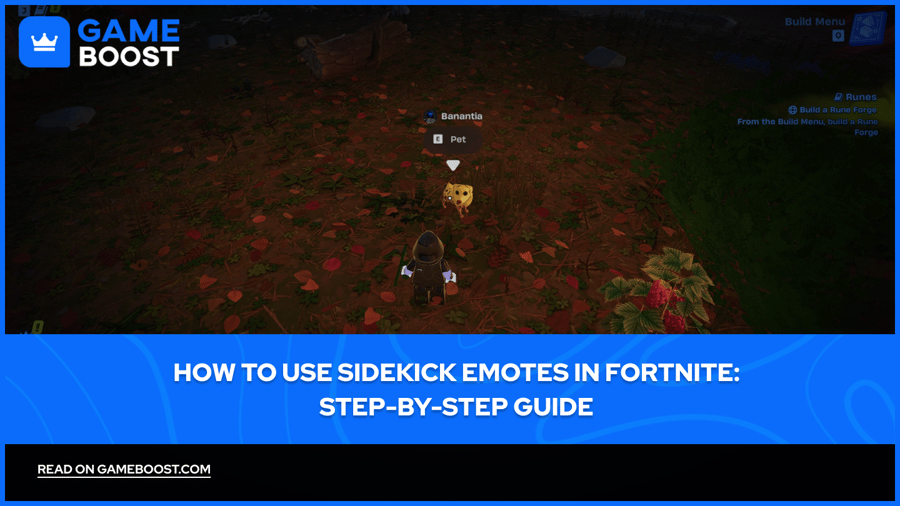
Sidekicks in Fortnite are cosmetic companions that follow your character around during matches. Available in Battle Royale, LEGO Fortnite, and Fortnite Festival, these digital pets add personality to your gameplay experience without affecting combat performance.
The Sidekick system includes a progression feature where you earn Sidekick Points simply by playing with your companion equipped. These points unlock additional cosmetics like outfits, emotes, and accessories, letting you customize your Sidekick's appearance as you progress.
Sidekick emotes are interactive animations that trigger specific behaviors from your companion. In this article, we'll explore how to equip and use Sidekick emotes in Fortnite and how to unlock more emotes through the progression system.

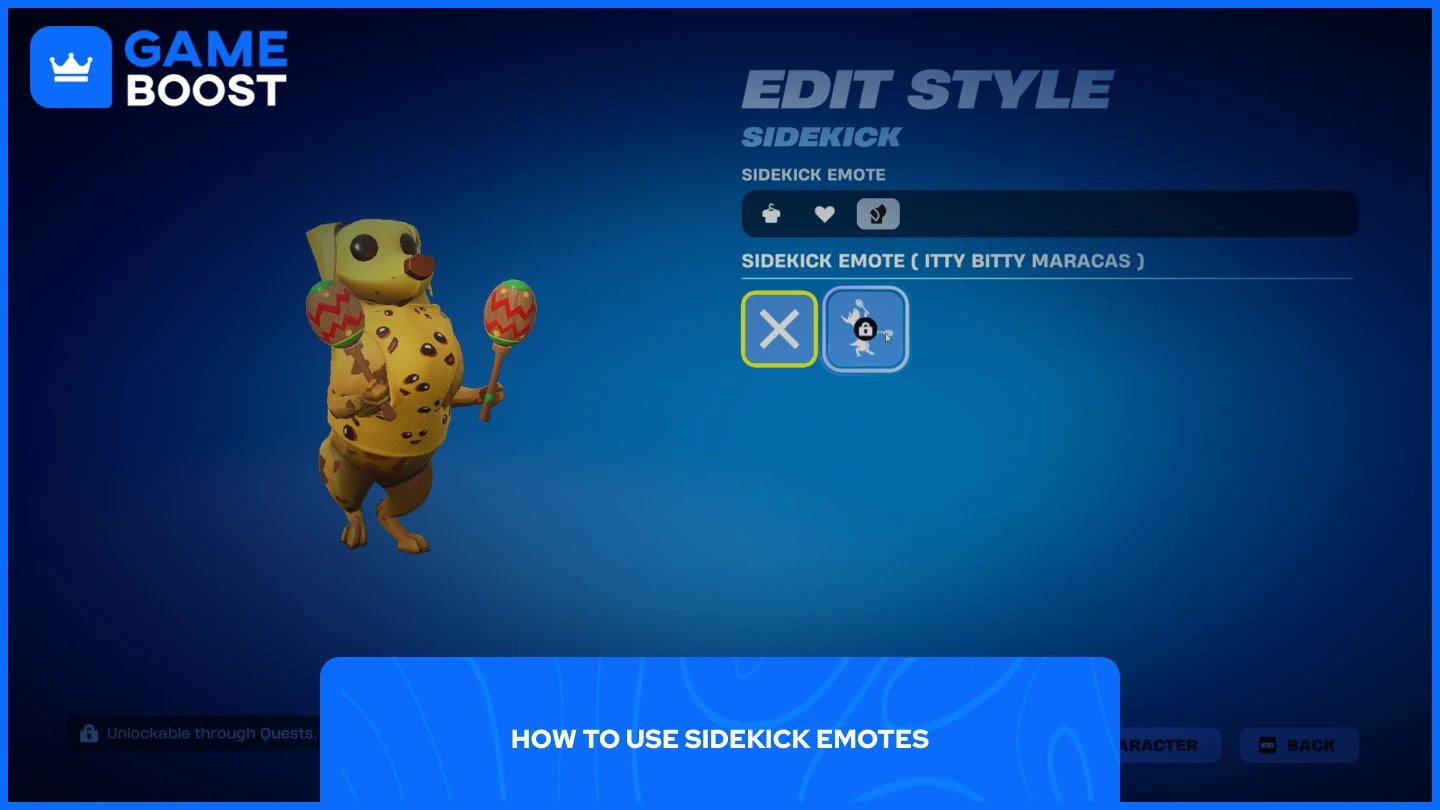
Sidekick emotes require a different activation process than regular player emotes. You can't trigger them from your emote wheel. Instead, you need to interact directly with your Sidekick during gameplay. Here's how to use Sidekick emotes:
Go to your Locker from the main lobby.
Navigate to the Sidekicks tab.
Select your equipped Sidekick.
Click "Edit" to access customization options.
Choose the "Emotes" section.
Select the Sidekick emote you want to use (if you've unlocked one).
Load into a match with your Sidekick equipped.
Approach your Sidekick in-game and look directly at it.
Press the interaction button when the prompt appears
Your Sidekick will perform its unique emote animation.
After your Sidekick starts emoting, you can activate your own character emotes to dance alongside them. They're purely cosmetic interactions that add personality to your matches without affecting gameplay performance.
Also Read: How to Get Sidekick Points in Fortnite
Sidekick emotes are unlocked through a progression system tied to Sidekick Points. Each Sidekick has its own reward track that includes outfits, accessories, reactions, and an exclusive emote as the final unlock. You don't need to complete specific challenges or quests to earn these rewards.
Here's how to get more Sidekick emotes:
Equip your Sidekick from the Locker before entering a match.
Earn Sidekick Points automatically as you play matches and gain XP.
Check your progress by opening the Quests tab and scrolling to the Sidekicks section at the bottom.
Claim the emote reward once you've earned enough Sidekick Points.
Return to your Locker's Sidekicks tab to equip the newly unlocked emote.
Sidekick Points accumulate faster when you survive longer in Battle Royale matches, complete accolades, and earn eliminations.
Also Read: All Released Fortnite Sidekicks
Sidekick emotes add an interactive element to your Fortnite companion experience. Unlike regular player emotes, they require direct interaction with your Sidekick through the interaction button. Unlocking additional emotes happens naturally through the Sidekick Points progression system as you play matches with your companion equipped.
Buy V-Bucks
Buy Fortnite Items
Fortnite Accounts For Sale
View all GameBoost Accounts
View all GameBoost Boosting Services
View all GameBoost Currencies
View all GameBoost Game Keys
View all GameBoost Gift Cards
View all GameBoost Top Ups
View all GameBoost Items
Buy CS2 Skins
“ Mustafa Atteya has been writing about gaming and esports since 2023, specializing in competitive game content and player improvement guides. At 25, he brings both hands-on gaming experience and professional SEO writing expertise to the GameBoost team.”