



•Hamza Rashid• 7 min read
Genshin Impact
Genshin Impact is a free-to-play action role-playing game set in an open world. The game combines magic-based combat with character-switching mechanics, allowing you to fight monsters and advance through the story using different elemental abilities.
The game is officially available on PC (Windows), iOS, Android, PlayStation 4, PlayStation 5, and Xbox Series X/S. Mac users, however, aren't included in this official lineup, which raises questions about compatibility and access.
In this article, we'll explore whether you can play Genshin Impact on Mac natively and break down all available methods to get the game running on your device.
Also Read: How to Change Traveler Element in Genshin Impact
Genshin Impact is not officially supported on macOS. There's no native Mac build you can download and install like you would on Windows, iOS, Android, or consoles. HoYoverse hasn't released a Mac version, which means the standard installation process won't work.
However, Mac users aren't completely locked out. Several workarounds allow you to play Genshin Impact on your Mac device, each with different requirements and performance levels. Your options include:
Cloud Streaming
Installing Windows on Mac
Using an Android Emulator
Each method has its own advantages and drawbacks. We'll break down the exact steps for each of these methods, including what you'll need, how to set everything up, and what kind of performance you can expect from each approach.
Also Read: How to Get Free Primogems in Genshin Impact (2025)
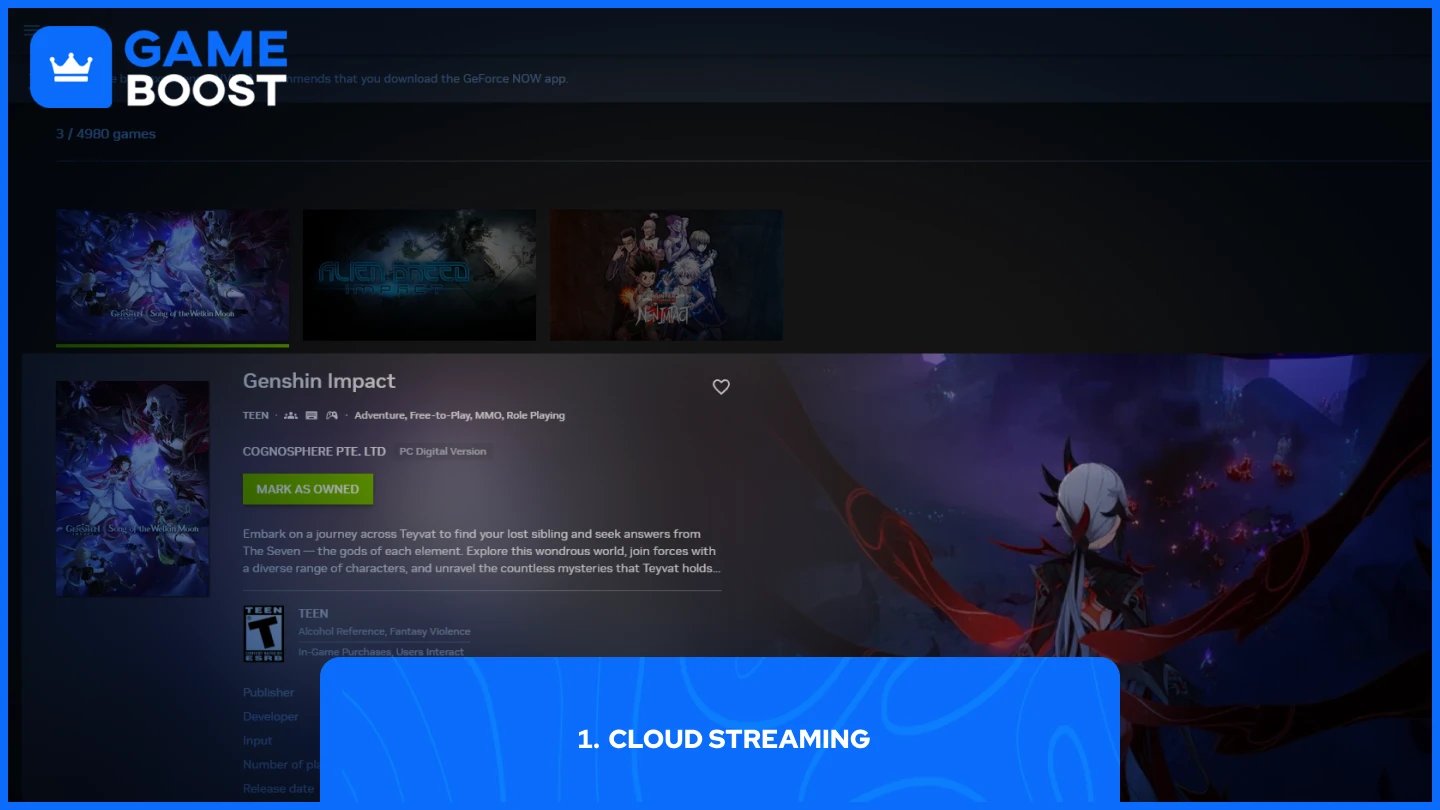
Cloud streaming through GeForce NOW lets you play Genshin Impact on Mac by streaming the game from NVIDIA's servers. The service eliminates the need for large downloads and lets you access the game through powerful remote servers.
The service offers a free tier that allows one hour of gameplay, though you may need to wait in a queue. Priority membership costs $9.99 per month for up to 6 hours per session, while the Ultimate tier costs $19.99 for up to 8 hours with faster servers and 4K resolution support at up to 240 FPS.
You can also play Genshin Impact through GeForce NOW in Chrome or any other browser without downloading the app, though performance is better with the desktop application.
Boot Camp allows you to install Windows on a separate partition of your Mac's hard drive, enabling native Windows game performance. This method provides the best gaming experience but requires significant storage space and only works on Intel-based Macs.
You'll need your own copy of Windows to use this method. Your Mac must meet Genshin Impact's minimum PC requirements, including an Intel Core i5 processor, 8GB of RAM, 40GB of storage, and graphics equivalent to an NVIDIA GeForce GT 1030 or better.
Important: This method does not work on Apple Silicon Macs (M1, M2, M3, or newer). Boot Camp is only available for Intel-based Mac computers.
Here's how to install Windows and play Genshin Impact using Boot Camp:
Download a Windows 10 ISO file from Microsoft's website.
Open Boot Camp Assistant from Applications > Utilities.
Follow the on-screen instructions and select your downloaded Windows ISO file.
Create a Windows partition with at least 64GB of space (100GB recommended).
Allow Boot Camp Assistant to complete the installation process.
Your Mac will restart into the Windows installer.
Follow the Windows setup wizard to complete the installation.
Install Boot Camp drivers when prompted after Windows boots up.
Open a web browser in Windows and visit the Genshin Impact website.
Download the Windows version of Genshin Impact.
Install the game and create or log in to your HoYoverse account.
Launch Genshin Impact and start playing.
To switch back to macOS later, click the Boot Camp icon in the Windows system tray and select "Restart in macOS."
Also Read: How to Process Ingredients in Genshin Impact
Android emulators like BlueStacks allow you to run the mobile version of Genshin Impact on your Mac. BlueStacks Air works on macOS 11 (Big Sur) or above and supports both Intel and Apple Silicon processors.
This method lets you play the Android version of the game rather than the full PC version. The mobile version has lower resolution, reduced graphics quality, and touch screen controls that aren't as suitable for desktop play. Performance through an emulator is generally slower than other methods.
BlueStacks Air requires at least 4GB of RAM and up-to-date graphics drivers from either Microsoft or your chipset vendor. BlueStacks uses your existing game account, so you can continue your progress from mobile devices by logging in with the same credentials.
Mac users can play Genshin Impact through cloud streaming, Boot Camp, or Android emulators. GeForce NOW offers the easiest setup and works on all Mac models, while Boot Camp provides better performance for Intel-based Macs. Each method has trade-offs in performance, cost, and compatibility, so choose based on your Mac's specifications and gaming priorities.
Genshin Impact Accounts
Top Up Genshin
View all GameBoost Accounts
View all GameBoost Boosting Services
View all GameBoost Currencies
View all GameBoost Game Keys
View all GameBoost Gift Cards
View all GameBoost Top Ups
View all GameBoost Items
Buy CS2 Skins
“ Mustafa Atteya has been writing about gaming and esports since 2023, specializing in competitive game content and player improvement guides. At 25, he brings both hands-on gaming experience and professional SEO writing expertise to the GameBoost team.”