

•Patrik Mršnik• 13 min read
Game Keys
The Donut SMP IP is donutsmp.net, and that one address covers both Java and Bedrock. Java players connect on the default port 25565, and the Donut SMP Bedrock IP is the same hostname on port 19132. Over 20,000 players were online when we checked on October 6, 2026.
Every new DonutSMP player starts from scratch, with no base and no gear to fall back on. If you'd rather skip the early grind, ready-made DonutSMP accounts let you start with progress already made.
Below, you'll find the full Donut SMP server IP and port table, the server version, and step-by-step join guides for PC, mobile, PS5, and Xbox.
The Donut SMP IP for Java and Bedrock is donutsmp.net. Type it exactly, with no hyphen, since look-alike domains point to other servers.
Donut SMP port: 25565 on Java (filled in automatically), 19132 on Bedrock.
Donut SMP version: Java accepts clients up to 26.3, the newest release, and the Bedrock side reported 26.51 on October 6, 2026.
Any Java build from 1.20 onward is a safe pick, and Bedrock players should stay on the latest update.
PS5 and Xbox have no Add Server button. Changing the console's DNS turns a featured server into a menu where you type the address yourself.
After your first login, use /rtp to leave the crowded spawn.
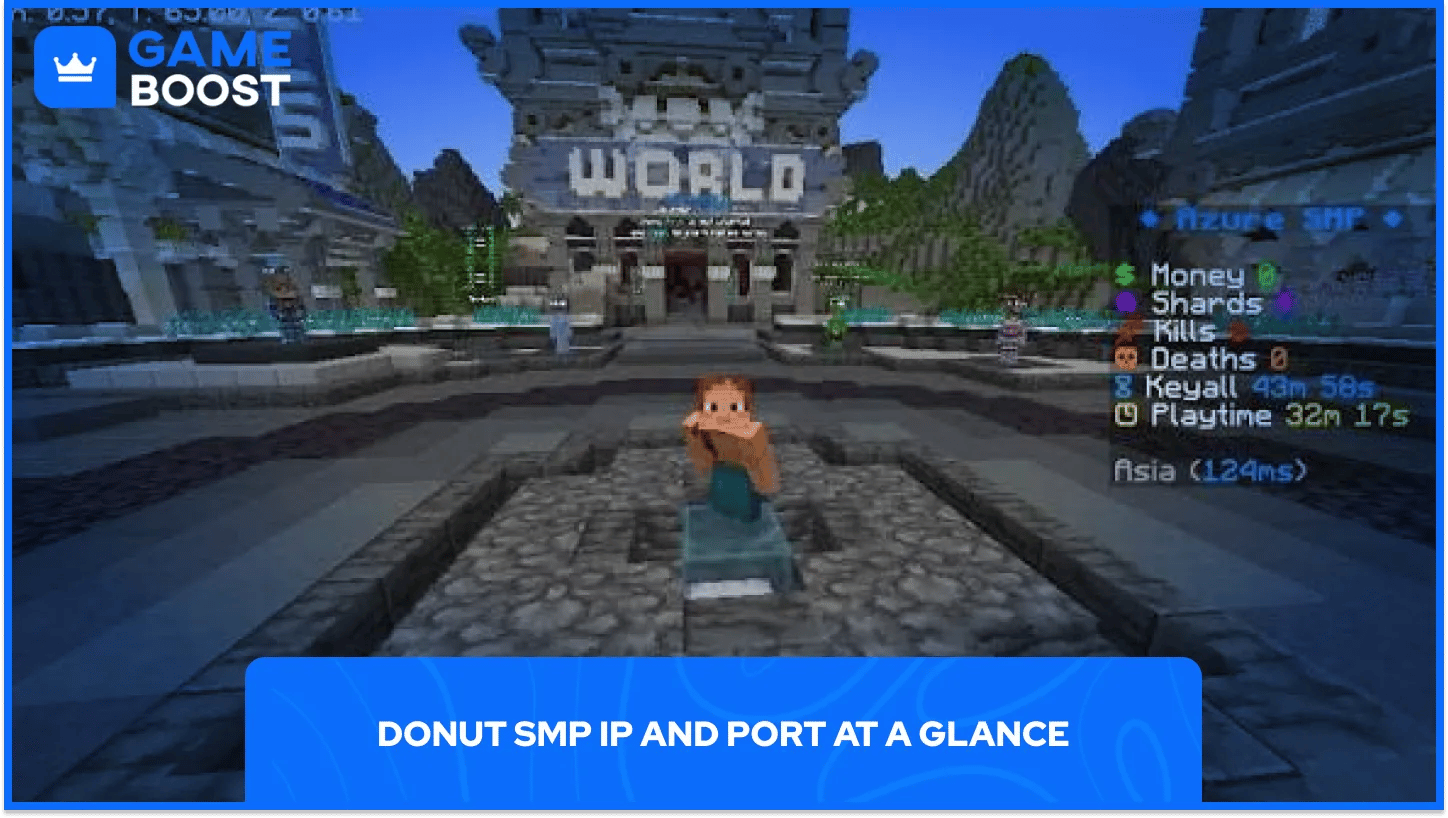
Every edition uses the same hostname, and only the port changes. Java finds the port on its own, and Bedrock shows it in a separate box.
Platform | Server address | Port |
|---|---|---|
Java (PC, Mac, Linux) | 25565 (default) | |
Bedrock (Windows, iOS, Android) | 19132 | |
PS5 / PS4 | donutsmp.net (via DNS method) | 19132 |
Xbox Series X|S / Xbox One | donutsmp.net (via DNS method) | 19132 |
Spell the donutsmp ip exactly as shown. A smaller, unrelated server runs on a hyphenated domain. If your list shows a few hundred players instead of tens of thousands, you've added the wrong one.
Bedrock fills in 19132 by default, so leave that box alone. Typing the Java port 25565 there is the usual reason a Bedrock connection times out on the right address.
Check Donut SMP Store on Gameboost
Donut SMP accepts Java clients up to 26.3, the newest Minecraft release. Mojang shipped Java Edition 26.3, the Wilderness Bound drop, on September 15, 2026, and the server's ping already lists it as the top supported version.
On the low end, the ping goes all the way down to 1.7.2. The server's Modrinth listing is stricter, naming 1.20 or later as supported and 1.21.11 as recommended, so stay inside that range to avoid broken visuals from newer blocks.
Bedrock has far less slack. The server reported 26.51 during our check, and a Bedrock client too far from the server's build gets turned away. Seeing Outdated Client? Update the game first. If a brand-new patch just landed, the server may need a little time to add support.
On Java, open Minecraft, click Multiplayer, then Add Server. Type any name, enter donutsmp.net as the address, hit Done and join. The port fills in by itself.
To join Donut SMP on Bedrock (Windows, iPhone, iPad or Android), hit Play, open the Servers tab and choose Add Server. Enter a name, put donutsmp.net in the address box, check that the port reads 19132, then save and connect.
Your first spawn is a busy hub. Run /rtp to teleport into the wild, then set a home once you find a good spot.
Cash is what speeds up that early stage. Picking up DonutSMP money lets you buy spawners and gear from other players right away. DonutSMP items cover specific tools, armor or spawners when you know exactly what your base needs.
PS5 and Xbox can join Donut SMP by changing the console's DNS settings, which turns a featured server into a menu where you can type any address. Console Minecraft only shows a fixed list of partner servers, and the workaround comes from BedrockConnect, a free community-run tool unaffiliated with Mojang or DonutSMP.
Console | Primary DNS | Secondary DNS |
|---|---|---|
PS5 / PS4 | 45.55.68.52 | 8.8.8.8 |
Xbox Series X|S / Xbox One | 104.238.130.180 | 8.8.8.8 |
Nintendo Switch | 104.238.130.180 | 8.8.8.8 |
To join Donut SMP on PS5, go to Settings > Network > Settings > Set Up Internet Connection, highlight your connection, press Options, open Advanced Settings and set DNS to Manual with the values above. To join Donut SMP on Xbox, the path is Settings > General > Network Settings > Advanced Settings > DNS Settings > Manual.
Next, launch Minecraft, open the Servers tab and join a featured server such as The Hive, Lifeboat or Mineville. The BedrockConnect server list opens in its place. Choose Connect to a Server, enter donutsmp.net with port 19132, and you're in.
If the featured server loads normally, the redirect didn't catch, so restart the console and recheck the DNS values. Switch DNS back to automatic when you're done playing.
Getting onto DonutSMP takes a minute on PC and phone, and a few more on console. Most failed connections come from a hyphen in the address or the Java port typed into Bedrock.
The supported version range moves with Mojang's release schedule, so expect it to shift as new drops arrive. Java players get plenty of slack from the proxy. On Bedrock, updates are part of staying connected.
Console players carry the most risk, since the DNS route relies on a community-run service. If it ever goes down for good, phone apps that broadcast a server to your console over home Wi-Fi are the next thing to try.
Donut SMP Money On Sale
Buy Donut SMP Accounts
Get Donut SMP Items
View all GameBoost Accounts
View all GameBoost Boosting Services
View all GameBoost Currencies
View all GameBoost Game Keys
View all GameBoost Gift Cards
View all GameBoost Top Ups
View all GameBoost Items
“ A former sports journalist and editor, Patrik joined Gameboost SEO team in 2026. He has spent most of his life playing Football Manager, but his sphere of interests spreads through whole gaming universe.”