

•Kristina Horvat• 8 min read
Grow a Garden 2
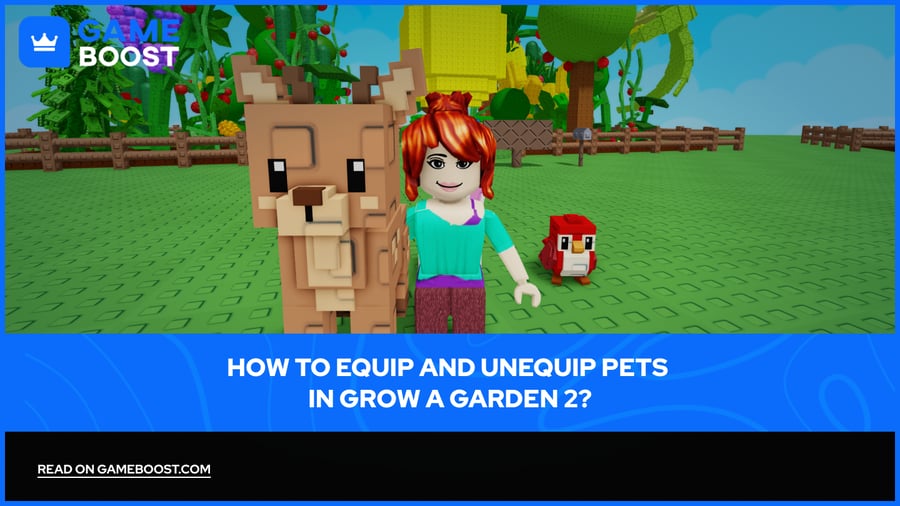
Grow a Garden 2 Pets have active abilities that directly affect your farm output, from speeding up plant growth to protecting your crops from other players trying to steal them at night. Getting the equip and unequip process right is the first thing you need to figure out, because a pet sitting in your inventory does absolutely nothing.
Below, you'll find how to equip and unequip pets in Grow a Garden 2, how your pet slots work, and what the pet menu actually shows you.

To equip a Grow a Garden 2 pet, open your Inventory, go to the Pets tab, and select the pet you want active in your garden.
The rabbit icon on the left side of the screen opens the pet menu, where you can equip, unequip, and check each pet's abilities.
Grow a Garden 2 gives you three pet slots by default, with the option to expand to five slots using Sheckles.
The fourth pet slot costs 200,000 Sheckles and the fifth costs 1,000,000 Sheckles.
Pets only activate their abilities while equipped and actively roaming your garden. Pets stored in your inventory stay inactive.
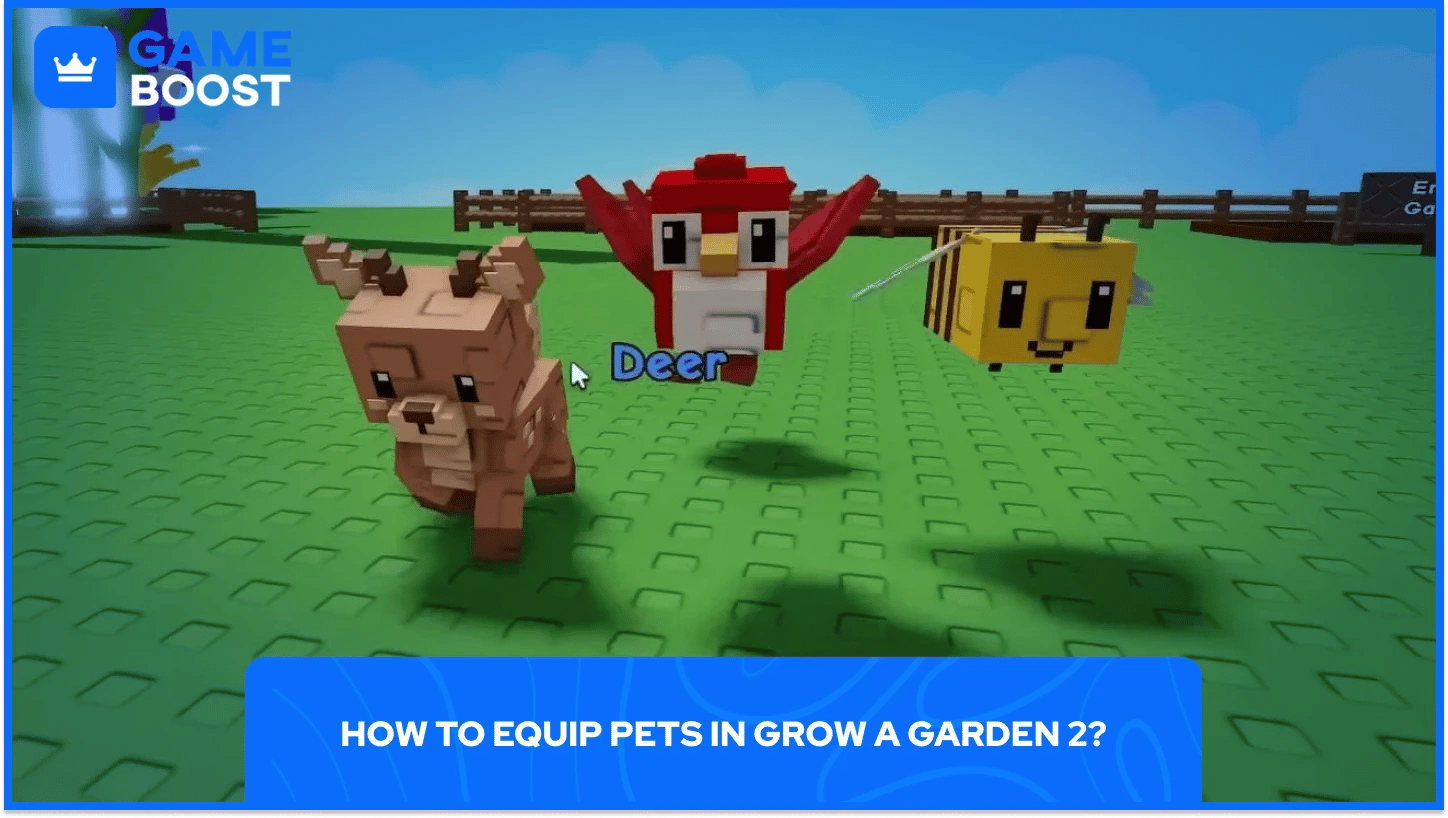
Equipping a pet in Grow a Garden 2 follows a specific order since the pet travels to your garden on its own after purchase and only appears in your inventory once it arrives.
Steps to equip a pet in Grow a Garden 2 are as follows:
Buy or receive a pet from a map spawn, egg hatch, or trade.
Wait for the pet to arrive in your garden (it travels there automatically after purchase).
Open your Inventory from the in-game menu.
Go to the Pets tab inside the inventory.
Select the pet you want to activate and equip it to an open slot.
After equipping Grow a Garden 2 pet, the rabbit head icon appears on the left side of the screen, where you can manage your pets, check their skills, and equip or unequip them at any time.
By default, you can equip three pets in Grow a Garden 2. You can expand the number of pet slots you have with Sheckles, with the first additional slot costing 200,000 Sheckles. The fifth slot requires 1,000,000 Sheckles.

Unequipping a pet in Grow a Garden 2 runs through the same rabbit icon on the left of the screen that you use to equip pets.
To unequip pets in Grow a Garden 2 from your active lineup, follow these steps
Click rabbit head icon on the left side of the screen to open the pet menu.
Select currently equipped pet you want to remove.
Choose the unequip option to send it back to your inventory.
The pet returns to your inventory and stops using its ability until you equip it again. To check what each ability does before swapping, click the ? icon beside the pet name inside the pet menu.
Also Read: How to Get Pets in Grow a Garden 2 and Which to Pick
A: After purchasing a pet from a map spawn, it travels to your garden on its own. Once it arrives, open your Inventory, go to the Pets tab, and equip it from there. The rabbit head icon on the left side of the screen then lets you manage all equipped pets, view their abilities, and swap them out.
A: Grow a Garden 2 gives every player three pet slots by default. The fourth slot costs 200,000 Sheckles and the fifth costs 1,000,000 Sheckles, giving a maximum of five total active pets
A: Unequiped Pets in Grow a Garden 2 arebstored in your inventory stay completely inactive, meaning they won't use their abilities, gain experience, or age. A pet only activates its passive ability when it's equipped and actively in your garden.
A: From the pet menu, accessible through the rabbit icon on the left of the screen, you can click the ? icon beside any pet's name to see a full description of its ability before deciding to equip it.
Equipping and unequipping pets in Grow a Garden 2 is a quick process once you know where to look, but the decisions you make around which pets fill those slots end up shaping how your whole farming session plays out. Three default slots forces you to prioritize, and with higher-rarity pets only spawning on timers, the window to upgrade your lineup can close fast.
As Grow a Garden 2 continues to receive updates, the pet roster is expected to grow, which means the meta around the best pet combinations will keep shifting. Staying aware of what's spawning on the map and knowing exactly how to swap pets in and out gives you a real edge when a valuable pet appears.
Grow a Garden 2 Accounts For Sale
Grow a Garden 2 Sheckles For Sale
“ Kristina joined GameBoost in 2024 as an SEO specialist and quickly became the go-to writer for third-person shooter and competitive games. She covers titles like Fortnite, Valorant, League of Legends, GTA 5, and Roblox, focusing on how-to guides, practical tips, and updates.”