

•Filip Premuš• 4 min read
GTA 5

GTA 5 gets a lot of things right, and the personal vehicle system is one of the features that makes the open world feel genuinely yours. The moment you attach yourself to a specific car, it stops being random transport and starts feeling like an extension of your character.
Rockstar Games built this system across both story mode and GTA Online, though the two work very differently from each other. Story mode keeps things simple and somewhat fixed, while GTA Online opens up a full ownership experience with trackers, insurance, garages, impounds, and even remote control functionality.
This article covers everything you need to know about setting up, managing, finding, and recovering your personal vehicle in both modes of GTA 5.
A personal vehicle in GTA 5 is any car the game recognizes as belonging to your character. The mechanics behind that vary significantly between story mode and GTA Online. In story mode, personal vehicles are assigned directly to each protagonist and require no setup. GTA 5 Personal Vehicles in story mode spawn consistently, return to the character's residence if abandoned, and stay available throughout the campaign. There's no tracker to install, no insurance to purchase, and no mechanic to call.
GTA Online works differently. A personal vehicle in GTA 5 Online is the one you've formally claimed through the game's ownership system, either by buying it from the in-game internet or by taking a stolen car to Los Santos Customs and paying for a tracker and insurance. Once registered, the vehicle gets a dedicated map marker, respawns near you at the start of each session, and can be requested through your mechanic or the interaction menu. It also becomes recoverable if it gets destroyed or impounded, which matters a lot in a lobby full of other players.
Beyond just having a ride, your personal vehicle in GTA Online connects to the broader progression system. As you acquire more properties like apartments, garages, and specialized facilities, the number of vehicles you can own and store grows with them. Your personal vehicle is effectively the one the game defaults to when you need transport, and the one that gets priority when it comes to map tracking and recovery.
Also Read: Where to Buy GTA 5 Accounts?

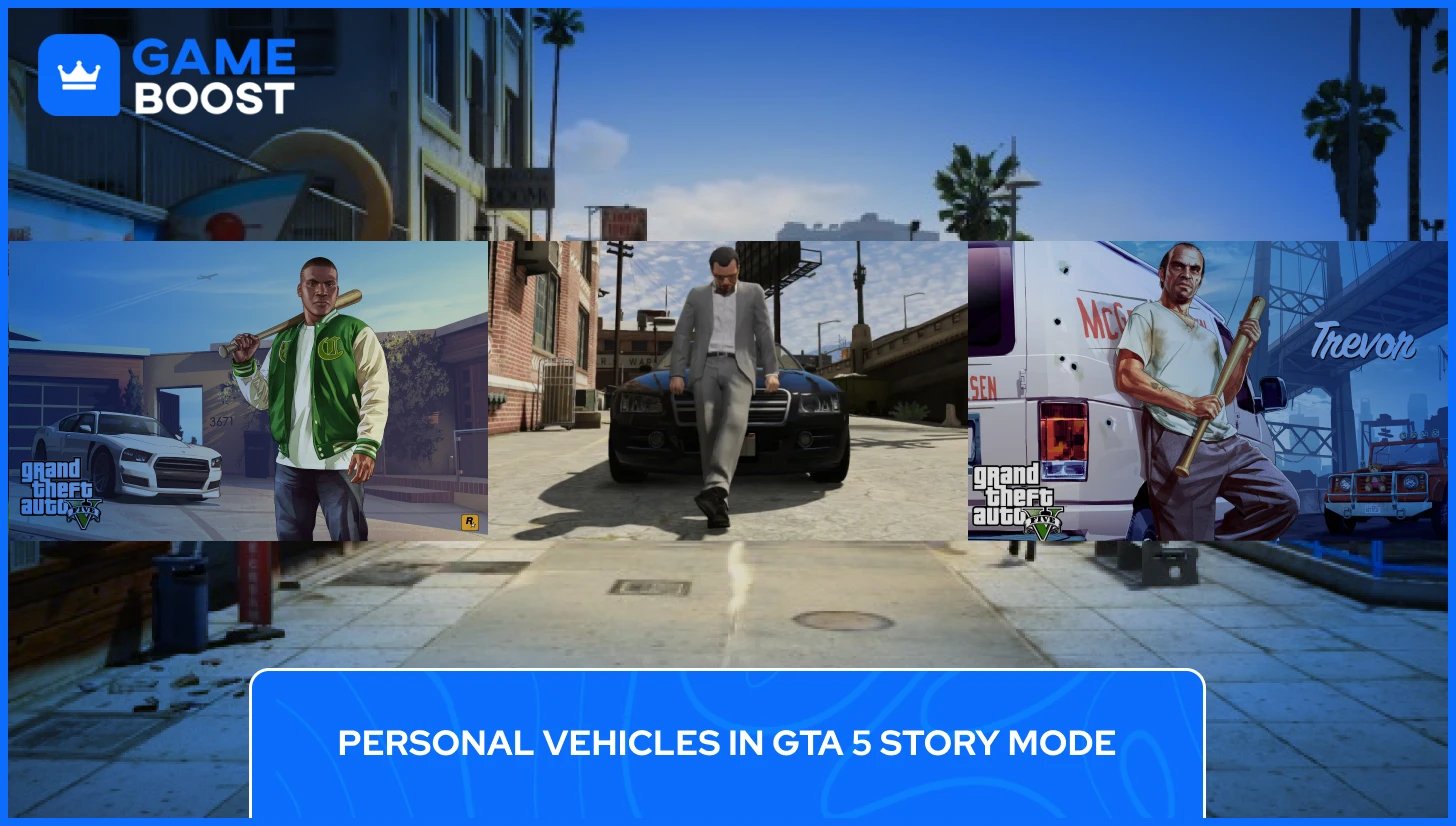
Story mode handles personal vehicles in a simpler way than GTA Online. Each of the three protagonists comes with a default personal vehicle tied to their character that stays available until the end of the game.
Franklin drives a white Bravado Buffalo S with the license plate "FC1988," Michael has a black Obey Tailgater ("5MDS003"), and Trevor rolls in a red Canis Bodhi ("BETTY32"). Each of these personal cars in GTA Story Mode reflects the character's background within the story. If you abandon any of these primary vehicles, they automatically return to the character's current place of residence without any input from you.
Michael's Tailgater temporarily disappears during a stretch of the story. After the mission "Did Somebody Say Yoga?", he uses a red Premier as a replacement, and the Tailgater returns after "Reuniting the Family”. The Tailgater also receives pre-set modifications after the mission "Monkey Business", which will overwrite any custom setup you applied beforehand. It's better to hold off on any modifications until you've cleared that mission.
Beyond the default rides, you can store additional vehicles across each character's properties. Each protagonist can purchase their own vehicle garage with space for four cars: the Grove Street Garage for Franklin, the Vinewood Garage for Michael, and the Pillbox Hill Garage for Trevor. Safehouse garages add a bit more capacity on top of that.
The most important limitation in story mode is that there is no insurance system, so if a car gets destroyed, it's gone for good. Storing vehicles in a garage is the only real protection available; parking anything you care about should be a habit from early in the game.
Also Read: How to Get Free Car Wash in Grand Theft Auto V
There are two ways to get a personal vehicle in GTA Online: to buy one or claim a stolen car. Both work, though they come with different rules attached.
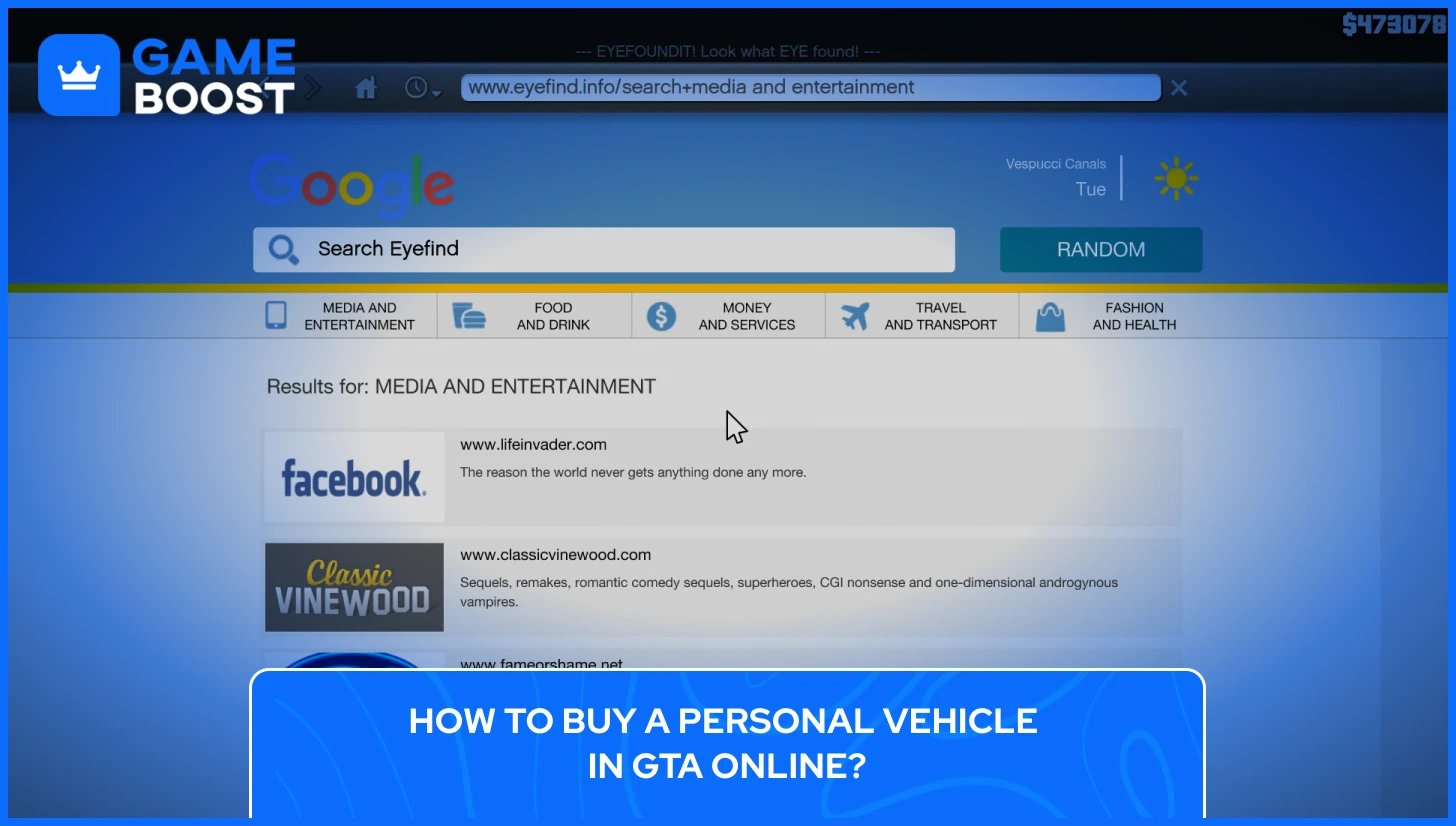
Buying a car is the simplest path to getting a personal vehicle in GTA 5 Online. To buy a car in GTA 5, first open the eyefind.info, which is the main web portal on your in-game phone, go to the Travel and Transport section, and you'll find several vehicle dealership websites to browse.
Some of the main cars you can buy in GTA Online include:
Legendary Motorsport — high-end supercars and luxury vehicles, most priced above $100,000
Southern San Andreas Super Autos — mid-range cars, sports vehicles, and everyday rides
Warstock Cache & Carry — military-grade and weaponized vehicles
Benny's Original Motor Works — stock vehicles available for custom builds
When you are buying your personal vehicle in GTA 5, first find the car you want to purchase, choose a base color, confirm the purchase, and the vehicle gets delivered directly to your garage. Any car bought through the in-game websites comes with a tracker and insurance pre-installed, meaning it's automatically registered as your GTA Online personal vehicle with no additional setup required.
You can also visit two physical dealerships in Los Santos: Premium Deluxe Motorsport and Luxury Autos Showroom, which carry a rotating weekly selection from the same websites. The advantage there is being able to inspect the car up close before committing.
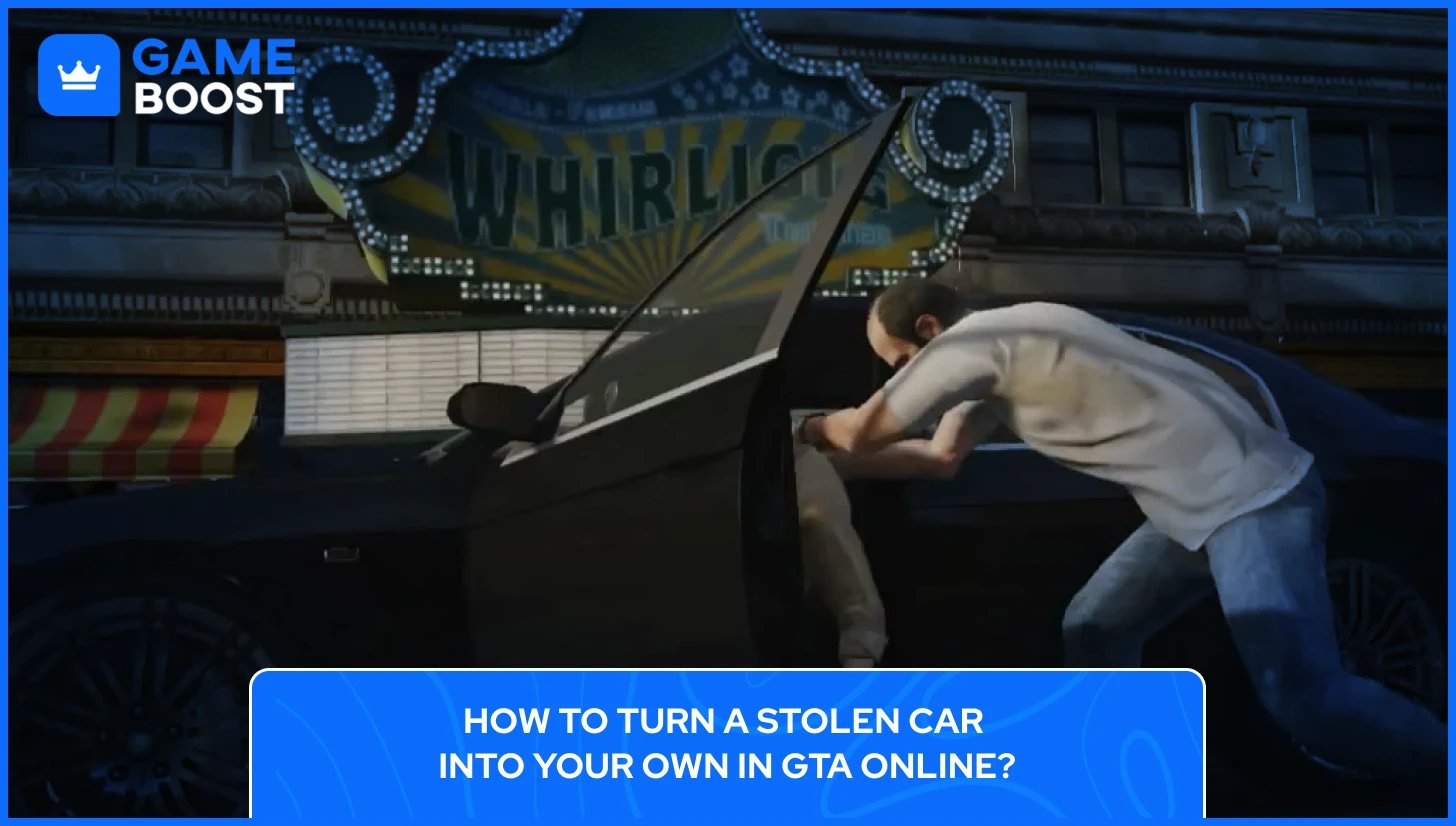
Stealing a car off the street and registering it as yours is possible, but it comes with restrictions. Drive the vehicle to any Los Santos Customs location, go to the Loss/Theft Prevention section in the menu, and purchase a tracker. From there, you can also add Full Coverage insurance, which lets you recover the car through Mors Mutual Insurance if it gets destroyed.
The tracker costs $2,000 on its own, but if you already own a garage, any car you store inside automatically gets one for free. There are two important limits to know. First, any vehicle worth $100,000 or more cannot be claimed this way. High-value cars must be purchased outright. Second, you can't add a tracker to a car that already belongs to another player. Jacking someone else's personal vehicle doesn't give you ownership of it.
Also Read: Grand Theft Auto Guide: How to Sell Cars in GTA 5?
Once you have a personal vehicle set up in GTA Online, there are a few things worth knowing about how to call it, switch it out, and control who can get in.
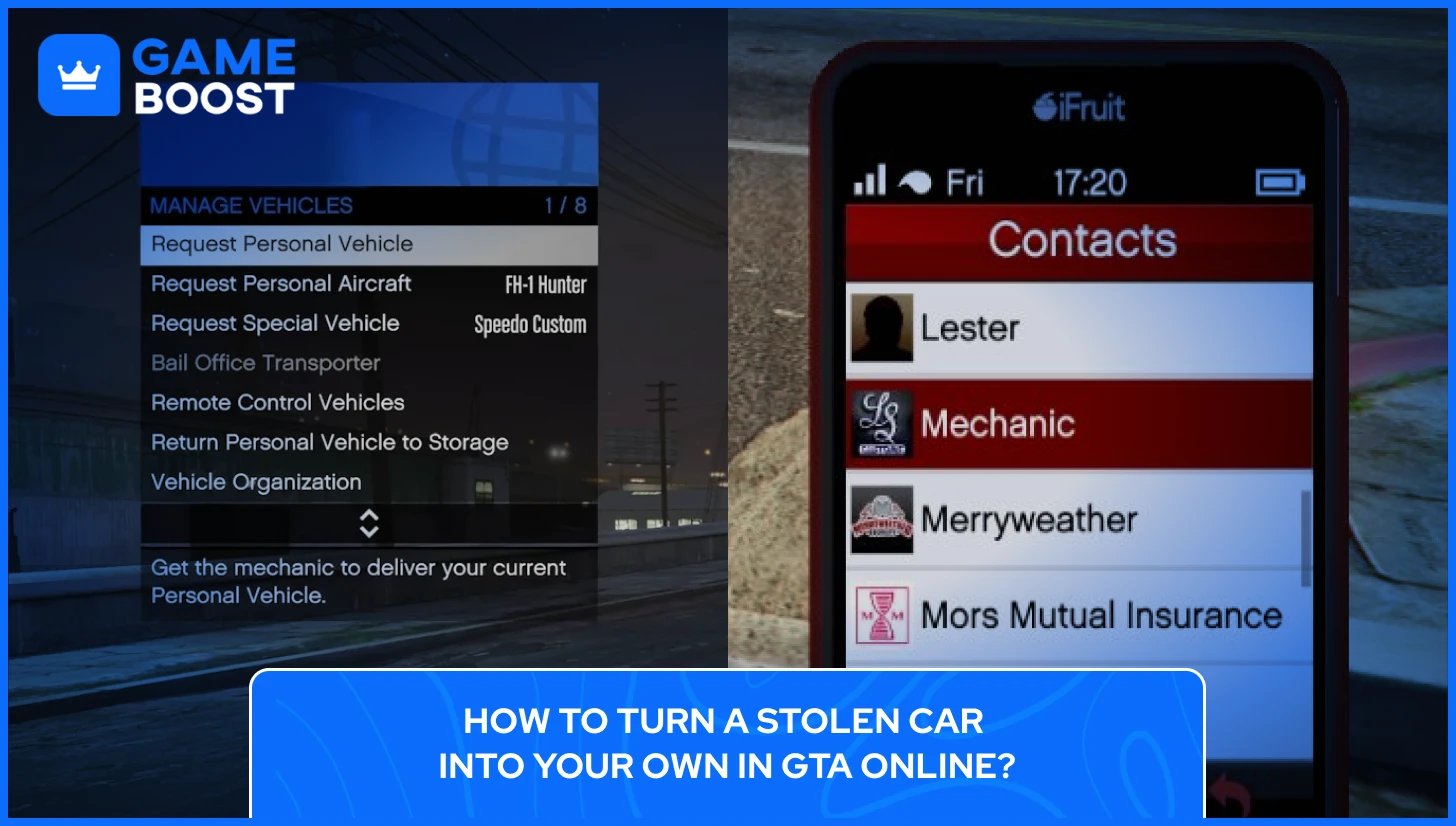
There are two ways to call your GTA Online personal vehicle without going back to your garage. The quickest is through the interaction menu. Open it using the controls for your platform:
PC: Press M
PlayStation: Hold the Touchpad
Xbox: Hold the View button
From there, go to Vehicles and select Request Personal Vehicle. The car spawns nearby within a few seconds.
The second option is calling your mechanic directly from your in-game phone, by going to Contacts and selecting the Mechanic. From there, he'll list all the vehicles you own across your garages, so you can choose exactly which one you want delivered to your location. This makes it the better option when you want a specific car rather than just your currently active personal vehicle.
Your personal vehicle location also shows on the map as a white car icon at all times, so if you've lost track of it, you can use the Quick GPS option in the interaction menu and set a route straight to it.
Your active personal vehicle is whichever car you last drove out of a garage. To change it your personal vehicle in GTA Online, go to any garage you own, get into the car you want as your new personal vehicle, and drive it out. The game sets that as your active vehicle going forward. Alternatively, call your mechanic through the phone, select the garage the car is stored in, and request delivery. Once it arrives, that becomes your active personal vehicle.
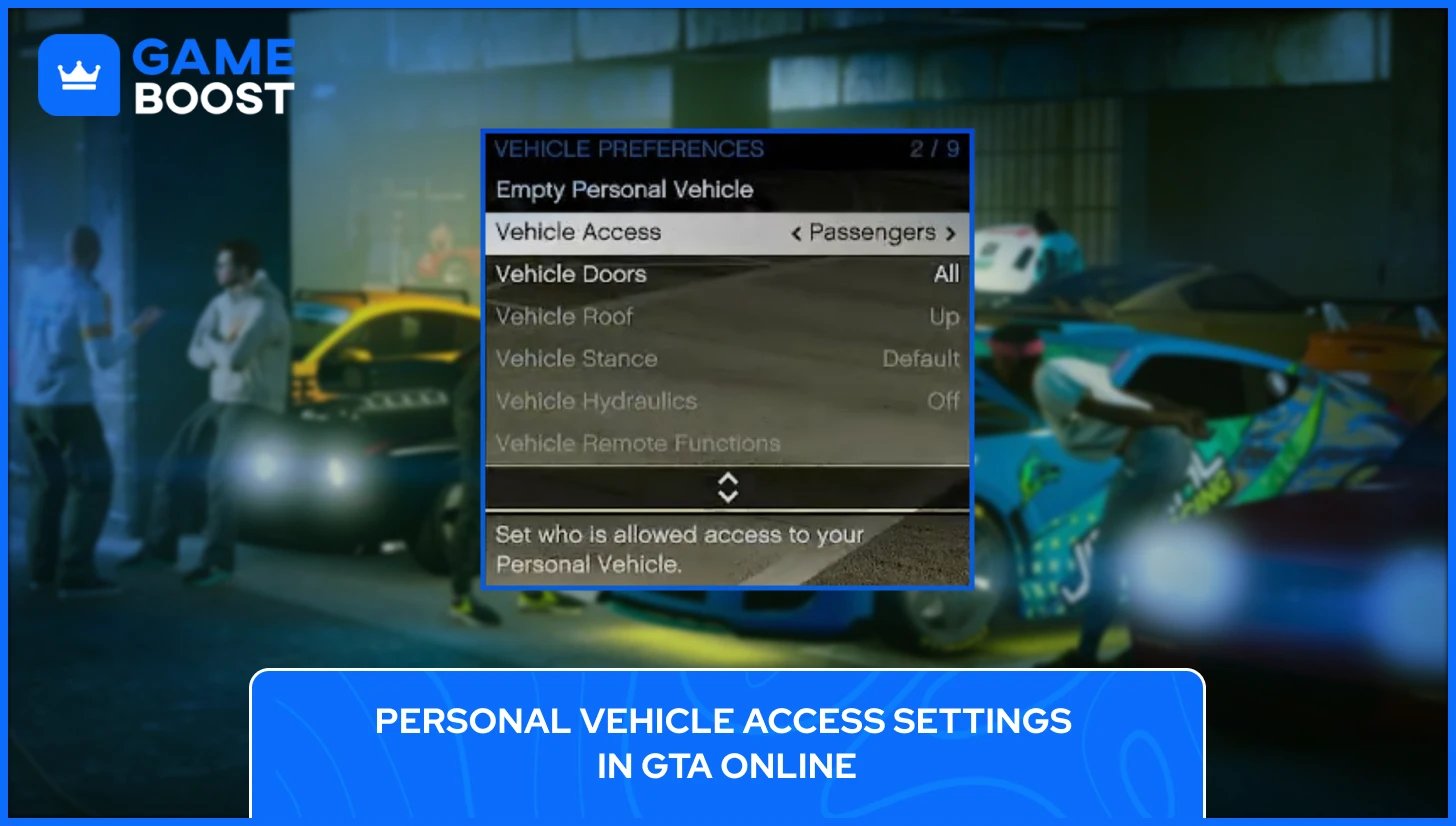
By default, other players can't just jump into your car. Access is controlled through the interaction menu under Vehicle Access. The available settings for your personal vehicle in GTA Online include No-One, Passengers Only, Friends, Crew, Friends and Crew, or Everyone. Setting it to Passengers Only means other players can ride along but cannot take the wheel. If you're playing with a crew or running missions with friends, adjusting this setting avoids any unwanted situations with strangers in your vehicle.
Losing your personal vehicle in GTA Online is a regular occurrence, and the game has two main recovery paths depending on how you lost it.
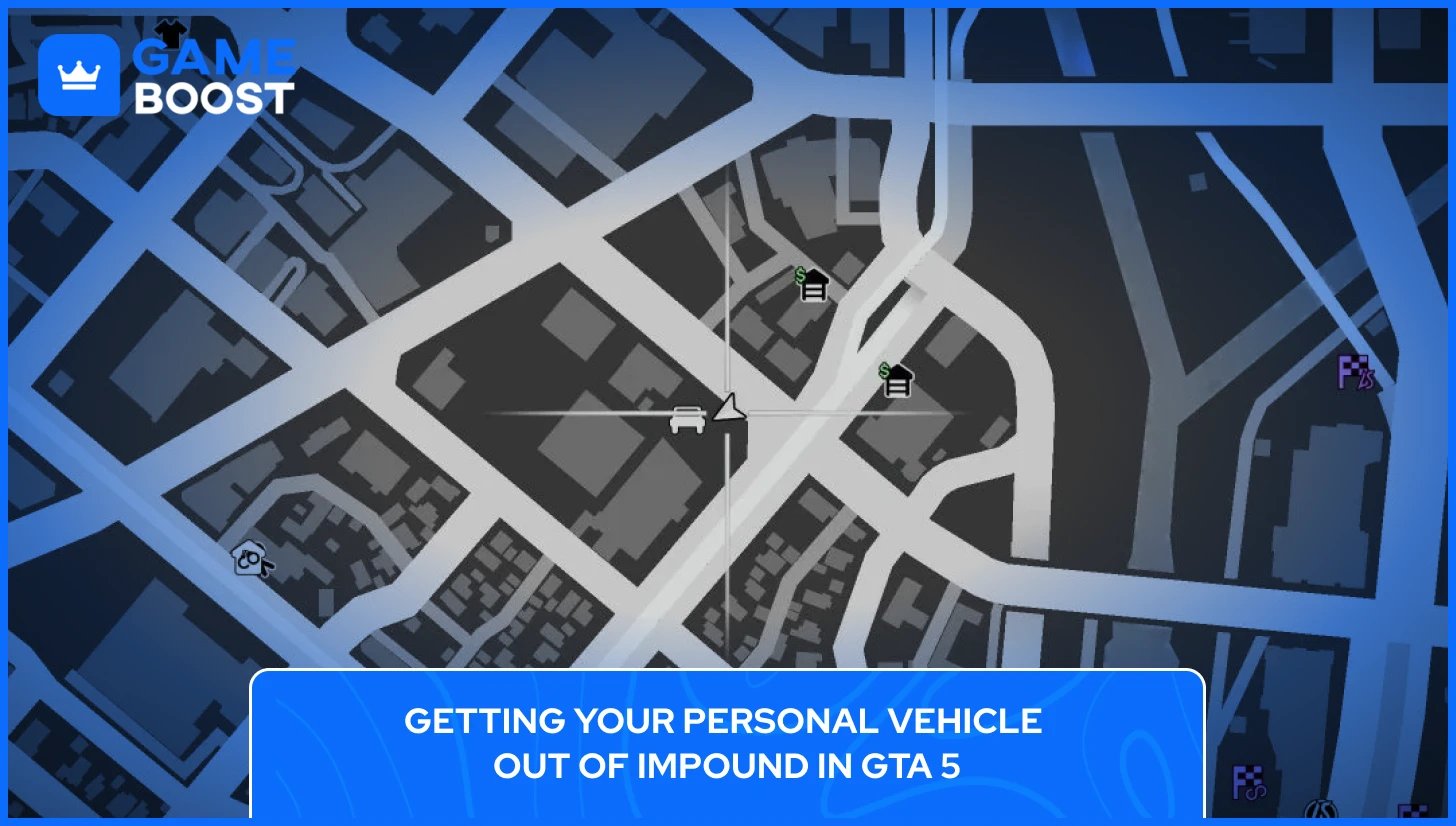
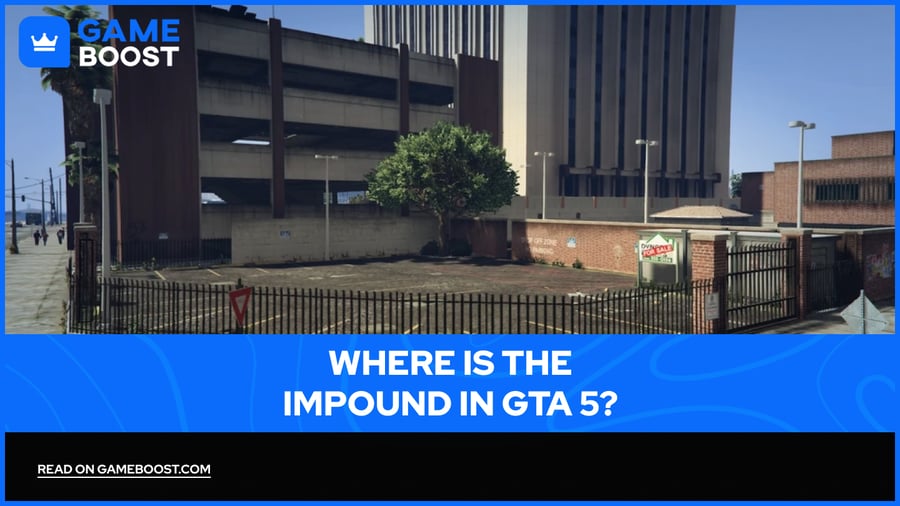
If the police arrest you while your car is nearby, they'll take it to the LSPD Auto Impound, located on the corner of Roy Lowenstein Boulevard and Innocence Boulevard in South Los Santos. A white car icon on your map will show you where your car is, and you can also set a GPS route to it directly from the interaction menu under Quick GPS, then Personal Vehicle.
There are two ways to get it back. One option is walking up to the impound gates and paying a $250 fee, which lets you drive out without any wanted level. The second option is hopping the fence and stealing it back, which immediately triggers a two-star wanted level. It's free, but you'll need to lose the cops before you can relax.
One important thing to keep in mind is that if you request another personal vehicle while one is already impounded, the impounded car gets destroyed. From that point you'd need to file an insurance claim to recover it, which costs more than the $250 impound fee. Make sure to get the impounded car out first before requesting anything else.
Also Read: Where Is the Impound in GTA 5?
If your personal vehicle gets destroyed and it has a tracker and full coverage insurance, you can get it back with a single call. To get your destroyed personal vehicle back, open your in-game phone, go to Contacts, and call Mors Mutual Insurance. Select the destroyed vehicle from the list, confirm the claim, and the car gets returned with all its modifications intact.
Who pays depends on how it was destroyed. If another player blew up your car, the insurance fee is automatically charged to them. If you destroyed it yourself, you'll cover a fee based on the vehicle's value. The recovered car gets delivered to the Mors Mutual depot on Adam's Apple Boulevard, or straight to your garage if you already have another personal vehicle active at the time.
A vehicle without insurance cannot be recovered this way, and if it gets destroyed, it's gone for good. This is why adding full coverage at Los Santos Customs to every car you care about is worth doing as soon as you get it.
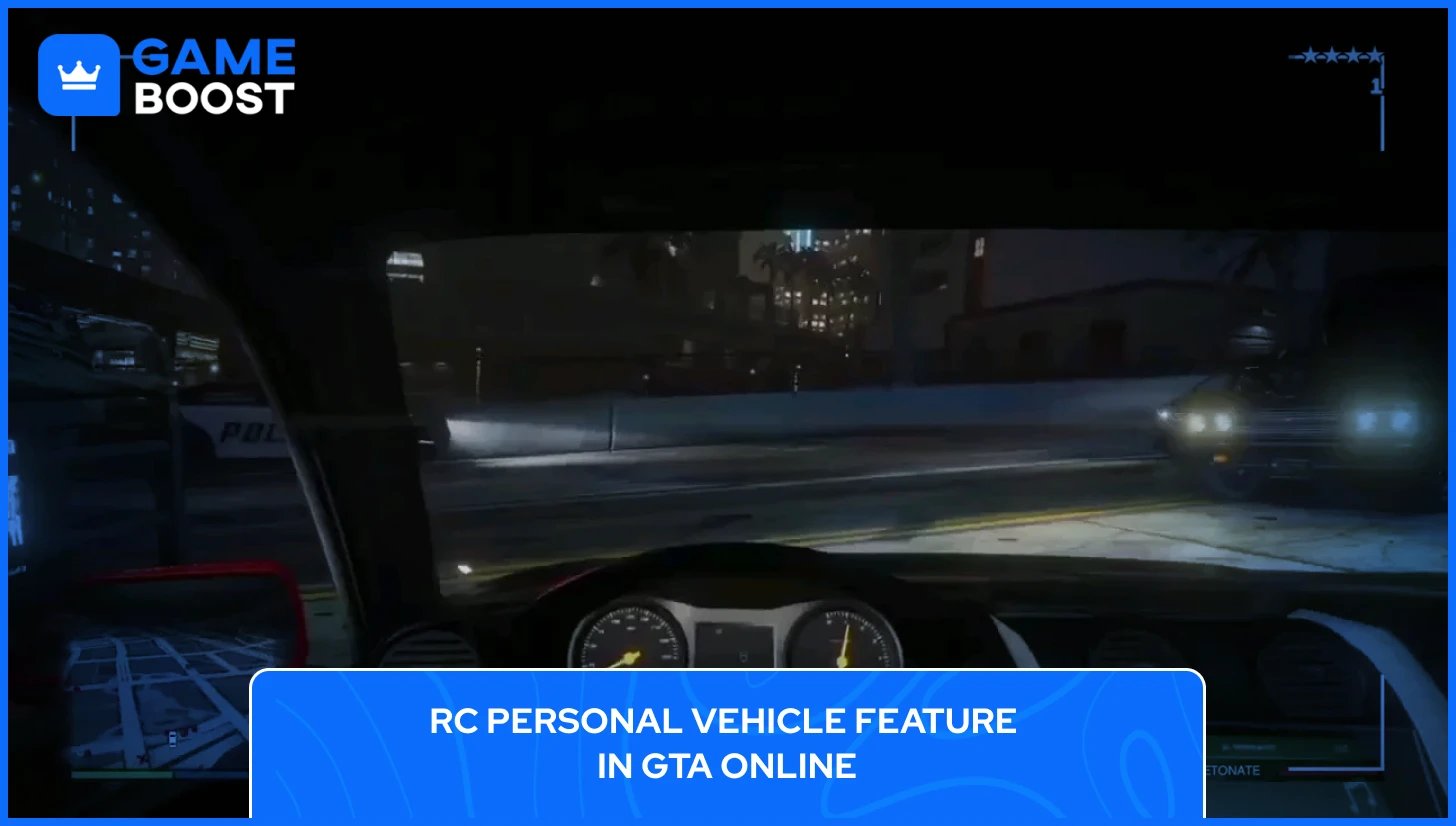
The RC Personal Vehicle feature is one of the more unique things you can do with a personal vehicle in GTA Online. It lets you remotely control your car from the outside, giving you a first-person view from inside the vehicle while your character stands still nearby.
This feature is part of Imani Tech, a set of vehicle upgrades introduced with The Contract update in December 2021. To access it, you need to own an Agency property and upgrade it with a Vehicle Workshop, which costs $800,000 on top of the Agency purchase price. Once set up, you can install the Remote Control Unit on compatible vehicles for $235,000 through the workshop.
To actually use it, your compatible vehicle needs to be set as your active personal vehicle and parked outside, not stored in a garage. From there, open the interaction menu, go to Inventory, scroll to Remote Control Vehicles, and select RC Personal Vehicle. You'll switch into a first-person view from inside the car and can drive it freely, use any mounted weapons it has equipped, or detonate it remotely if needed.
One limitation worth knowing is that Imani Tech only allows one upgrade per vehicle. You can have either the Remote Control Unit or the Missile Lock-On Jammer, not both. The jammer blocks other players from locking homing missiles onto your car, which is generally more useful in busy lobbies. The Remote Control Unit is a better fit for specific missions or situations where controlling your vehicle from a distance gives you a tactical edge.
As of March 2026, there are 20 vehicles in GTA Online that support Imani Tech upgrades, including the Bravado Buffalo STX, Enus Jubilee, Obey Omnis e-GT, and Överflöd Champion. All of them need to be purchased outright and taken to the Agency Vehicle Workshop to apply the upgrade.
Also Read: How to Buy an Agency in GTA 5 Online
How do you fix a damaged personal vehicle in GTA Online?
You can fix a damaged personal vehicle in GTA Online, by driving it into any Los Santos Customs location and selecting the repair option. The cost depends on the level of damage. Vehicles recovered through Mors Mutual Insurance after being fully destroyed come back in working condition with no additional repair fee needed.
In GTA Online, any vehicle valued under $100,000 can be made your personal vehicle. Steal it, drive it to Los Santos Customs, go to Loss/Theft Prevention, and purchase a tracker. Add full coverage insurance at the same time, so you can recover it through Mors Mutual if it gets destroyed later. Anything over $100,000 has to be purchased from the in-game websites to be registered as a personal vehicle.
Personal vehicle in GTA Online spawns near you at the start of every session and shows as a white car icon on the map at all times. If you can't find it, open the interaction menu, go to Quick GPS, and select Personal Vehicle to get a direct route to it.
The impounded car gets destroyed automatically if you request a new personal vehicle. Once that happens, the $250 impound fee is no longer an option, and you'll need to call Mors Mutual Insurance to recover it, which costs more. Always retrieve an impounded vehicle before requesting another one.
The personal vehicle system in GTA 5 is straightforward in story mode but considerably deeper in GTA Online, where the decisions you make around insurance, storage, and upgrades have real consequences every session. Knowing how it works saves you money, time, and the frustration of losing a fully upgraded car to something easily avoidable.
What often gets overlooked is how much your vehicle setup connects to broader GTA Online progression. The properties you own and the businesses you run all shape what your personal vehicle can do. Owning an Agency with a Vehicle Workshop, for instance, opens up Imani Tech options that turn a standard personal vehicle into something with genuine defensive value well beyond just getting around Los Santos.
GTA 5 Key
GTA 5 Enhanced Key
Buy GTA 5 Items
GTA 5 Accounts For Sale
View all GameBoost Accounts
View all GameBoost Boosting Services
View all GameBoost Currencies
View all GameBoost Game Keys
View all GameBoost Gift Cards
View all GameBoost Top Ups
View all GameBoost Items
Counter-Strike 2 Skins
“ Kristina joined GameBoost in 2024 as an SEO specialist and quickly became the go-to writer for third-person shooter and competitive games. She covers titles like Fortnite, Valorant, League of Legends, GTA 5, and Roblox, focusing on how-to guides, practical tips, and updates.”