

•Filip Premuš• 9 min read
GTA 6

Hold Right on the D-pad, then press R1 on PS5 or RB on Xbox Series X|S to switch characters in GTA 6. Free switching between Jason and Lucia becomes available during Coffee Break in Chapter 2, following Breakfast Run.
Until that point, the story decides who you control. Playing as both protagonists during the opening missions doesn't give you immediate access to switching in free roam. Later restrictions can also leave one portrait greyed out, even after you've reached the required mission.
Hold D-pad Right and press R1 on PS5 or RB on Xbox to change characters.
Continue through Coffee Break in Chapter 2 for free-roam switching.
Use Triangle on PS5 or Y on Xbox for the available meet-up or split-up prompt.
A greyed-out portrait means the other character is currently unavailable.
Leave your home or finish the current story section if switching is temporarily blocked.
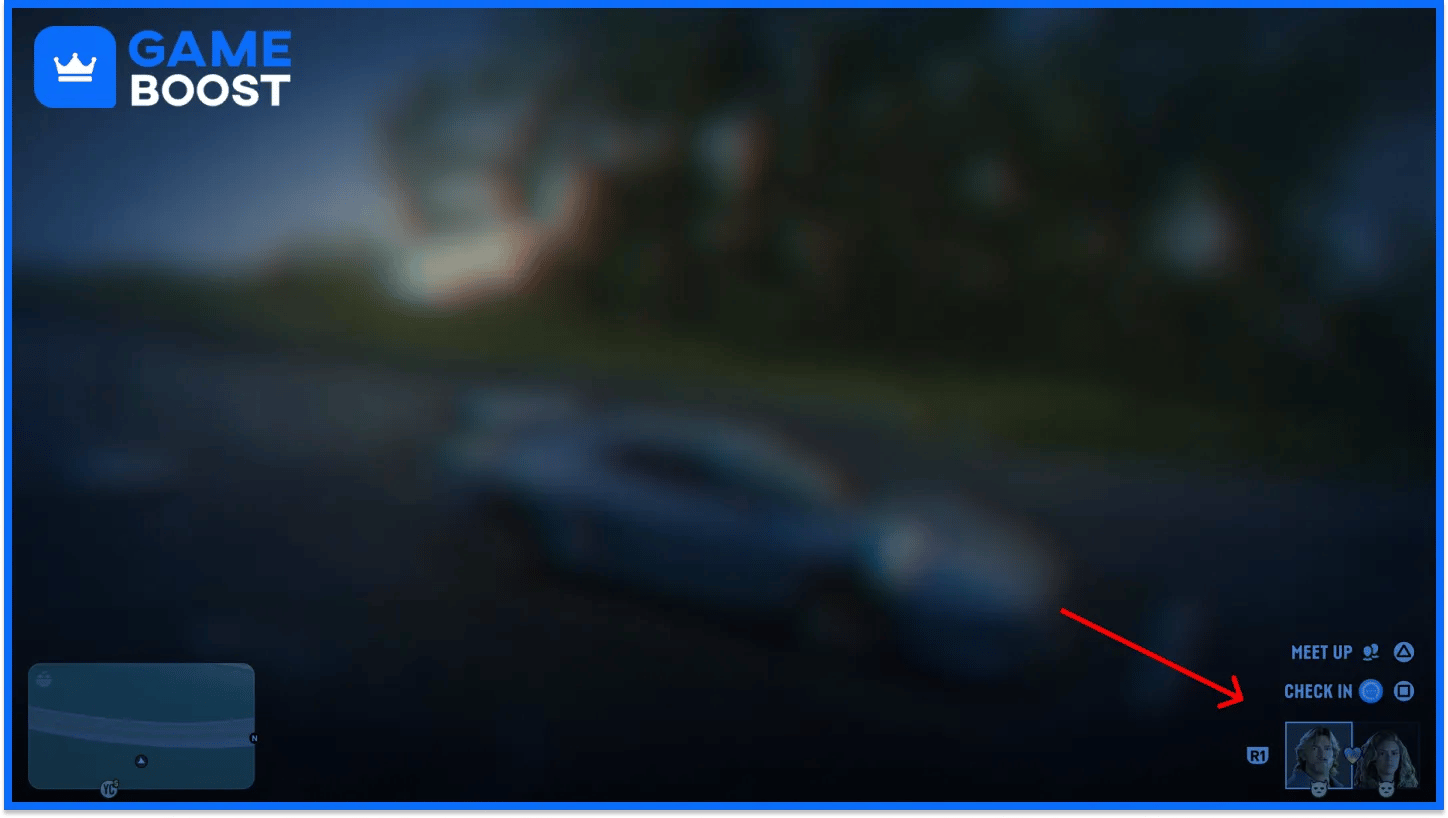
Open the partner menu by holding D-pad Right, then use the command for the action you want. Switching control, inviting your partner, and sending them away serve different purposes.
Action | PS5 | Xbox Series X|S |
|---|---|---|
Open the partner menu | Hold D-pad Right | Hold D-pad Right |
Switch Jason or Lucia | Hold D-pad Right, then press R1 | Hold D-pad Right, then press RB |
Meet up when the option appears | Hold D-pad Right, then press Triangle | Hold D-pad Right, then press Y |
Split up when together and the option appears | Hold D-pad Right, then press Triangle | Hold D-pad Right, then press Y |
Read the prompt before pressing Triangle or Y. That button handles different partner interactions depending on your situation. Use R1 or RB when your goal is to take control of the other protagonist.
Free character switching becomes available during Coffee Break, a Chapter 2 mission that follows Breakfast Run. Near the end of Coffee Break, return to your car and follow the prompt to interact with your partner. That introduces the menu used for switching and partner commands.
Chapter 1 mostly keeps you with Jason, with story sections that put you in control of Lucia. Reaching a section where you play as her doesn't remove the story restrictions on choosing either character afterward.
If you're still in the opening chapter, keep following the main missions. You don't need to buy an item or search the settings menu to make the other protagonist available.
Start with your story progress, then check where you are and what the other character is doing. A darkened portrait can be part of normal gameplay.
Situation | What to do |
|---|---|
You haven't reached Coffee Break | Continue the Chapter 2 story |
You're inside your home | Step outside and try the partner menu again |
A mission requires Jason or Lucia | Follow the mission's character requirement |
Your partner is temporarily busy | Wait until they become available |
You just switched and the other character is leaving in a RydeMe | Give them time to leave, then check again |
Some missions keep you with a particular protagonist. Others let you switch or change control as part of the objective. Follow the current prompt instead of expecting every mission to offer the same freedom.
Check the mission marker too. A J or L identifies a task for the corresponding character, so an unavailable mission may require changing who you're playing as first.
Hold D-pad Right and use the meet-up prompt with Triangle on PS5 or Y on Xbox when it's available. Your partner joins you, letting the pair travel and take on activities together.
You can also call your partner through the phone's Contacts app. Use meeting up when you want company without giving up control of your current character. Use the switch command when you want to play as the other person.
Before heading into a fight together, check your equipment. Picking suitable early weapons in GTA 6 gives you a useful starting point for planning the guns you bring.
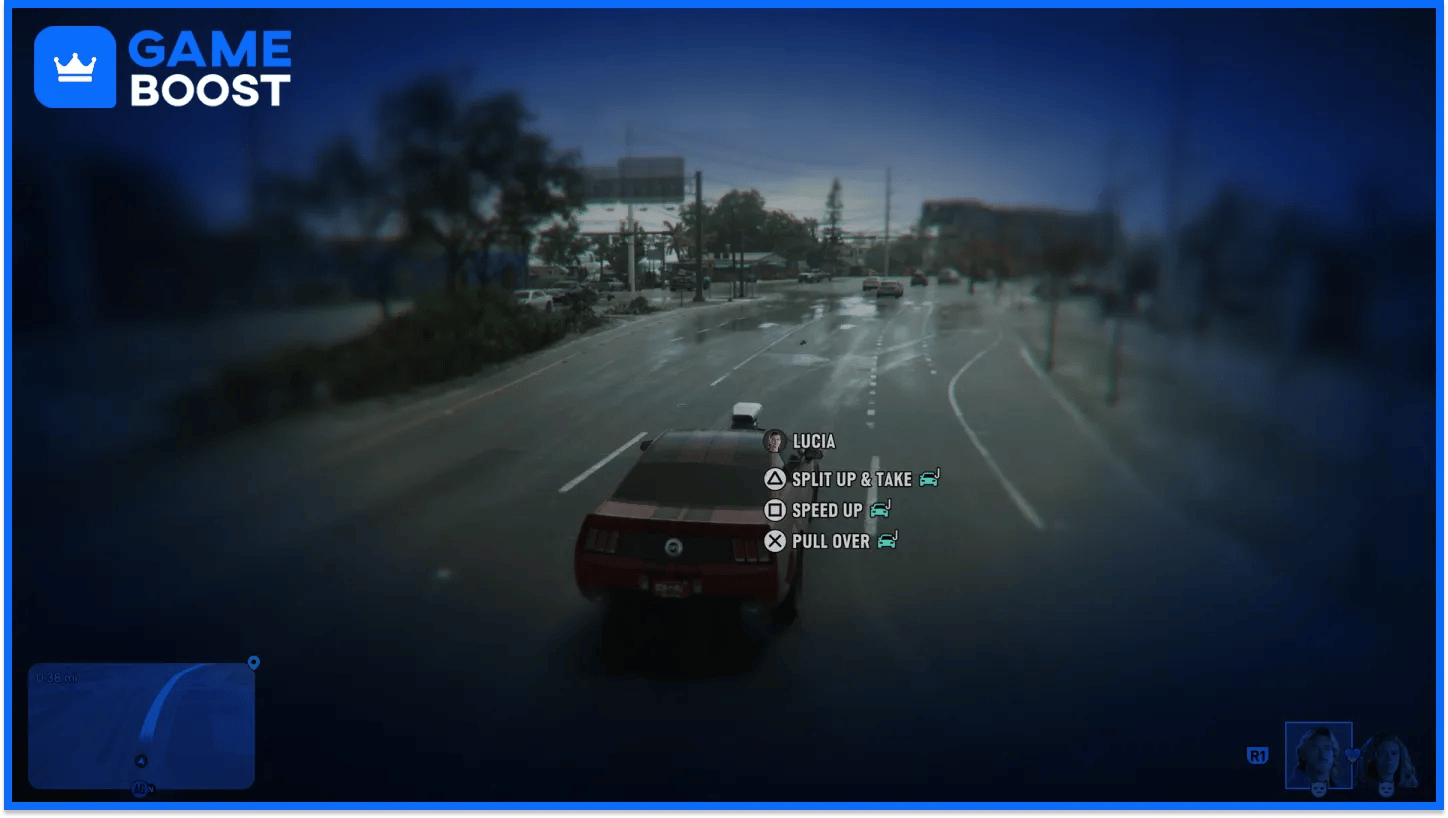
Open the partner menu with D-pad Right and select Split Up using Triangle on PS5 or Y on Xbox when the option appears. They go their separate ways, and you keep control of your current character.
Splitting up can also help during a police search if officers know Jason and Lucia are working together. The GTA 6 wanted system tracks evidence about the pair, so separating can help address that part of the search. Check the remaining evidence before treating the chase as over.
Reach Coffee Break in Chapter 2, then hold D-pad Right and press R1 or RB to switch. If a portrait is greyed out, check the current mission, step outside your home, or give your partner time to become available. Use the separate meet-up and split-up prompts when you want to change who's with you.
“ Filip Premuš is a seasoned gaming content writer specializing in titles like Steal a Brainrot, Old School RuneScape, and other popular online games. With a sharp focus on accuracy, updates, and in-game strategy, he creates comprehensive guides that help players stay ahead of the meta and make informed decisions.”