


•Hamza Rashid• 7 min read
Fortnite
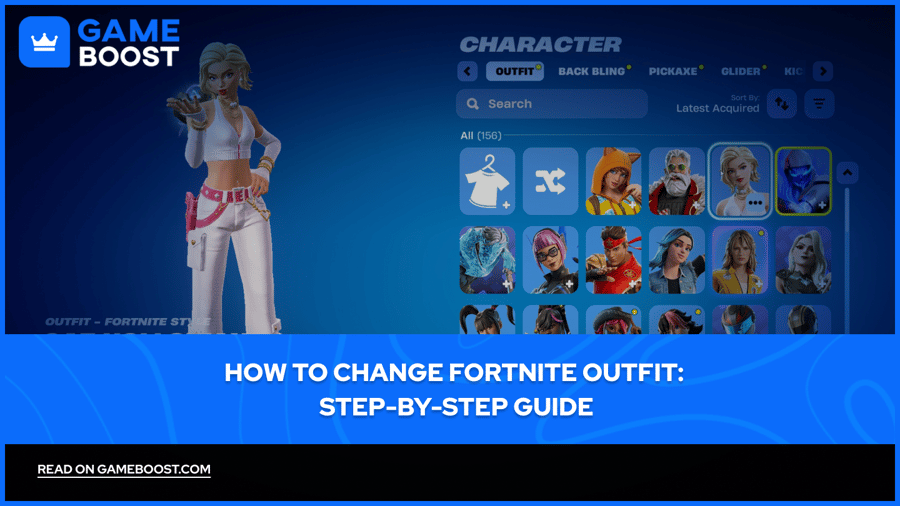
Fortnite outfits are the character skins you equip to change your avatar's appearance in-game. They're purely cosmetic items that don't provide any gameplay advantages like extra health or improved weapons. Many players simply call them skins.
You can acquire outfits through different methods. Some are earned by progressing through Battle Pass tiers during a season, while others can be purchased directly from the Item Shop using V-Bucks, Fortnite's in-game currency.
Once you've collected a few outfits, switching between them is straightforward, but new players often struggle to find the right menu option. In this article, we'll break down how to change your Fortnite outfit and explain all the available methods for earning new skins.

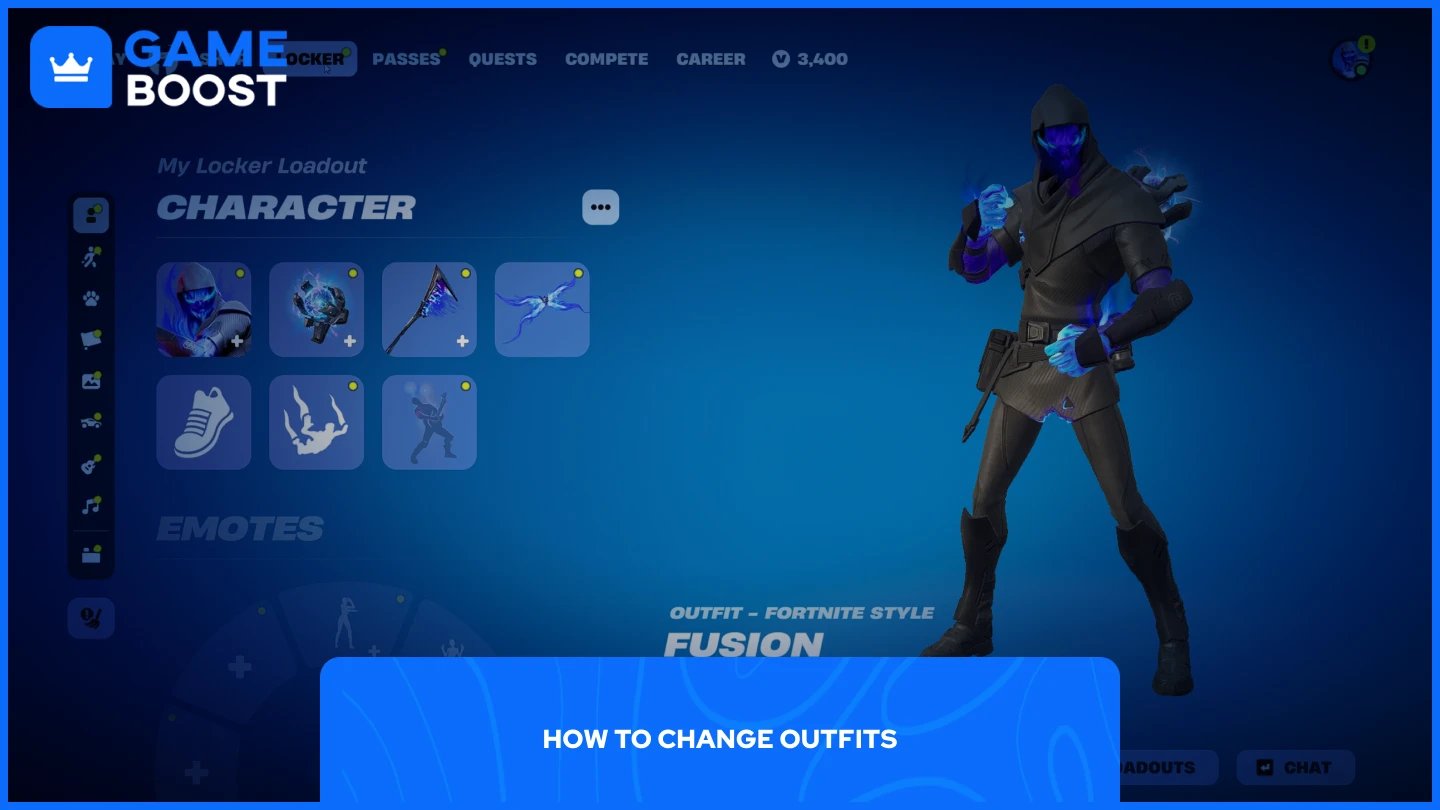
Changing your outfit in Fortnite takes just a few seconds from the main lobby. The process is the same across all platforms, including PC, console, and mobile.
Launch Fortnite
Click the Locker tab at the top of the screen
Select the Character section
Click the outfit tile at the top left
Browse through your available skins and select the one you want to use
Click on any skin to equip it
Your selected outfit will appear on your character immediately. The changes apply instantly, and you'll see your new skin in the next match you play. Some outfits include alternate styles that you can customize by clicking Edit Styles before equipping them.
Also Read: How to Emote in Fortnite: Step-by-Step Guide
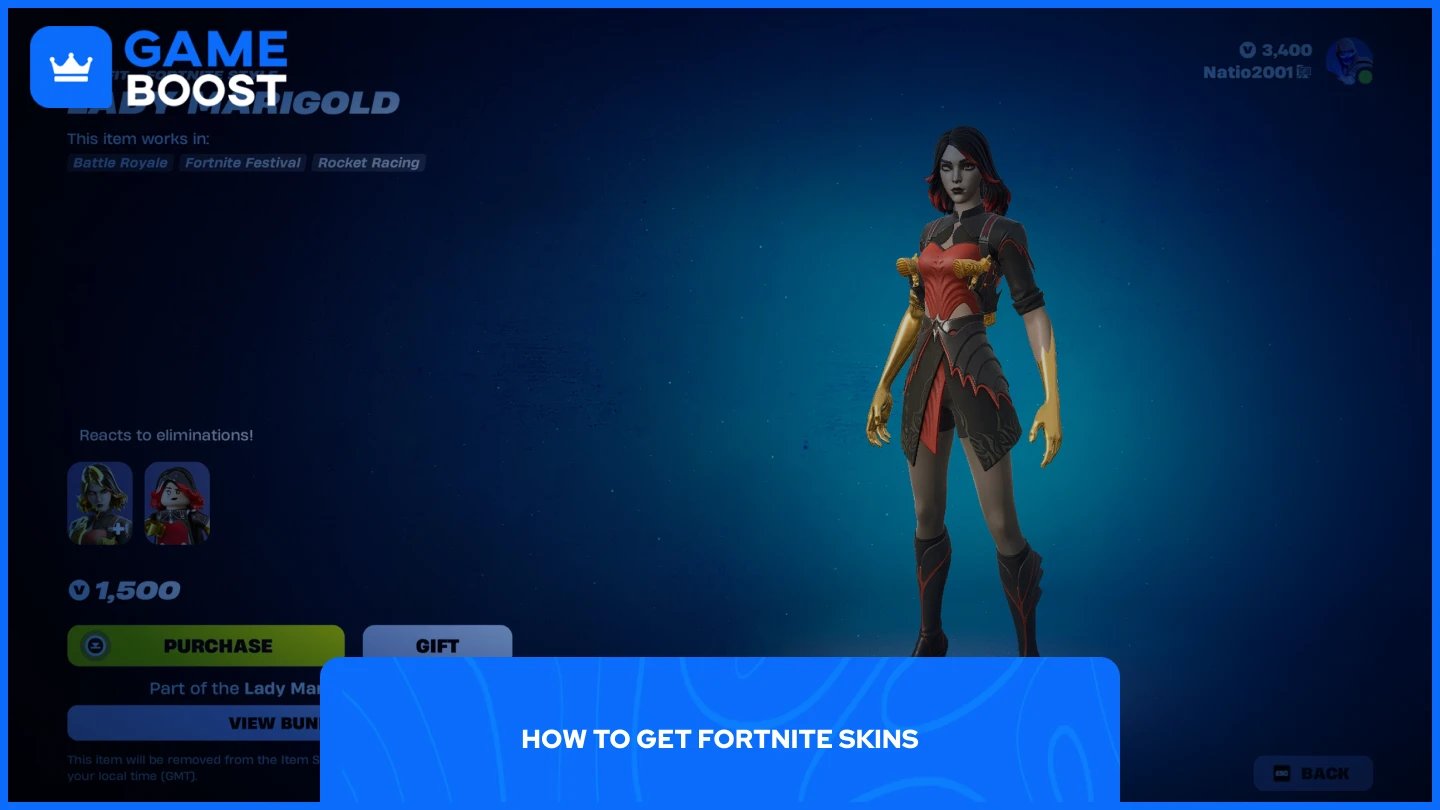
Fortnite offers multiple ways to acquire new skins, ranging from free methods that require time investment to paid options for instant access. The availability of each method varies by season and promotional events.
Item Shop Purchases
Battle Pass Rewards
Seasonal Events (Winterfest, Fortnitemares, crossover celebrations)
Special Quest Packs (LEGO Fortnite quests, True Explorers Quest Pack)
Ranked Mode Quests
Tournaments
Gifts from Friends
Fortnite Crew Subscription
Keep in mind that free skin availability changes constantly. Epic Games rotates promotional offers and seasonal events throughout the year, so checking the in-game news tab regularly ensures you don't miss limited-time opportunities.
Also Read: Every Fortnite Crew Skin Ever Released
Changing your Fortnite outfit is a simple process through the Locker menu. Whether you're using skins from the Battle Pass, Item Shop purchases, or free promotional events, the steps remain the same. New skins are added regularly, so keep an eye on seasonal events and limited-time offers to expand your collection without spending V-Bucks.
Buy V-Bucks
Buy Fortnite Items
Fortnite Accounts For Sale
View all GameBoost Accounts
View all GameBoost Boosting Services
View all GameBoost Currencies
View all GameBoost Game Keys
View all GameBoost Gift Cards
View all GameBoost Top Ups
View all GameBoost Items
Buy CS2 Skins
“ Mustafa Atteya has been writing about gaming and esports since 2023, specializing in competitive game content and player improvement guides. At 25, he brings both hands-on gaming experience and professional SEO writing expertise to the GameBoost team.”