


•Hamza Rashid• 7 min read
Fortnite

Fortnite emotes are in-game cosmetic animations that make your character perform gestures, dance moves, or actions. Players use them to express themselves during matches, celebrate victories, or taunt opponents after eliminations.
The emote system works through an emote wheel or assigned hotkeys. When you trigger an emote, your character stops moving and executes the pre-designed animation in place. In this article, we'll explore how to emote in Fortnite across different platforms and how to obtain more emotes for your collection.

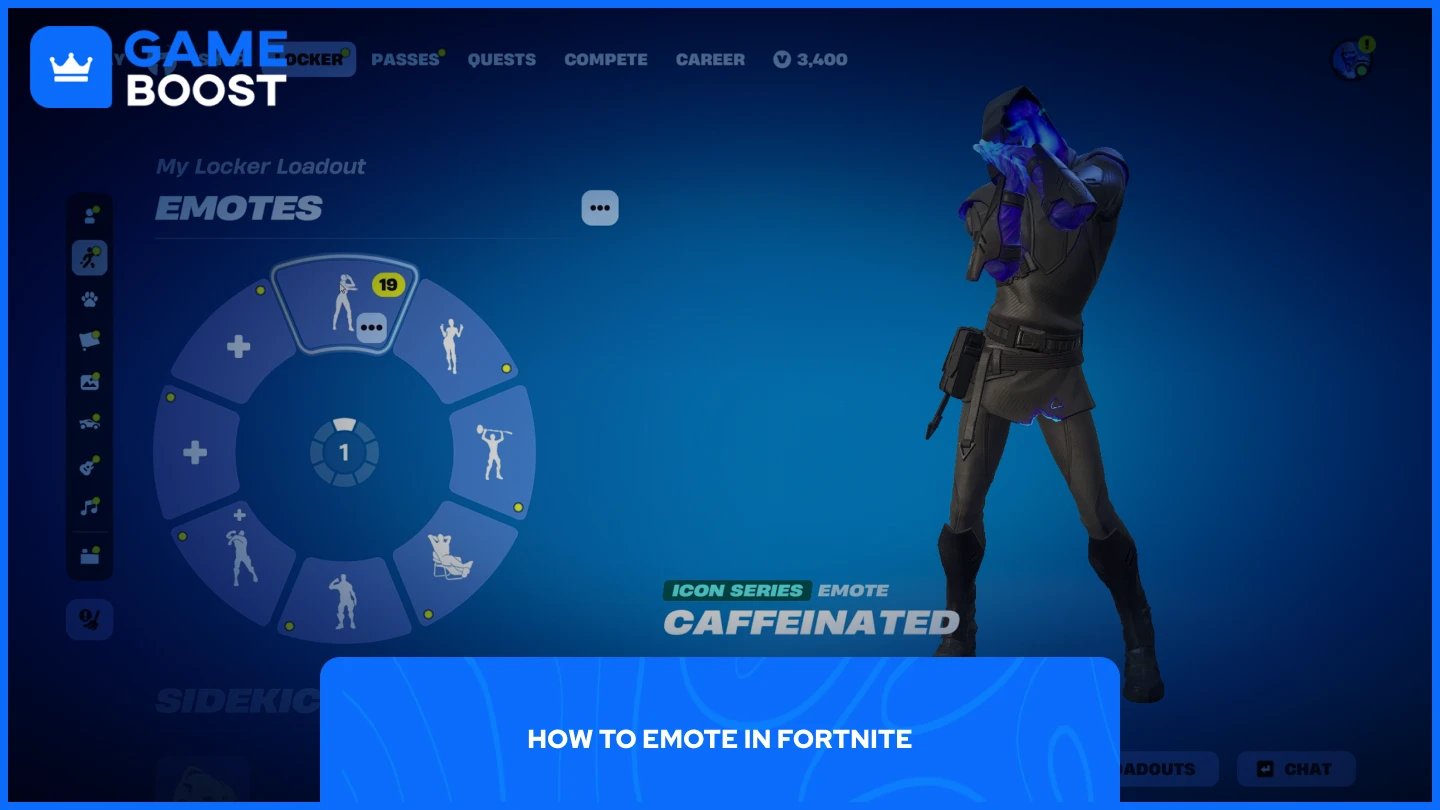
The emote system works through an emote wheel that displays up to 8 selected emotes at once. You can access this wheel during matches to perform your chosen animations.
Press and hold the B key to open the emote wheel.
Move your mouse cursor to hover over the emote you want to use.
Click on the emote or release the B key while hovering to perform it.
Press and hold Down on the D-Pad to open the emote wheel.
Use the right analog stick to select your desired emote.
Release the Down button while hovering over your choice to perform it.
Locate the emote icon near the top right of your screen.
Tap and hold the icon to open your emote wheel.
Tap the emote you want to use from the displayed options.
Your character will stop moving and perform the full animation once you select an emote. You can cancel most emotes early by moving, jumping, or performing any other action. Some emotes are traversal emotes that let you move while performing them, and others are joinable emotes that allow nearby players to participate in the same animation together.
Also Read: All Released Fortnite Sidekicks
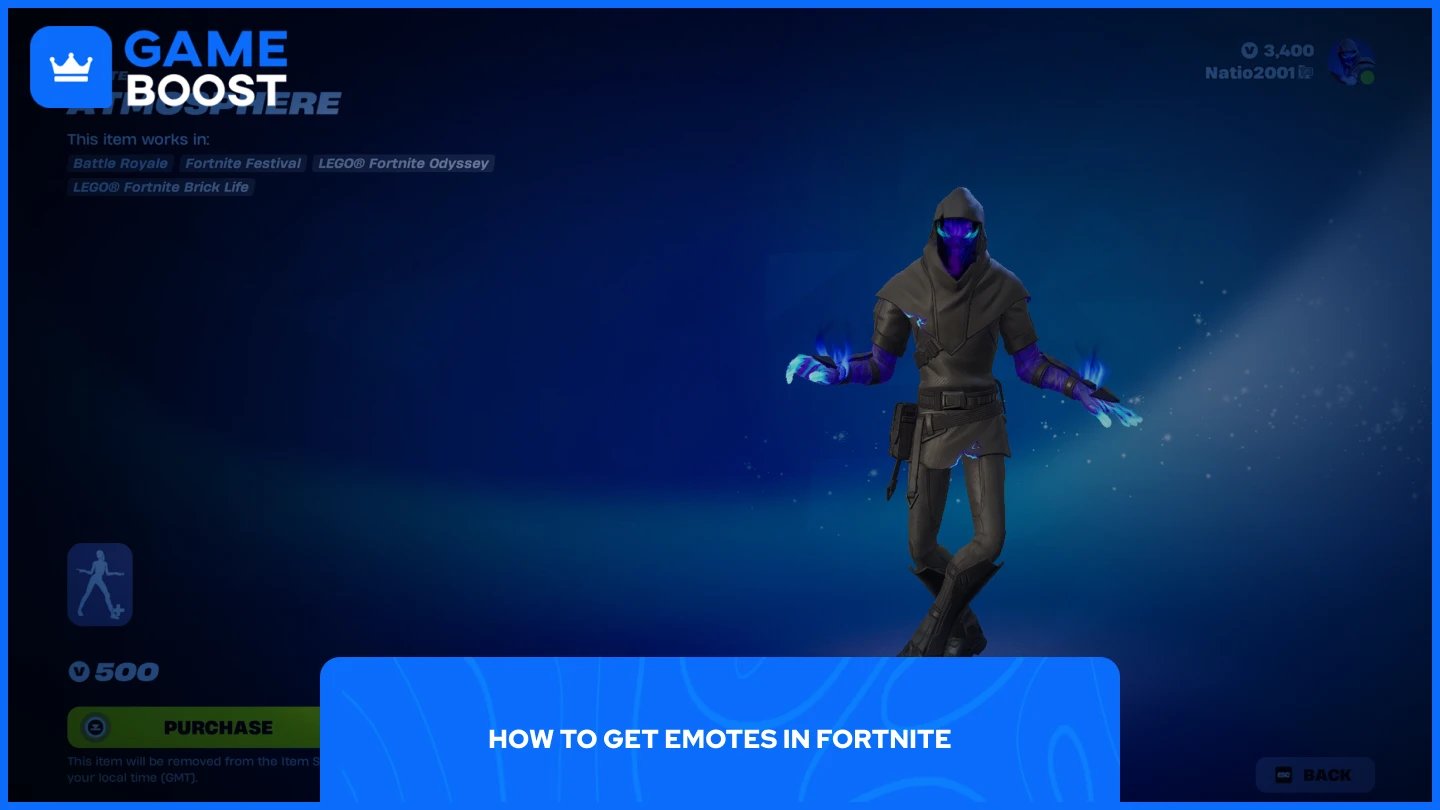
Fortnite offers multiple ways to expand your emote collection beyond the basic ones you start with. Most methods require V-Bucks or progression through seasonal content, while others are completely free through events and challenges.
You can obtain emotes through the following methods:
Battle Pass rewards
Item Shop purchases
LEGO Pass (included with Fortnite Crew)
OG Pass (included with Fortnite Crew)
Music Pass (included with Fortnite Crew)
Special event passes and collaborations
Free challenges and seasonal quests
Gifts from other players
Built-in emotes (automatically included with specific skins)
The Battle Pass is the most cost-effective option for regular players, offering dozens of emotes throughout each season for 1,000 V-Bucks. The Item Shop rotates daily and features individual emotes priced between 200-800 V-Bucks depending on rarity.
Also Read: How to Use Sidekick Emotes in Fortnite: Step-by-Step Guide
Emoting in Fortnite is straightforward across all platforms. Press B on PC, Down on the D-Pad for consoles, or tap the emote icon on mobile to access your wheel. Build your collection through the Battle Pass, Item Shop, or special events. Set up your emote wheel in the Locker with your favorites and use them to celebrate victories or express yourself during matches.
Buy V-Bucks
Buy Fortnite Items
Fortnite Accounts For Sale
View all GameBoost Accounts
View all GameBoost Boosting Services
View all GameBoost Currencies
View all GameBoost Game Keys
View all GameBoost Gift Cards
View all GameBoost Top Ups
View all GameBoost Items
Buy CS2 Skins
“ Mustafa Atteya has been writing about gaming and esports since 2023, specializing in competitive game content and player improvement guides. At 25, he brings both hands-on gaming experience and professional SEO writing expertise to the GameBoost team.”