

•Patrik Mršnik• 6 min read
Fortnite
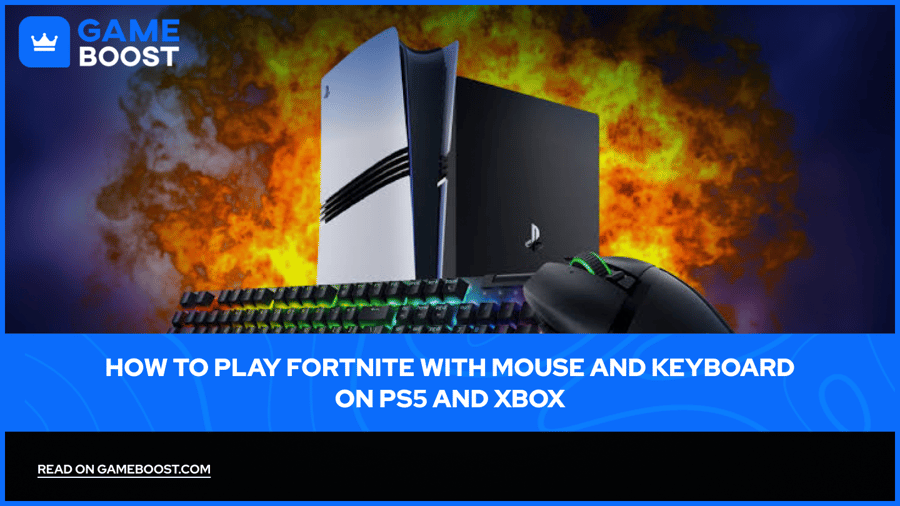
Playing Fortnite with a mouse and keyboard on PS5 or Xbox usually requires a USB cable and a couple of menu changes. Epic allows external devices on consoles and says using them won't get your account banned, so you can build and aim the way PC players do from your couch. Fortnite keyboard and mouse on Xbox works the same way in the game itself, with one difference in how the console connects devices.
Epic's input-based matchmaking queues you by device, so plugging in a mouse can change who you face.
This page covers connecting your devices on each console, the settings to change in Fortnite, and how matchmaking treats mouse players.
Epic allows mouse and keyboard on console and says external devices won't lead to bans.
PS5 supports USB and Bluetooth keyboards and mice, set up under Settings, Accessories.
Xbox support covers wired USB mice and keyboards in games that turn the feature on, Fortnite included.
Inside Fortnite, the arrow keys icon in Settings holds your keyboard and mouse controls.
Under Epic's input-based matchmaking rules from v6.00, you're queued with the device you press Play or Ready with.
Per those rules, a mouse-and-keyboard start lets you switch to a controller mid-match, and a controller start doesn't let you switch to the mouse.
The PS5 accepts USB or Bluetooth keyboards and mice. PlayStation's guide on using a keyboard and mouse on PS5 covers both.
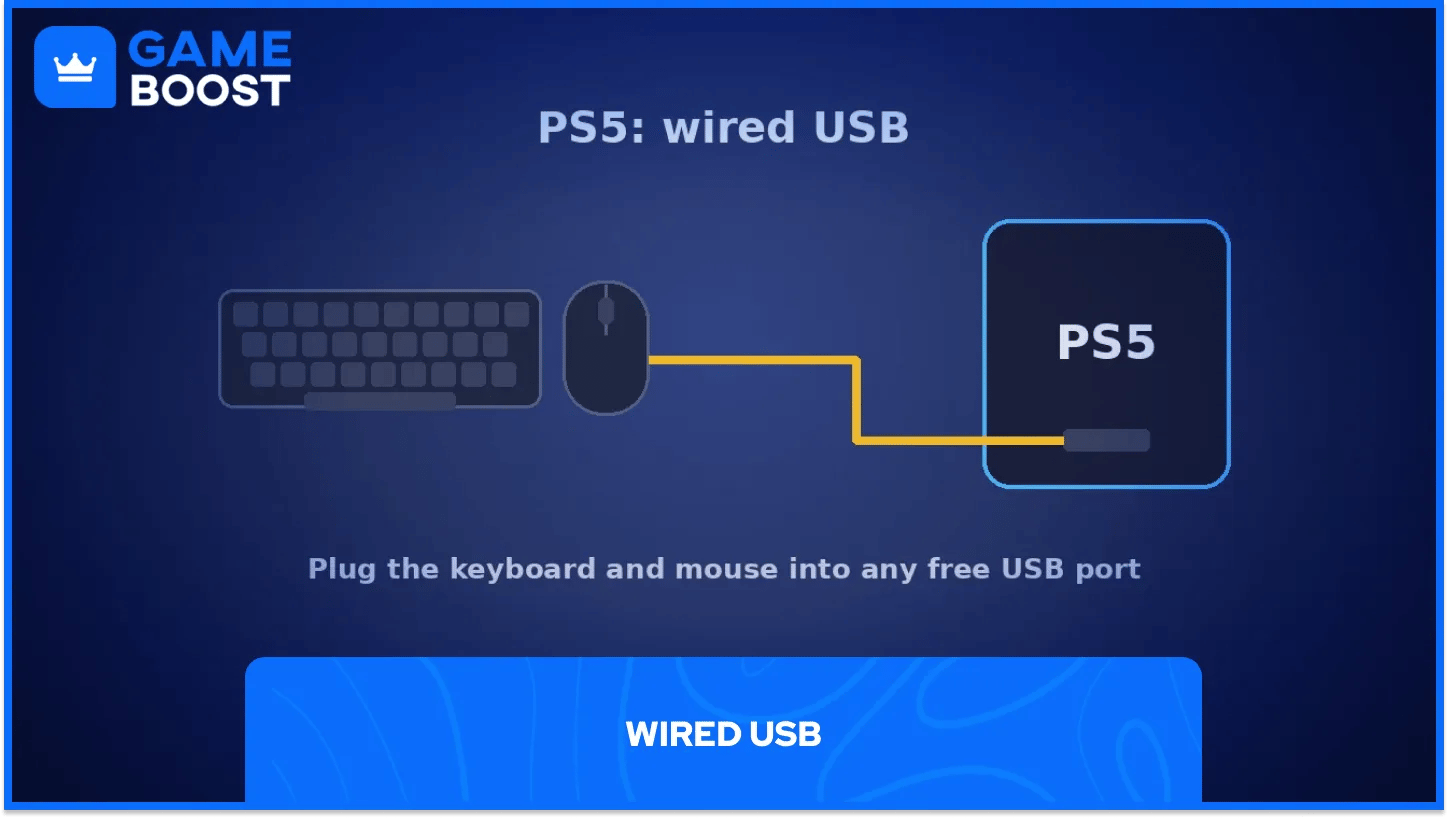
A wired USB connection needs nothing more than plugging the device into a free port. Sony notes that not all devices work with the console. I'd go wired for Fortnite anyway, as a cable takes pairing out of the equation.
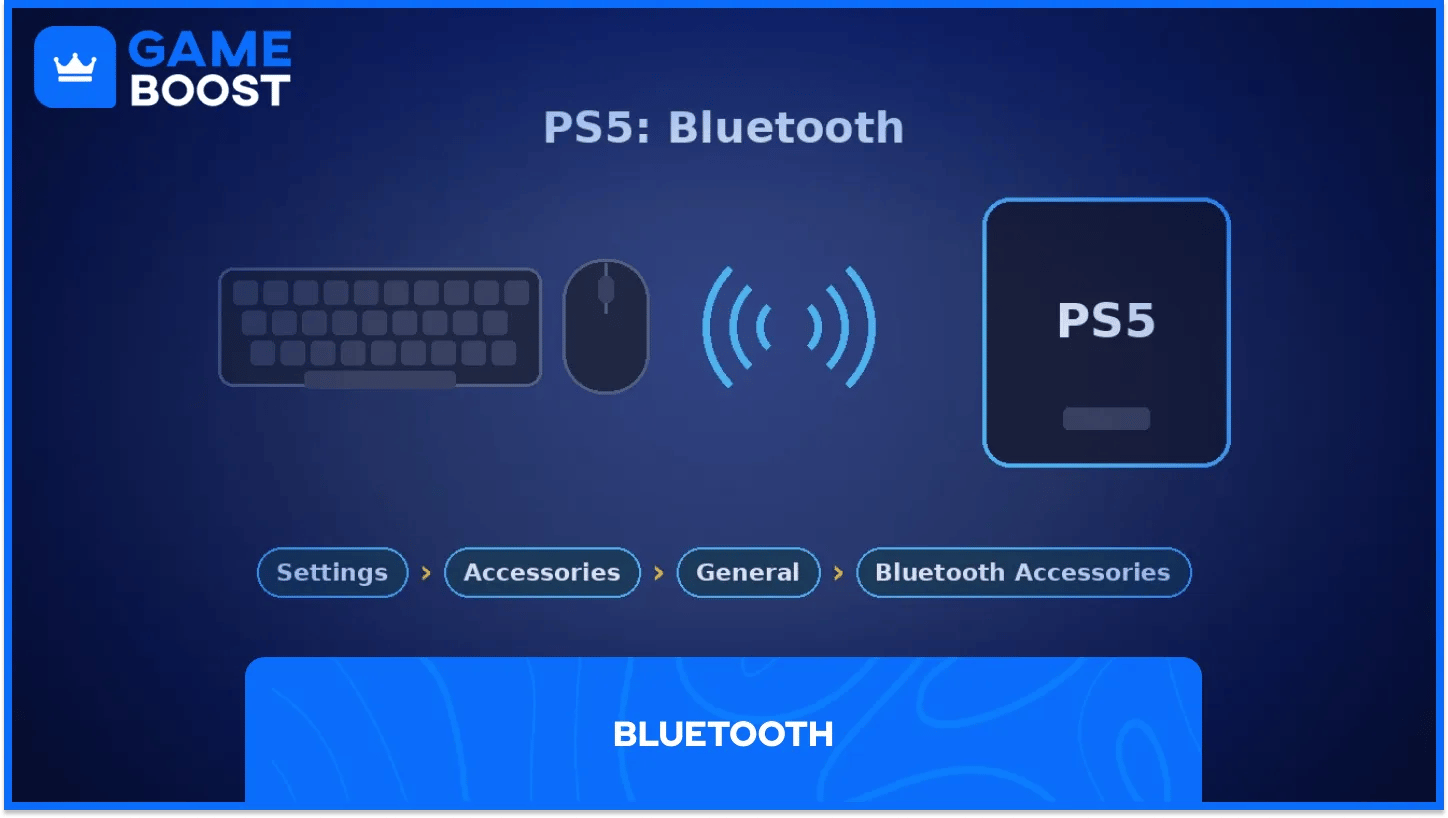
For Bluetooth, put your device in pairing mode, then go to Settings, Accessories, General, Bluetooth Accessories. Pick the device from the list, and it connects automatically the next time both are on.
Fine-tune each device under Settings, Accessories, Other Accessories. The mouse options cover left or right-handed use and pointer speed, and the keyboard options cover language and key repeat timing. Starting fresh on Sony hardware? GameBoost also lists PS4 and PS5 Fortnite accounts.
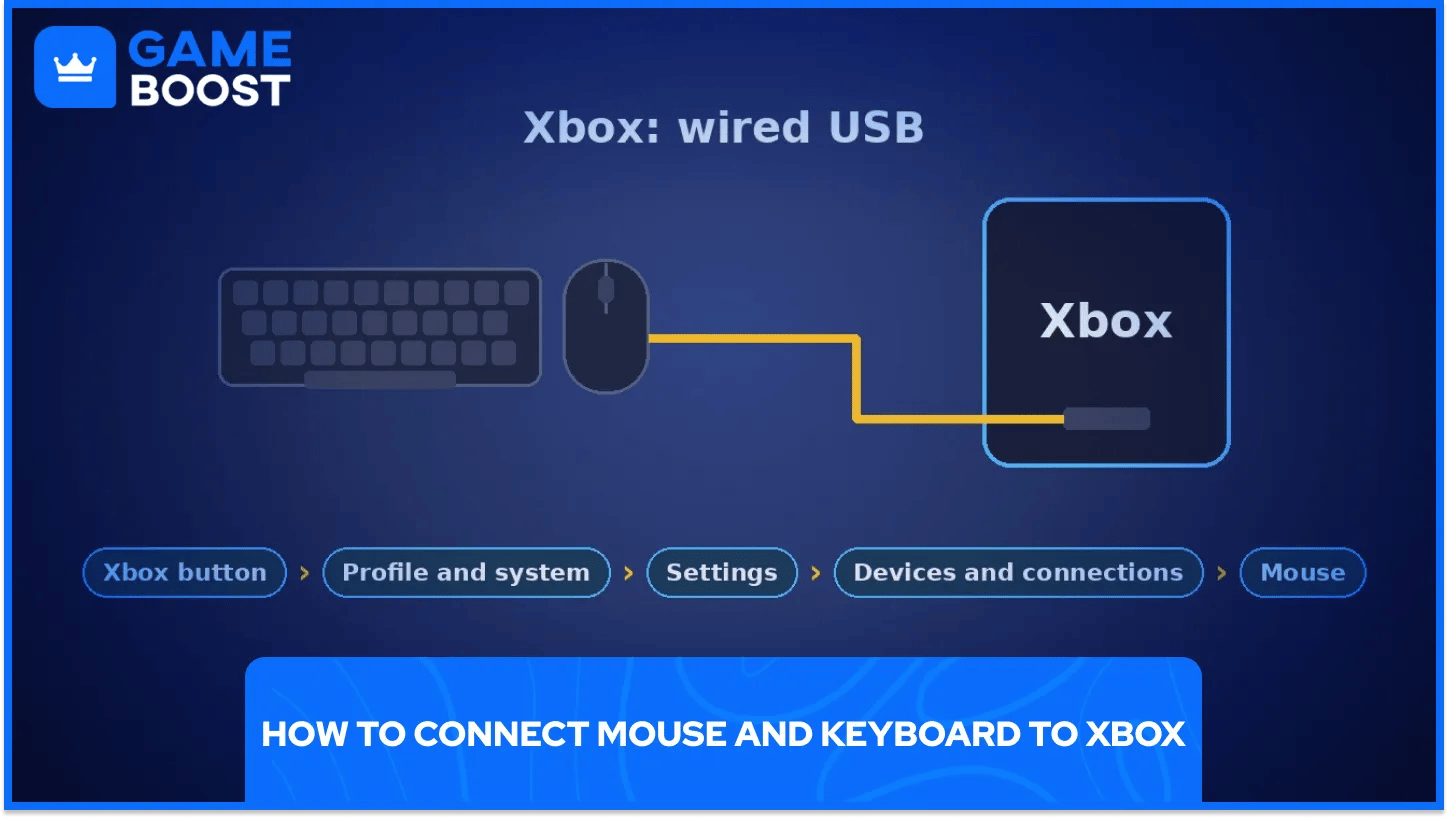
Fortnite keyboard and mouse on Xbox runs on wired USB devices, the type Xbox support covers. Microsoft's page on navigating Xbox with a mouse and keyboard says mouse input works only in games and apps whose publisher has turned the feature on, and Epic supports external devices on console in Fortnite.
Plug both devices into the console's USB ports. To tweak the mouse, press the Xbox button, then go to Profile and system, Settings, Devices and connections, Mouse, where you can change pointer speed and swap the primary and secondary buttons.
Microsoft lists a few limits. The mouse doesn't work on Home or in the dashboard, and the Settings menu itself needs a controller, so keep your pad nearby for setup. Xbox players can also browse Xbox Fortnite accounts on GameBoost.
If a device stops responding, Epic's troubleshooting advice for devices starts with a simple fix: move it to a different USB port.
Once the devices are connected, open Fortnite and press the Options button on PlayStation or Menu on Xbox. Open the gear icon and select the tab with the arrow keys icon, which holds every keyboard and mouse setting.
Rebind your build pieces, edit, and weapon slots here. Epic notes that the options depend on the game mode selected in the lobby, so pick the mode you plan to play first.
Mouse sensitivity sits in the same area. Start low and raise it in small steps, as overshooting targets is a common problem in the first few sessions. Video settings like Fortnite colorblind mode don’t depend on your input, so set them once.
Epic's device support page for Fortnite adds one firm limit. Mouse and keyboard can't be used on mobile, either natively or through cloud services like Xbox Cloud Gaming, GeForce NOW, or Amazon Luna. That covers anyone who wants to play Fortnite on iPhone too.
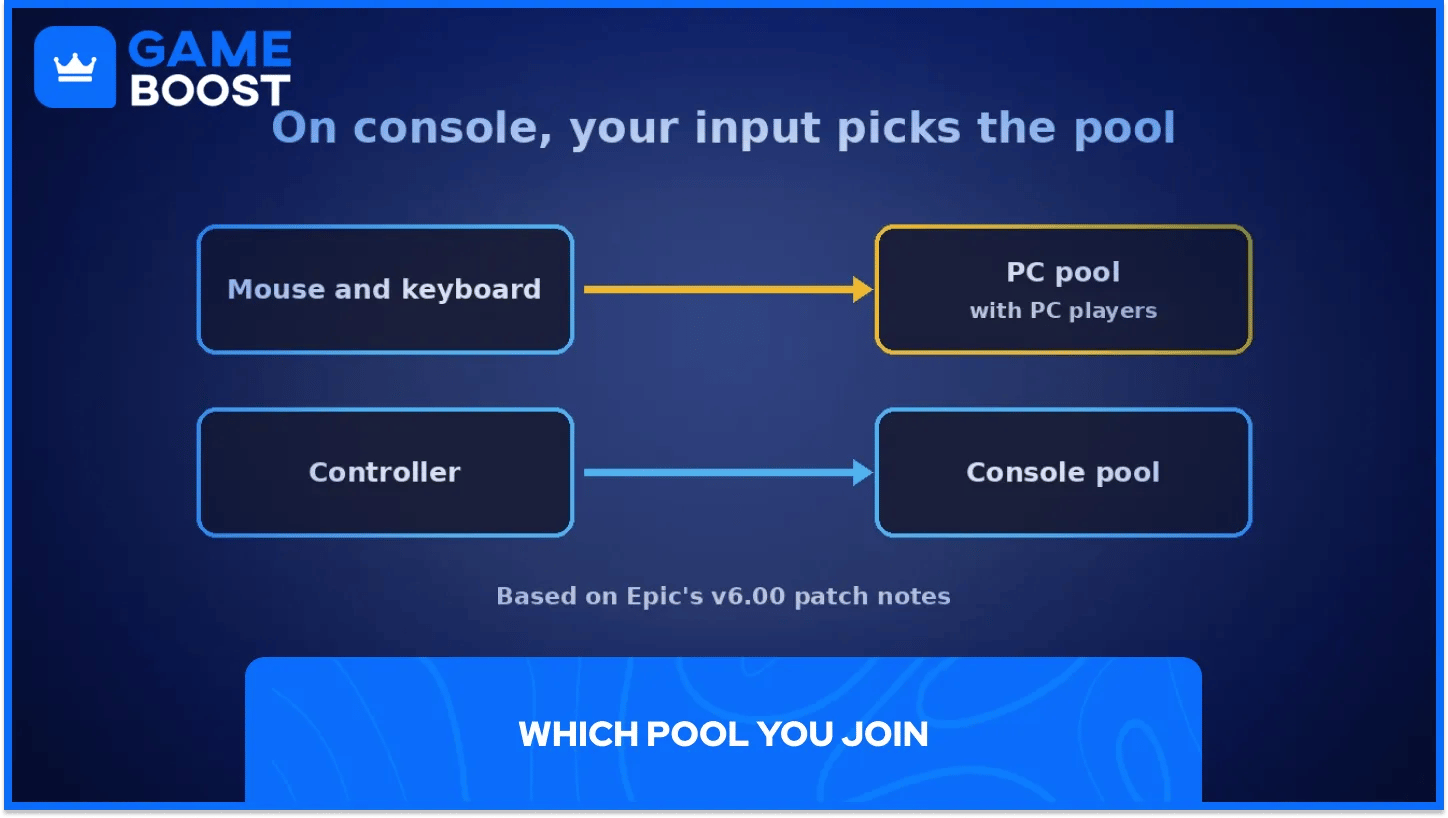
Fortnite input-based matchmaking groups players by the device they queue with. Epic introduced the system in the v6.00 patch notes, which say you're queued with the input you press the Play or Ready button with.
Those notes said PS4 players using a keyboard and mouse would go into the PC matchmaking pool. PC players were unaffected, including anyone on PC using a controller.
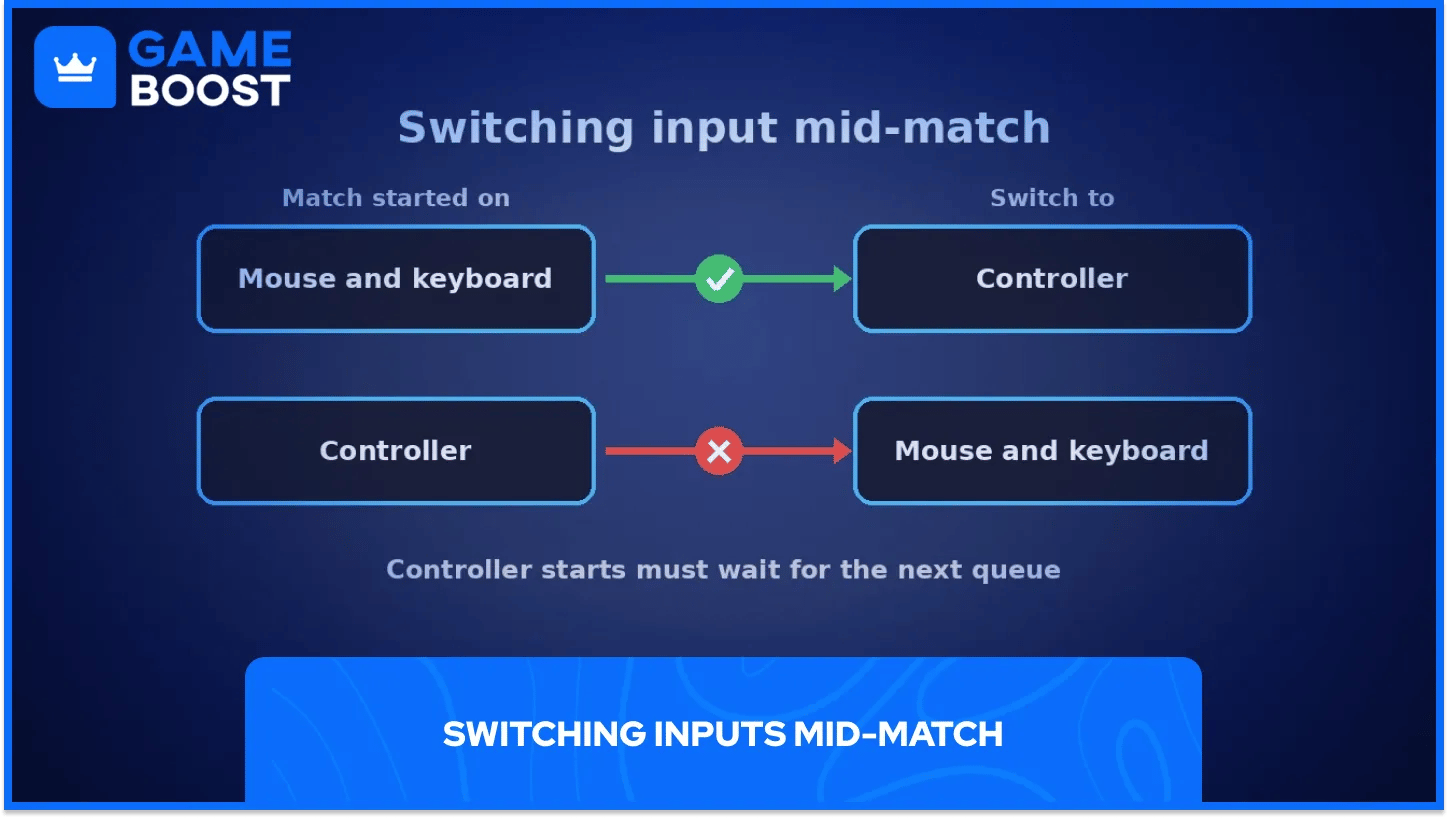
The switching rules are strict. Start a match on mouse and keyboard, and you can switch to a controller mid-game. Start on a controller, and you can't switch to the mouse until the next queue.
These rules date back to 2018, and Epic's current support pages don't restate them, so treat the v6.00 notes as the last official word. Players grinding Fortnite ranked should expect a mouse to put them up against keyboard players.
Mouse and keyboard on console gives you PC-style aim and building without buying a PC. Is it worth it? Only if you're ready to practice, as the lobbies can get tougher.
Wired devices remove most of the headaches. A cable avoids pairing problems and gives you one less thing to blame after a lost fight.
Plan the move in steps. Get comfortable with movement and aim first, then rebind build pieces once the mouse feels natural.
Buy Cheap V-Bucks
Buy Fortnite Skins
Cheap Fortnite Accounts For Sale
Fortnite Gift Cards for Sale
View all GameBoost Accounts
View all GameBoost Boosting Services
View all GameBoost Currencies
View all GameBoost Game Keys
View all GameBoost Gift Cards
View all GameBoost Top Ups
View all GameBoost Items
“ A former sports journalist and editor, Patrik joined Gameboost SEO team in 2026. He has spent most of his life playing Football Manager, but his sphere of interests spreads through whole gaming universe.”