

•Patrik Mršnik• 6 min read
Fortnite

Fortnite colorblind mode is one of the most useful options in the Fortnite settings menu, and it's easy to scroll right past. It shifts the colors on your screen so players with color vision deficiency can tell things apart with less strain. Plenty of players with normal vision run Fortnite colorblind settings too, hoping opponents stand out more against grass and shadows.
The filter has three modes and a strength slider, and the combination you pick changes how the whole island looks. Anyone setting up Fortnite accounts from scratch should put it on the first-day checklist.
This page explains what each mode does, how to turn the filter on, and which strength to start with.
Fortnite colorblind mode sits under Settings, Video, then Graphics.
Protanope targets red, Deuteranope targets green, and Tritanope blue light sensitivity.
A strength slider controls how hard the filter shifts colors.
Players without color vision deficiency usually try Protanope or Tritanope, and mid-range strength (around 5 to 7) is a common starting point.
Epic lists the filter among its accessibility options and says these settings do not hand anyone an unfair edge.
Hit Apply after changing anything, or the game keeps your old values.
The filter remaps the colors on your screen. Fortnite offers three modes, each built for a different type of color vision deficiency, plus a strength value that decides how far the colors move away from the default palette.
Protanope is aimed at players who struggle with red light. Deuteranope covers green light insensitivity, the most common form of color blindness. Tritanope is built for players who have trouble with blue light.
How much each mode changes depends on your eyes and your display. I'd judge them by one practical test: can you tell a purple weapon from a blue one at a glance? That call comes up every time you decide what stays in your inventory.
Epic's support page lists the filter next to other accessibility options such as aim assist strength, visual sound effects, and PS5 haptic feedback. Epic describes these options as ways to customize play without giving anyone an unfair advantage.
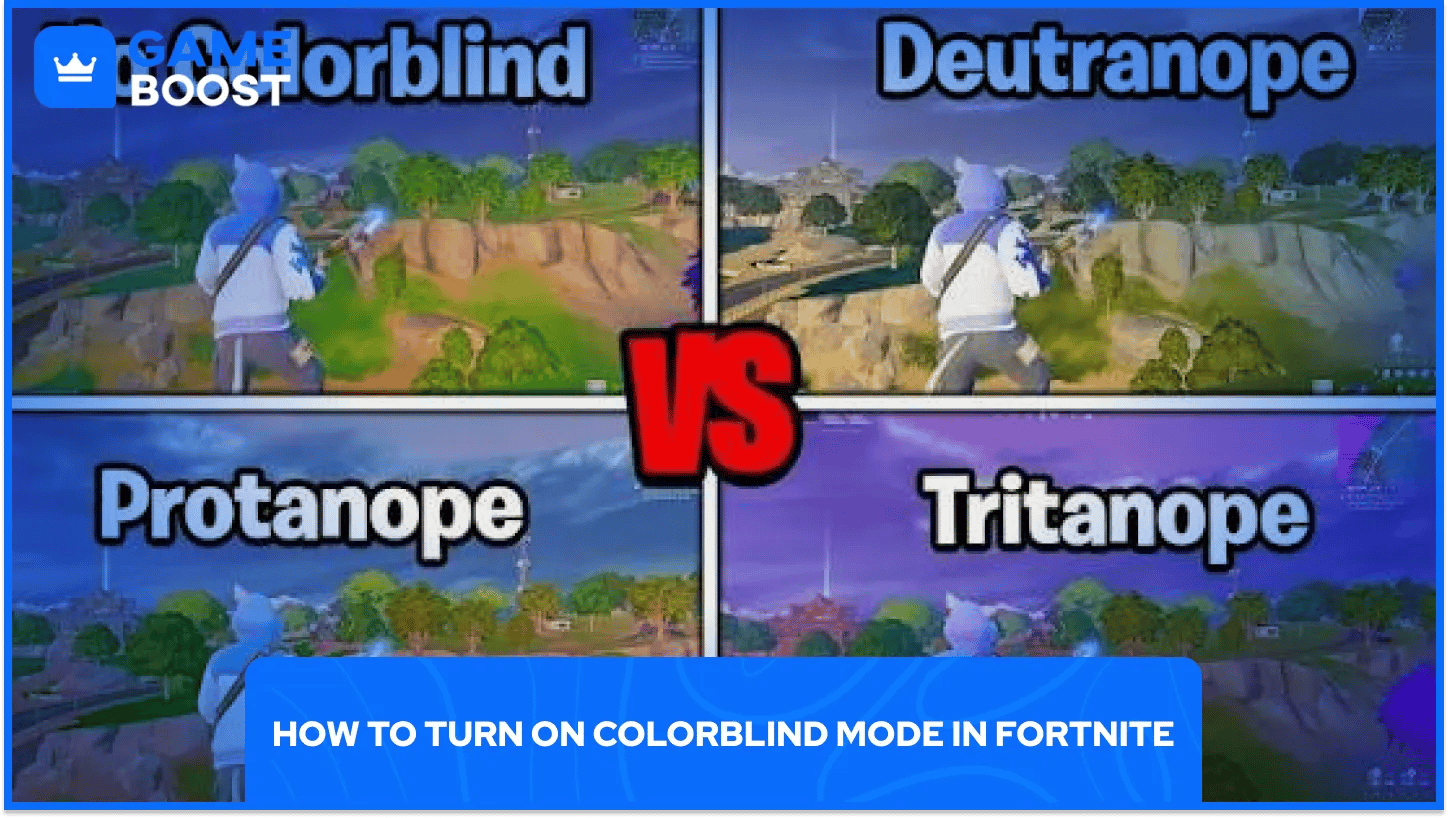
Fortnite colorblind settings live in the video menu. Epic's own color blind mode guide for Fortnite lays out these steps:
Launch Fortnite and open the menu with your profile icon.
Select Settings, then the Video tab.
Scroll down to Graphics.
Pick a color blind mode and set its strength.
Select Apply to save.
Preview each mode in the lobby, then load into a match or a Creative island to check it on real terrain.
Epic's guide covers Motion Blur on the same screen and notes that this toggle doesn't exist in Performance Mode. If you run that rendering mode to improve Fortnite FPS on PC, don't go hunting for it.
The best colorblind setting in Fortnite depends on your eyes first. A player with diagnosed deuteranopia should start with Deuteranope and adjust strength until loot rarity is easy to read. Visibility tweaks come second for anyone who actually needs the filter.
For players with normal color vision, Protanope and Tritanope are the two modes settings guides mention most. Results vary a lot by person: some find Tritanope Fortnite setups make skins pop, others barely notice a change, and Protanope tends to brighten the whole scene.
Strength is easy to overdo. Values around 5 to 7 give a visible shift without washing out the screen, and very low values barely change the picture. Push it to the top of the slider and the game starts looking overly bright and cartoony, which gets tiring over a long session.
Maybe a small one, for some players. A filter can make opponents easier to pick out at range, especially in dark areas or against heavy foliage. Epic lists it as an accessibility option and says these settings are meant to help without giving unfair advantages.
The gain depends on your monitor, your brightness settings, and the map, and a filter that helps on one island can feel worse on the next.
Competitive players tend to test the filter alongside FOV and brightness, treating it as one piece of a full visibility setup. Pairing it with a clean graphics preset often matters more than the mode itself.
If a mode gives you a headache or makes loot harder to read, turn it off. Comfort over a three-hour session beats a small visibility gain.
Fortnite colorblind mode started as an accessibility tool, and it still does that job well for players who need it. For everyone else, it works as a free visibility tweak that costs nothing to test.
Your monitor plays a big role. The same Tritanope setup can look sharp on one display and muddy on another, so copy a pro's numbers only as a starting point.
Test all three modes for a few matches each and keep the one that feels comfortable. A new season can shift the island's colors, so revisit the choice when the next map drops.
Buy Cheap V-Bucks
Buy Fortnite Skins
Cheap Fortnite Accounts For Sale
Fortnite Gift Cards for Sale
View all GameBoost Accounts
View all GameBoost Boosting Services
View all GameBoost Currencies
View all GameBoost Game Keys
View all GameBoost Gift Cards
View all GameBoost Top Ups
View all GameBoost Items
“ A former sports journalist and editor, Patrik joined Gameboost SEO team in 2026. He has spent most of his life playing Football Manager, but his sphere of interests spreads through whole gaming universe.”