


•Hamza Rashid• 8 min read
Fortnite
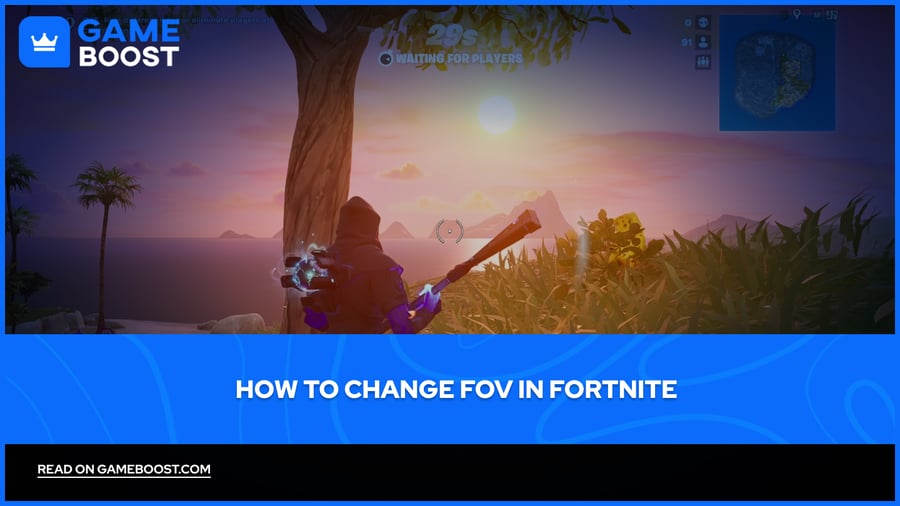
FOV stands for Field of View. It's the angle of the game world you can see on your screen at once, measured in degrees. A lower FOV number means you see a narrower slice of the world directly in front of you, while a higher FOV lets you see more to the sides.
Fortnite locks players to a fixed FOV in most modes, which has sparked ongoing debate within the community. Many players want wider viewing angles for better awareness during combat, but Epic Games maintains strict FOV restrictions to keep competitive gameplay fair across all platforms.
Different modes and settings offer some flexibility that can improve your visual experience. In this article, we'll highlight the difference between low and high FOV and break down how you can change your FOV in Fortnite.

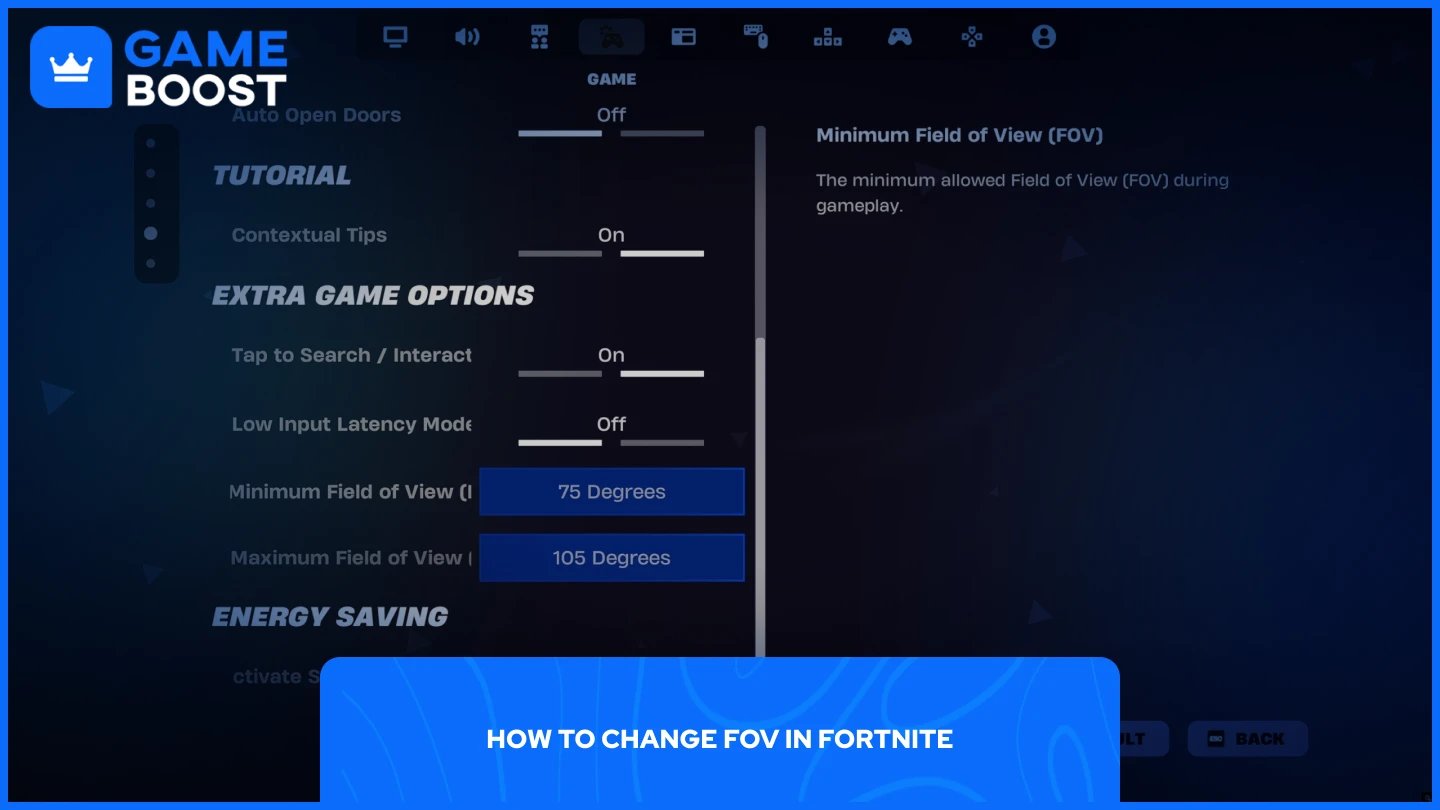
Changing your FOV in Fortnite can be done through the in-game settings, but the adjustments are quite limited. The game restricts how much you can modify your field of view, which means the visual difference won't be as dramatic as you might expect.
Here's how to adjust your FOV:
Launch Fortnite.
Go to Settings.
Navigate to "Game" (the controller with a gear icon).
Scroll down to "Extra Game Options."
Set the Minimum and Maximum FOV sliders to your preference.
The game severely limits your options. The minimum FOV can't be set above 75 degrees, and the maximum caps at 105 degrees. This narrow range doesn't create a noticeable change compared to Fortnite's default FOV settings. Most players who adjust these settings report minimal visual improvement, as Epic Games designed these restrictions to maintain competitive balance across all platforms and prevent any player from gaining a significant advantage through FOV manipulation.
Also Read: All Fortnite Exclusive Skins and How to Get Them
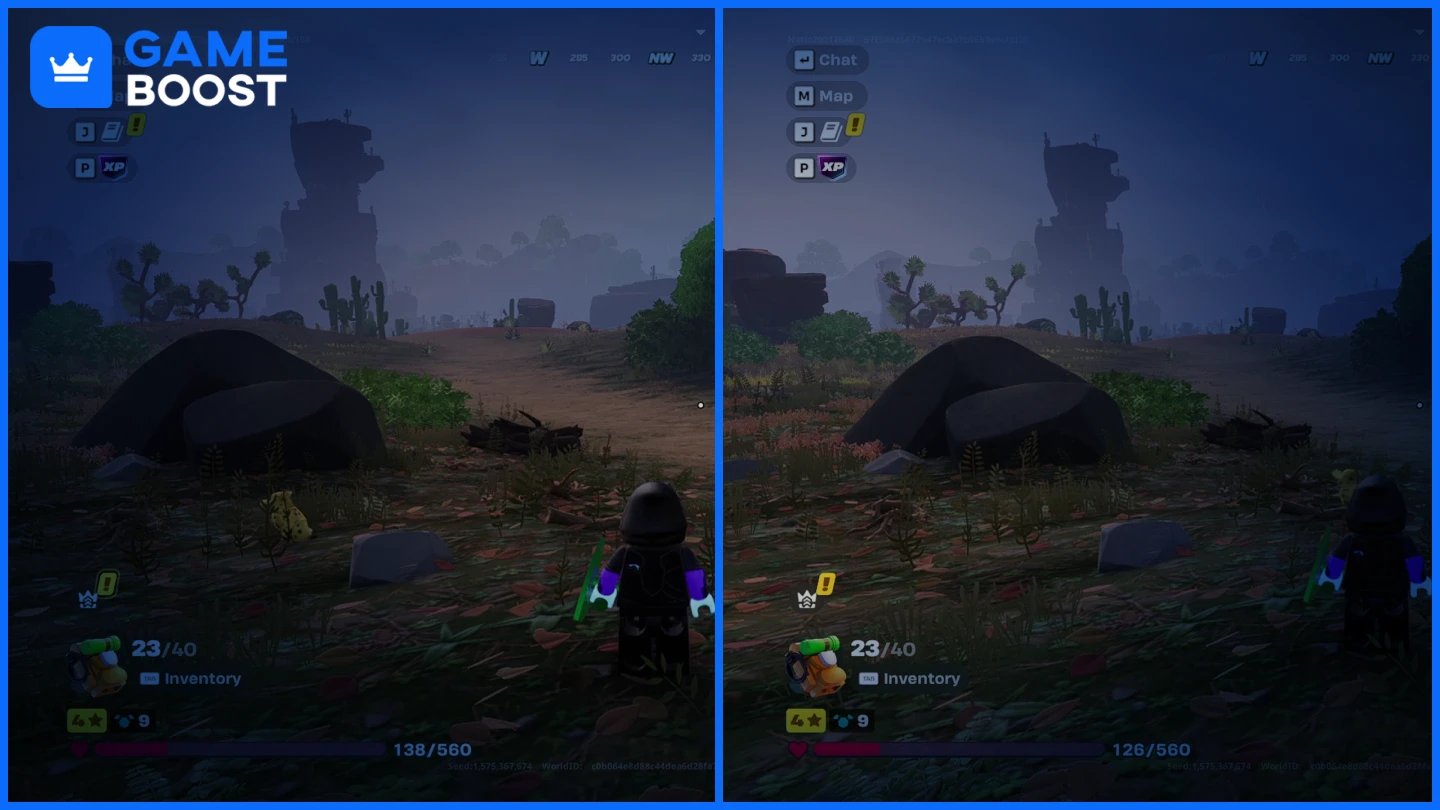
The difference between Fortnite's minimum and maximum FOV settings is barely noticeable in actual gameplay. The image above demonstrates this limitation clearly.
The left side shows the minimum settings (60 degrees minimum FOV, 85 degrees maximum FOV), while the right side displays the maximum allowed settings (75 degrees minimum FOV, 105 degrees maximum FOV). Despite the 20-degree difference in maximum FOV, the visual change is minimal. You gain slightly more peripheral vision on the sides, but the improvement won't significantly impact your gameplay or situational awareness.
This restricted range explains why many competitive players remain frustrated with Fortnite's FOV system. Other battle royale games like Apex Legends and Warzone offer FOV sliders that reach 110-120 degrees, creating much more noticeable differences in viewing angles. Epic Games intentionally limits these settings to maintain consistent gameplay across PC, console, and mobile platforms.
Also Read: All Fortnite Star Wars Skins
Fortnite's FOV adjustment options are severely limited compared to other competitive shooters. The 75-105 degree range produces minimal visual changes that won't dramatically improve your gameplay experience. Epic Games maintains these restrictions to keep competitive balance across all platforms, despite ongoing community requests for wider FOV settings. If you're expecting a significant viewing angle increase, Fortnite's built-in options won't deliver.
Buy V-Bucks
Buy Fortnite Items
Fortnite Accounts For Sale
View all GameBoost Accounts
View all GameBoost Boosting Services
View all GameBoost Currencies
View all GameBoost Game Keys
View all GameBoost Gift Cards
View all GameBoost Top Ups
View all GameBoost Items
Buy CS2 Skins
“ Mustafa Atteya has been writing about gaming and esports since 2023, specializing in competitive game content and player improvement guides. At 25, he brings both hands-on gaming experience and professional SEO writing expertise to the GameBoost team.”