

•Filip Premuš• 4 min read
Brawl Stars
Your name in Brawl Stars follows you into every match, every club interaction, and every leaderboard placement you earn along the way. Chosen Brawl Stars name is the first thing other players see and later on associate with you, and unlike your brawler collection or trophy count, it's one of the few things on your profile that's entirely up to you. Most players lock in a name during the first few minutes of setting up their profile, usually without much thought, and only start questioning it once they're deep into the game and realize that name is going to stick around for a while.
The reasons for wanting to change your Brawl Stars username vary a lot from player to player. Some want something that fits better with their club tag, others are rebranding after climbing the ranked ladder, and plenty just picked something random at the start that no longer represents how they play or who they are in the community. It's a similar story for players who buy Brawl Stars Accounts — inheriting someone else's username is often the first thing they want to fix before making the profile truly their own. The name change process in Brawl Stars comes with gem costs, cooldown periods, and naming rules that catch a lot of players off guard. This article breaks down everything you need to know about changing your Brawl Stars name, so you're not left guessing halfway through the process.
Before you can change your name in Brawl Stars, there's one condition you need to meet first. Your Brawl Stars account must be at least experience level 5 before the name change option becomes available. New accounts won't see the option at all until that threshold is hit, so if you just started playing and can't find it, that's likely why.
Once you're past level 5, the name change feature unlocks permanently, and you can access it whenever you want through your profile. The first Brawl Stars name change costs nothing, but anything after that pulls from your gem balance, which is worth keeping in mind if you're still building your account up.
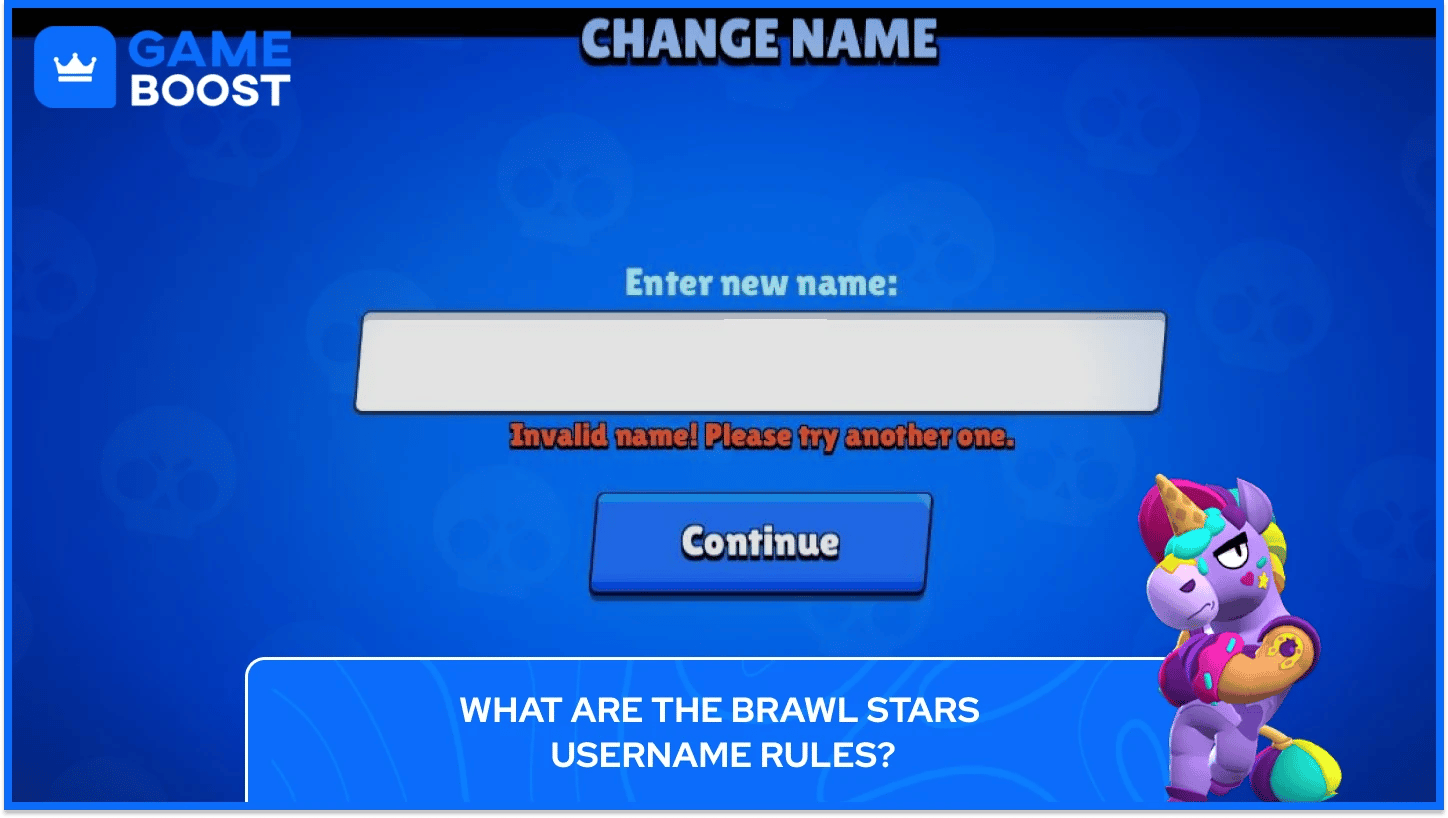
Supercell enforces a clear set of Brawl Stars rules for usernames that every player needs to follow before committing to a new name. The rules cover character limits, content restrictions, and identity guidelines that apply to every account across the game.
Names must be between 2 and 15 characters and can only include letters, numbers, and spaces. Special characters and emojis are not allowed.
Offensive, inappropriate, or explicit names are strictly prohibited and may result in penalties, including forced name changes or account suspension.
Your name cannot impersonate other players, content creators, or official Supercell representatives.
Supercell's moderation team actively reviews names and removes anything that violates their policies. The game developers do not change names on request, and accounts with offensive names are flagged regularly by the moderation team. Picking something that falls outside these boundaries means you'll be forced to change it again, and that second change won't be free.
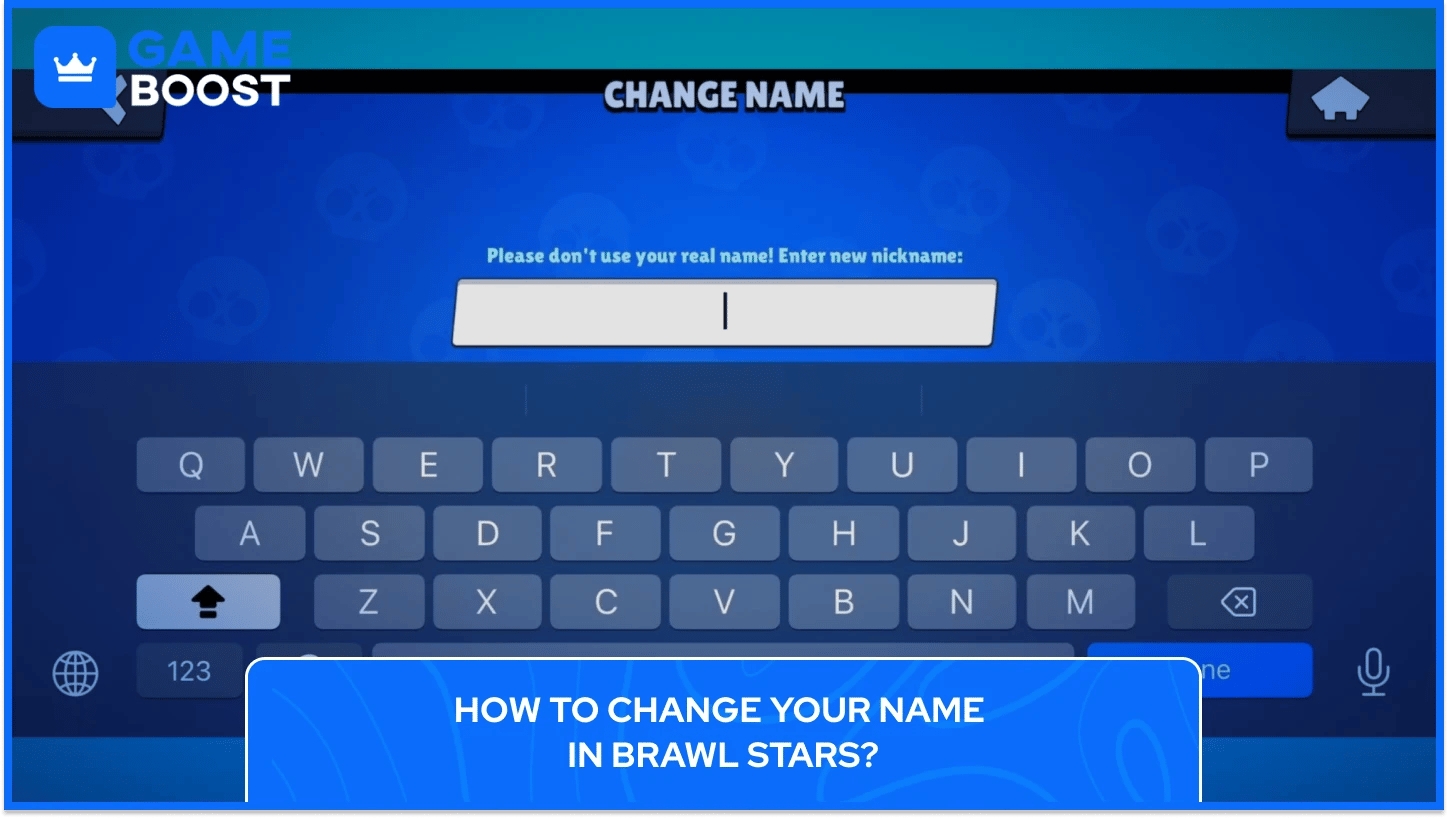
Changing your Brawl Stars name takes you through your profile page, a confirmation screen, and one final prompt before the new name goes live. The whole process of changing your name in Brawl Stars starts from the main menu and runs through the steps below:
Open Brawl Stars and tap your profile icon in the top-left corner of the main screen.
On your profile page, tap on your current Brawl Stars name.
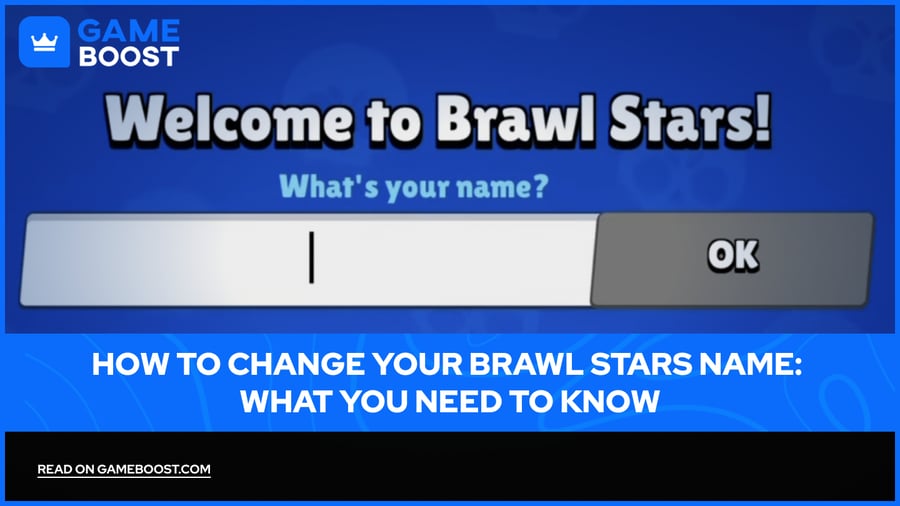
A text field will appear where you can type in your new name.
Once you've entered it, tap Continue, re-enter the name to confirm, then type "CONFIRM" in capital letters when prompted.
Tap the button to finalize and your new Brawl Stars name goes live immediately.
Your updated name appears across your profile, club, and in every match instantly after the change is confirmed, with no delay before other players can see it.
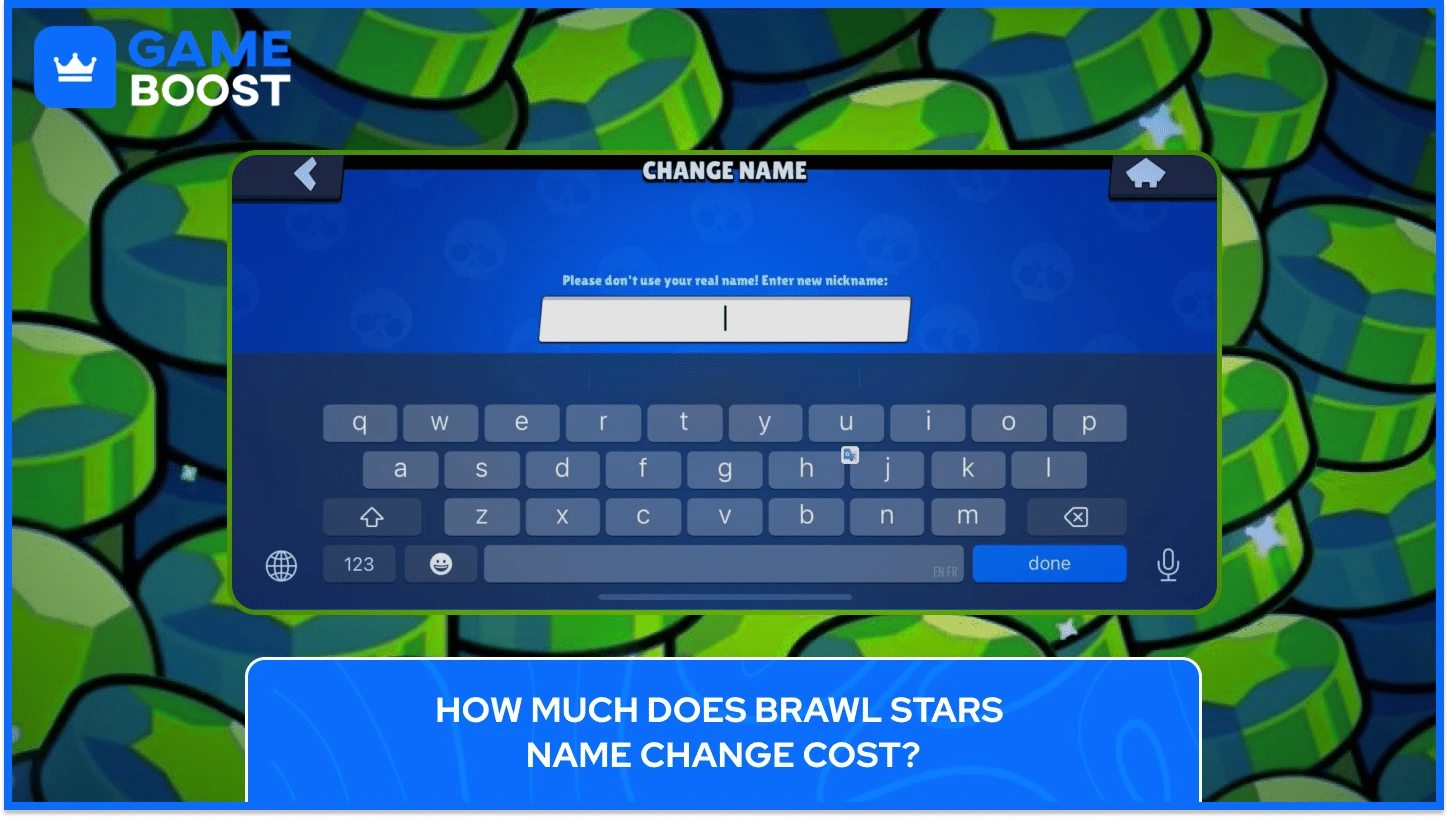
The first name change in Brawl Stars is completely free, but once you've used that, every subsequent change costs gems, starting at 60 and increasing by 30 gems with each additional change. There's also a 3-day cooldown between name changes, meaning you can't swap names back to back even if you have the gems for it.
Here's how the cost breaks down across multiple Brawl Stars name changes:
Name Change | Gem Cost |
|---|---|
1st Change | Free |
2nd Change | 60 Gems |
3rd Change | 90 Gems |
4th Change | 120 Gems |
+5th Change | 150 Gems |
The cost keeps climbing with every attempt, so it's worth taking time to pick a name you're actually happy with rather than treating it as something you can cycle through freely. Brawl Stars Gems are a premium currency used across a lot of other purchases too, from skins to Brawl Pass tiers, so spending a significant chunk on repeated name changes adds up faster than most players expect.
Also Read: How to Get Gems in Brawl Stars
Beyond the name itself, Brawl Stars also lets you customize the color your name appears in, which is a detail a lot of players don't realize exists until they see someone else with a colored tag in a match.
To change your Brawl Stars name color, follow these steps:
Tap your profile icon in the top-left corner of the main screen.
On your profile page, tap the Name Color button next to your name field.
When a selection of colors appears, tap the one you want.
Your name color updates immediately across your profile and in-game.
Not all colors may be available to every account, as some are tied to specific in-game achievements or cosmetic unlocks. It's a small touch, but it adds a layer of personalization that stands out in clubs and during matches.
Also Read: How to Check the Age of Your Account in Brawl Stars?
If your name violates Supercell's naming policies, the outcome isn't subtle. Accounts with names that are found to be offensive are flagged and removed regularly by the Brawl Stars moderation team, and your account is likely to be banned if your name is offensive. In less severe cases, you may be forced to select a new name before you can continue playing, but you'll still be charged gems for that change even though it wasn't voluntary.
The safest approach is to keep the name clean, original, and within the character limits from the start, especially if you're planning to use your free change on something that actually matters to you.

Brawl Stars is a mobile-first game, but it's also available through emulators on PC. The name change process works the same way regardless of platform. As long as your account meets the level 5 requirement, you can access the name change option through your profile on any device you're playing on.
Changing your name in Brawl Stars has no impact on your trophy count, brawler progression, club membership, or any other account data. Everything tied to your profile carries over to the new name automatically.
The only free name change in Brawl Stars is the first one. After that, gems are required, and the cost increases with each attempt. There's no official way to reset that counter or bypass the gem requirement through normal gameplay.
After each name change, there's a 3-day cooldown before you can change it again, even if you have enough gems ready. Planning your new name before committing to it saves both time and gems in the long run.
Getting your Brawl Stars name right matters because it's one of the few parts of your profile that tells other people something about you before a single match is played. The gem costs and cooldown periods are there to discourage constant changes, which means the name you pick today is likely the one your club members, rivals, and teammates will know you by for a long time.
Supercell occasionally updates naming policies and in-game systems, so it's always a good idea to check the official support page if something looks different from what you expect. The core process has stayed consistent, but gem pricing and feature availability have shifted in past updates, and there's no reason to assume that won't happen again.
Brawl Stars Account
Buy Brawl Stars Gems
Brawl Stars Boosting
View all GameBoost Accounts
View all GameBoost Boosting Services
View all GameBoost Currencies
View all GameBoost Game Keys
View all GameBoost Gift Cards
View all GameBoost Top Ups
View all GameBoost Items
Buy CS2 Skins
“ Kristina joined GameBoost in 2024 as an SEO specialist and quickly became the go-to writer for third-person shooter and competitive games. She covers titles like Fortnite, Valorant, League of Legends, GTA 5, and Roblox, focusing on how-to guides, practical tips, and updates.”