


•Hamza Rashid• 7 min read
Clash of Clans
Clash of Clans is one of the most successful mobile titles on Android and iOS. The game has been available for over 14 years and continues to maintain a huge fan base worldwide.
Despite its popularity, some players decide to remove their accounts. The reasons vary from wanting to start fresh with a new village to simply quitting the game entirely. Supercell provides an account deletion option, but the process requires careful consideration due to its permanent nature.
In this article, we'll explore how to delete your Clash of Clans account through a step-by-step guide and break down the key things you need to know before removing your account permanently.
Also Read: How to Play Clash of Clans on Mac: Step-by-Step Guide
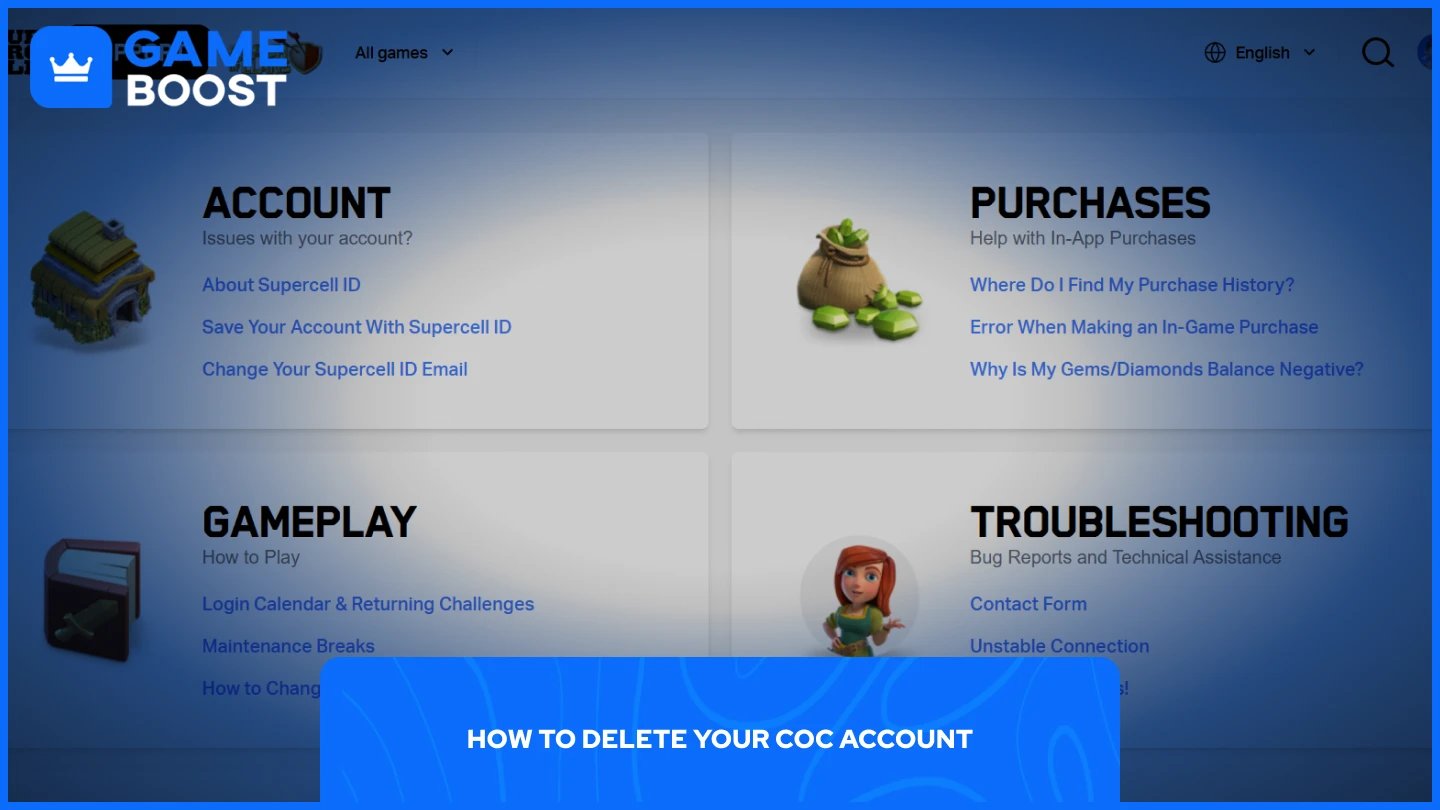
Deleting your Clash of Clans account is straightforward. Here's how to do it:
Launch Clash of Clans.
Go to Settings (gear icon at the bottom right corner).
Select "Help and Support."
From the list, choose "Account."
Select "Access/Delete Your Data" and then "Request Deletion of Your Personal Data."
Scroll down a little bit, and then select "Delete My Data" which will open a chat window.
Select "Do you want to delete this game?" and then "I agree to delete my data."
Once you agree to the deletion, you won't be able to play any Clash of Clans account on the device you used for removal for 30 days while the deletion process is active. This waiting period gives you time to reconsider your decision before the deletion becomes permanent. After the 30-day period ends, your account and all associated data will be permanently removed from Supercell's servers.
Also Read: How to Get Free Gems in Clash of Clans
Deleting your Clash of Clans account permanently erases everything associated with it. This includes your game progress, base layout, clan affiliations, and all in-game resources—both paid and free. Once the deletion is complete, recovery is impossible.
After confirming the removal request, you won't be able to play Clash of Clans for 30 days on the device you used for deletion. If you're absolutely certain about removing your account and don't want to wait, you can use a spare device to continue playing during this period.
You can cancel the deletion if the 30-day waiting period hasn't passed yet. Contact Supercell support before the countdown on your game screen expires to reverse the process. The support team will guide you through canceling the deletion and restoring access to your account.
If you're unsure about permanently removing your account, consider starting a fresh account instead. Clash of Clans allows multiple accounts on the same device through Supercell ID, so you can begin a new village without losing your original progress. This gives you the fresh start experience while keeping your old account as a backup option.
Also Read: How to Play Clash of Clans on PC
Deleting your Clash of Clans account is a permanent decision that removes all your progress and purchased items. The process itself is straightforward, but the 30-day waiting period gives you time to reconsider. If you're not completely sure about deletion, starting a new account while keeping your original one offers the best of both worlds.
CoC Clans For Sale
Clash of Clans Top Up
Clash of Clans Account For Sale
View all GameBoost Accounts
View all GameBoost Boosting Services
View all GameBoost Currencies
View all GameBoost Game Keys
View all GameBoost Gift Cards
View all GameBoost Top Ups
View all GameBoost Items
Counter-Strike 2 Skins
“ Mustafa Atteya has been writing about gaming and esports since 2023, specializing in competitive game content and player improvement guides. At 25, he brings both hands-on gaming experience and professional SEO writing expertise to the GameBoost team.”