


•Filip Premuš• 4 min read
GTA 5

Diving in GTA 5 is one of those mechanics that seems simple until you're actually in the water. The controls vary across platforms, invert once you go underwater, and you're working against an oxygen meter the entire time. Most players figure out how to get into the water but struggle with staying in control once they're beneath the surface.
San Andreas has a large body of water surrounding the map, and the ocean floor is more detailed than most players expect, with collectibles and mission objectives that require you to dive. Getting the right inputs down and managing your oxygen ahead of time makes the whole thing a lot easier. In this article, we'll explore how to dive in GTA 5 with a step-by-step breakdown for PC, PlayStation, and Xbox.
Also Read: How to Buy a House in GTA 5 (All Property Types and Prices)

To dive, get into the water until your character swims on the surface, then press Spacebar (PC), R1 (PlayStation), or RB (Xbox)
Your oxygen level appears as a blue bar and starts depleting the moment you dive
Underwater controls are inverted. W dives deeper on PC, S brings you up. On consoles, the left stick direction flips
Hold Left Shift (PC) or the sprint button (console) to swim faster in any direction
To resurface faster, hold Left Shift + S on PC, left stick down + X on PlayStation, or left stick down + A on Xbox
The easiest way to get scuba gear is by exiting a Dinghy or Submersible while in the water, it equips automatically
In GTA Online, scuba suits can also be purchased at Ammu-Nation or clothing stores
Scuba gear removes the oxygen limit, but a depth limit still applies. Diving too deep causes health loss
Also Read: Where to Buy GTA 5 Accounts?
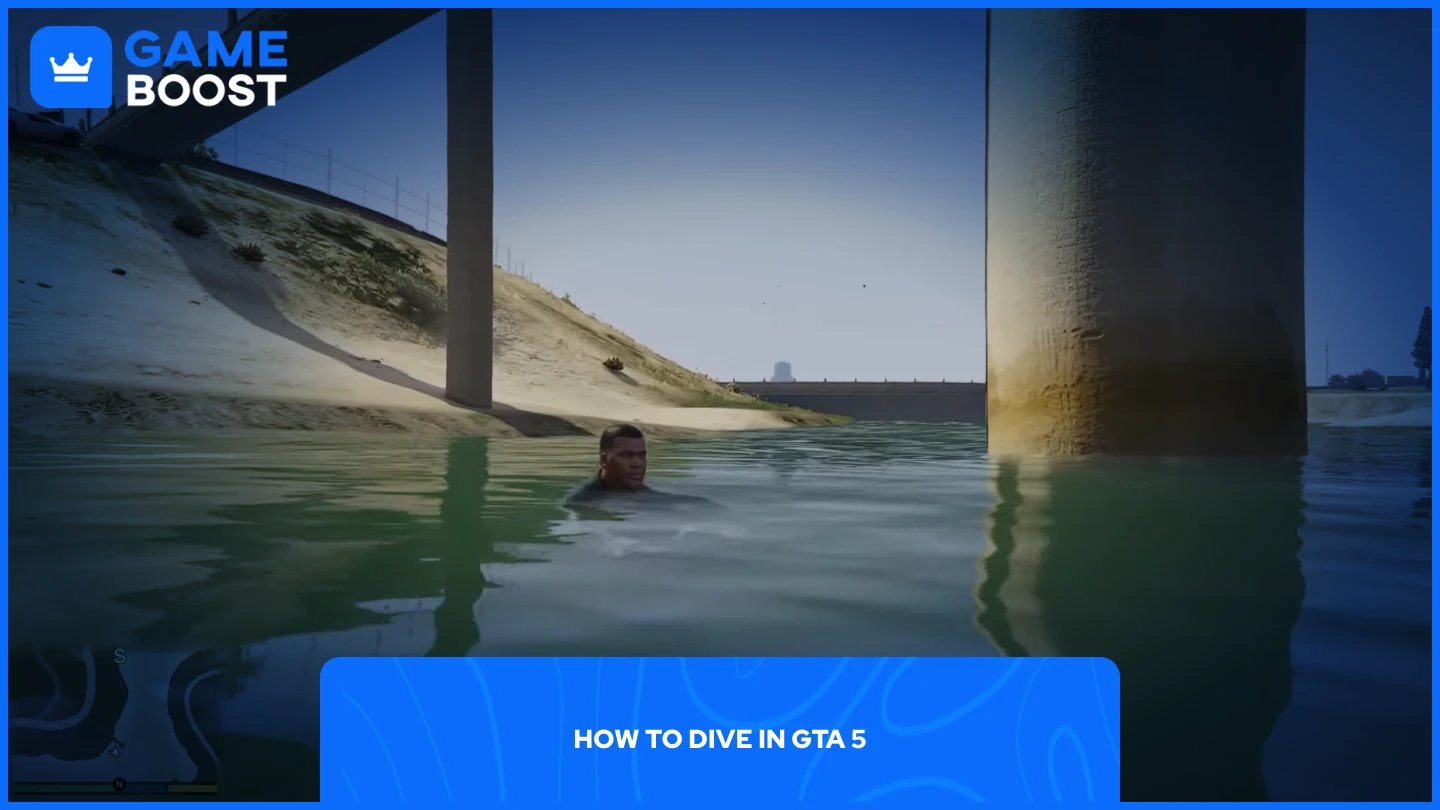
The process is the same across all platforms, only the button differs. Here’s how to do it:
Get into any body of water until your character starts swimming on the surface.
Press the dive button for your platform: Spacebar on PC, R1 on PlayStation, or RB on Xbox.
Your character will go underwater. Your oxygen level will appear as a blue bar on screen, which starts depleting the moment you dive.

Controls invert once you go underwater, so the movement logic flips compared to surface swimming. On PC, holding W pushes you deeper, and holding S brings you back toward the surface. On consoles, pushing the left stick up steers you down, and pushing it down steers you up, similar to how aircraft controls work in the game.
To swim faster in any direction, hold Left Shift on PC, or the sprint button on your controller. To resurface faster, hold Left Shift and S on PC, or hold the left stick down and press X on PlayStation or A on Xbox.
Also Read: How to Sell Vigilante in GTA 5
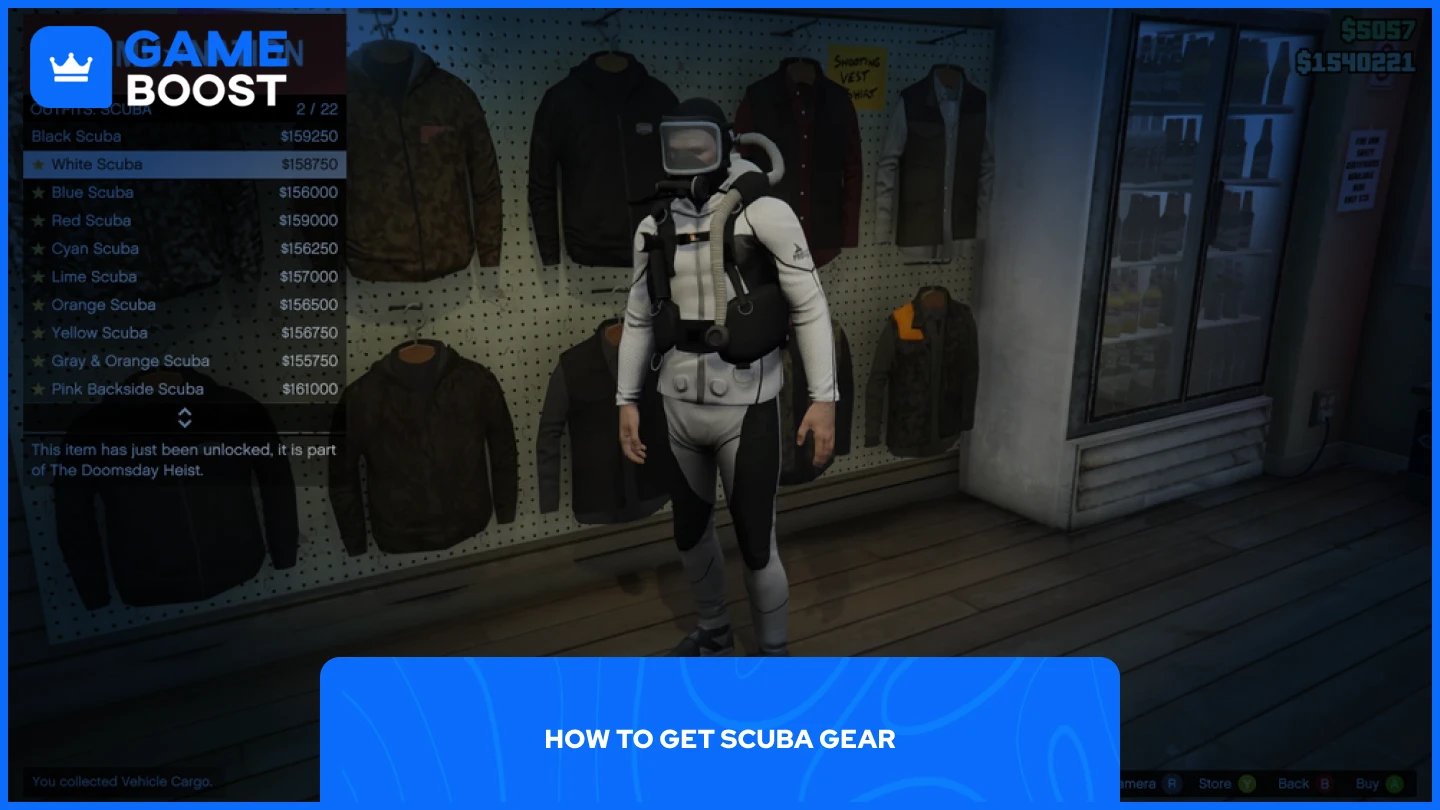
Without scuba gear, your oxygen meter limits how long you can stay underwater. The easiest way to get it is by entering a Dinghy, Submersible, or Kraken and then exiting while in the water. Upon exiting, your character is automatically equipped with a scuba tank and breathing apparatus. Keep in mind that touching the ground will immediately remove the gear, so stay in the water while it's equipped. Dinghy boats are the most common option and can be found near ports and docks.
In GTA Online, scuba suits are available for purchase at Ammu-Nation in the outfits section, as well as at clothing stores. Once equipped, the oxygen meter no longer applies, but there is still a depth limit. Diving beyond a certain depth in deeper water will cause your character to slowly lose health due to water pressure.
Also Read: How to Drift in GTA 5: Complete Guide
Diving in GTA 5 is straightforward once you have the controls down. The inverted movement takes some getting used to, but after a few minutes underwater, it becomes second nature. If you plan on spending serious time exploring the ocean floor, getting scuba gear should be your first priority.
GTA 5 Key
GTA 5 Enhanced Key
Buy GTA 5 Items
GTA 5 Accounts For Sale
View all GameBoost Accounts
View all GameBoost Boosting Services
View all GameBoost Currencies
View all GameBoost Game Keys
View all GameBoost Gift Cards
View all GameBoost Top Ups
View all GameBoost Items
Counter-Strike 2 Skins
“ Mustafa Atteya has been writing about gaming and esports since 2023, specializing in competitive game content and player improvement guides. At 25, he brings both hands-on gaming experience and professional SEO writing expertise to the GameBoost team.”