

•Filip Premuš• 4 min read
Brawl Stars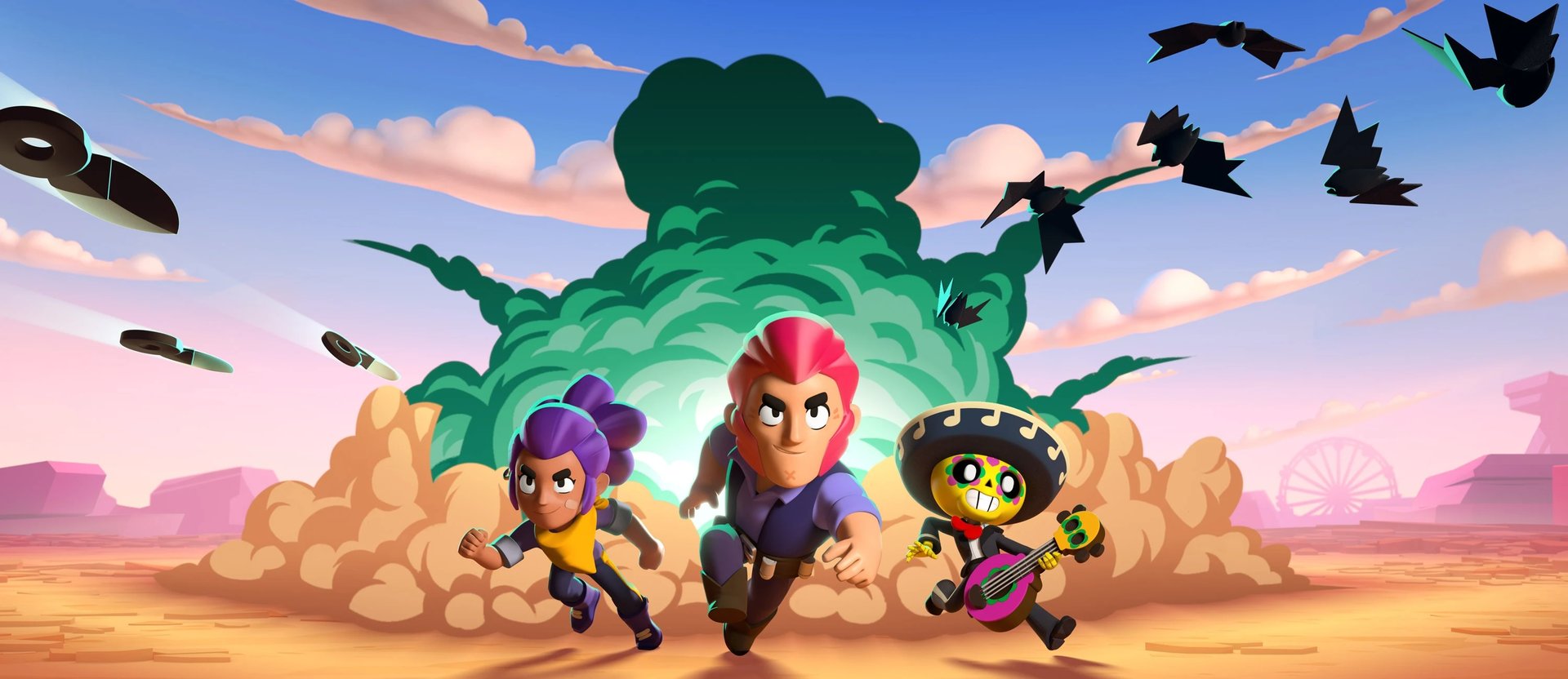
Brawl Stars is a mobile multiplayer game developed by Supercell, the studio behind Hay Day and Clash of Clans. You play as a "Brawler," each with unique abilities and special attacks. Matches are short and action-packed, featuring team-based modes like 3v3 or 5v5, as well as battle royale, solo, and duo options.
Many players have wondered if they can enjoy Brawl Stars on PC, similar to how Clash of Clans and Clash Royale are available through Google Play Games PC. While Supercell hasn't released an official PC version, several methods allow you to play the game on your computer using Android emulators.
Playing Brawl Stars on PC can improve comfort and controls, but your overall experience still depends heavily on how developed your Brawl Stars account is.
These solutions provide a comfortable gaming experience with mouse and keyboard controls. In this article, we'll break down how to play Brawl Stars on PC using different methods, compare the best Android emulators for the game, and walk you through the complete setup process step-by-step.
Also Read: All Brawl Stars Codes (November 2025)
You can play Brawl Stars on PC, but not through a direct method. The game isn't available on Google Play Games for PC yet, unlike other Supercell titles such as Clash of Clans and Clash Royale. However, since these games have already made it to the platform, there's a good chance Brawl Stars will follow in the future.
For now, the only way to play Brawl Stars on your computer is through Android emulators. These programs create a virtual Android environment on your PC, allowing you to download and run mobile games just like you would on a phone. The process is straightforward and completely safe when using official emulator software.
Also Read: Best Lumi Build Brawl Stars: Counters & Game Modes
BlueStacks is the most popular Android emulator available, known for its stability and compatibility with both Windows and Mac systems. The emulator has been around for years and supports millions of users worldwide.
Download BlueStacks from the official website and install it on your computer. You'll need at least 5GB of free disk space plus 2GB of RAM.
Launch BlueStacks after installation completes. Select your preferred language and accept the terms of service.
Sign in with your Google account when prompted. You can use the same account from your phone or create a new one for a separate Brawl Stars account.
Open the Google Play Store app from the BlueStacks home screen.
Search for "Brawl Stars" in the store and click the install button.
Wait for the download to finish, then launch Brawl Stars directly from the BlueStacks home screen.
Customize the keyboard controls in the settings menu to match your preferences. BlueStacks includes preset mappings for movement and attacks.
LDPlayer is a lightweight alternative that consumes fewer system resources compared to BlueStacks. This makes it ideal for older computers or laptops with limited specifications. The emulator is specifically optimized for gaming performance.
Visit the official LDPlayer website and download the installer.
Run the installation file and complete the setup process, which takes just a few minutes.
Launch LDPlayer after installation finishes.
Sign in with your Google account to access the Google Play Store.
Search for Brawl Stars in the store and click install.
Wait for the installation to complete, then launch the game from the LDPlayer home screen.
Adjust graphics settings, RAM allocation, and screen resolution through the settings menu to optimize performance based on your PC specifications.
Both emulators provide a larger screen experience with better aiming precision using mouse controls. The setup process takes less than 15 minutes, and you'll be playing Brawl Stars on PC immediately after installation completes.
Also Read: Is Born Bad Buzz Coming Back to Brawl Stars?
Playing Brawl Stars on PC is possible through Android emulators like BlueStacks and LDPlayer. While there's no official PC version yet, these methods provide a reliable way to enjoy the game on a larger screen with improved controls. The setup process is quick and straightforward, taking less than 15 minutes from download to gameplay. As more Supercell games arrive on Google Play Games for PC, Brawl Stars may eventually receive official support, but emulators remain the best option for now.
Brawl Stars Boosting
Buy Brawl Stars Gems
Brawl Stars Accounts For Sale
View all GameBoost Accounts
View all GameBoost Boosting Services
View all GameBoost Currencies
View all GameBoost Game Keys
View all GameBoost Gift Cards
View all GameBoost Top Ups
View all GameBoost Items
Buy CS2 Skins
“ Mustafa Atteya has been writing about gaming and esports since 2023, specializing in competitive game content and player improvement guides. At 25, he brings both hands-on gaming experience and professional SEO writing expertise to the GameBoost team.”