


•Hamza Rashid• 7 min read
Fortnite

Fortnite does not have a native client for ChromeOS, and school-issued Chromebooks add another layer of difficulty on top of that. These devices are typically managed by the school, with admin controls that prevent software installations and network filters that block most gaming platforms.
Despite that, there are working methods that let you get Fortnite running on a school Chromebook without touching any restricted settings. In this article, we'll walk through each method step by step, covering what you need and how to get Fortnite running on your school Chromebook.
Also Read: What Does V-Bucks Stand For?

Fortnite does not have a native ChromeOS client and cannot be downloaded directly on a Chromebook
The only supported methods are cloud gaming platforms, including GeForce NOW, Xbox Cloud Gaming, and Amazon Luna
GeForce NOW has a free tier and is the most accessible option, but it limits sessions to one hour on the free plan
Xbox Cloud Gaming requires a Game Pass Ultimate subscription ($14.99/month) but has no session limit and runs on Xbox Series X hardware
The GeForce NOW app is available on the Google Play Store for Chromebooks; if the Play Store is restricted, the browser version works as an alternative
School Chromebooks may have network filters that block one or more of these platforms, so having a backup option is worth keeping in mind
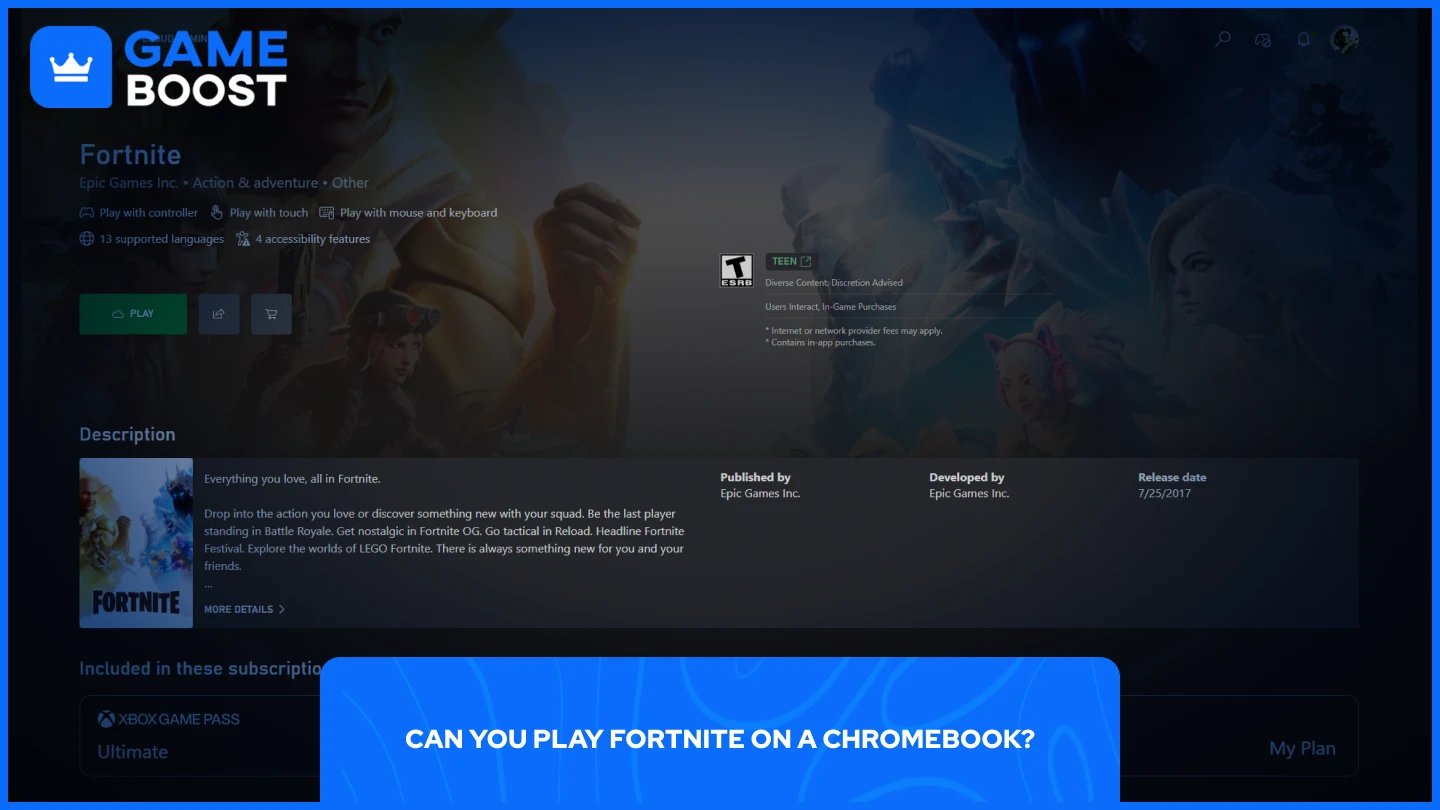
Yes, but not by downloading it directly. Epic Games Launcher is a Windows executable that ChromeOS cannot run. That rules out a traditional installation.
The supported method is cloud gaming. Epic Games officially recommends three platforms for playing Fortnite on Chromebooks:
NVIDIA GeForce NOW
Xbox Cloud Gaming
Amazon Luna
All three stream the game from remote servers directly to your browser, so the Chromebook's hardware does not matter. As long as you have a stable internet connection, the game runs. School Chromebooks add an extra layer of difficulty since network filters may block some of these platforms, but at least one of the three typically gets through.
Fortnite itself cannot be downloaded on a Chromebook. What you can do instead is download the GeForce NOW app, which is available on Chromebook and gives you access to Fortnite through cloud streaming.
Here is how to set it up:
Open the Google Play Store on your Chromebook and search for GeForce NOW.
Download and install the app.
Open it and sign in with your NVIDIA account, or create one for free.
Link your Epic Games account under the connected accounts section.
Search for Fortnite in the library and hit Play.
If the Play Store is restricted on your school Chromebook, you can access GeForce NOW through the browser instead. The browser version works the same way. The free tier limits sessions to one hour at a time. The Priority and Ultimate plans remove that cap if you need longer sessions.
Also Read: How Much Does the Fortnite Battle Pass Cost in V-Bucks?
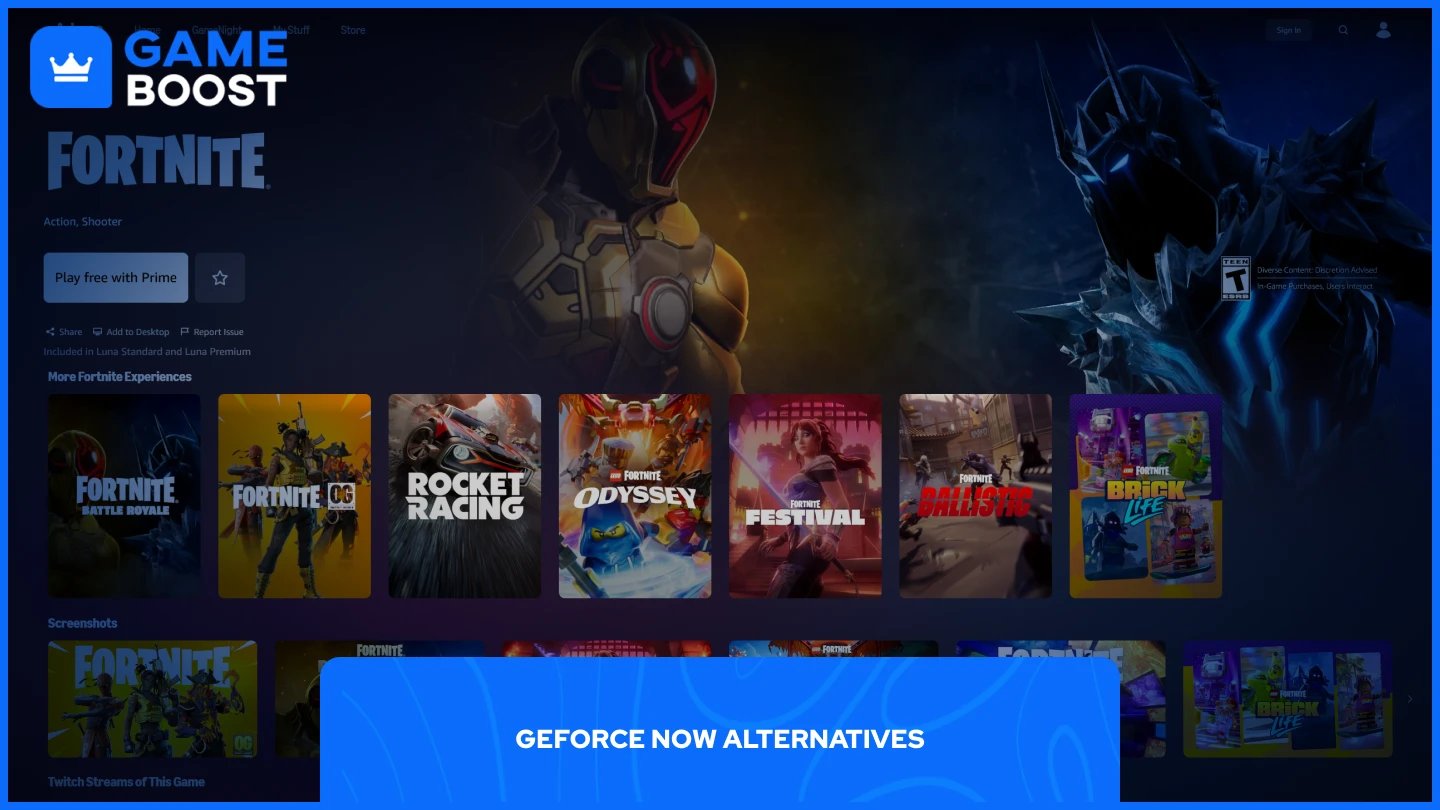
If GeForce NOW is blocked on your school network or you want a different option, two other platforms officially support Fortnite on Chromebooks.
Xbox Cloud Gaming streams Fortnite through Xbox Series X hardware, which means strong performance and stable frame rates. It requires a Game Pass Ultimate subscription ($14.99/month), but there is no session time limit. To get started, go to xbox.com/play in your browser, sign in with a Microsoft account, and launch Fortnite from the library.
Amazon Luna is a solid alternative. You can play Fortnite through Luna by signing in at luna.amazon.com with an Amazon account and launching the game, with access included for Prime members or via a Luna subscription.
Platform | Cost | Session Limit | Availability |
|---|---|---|---|
GeForce NOW | Free / $9.99–$19.99/mo | 1 hour (free tier) | Global |
Xbox Cloud Gaming | $14.99/mo (Game Pass Ultimate) | None | Global |
Amazon Luna | Amazon Prime / Luna Subscription | None | Limited |
Also Read: How to Purchase V-Bucks on Nintendo Switch
Fortnite runs on school Chromebooks through cloud gaming, and the setup takes only a few minutes. GeForce NOW is the best starting point given its free tier and broad availability, but Xbox Cloud Gaming and Amazon Luna are solid backups if it gets blocked on your school network. Pick the one that works for your situation, and you're good to go.
Buy V-Bucks
Buy Fortnite Skins
Fortnite Accounts For Sale
View all GameBoost Accounts
View all GameBoost Boosting Services
View all GameBoost Currencies
View all GameBoost Game Keys
View all GameBoost Gift Cards
View all GameBoost Top Ups
View all GameBoost Items
Buy CS2 Skins
“ Mustafa Atteya has been writing about gaming and esports since 2023, specializing in competitive game content and player improvement guides. At 25, he brings both hands-on gaming experience and professional SEO writing expertise to the GameBoost team.”