
.png)

•Hamza Rashid• 7 min read
Fortnite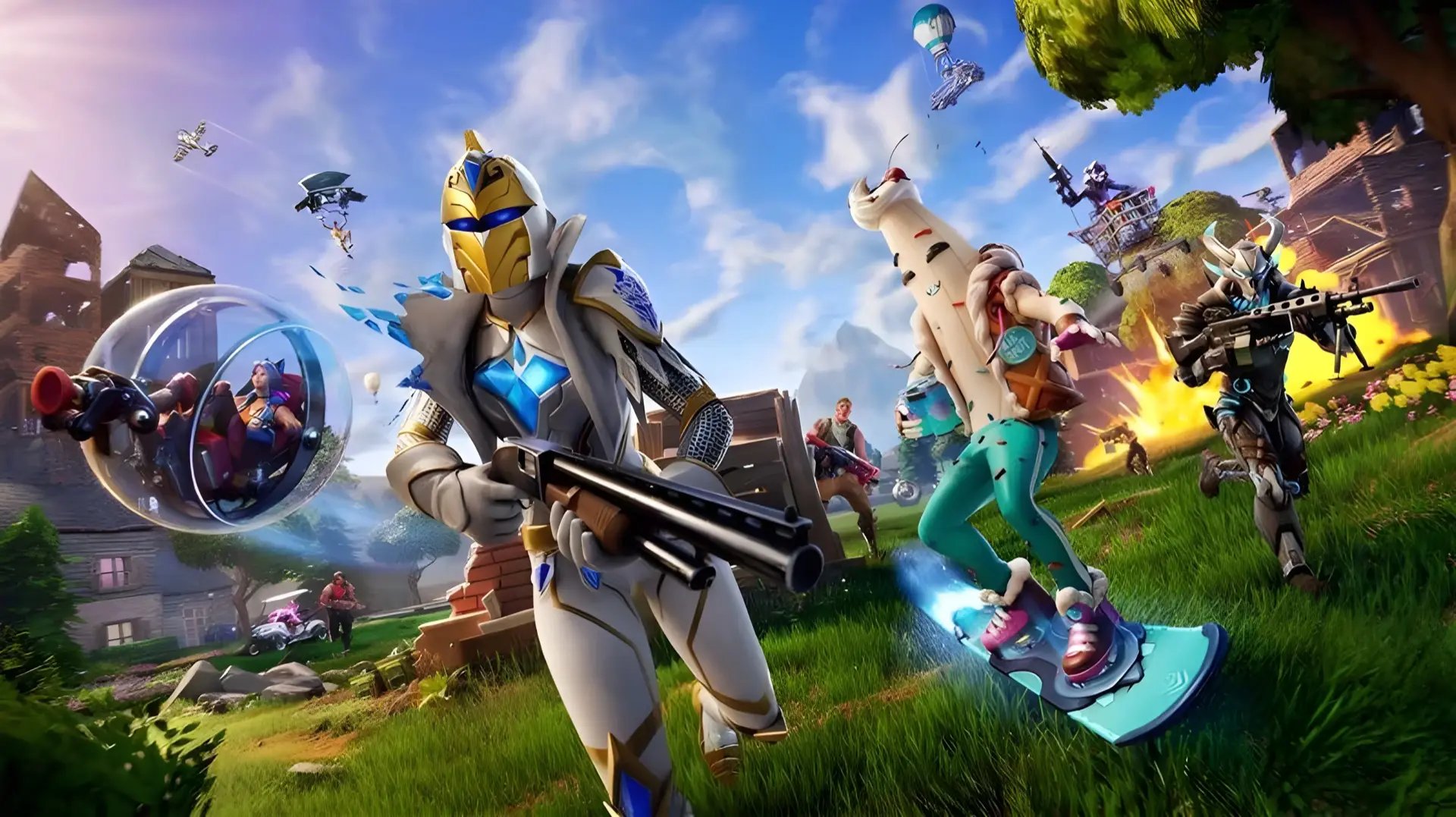
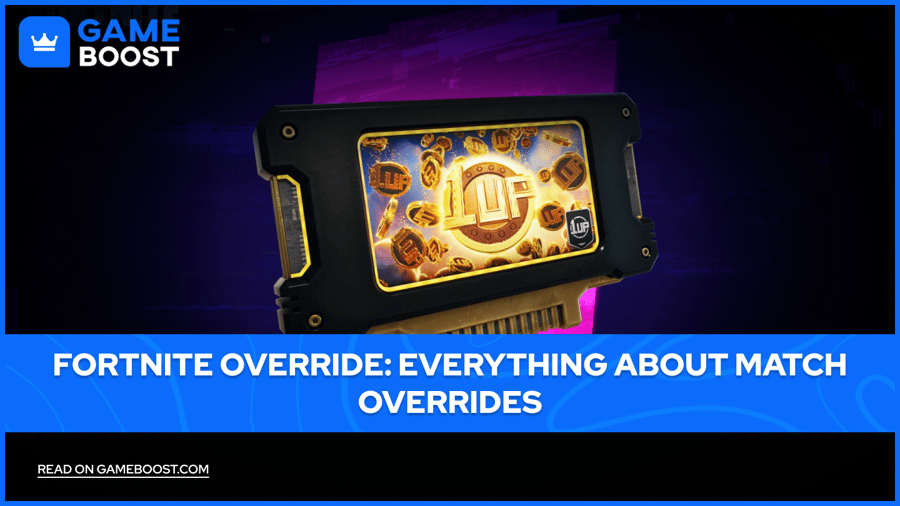
Match Overrides let one player rewrite the rules for an entire lobby mid-match, and they're one of the headline additions in Fortnite Chapter 7 Season 4: Override. If you've seen a giant cartridge icon appear on your map and weren't sure what it does, this guide covers how the system works, all 12 override effects, and how to beat other players to one.
This system is separate from both the Admin Panel Lobby Hack codes and the in-match Cheat Codes tied to Sprites. Match Overrides change the actual rules of the match itself, not cosmetics or Sprite collection, which makes reaching a console first one of the biggest swings available in a single game.
Override Consoles appear in every match, though only one is active and interactable at a time
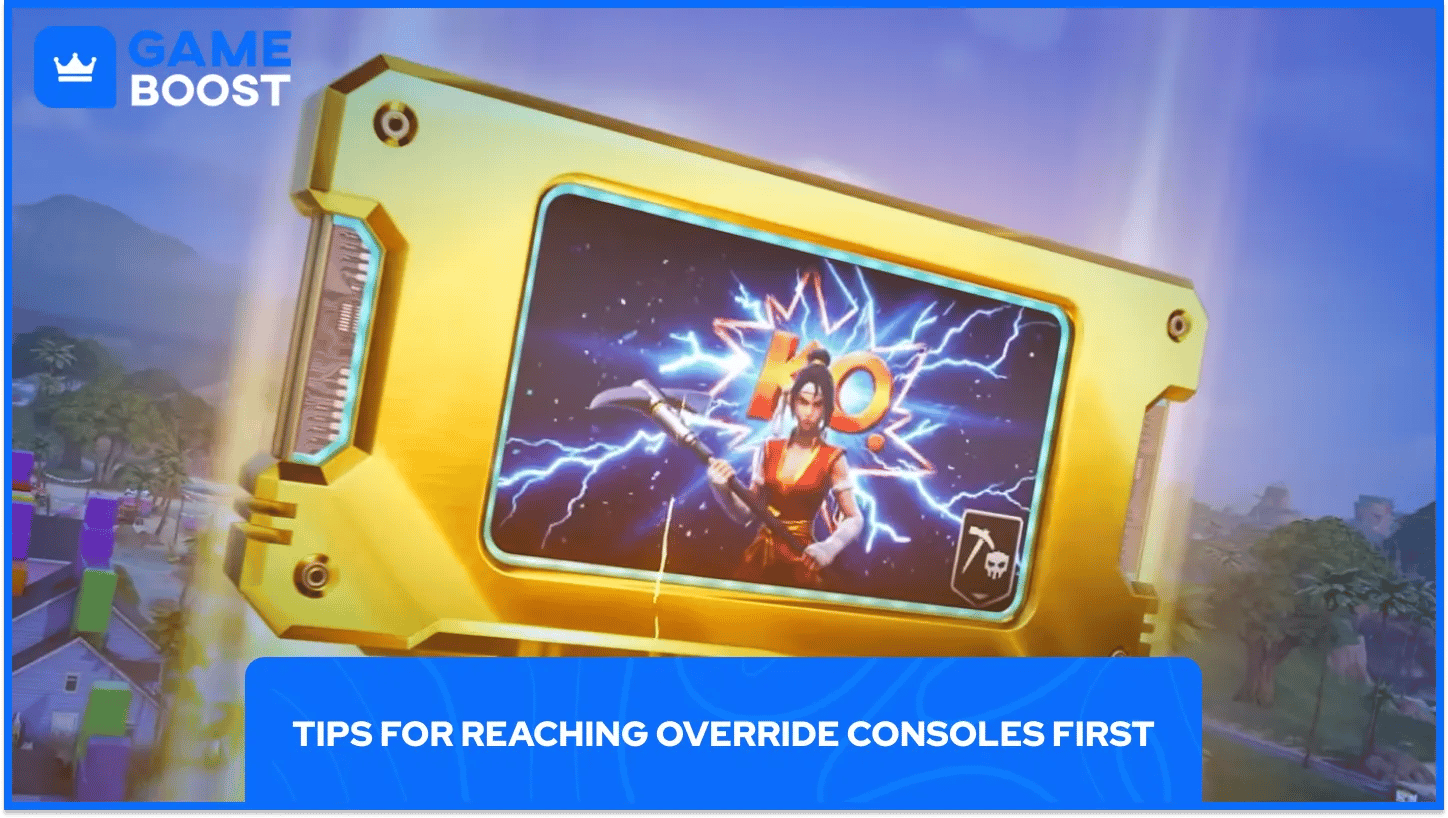
The active console shows up as a glowing cartridge icon on your screen and map, and it's first-come-first-served
Whoever interacts first gets to choose one of three random Match Overrides out of 12 total effects in the game
Overrides range from increased sprint speed and XP gains to boosted headshot damage and better chest loot
Some overrides are squad-only and broadcast your team's location on the map the moment you activate them
Your name displays around the console base once you activate it, so the whole lobby knows who triggered the change
A green check mark on the console icon means another player has already claimed it for that activation window
Match Overrides are server-wide or squad-wide rule changes you trigger by reaching an Override Console before anyone else. Once activated, the effect applies for the rest of that match, giving whoever claimed it a real advantage that lasts far longer than a single fight.
This is the mechanic that gives Season 4 its "Override" name, and it's built to reward map awareness over pure combat skill. Reacting fast when a console lights up matters more than winning a gunfight once you're standing at one.
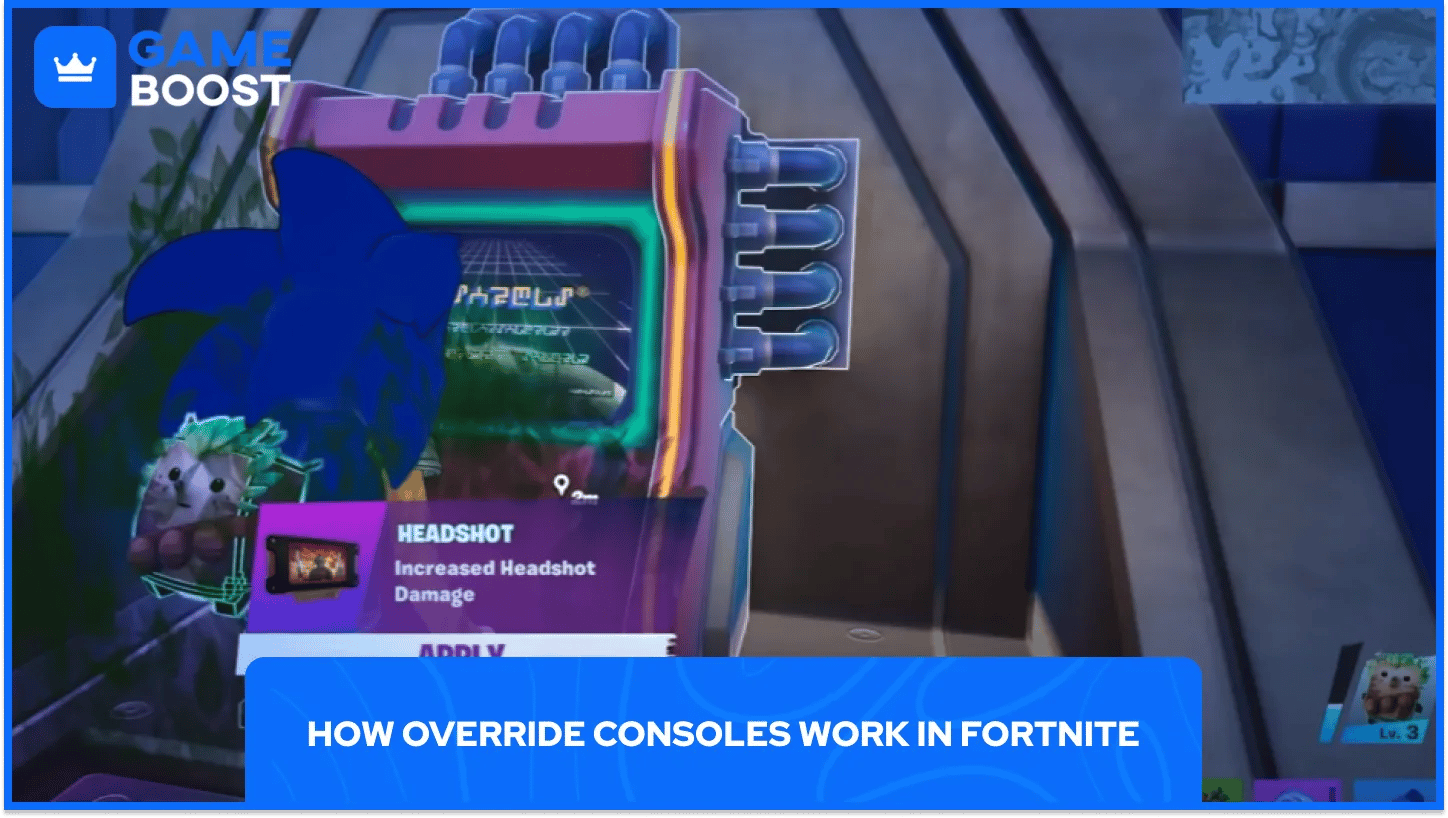
Only one Override Console is active and available to interact with at any given time, even though more exist on the map. A random console lights up at some point during the match, and additional consoles can activate later as the game goes on.
When a console powers on, a cartridge-shaped icon appears on your screen and mini-map, giving you a visual cue to race toward it. If another player reaches it first, the icon shows a green check mark, letting you know that particular activation is already spoken for. A handful of low-threat NPC enemies usually guard the area immediately around each console, but they're not difficult to clear.

The console interaction itself is simple. Reaching it first is where most players lose the race. Hence, follow these steps and you'll never fumble the interaction once you're standing at a console.
Keep an eye on your map and mini-map for the cartridge icon that signals an active console.
Rotate toward the console as soon as you spot the icon, since speed decides who gets there first.
Clear any NPC enemies guarding the immediate area if needed.
Interact with the console once you reach it.
Choose one of three random Match Overrides offered to you.
Watch for the lobby-wide announcement confirming which override you picked.
Because only one console activates at a time, camping in one spot is a gamble. Staying mobile and reacting to whichever icon appears gives you better odds than committing to a single plan and hoping it pays off.
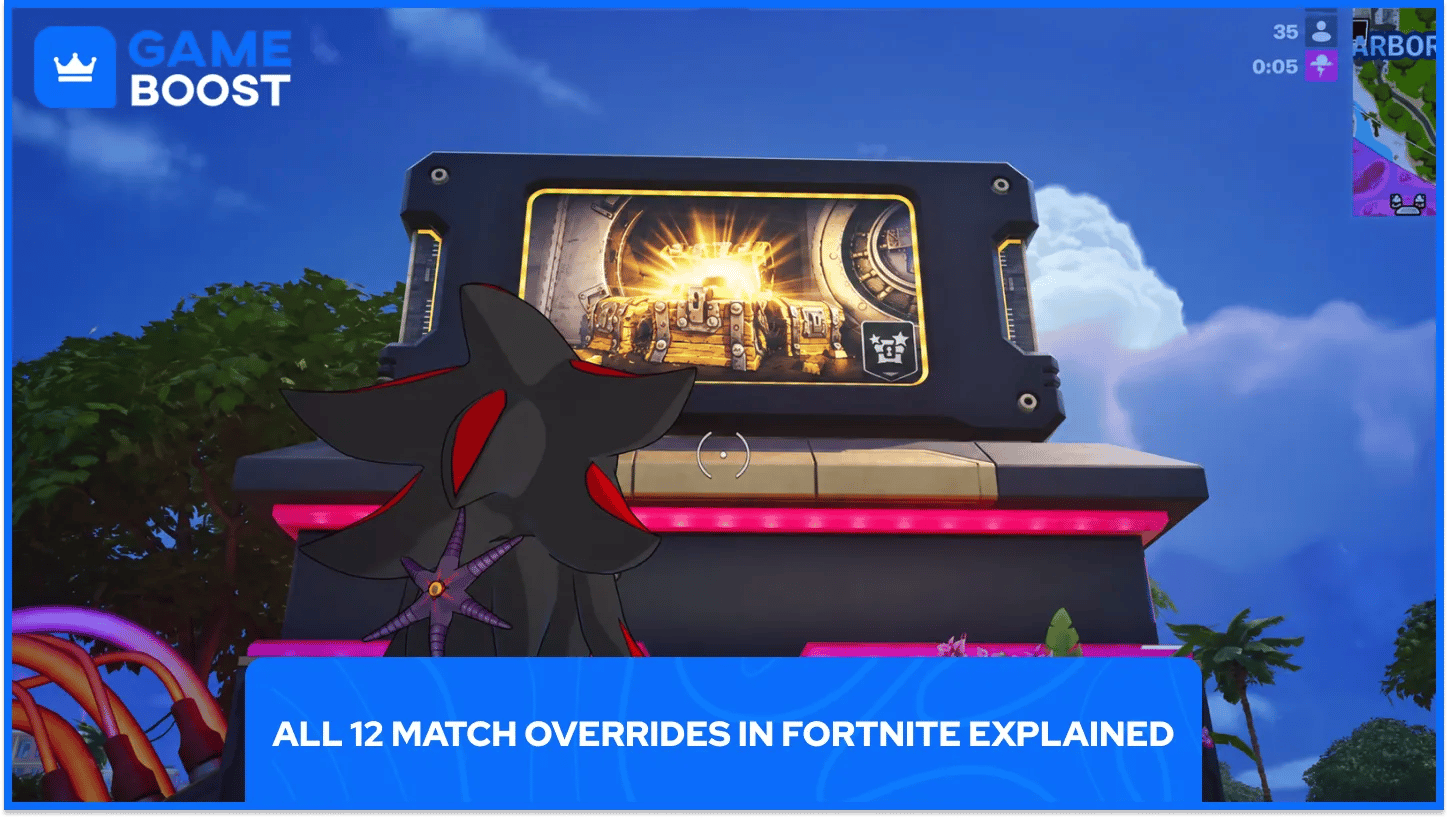
Interacting with a console gives you a random pick of three from the full list below, so you won't see every option in a single match. Since you're choosing from three random options rather than the full list, it helps to know your play style going in.
Aggressive players tend to lean toward Speed Shooter or Headshot, while anyone rotating passively usually gets more value from Infinite Stamina or Constant Heal.
Match Override | Effect |
|---|---|
Sonic Speed | Increases sprint speed over time |
More XP | Grants more XP from eliminations, looting, and surviving the storm |
Loot Hack | Gives a Loot Hack item from the next chest you open |
Extra Life | Respawns you once when on the brink of elimination |
Big Fish | Turns all fishing holes golden |
Constant Heal | Grants passive health and shield regen when out of combat |
Infinite Stamina | Removes stamina drain entirely |
Headshot | Increases headshot damage |
Overshield | Grants an extra or new overshield |
Speed Shooter | Increases weapon fire rate and reload speed |
Big Loot | Raises the odds of Epic or Legendary loot from chests |
Power Pickaxe | Massively increases pickaxe damage |
Not every override affects the whole lobby. Rare and Mythic-tier overrides are squad-only, meaning the boost applies just to you and your team rather than every player in the match.
The catch is that claiming a squad-only override broadcasts your squad's exact location on the map to everyone else. That trade-off turns activating one of these into a real decision rather than a free bonus: a strong buff is worth it if your squad is ready to fight, but it can paint a target on you if you're trying to stay hidden for a late-game rotation.
Winning the race to a console comes down to positioning and awareness more than mechanical skill.
Check your map frequently during rotations instead of only glancing at your mini-map in a fight.
React immediately when the cartridge icon appears, since every other player in range is seeing the same prompt.
Stay mobile between fights rather than holding one position for the whole match.
Weigh squad-only overrides carefully if you're trying to avoid being spotted late in a match.
Since only one console activates at a time, the player who notices the icon fastest usually wins the race more often than the player who happens to be standing closest.
Match Overrides turn a single race to a console into one of the biggest swings available in a Fortnite match, whether that means faster reloads, guaranteed better loot, or an extra life when things go wrong. React fast when the cartridge icon shows up, and think carefully before grabbing a squad-only override that puts your location on display. Get there first and the rest of the match plays out on your terms.
Buy Cheap V-Bucks
Buy Fortnite Skins
Cheap Fortnite Accounts For Sale
View all GameBoost Accounts
View all GameBoost Boosting Services
View all GameBoost Currencies
View all GameBoost Game Keys
View all GameBoost Gift Cards
View all GameBoost Top Ups
View all GameBoost Items
“ Hamza is your average video game enthusiast who’s always looking for his next game to play. Whether he’s diving into a competitive multiplayer match, exploring a massive open world, or getting completely hooked on a new release, gaming has always been one of his favorite ways to spend his time. Over the years, his love for games has grown into a passion for understanding and sharing everything about them. Through his articles, Hamza aims to help gamers discover new games, improve their skills, stay up to date with the latest gaming news, and get the most out of their favorite titles.”