
.png)

•Hamza Rashid• 7 min read
Fortnite
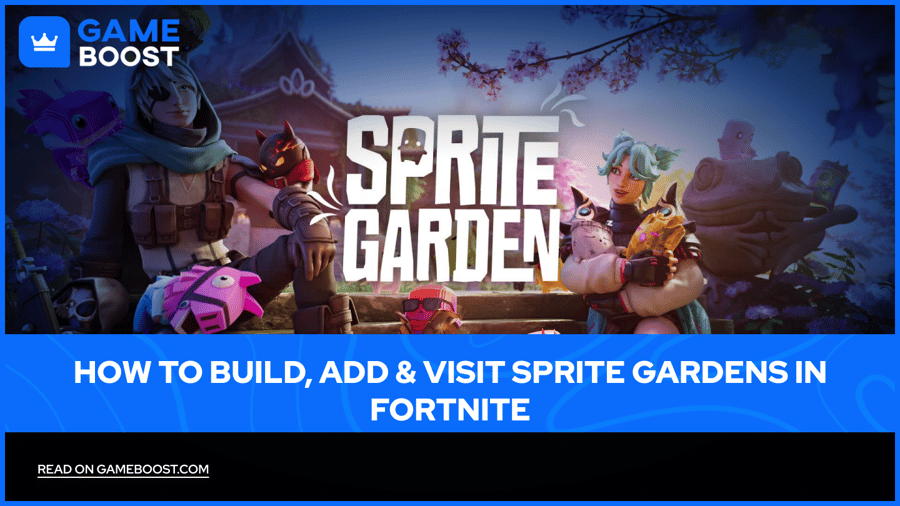
Fortnite Sprites are small creatures that players extract during matches, and the Sprite Garden is where those creatures finally get a permanent place to live. Rather than sitting in a menu screen, each sprite roams a personal island that players shape into a display space.
The Sprite Garden separates itself from standard matches by removing combat entirely. Players load into their own plot, add the sprites they have collected, place buildings around a central house, and walk over to see what other players have built. Every sprite collected across past and current generations stays in the Garden permanently, keeping a player's full history in one place.
This guide covers how to reach the Sprite Garden, add sprites to it, build out the space, and visit the gardens other players have created.
The Sprite Garden is a separate, combat-free island where collected sprites live permanently instead of disappearing between seasons
Players reach it through the Discover tab in the main lobby, or by entering the island code directly
Sprites get added the moment they are extracted in a match, with no separate step needed to place them in the Garden
Up to four players share a Garden session, so three other players' plots sit near a player's own space
Building runs through a main house plus up to four additional structures, each able to hold an Activity Station for a sprite
Visiting another player's Garden lets a player walk their pathways, view their sprite collection, and leave a Like on their plot
The mode includes six achievements that carry no experience reward, existing only to mark milestones as complete
The Sprite Garden functions as a standalone island, separate from the battle royale map and built as its own experience rather than a location tucked inside a live match. The space exists purely for collection and display, giving every sprite a fixed home once it leaves a match. Nothing that happens inside the Garden affects match results, and nothing inside a match can remove a sprite that already made it into the Garden.
Sprites keep their appearance and movement inside the space without carrying their in-match abilities, since the Garden is built for display rather than active use. Past and current sprite generations exist together in the same space, so a collector who started early sees that full history sitting alongside anything caught more recently. The result reads closer to a personal trophy room than a typical game mode.
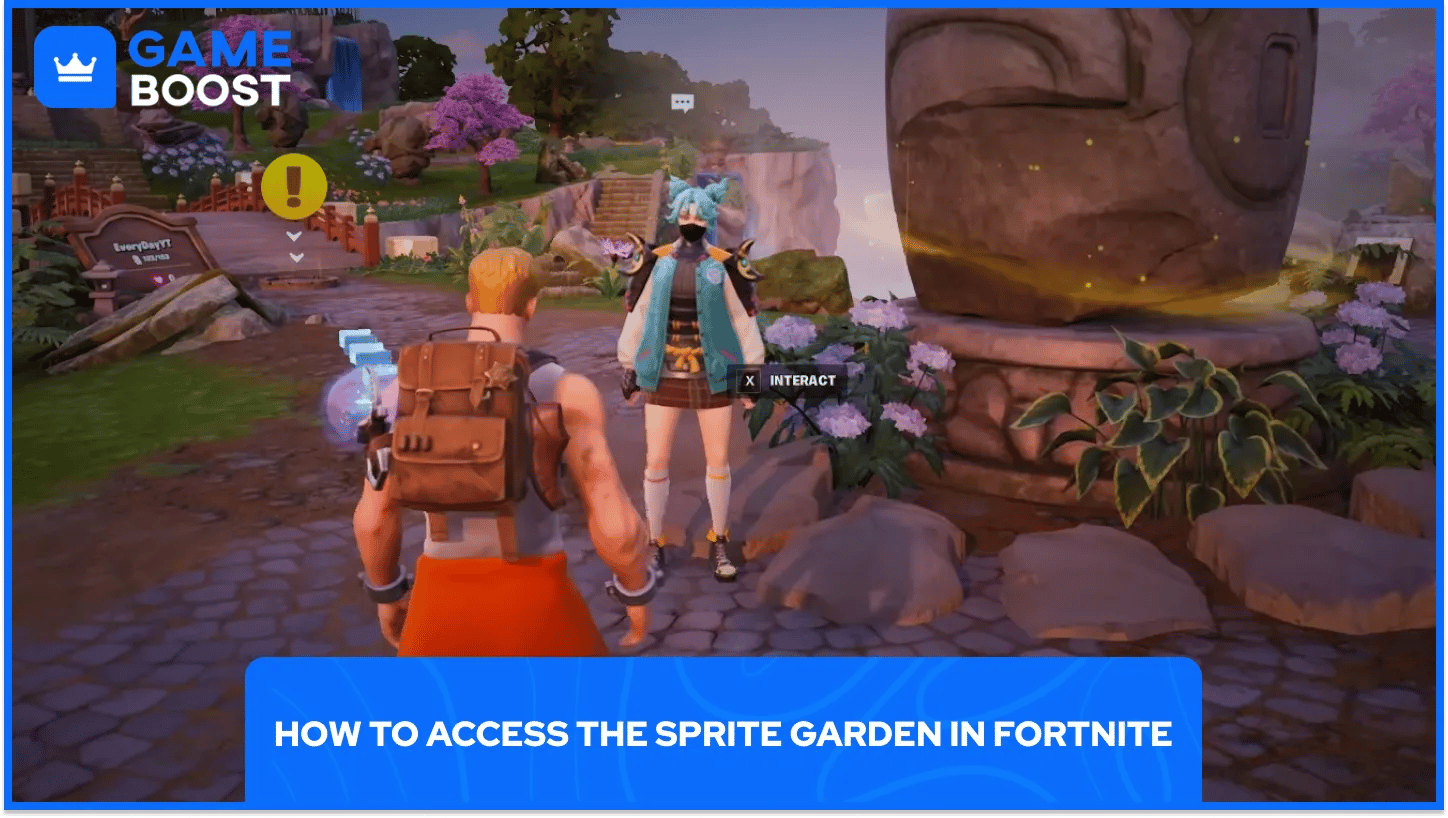
Players can access the Sprite Garden by going to the main lobby, scroll to the Discover tab, and search for the Sprite Garden listing among the available experiences. Selecting it and pressing play drops a player straight into their own plot without needing to queue for a full match first.
A direct island code offers a quicker route for players who already know what they are looking for. Entering 4220-9404-7987 into the Discover search bar pulls up the same experience, provided the listing shows Epic Games as the creator rather than a fan made copy. The steps below cover both routes from the lobby.
Open the Discover tab: scroll down from the main lobby screen until the search bar for island codes and listings appears
Search for Sprite Garden: type the name directly, or paste the island code to jump straight to the correct listing
Confirm the creator: check that the listing shows Epic Games as the source before loading in, since copies can appear under similar names
Select play: loading in places a player on their own plot alongside the plots of up to three other players in that session
Once inside, an in-game companion walks new players through the basic controls before handing over full freedom to build and place sprites. The whole process from opening the lobby to standing inside a Garden takes well under a minute once the listing has been found once.
Returning visits go faster, since the Discover tab keeps recently played experiences near the top of the list. Players who visit often can favorite the listing to skip the search step on future logins.

The Garden adds sprites the moment a player extracts them during a match, with no manual transfer step required. A sprite caught and later lost during the same match still counts, since the Garden tracks anything extracted rather than anything carried across the finish line. The rule removes a lot of pressure from collecting, since a rough match does not cost a player progress toward filling out their Garden.
Inside the Garden, players pick up any sprite using the interact button, moving it into inventory the same way items work during a normal match. Players can then place a sprite in a fixed spot, set it inside a building, or leave it to wander the plot freely depending on personal preference. Mastering a sprite carries no requirement for Garden placement, so casual catches sit next to fully mastered ones without any extra hurdle standing in the way.
Extract during a match: any sprite pulled from battle royale gets added the moment extraction finishes
Open inventory in the Garden: picked up sprites sit in inventory until a player chooses a spot for them
Place freely or fix in position: sprites can wander the plot on their own or stay anchored to a chosen location
Add to an Activity Station: buildings placed around the main house each hold a station where a sprite can settle in
Placement never locks in permanently, so a player who wants to rearrange later can pick sprites back up and move them without losing any progress already made. The layout stays entirely a matter of personal taste, since nothing about placement affects any stat or reward tied to collecting sprites.
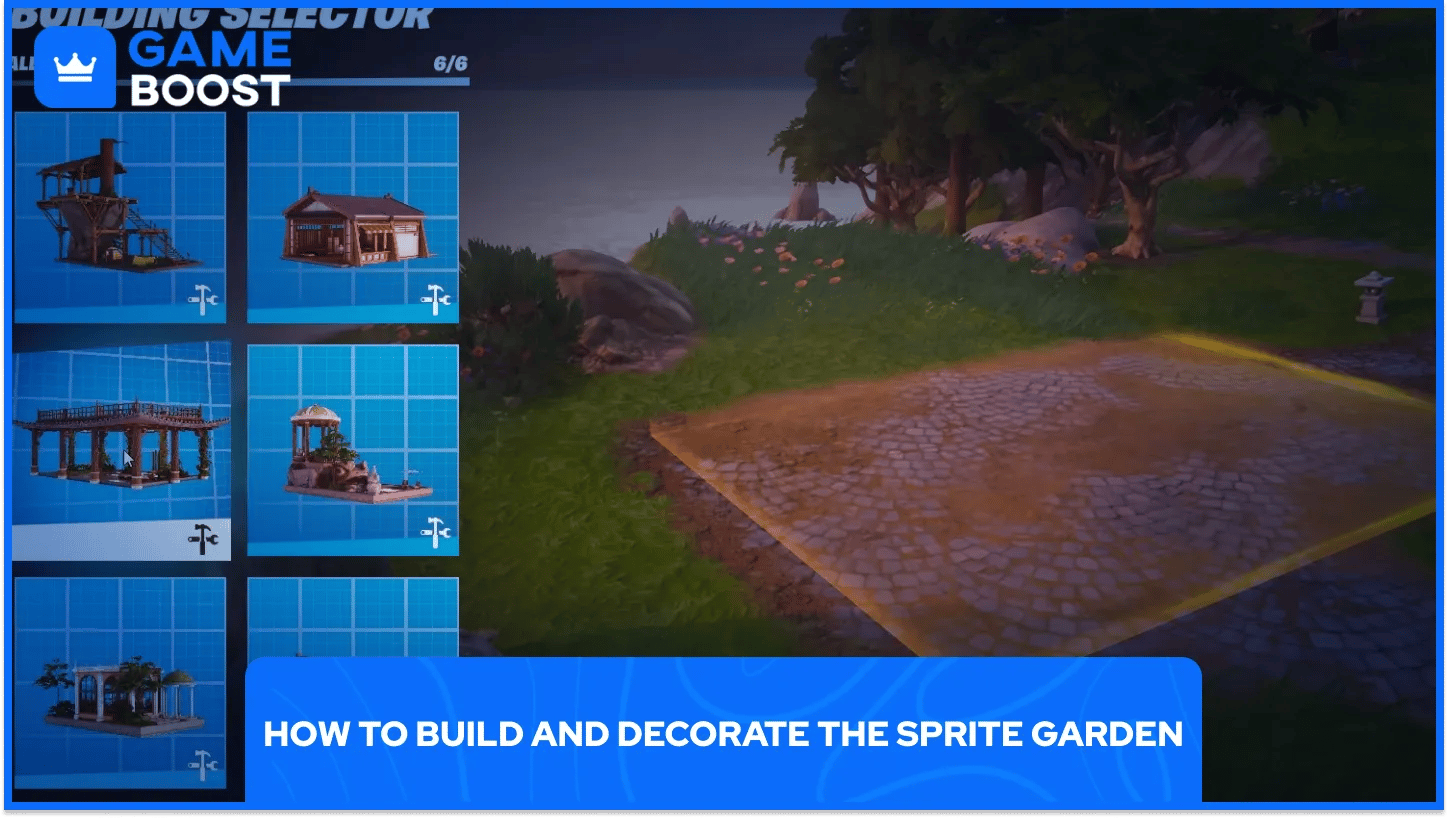
Building starts with a main house, which sits at the center of every plot and acts as the anchor for everything added afterward. Players step onto a building pad near the house to begin construction, then add furniture and stations that give sprites somewhere to settle beyond simply standing around the open plot.
Beyond the main house, players can add up to four additional structures around their plot, each capable of holding its own Activity Station. Placing furniture and stations inside these buildings turns a plain plot into a proper layout, and the process stays simple enough that new players pick it up within a few minutes of stepping onto their first building pad.
Build the main house: every plot starts with this structure, and it needs to be finished before other buildings can go up
Add up to four extra structures: additional buildings sit around the main house and each hold their own sprites
Furnish each building: furniture pieces fill out the space and give sprites reasons to stay in one spot
Place an Activity Station: each building can hold a station where a specific sprite lives and can be viewed by visitors
None of the building steps require currency earned outside the Garden itself, so players do not need to grind separately before decorating their plot. Layout choices carry no mechanical benefit beyond appearance, which keeps the whole process focused on personal style rather than any single required approach.
Every Garden session includes room for up to four players total, so three other plots sit near a player's own space whenever they load in. Walking over to a neighboring plot uses the same pathways that connect every garden on the island, so no separate menu or invite is needed to see what a nearby player has built.
Each plot displays a nameplate near its entrance, and players can interact with that nameplate to leave a Like on a Garden they enjoyed. Visiting other plots often reveals sprites a player has not collected yet, giving collectors a reason to check in on friends and strangers alike beyond simply admiring the decoration. Groups who want to visit together can also party up before loading in, keeping the same four players together across a session.
Walk the shared pathways: every plot on the island connects to the others, so no loading screen separates one Garden from the next
Check nameplates for names: each plot shows who built it, making it easy to find a specific friend among the group
Leave a Like: interacting with a nameplate lets a visitor show appreciation for a plot they enjoyed
Party up before loading in: grouping with friends first keeps the same players together in one session rather than mixing with strangers
Visiting does not let a player pick up or remove sprites from someone else's plot, so a Garden stays under the full control of whoever built it. The restriction keeps the social side of the mode focused on viewing and appreciating, rather than any kind of competition over sprite counts.
The Sprite Garden turns a collection that used to live in a menu into something players actually walk through and share. Placing sprites, filling out buildings, and checking in on other plots gives the whole system a reason to matter beyond the moment a player extracts a new one. A finished Garden says more about a player's history with sprites than any counter ever could.
Building one out does not demand much time or currency, which keeps the mode approachable for occasional visitors and daily regulars alike. Players who keep coming back to their Garden end up with the fullest, most personal version of it, one addition at a time.
Buy Cheap V-Bucks
Buy Fortnite Skins
Cheap Fortnite Accounts For Sale
View all GameBoost Accounts
View all GameBoost Boosting Services
View all GameBoost Currencies
View all GameBoost Game Keys
View all GameBoost Gift Cards
View all GameBoost Top Ups
View all GameBoost Items
“ Hamza is your average video game enthusiast who’s always looking for his next game to play. Whether he’s diving into a competitive multiplayer match, exploring a massive open world, or getting completely hooked on a new release, gaming has always been one of his favorite ways to spend his time. Over the years, his love for games has grown into a passion for understanding and sharing everything about them. Through his articles, Hamza aims to help gamers discover new games, improve their skills, stay up to date with the latest gaming news, and get the most out of their favorite titles.”