


•Hamza Rashid• 8 min read
Fortnite
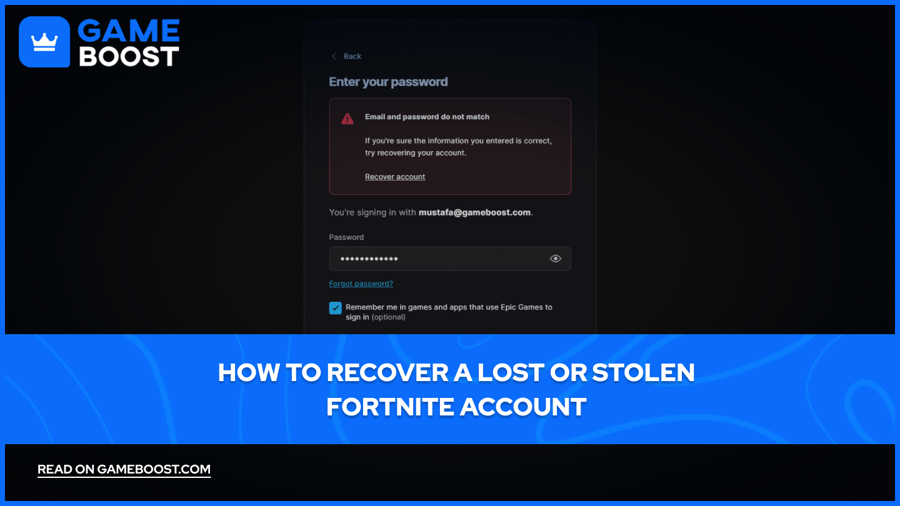
Losing a Fortnite account is more frustrating than it sounds, especially when it holds years of skins, V-Bucks, and Battle Pass progress you've worked hard for. It can happen due to a forgotten password, a compromised email, or a hacker gaining unauthorized access to your Epic Games account.
The good news is that Epic Games has a recovery system in place that covers most scenarios, from a simple password reset to full identity verification when email access is completely lost.
The process varies depending on how you lost access, so knowing the right steps to follow makes a big difference. In this article, we'll explore all the methods available to recover a lost or stolen Fortnite account and how to secure it once you get back in.

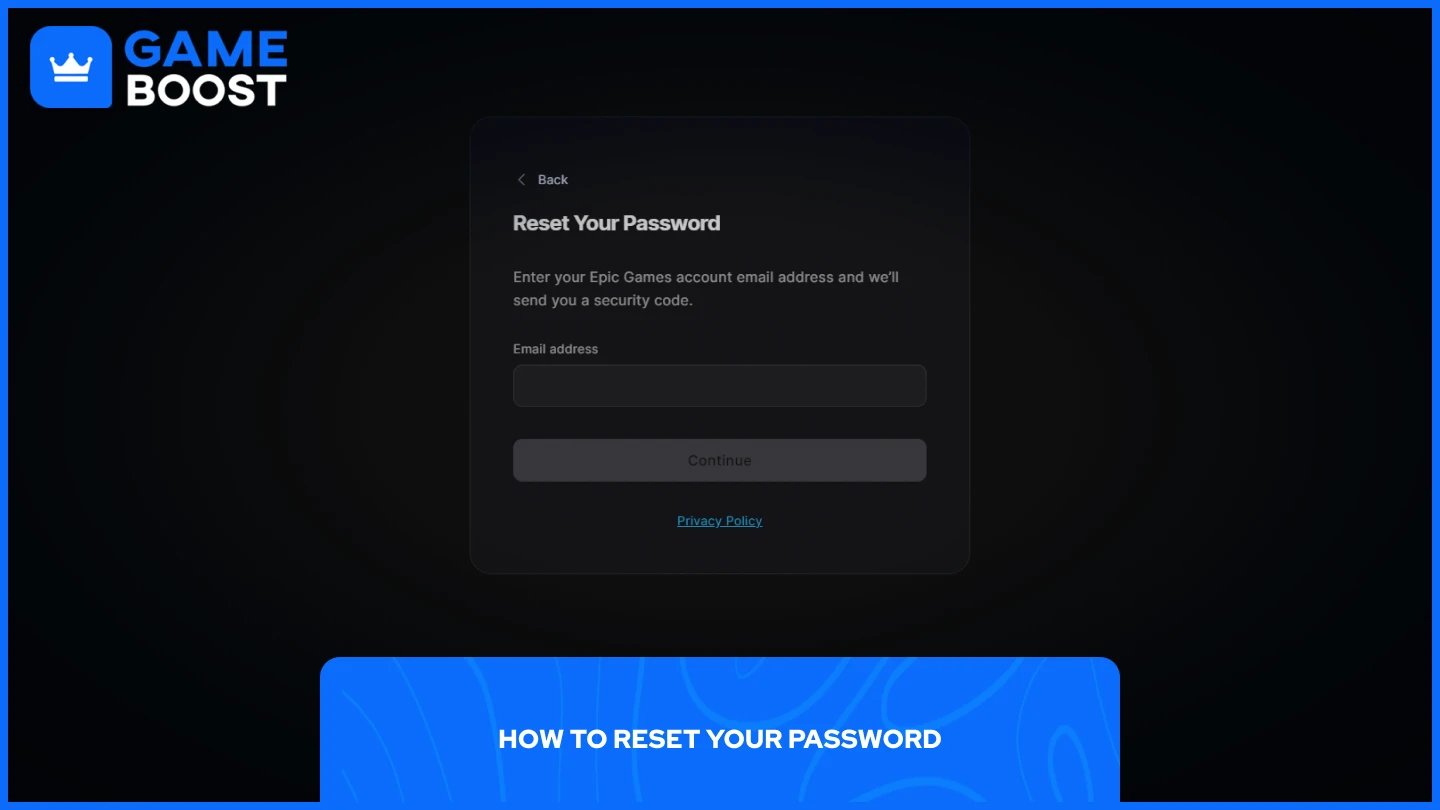
If you still have access to the email linked to your account, recovering it is straightforward. This is the quickest recovery method and should always be your first step.
Go to the Epic Games login page.
Click "Forgot Your Password?" below the login fields.
Enter the email address associated with your account.
Check your inbox for a password reset email from Epic Games.
Click the reset link in the email.
Create a new password and log back into your account.
If you don't see the email in your inbox, check your spam folder. Once you're back in, change your password to something strong and unique before doing anything else.
Also Read: Epic Games Account vs Fortnite Account: What's the Difference?
If someone gained unauthorized access to your account and changed your email or password, here's how to recover it:
Enter the email address you used when creating the account.
If you don't remember it or no longer have access to it, select "Lost access to this email address?" and follow the on-screen instructions.
Once you've completed the process, Epic Games will inform you of the outcome via email as soon as possible.
Also Read: Is Selling Fortnite Accounts Against the Rules?
Once you've regained access, take immediate steps to prevent the same thing from happening again.
Start by enabling Two-Factor Authentication (2FA) through your account settings. This adds an extra verification step every time someone tries to log in, which makes unauthorized access significantly harder. As a bonus, enabling 2FA rewards you with a free in-game emote.
Update your password to something unique that you don't use on any other platform. Avoid reusing passwords across different accounts, as a breach on one platform can compromise others. If your account is linked to platforms like PlayStation, Xbox, or Steam, verify that those connections are correct and remove any you don't recognize.
Also Read: Is It Safe to Buy Fortnite Accounts? Everything to Know
Losing access to your Fortnite account is frustrating, but Epic Games provides enough recovery options to get most players back in. Simple password resets take only a few minutes, while more complex cases involving hacked accounts or lost email access require direct contact with support and can take longer. Acting quickly and providing as much account information as possible gives you the best chance of a full recovery.
Buy V-Bucks
Buy Fortnite Skins
Fortnite Accounts For Sale
View all GameBoost Accounts
View all GameBoost Boosting Services
View all GameBoost Currencies
View all GameBoost Game Keys
View all GameBoost Gift Cards
View all GameBoost Top Ups
View all GameBoost Items
Buy CS2 Skins
“ Mustafa Atteya has been writing about gaming and esports since 2023, specializing in competitive game content and player improvement guides. At 25, he brings both hands-on gaming experience and professional SEO writing expertise to the GameBoost team.”