

•Filip Premuš• 4 min read
Brawl Stars

Brawl Stars is a free-to-play mobile battle game developed by Supercell, available on iOS and Android. With hundreds of brawlers to unlock, trophies to grind, and seasonal content to chase, losing access to your account can feel like losing a lot of hard work.
It happens more often than you'd think, switching devices, accidentally logging out, losing access to a linked email, or forgetting which account was tied to your progress. The good news is that Supercell has built-in recovery options that cover most of these situations. It's worth noting that players considering buying Brawl Stars Accounts should go through the same linking steps immediately after, since a properly connected Supercell ID is the strongest safeguard against losing access again.
In this article, we'll explore the different ways to recover your Brawl Stars account, from logging back in through Supercell ID to contacting Supercell support directly.
Also Read: How to Delete Your Account in Brawl Stars
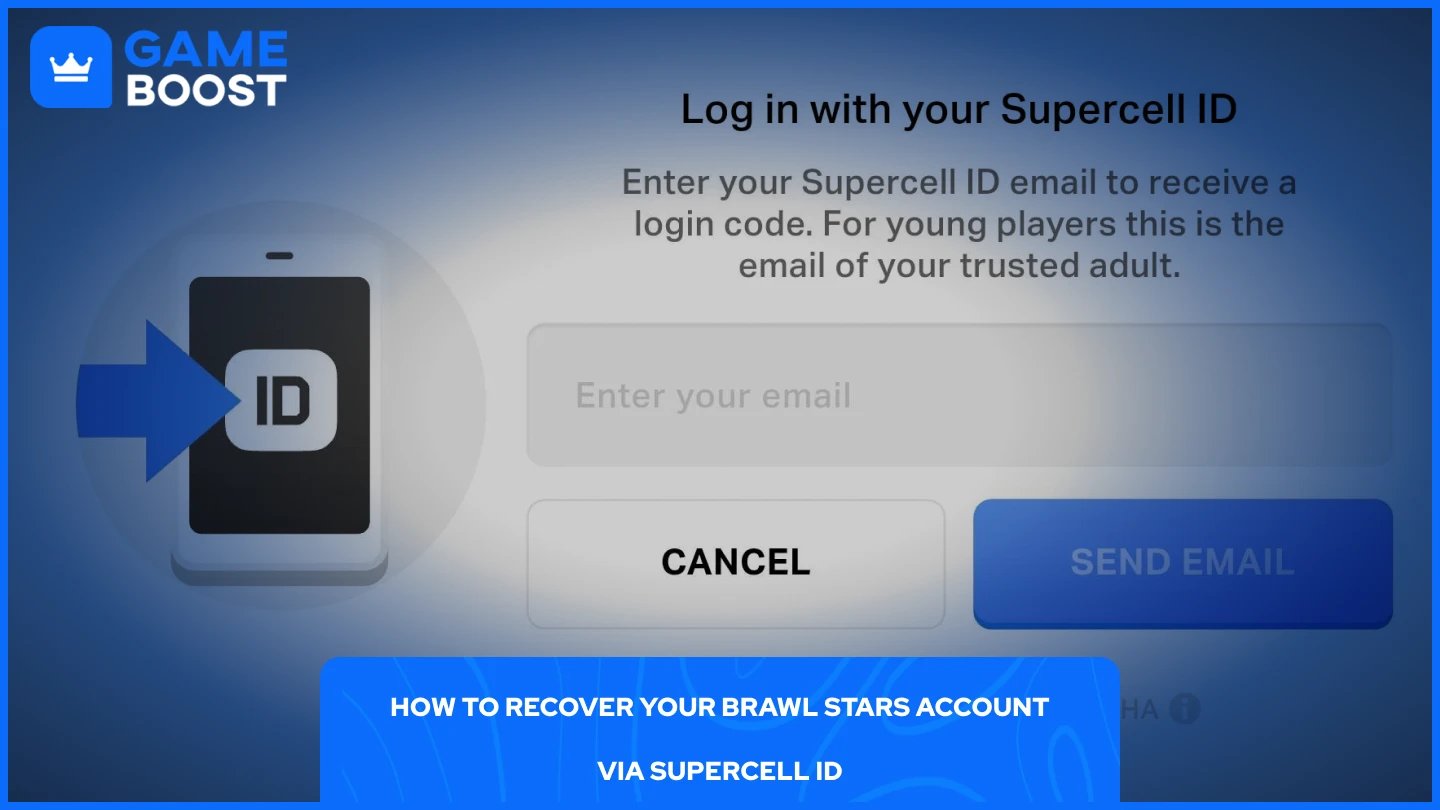
Supercell ID is the easiest way to get your account back, as long as you had it linked before losing access. The process is straightforward:
Open Brawl Stars and tap the menu icon in the top-right corner, and then go to Settings.
Tap on Supercell ID.
Select Log In and enter the email address linked to your Supercell ID.
Check your inbox for a verification code from Supercell and enter it in the game.
Once confirmed, your account will load automatically with all your progress intact.
If you no longer have access to the email linked to your Supercell ID, you'll need to recover that email first through your provider, Gmail, Apple Mail, or any other service, before completing the steps above.
Also Read: Brawl Stars' Brawlentines Event Explained
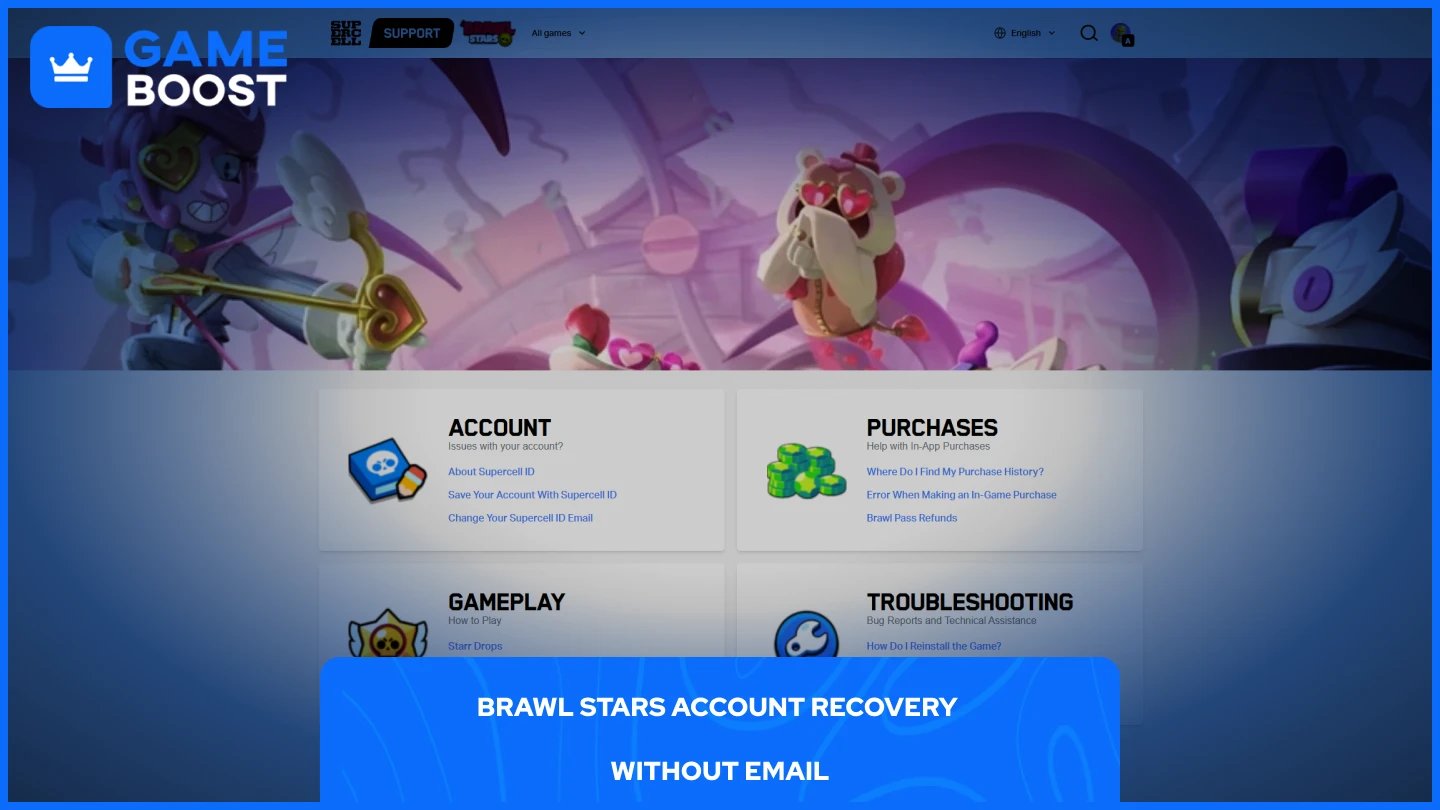
If your account was never linked to a Supercell ID, self-recovery through the app won't work. Your only route is going through Supercell support. Here's how to do it:
Select the Contact Form in the Troubleshooting section.
Choose to continue without logging in.
Select Something Else as the category.
Fill in your player tag, an active email address, and a message explaining that you lost access and never had a Supercell ID linked.
Submit the form and wait for a Supercell agent to follow up via email.
Supercell will ask you to prove ownership of the account before restoring access. Providing your player tag, trophy count, brawler list, club name, and any purchase receipts will significantly improve your chances of a successful recovery.
If you lost access to the email linked to your Supercell ID, the first thing to do is try recovering that email directly through your provider. Gmail, Apple, and most other services have account recovery options that let you verify your identity through a phone number or a backup email. Getting back into your email is the fastest way to complete the Supercell ID login and regain access to your account.
If you can no longer recover the email at all, your only option is to contact Supercell support directly. Head to Supercell Brawl Stars’ support page, open a support ticket, and explain the situation. Make sure to include as much account information as you can, including your player tag, in-game name, trophy count, club name, and any previous purchases. The more details you provide, the better your chances of Supercell verifying your ownership and helping you link the account to a new email.
Also Read: How to Get Gems in Brawl Stars
The best way to avoid going through account recovery altogether is to link your account to a Supercell ID if you haven't already. It stores your progress in the cloud, meaning a lost device, a reinstall, or an accidental logout won't cost you anything. You can set it up by going to Settings, tapping Supercell ID, and registering with an email you actively use.
Beyond that, enabling Account Protection adds an extra layer of security through SMS or a recovery code verification, which also makes it much easier to prove ownership if you ever need to contact Supercell support. Keep a note of your player tag as well, it's one of the first things support will ask for during any recovery process.
Recovering a Brawl Stars account is manageable in most cases, as long as you can provide enough information to verify ownership. The process gets significantly harder without a Supercell ID linked, so if you haven't set one up yet, do it before you ever need to go through any of this.
Brawl Stars Account
Buy Brawl Stars Gems
Brawl Stars Boosting
View all GameBoost Accounts
View all GameBoost Boosting Services
View all GameBoost Currencies
View all GameBoost Game Keys
View all GameBoost Gift Cards
View all GameBoost Top Ups
View all GameBoost Items
Buy CS2 Skins
“ Mustafa Atteya has been writing about gaming and esports since 2023, specializing in competitive game content and player improvement guides. At 25, he brings both hands-on gaming experience and professional SEO writing expertise to the GameBoost team.”