

•Filip Premuš• 6 min read
Gift Cards
Xbox Game Pass codes are digital or physical codes that activate a Game Pass subscription or add time to an existing one. These codes work for various subscription tiers, including Game Pass Ultimate, Game Pass Core, and Game Pass for PC.
The redemption process is simple, but there are some details worth knowing beforehand. Code conversion rates can affect how much subscription time you actually receive, especially when stacking different subscription types. Understanding these rates helps you maximize the value of each code you redeem.
In this article, we'll break down step-by-step how to redeem Xbox Game Pass codes and explain everything you need to know about Xbox Game Pass conversion rates.
Also Read: How to Redeem League of Legends Gift Cards
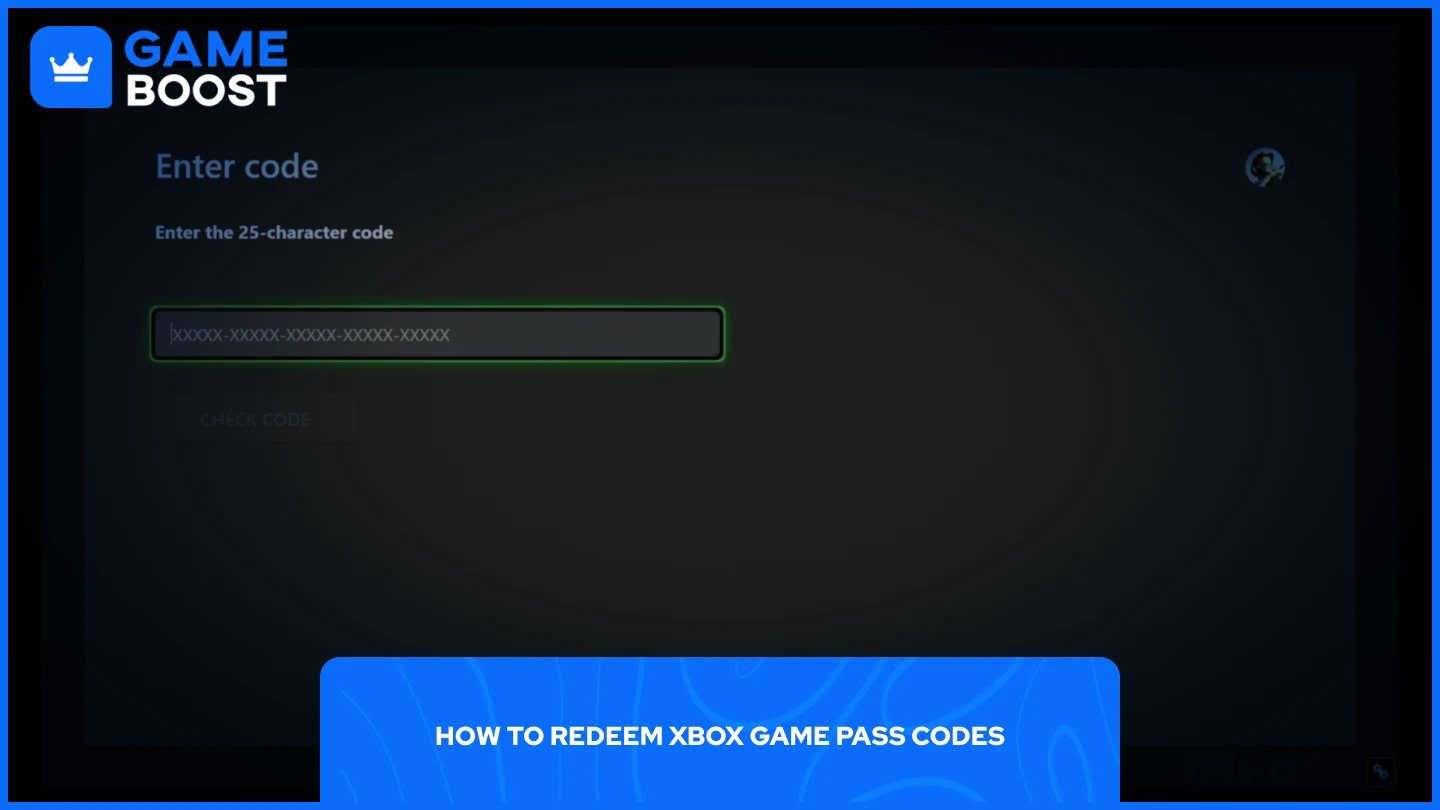
You can redeem Xbox Game Pass codes in two ways: directly through your Xbox console or through a browser on PC or mobile. Both methods take just a minute to complete.
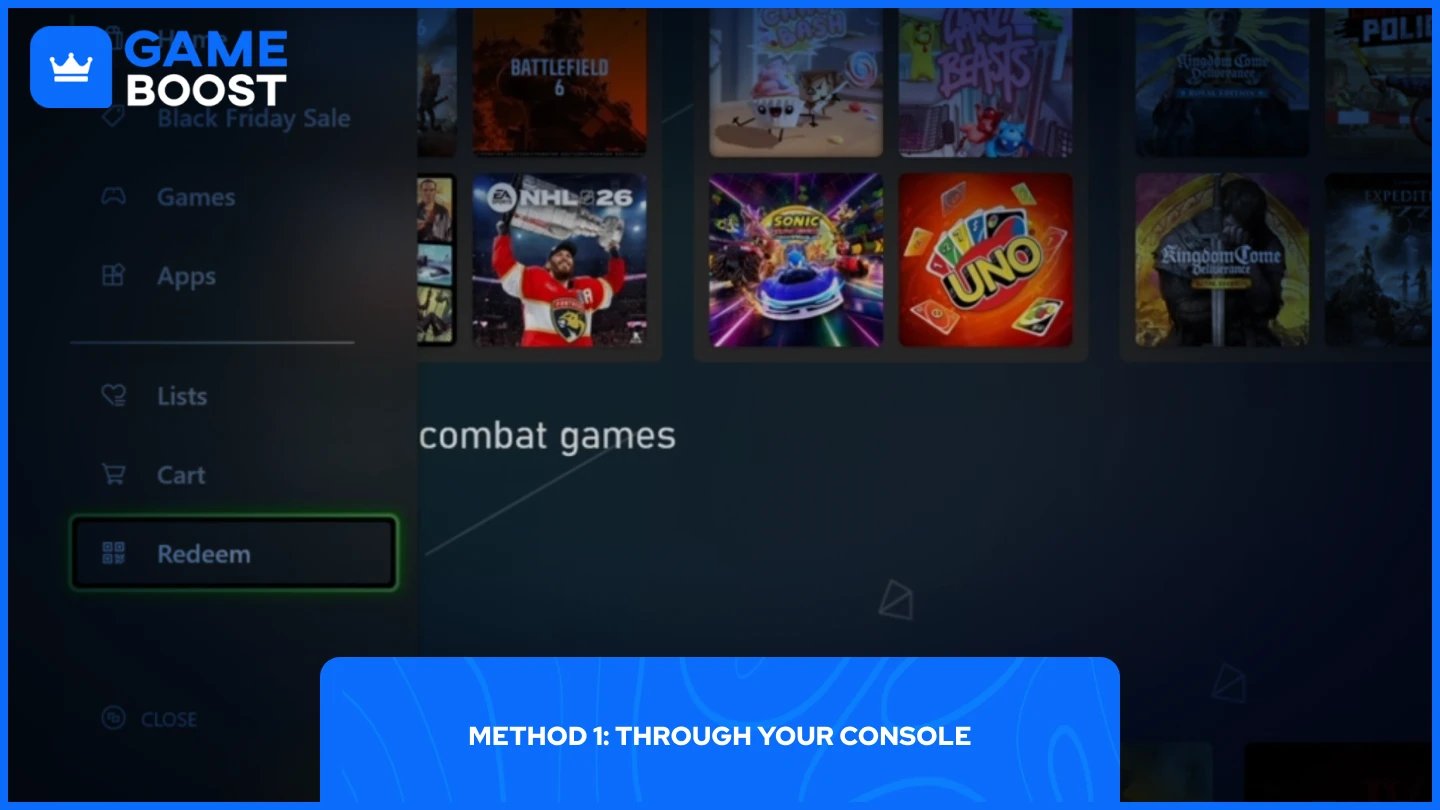
The process is straightforward once you know the exact steps. Here's how to do it:
Launch your Xbox console.
Navigate to the Store.
From the left panel, scroll all the way down until you find "Redeem" (a QR-like icon).
Enter the 25-character code.
Click "Check Code" then confirm the redemption.
Once confirmed, the subscription time will be added to your account immediately. You can start downloading and playing Game Pass titles right away.
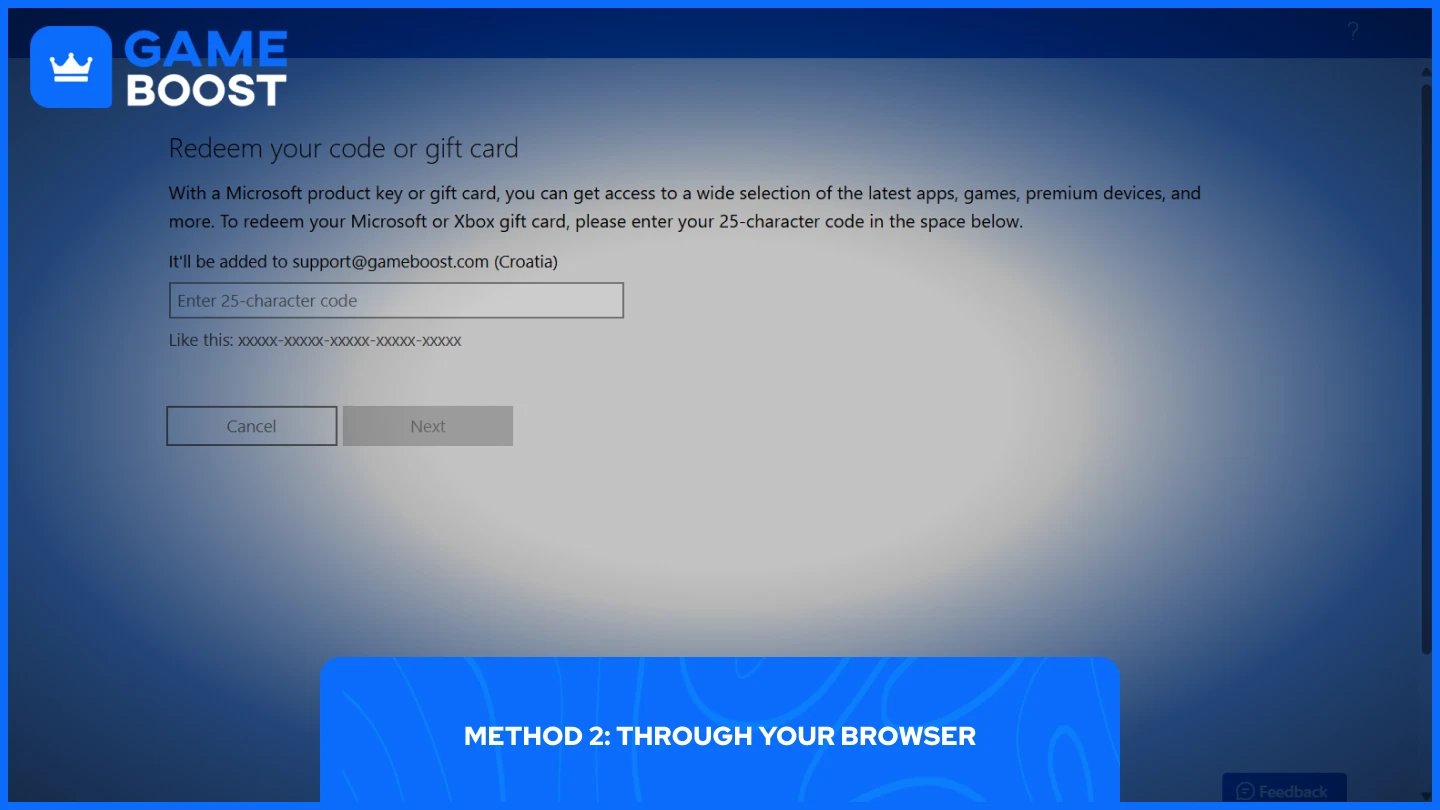
The browser method follows a similar approach, but the steps are more direct:
Go to the Microsoft Redeeming Page.
Sign in to your Microsoft account.
Enter the 25-character code.
Click "Next" then confirm the redemption.
This method works on any device with a browser, making it useful when you're away from your console. The subscription activates instantly, and you'll see the updated expiration date in your account settings.
Also Read: How to Redeem PlayStation Gift Cards: Step-by-Step Guide
With recent updates to the Xbox Game Pass system, including name changes and subscription cost adjustments, Microsoft has established specific conversion rates for when you upgrade between tiers. These rates determine how much of your existing subscription time carries over.
Also Read: Where to Buy Steam Wallet Codes at the Best Prices
According to Xbox:
"When you upgrade to Xbox Game Pass Ultimate, we'll convert any prepaid time you have on Xbox Game Pass or EA Play subscriptions and apply it toward Xbox Game Pass Ultimate at the current conversion ratio, up to a maximum of 36 months."
Here's how each subscription converts to Game Pass Ultimate:
Xbox Game Pass Essential: 40% of your remaining time converts. For example, 90 days becomes 36 days of Ultimate.
PC Game Pass: 65% of your remaining time converts. For example, 90 days becomes 59 days of Ultimate.
Xbox Game Pass Premium and Game Pass for Console: 55% of your remaining time converts. For example, 90 days becomes 50 days of Ultimate.
EA Play: 20% of your remaining time converts. For example, 90 days becomes 18 days of Ultimate.
All conversions round up to the next full day.
For those upgrading to Xbox Game Pass Premium (formerly Xbox Game Pass Standard), Xbox applies different conversion rates with a maximum cap of 13 months.
"When you upgrade to Xbox Game Pass Premium, we'll convert any prepaid time you have on Xbox Game Pass Essential and apply it toward Xbox Game Pass Premium at the current conversion ratio, up to a maximum of 13 months."
Xbox Game Pass Essential: Converts at a 3:2 ratio. For example, 90 days becomes 60 days of Premium.
Note: Game Pass Essential is the new name for Game Pass Core.
If you have prepaid codes for Game Pass Core, Xbox Live Gold, Xbox Game Pass for Console, PC Game Pass, or EA Play, Microsoft provides specific conversion values. The tables below show exactly what you'll receive.
Code Type | What You Get |
|---|---|
1 month of Game Pass Core | 12 days of Ultimate |
3 months of Game Pass Core | 32 days of Ultimate |
6 months of Game Pass Core | 54 days of Ultimate |
12 months of Game Pass Core | 91 days of Ultimate |
24 months of Game Pass Core | 183 days of Ultimate |
1 month of Gold | 12 days of Ultimate |
3 months of Gold | 32 days of Ultimate |
6 months of Gold | 54 days of Ultimate |
12 months of Gold | 91 days of Ultimate |
24 months of Gold | 183 days of Ultimate |
1 month of Xbox Game Pass for Console | 12 days of Ultimate |
3 months of Xbox Game Pass for Console | 36 days of Ultimate |
6 months of Xbox Game Pass for Console | 72 days of Ultimate |
12 months of Xbox Game Pass for Console | 146 days of Ultimate |
24 months of Xbox Game Pass for Console | 292 days of Ultimate |
1 month of PC Game Pass | 20 days of Ultimate |
6 months of PC Game Pass | 117 days of Ultimate |
1 month of EA Play | 6 days of Ultimate |
6 months of EA Play | 36 days of Ultimate |
12 months of EA Play | 2 months of Ultimate |
Code Type | What You Get |
|---|---|
1 month of Game Pass Core | 23 days of Premium |
3 months of Game Pass Core | 60 days of Premium |
6 months of Game Pass Core | 108 days of Premium |
12 months of Game Pass Core | 183 days of Premium |
24 months of Game Pass Core | 365 days of Premium |
1 month of Gold | 23 days of Premium |
3 months of Gold | 60 days of Premium |
6 months of Gold | 108 days of Premium |
12 months of Gold | 183 days of Premium |
24 months of Gold | 365 days of Premium |
Redeeming Xbox Game Pass codes takes just a few steps through your console or browser. Before upgrading your subscription, check the conversion rates to understand exactly how much time you'll receive. This helps you plan your purchases and get the most value from each code.
“ Mustafa Atteya has been writing about gaming and esports since 2023, specializing in competitive game content and player improvement guides. At 25, he brings both hands-on gaming experience and professional SEO writing expertise to the GameBoost team.”