


•Filip Premuš• 4 min read
GTA 5
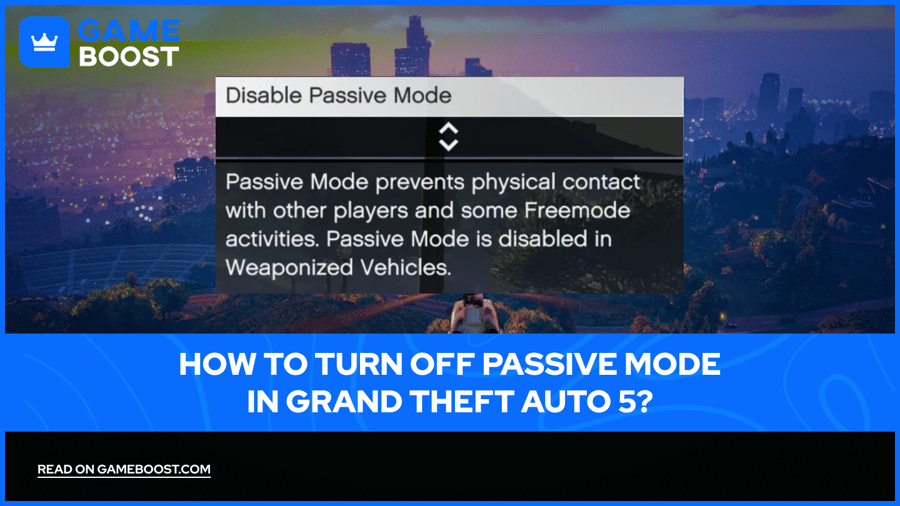
Grand Theft Auto 5 has kept players hooked for over a decade, and GTA Online remains one of the most chaotic multiplayer experiences out there. Players cruise through Los Santos, minding their own business, until another player decides they're the next target. Passive Mode exists specifically for these moments, allowing players to avoid PvP combat entirely. But when it's time to fight back or join a crew for some action, knowing how to turn off Passive Mode becomes critical. This guide covers the exact steps to disable it, the cooldown rules that come with it, and what restrictions players might face when switching back to combat-ready status.
Also Read: Where to Buy GTA 5 Accounts?
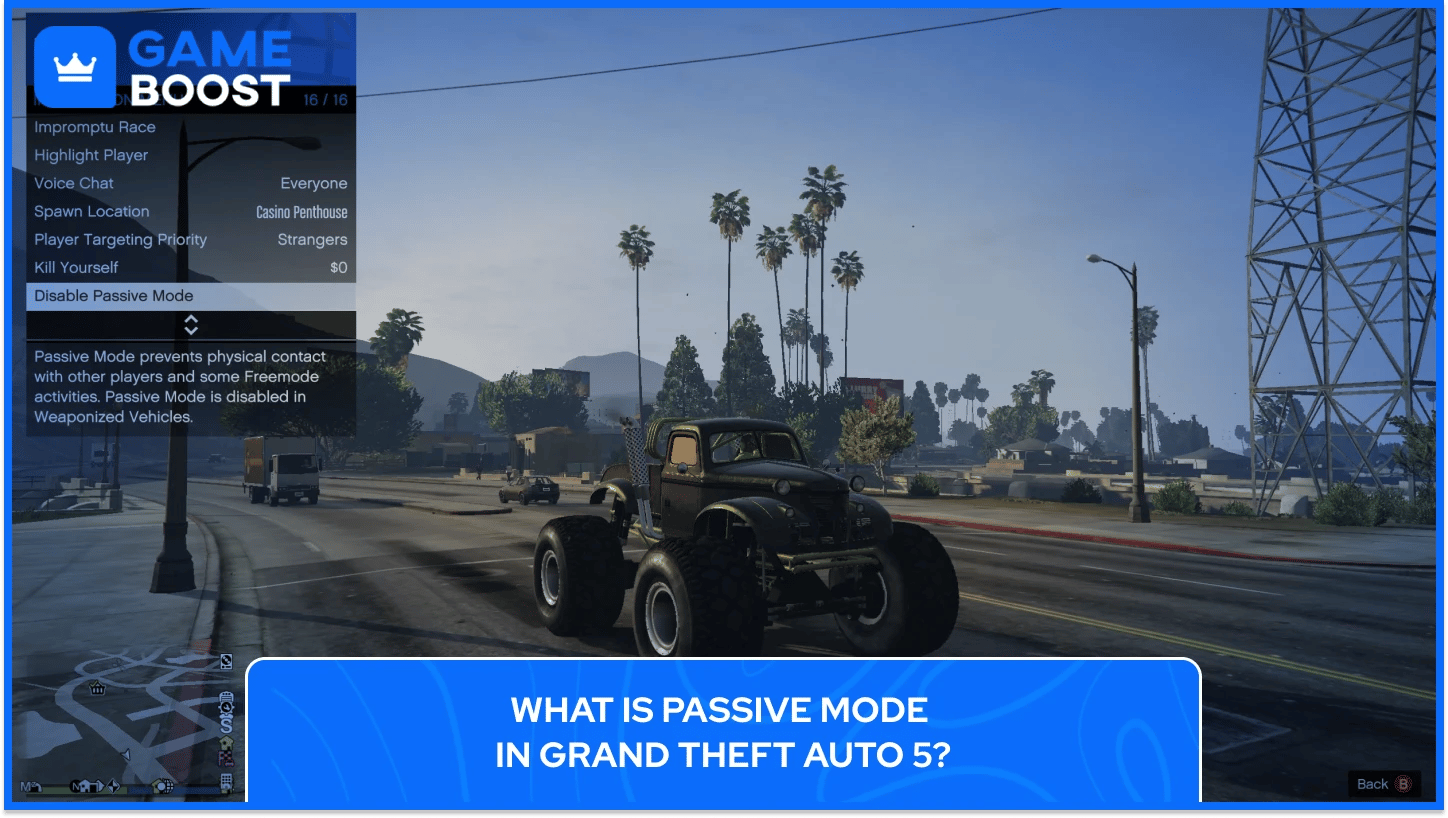
Passive Mode is a gameplay feature in GTA Online that prevents other players from killing or damaging the player who activates it. When enabled, the player becomes ghosted to others, meaning bullets, explosives, and melee attacks pass right through them. Other players also become ghosted to the Passive Mode user, creating a mutual non-combat state. This protection extends to weaponized vehicles as well, making players completely invincible to attacks while they explore or travel across Los Santos peacefully.
This feature exists exclusively in GTA Online's Freemode and cannot be used in missions, heists, or other structured game modes. Players can still move freely, drive vehicles, and interact with NPCs while in Passive Mode, but they cannot fire weapons, throw explosives, or engage in any form of combat.
Rockstar Games introduced Passive Mode as a way for players to avoid griefing and enjoy the open world without constant PvP interruptions. The feature costs $100 to enable after the first use in a session, though this fee is minimal compared to the cost of constantly respawning or repairing destroyed vehicles.
Players in Passive Mode appear slightly faded or translucent to others, making it visually clear they're not available for combat. The mode remains active until the player manually disables it or joins a mission that forces them out of Freemode.

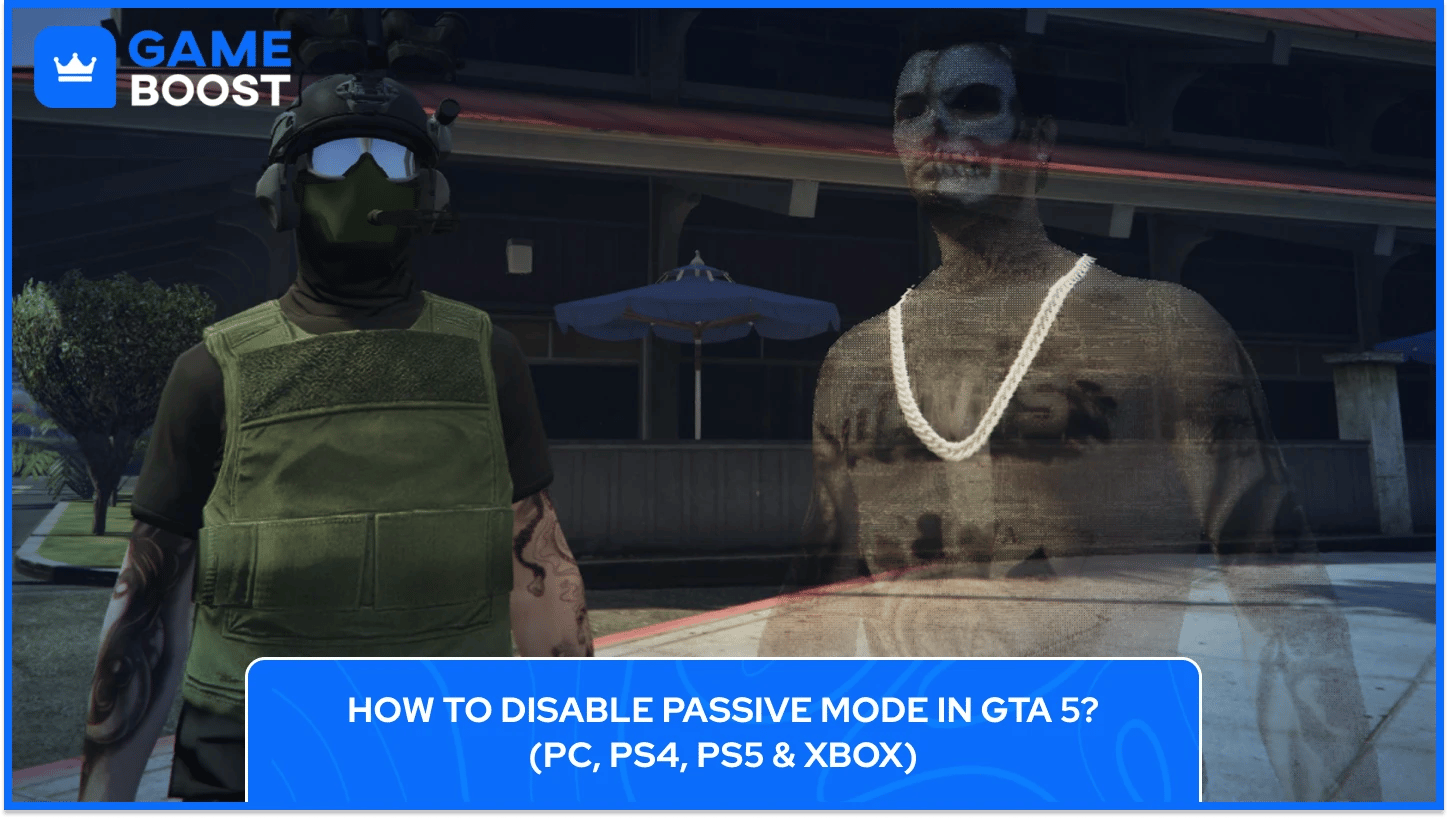
Turning off Passive Mode in GTA Online requires accessing the Interaction Menu, which is the same menu used to activate it. The process differs slightly depending on the platform but follows the same basic steps.
The table below shows the exact process for turning off passive mode in GTA on each platform:
Platform | Button to Open Menu | Steps to Disable |
|---|---|---|
PC | Press and hold the M key | Scroll down → Select Passive Mode → Choose Disable Passive Mode → Wait for confirmation |
PlayStation (PS4/PS5) | Press and hold the Touchpad | Navigate to Passive Mode using left stick or D-pad → Select Disable Passive Mode → Wait for confirmation |
Xbox (One/Series X|S) | Press and hold the View button | Scroll to Passive Mode using the left stick → Select Disable Passive Mode → Confirm and wait for the notification |
Once disabled, the game displays a notification confirming that Passive Mode has been turned off. Players can now engage in combat and use weapons freely, though the 5-minute cooldown timer begins immediately, preventing them from re-enabling protection until it expires.
Also Read: How to Register as a Boss in GTA 5: A Comprehensive Guide
After disabling Passive Mode, players face a 5-minute cooldown before they can re-enable it. During this time, the option appears greyed out in the Interaction Menu, forcing players to wait the full duration before activating protection again.
Rockstar implemented this restriction to prevent abuse. Without it, players could exploit the system by attacking others, toggling Passive Mode to avoid retaliation, then disabling it again to continue their assault. The cooldown ensures Passive Mode can't be used as a quick escape tactic during active combat.
The timer starts immediately when Passive Mode is disabled, regardless of combat activity. Players who accidentally turn off the feature still face the full 5-minute wait, even if they never fired a shot or engaged anyone.
Certain activities disable Passive Mode automatically without player input. Joining missions, entering weaponized vehicles like the Oppressor Mk II or Hydra, or starting CEO and MC business work all force players out of protection. The 5-minute cooldown applies in these situations as well, preventing players from re-enabling it the moment their activity ends.
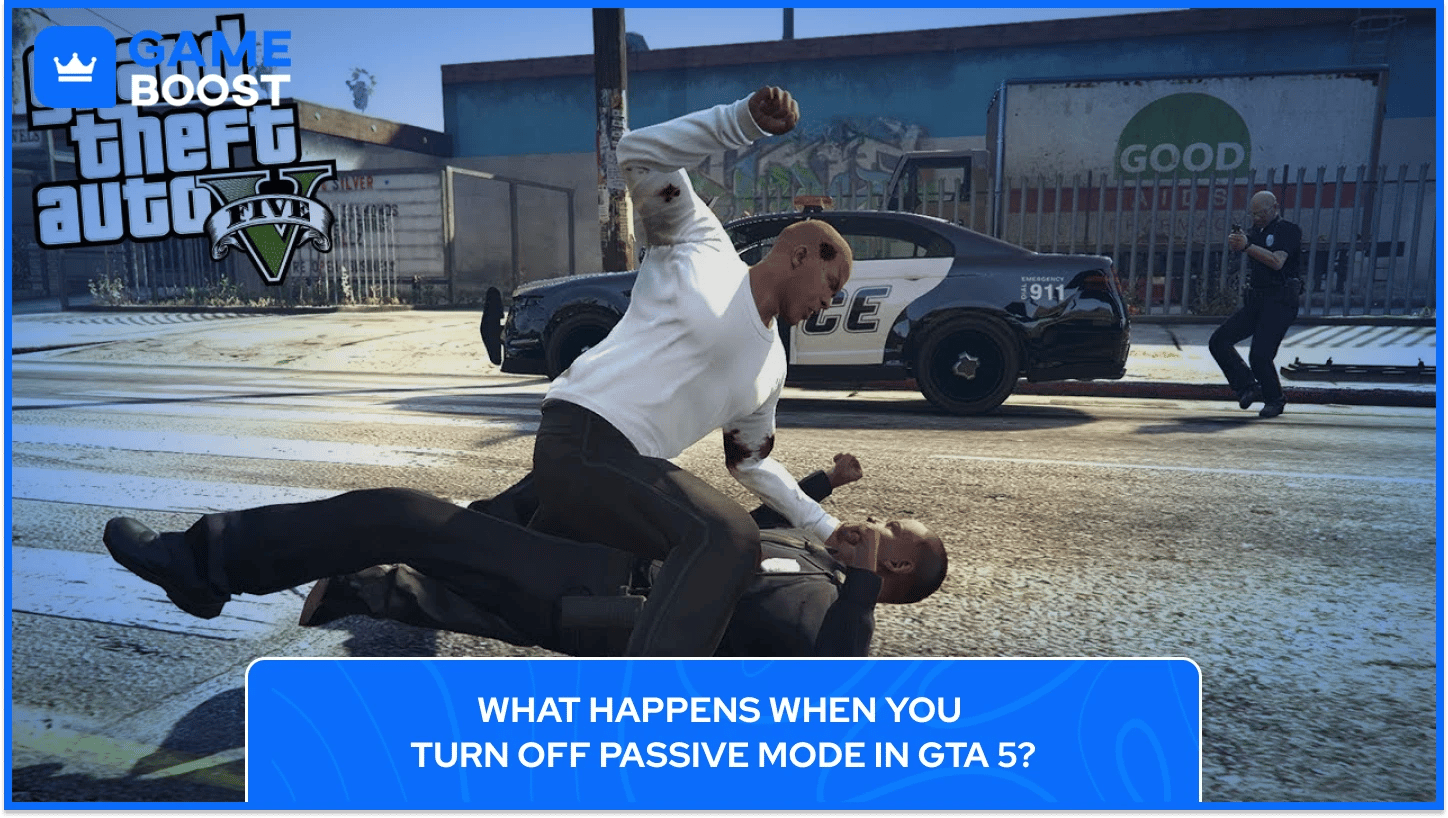
Disabling Passive Mode returns players to normal combat status, but the transition isn't instant. The game applies several changes that affect gameplay immediately after deactivation.
Players regain the ability to use all weapons once they turn off passive mode in GTA 5, including firearms, explosives, and melee attacks. They can now damage other players and NPCs, and other players can damage them in return. The ghosted appearance fades, making the player fully visible and solid to everyone in the session.
Additionally, after turning passive mode off, GTA 5 vehicles become fully interactive again. Players can use weaponized vehicles, fire mounted guns, and throw sticky bombs from cars. These actions were restricted while Passive Mode was active, but became available the moment it was disabled.
Other players receive no notification when someone exits Passive Mode. The only visual indicator is the player's appearance changing from translucent to solid. This means players who have just disabled Passive Mode might catch others off guard if they were previously visible as non-threatening.
The game removes the $100 activation fee for the remainder of the session after disabling Passive Mode. Players who turn it back on after the cooldown period won't be charged again until they join a new session. This allows for multiple activations without repeated costs.
Reputation and player interactions reset to normal. Players can now be targeted for bounties, become wanted by other players, and participate in Freemode Events that were previously blocked. The full range of GTA Online activities becomes accessible again once the passive mode in GTA 5 is turned off.
Also Read: GTA 5 Helicopters: Spawn Locations, Cheats & Controls
Certain situations in GTA 5 prevent players from disabling Passive Mode, even when accessing the Interaction Menu. These restrictions exist to maintain game balance and prevent exploits.
The following conditions block Passive Mode functionality in Grand Theft Auto 5 entirely:
Mission Zones: Players inside specific mission areas cannot toggle Passive Mode at all. The option becomes completely unavailable rather than just greyed out, as mission-specific rules override standard Freemode settings.
CEO Organizations and Motorcycle Clubs: Players who join a CEO Organization or MC while in Passive Mode are automatically forced out of it. The game blocks reactivation until they leave the Organization or MC completely.
Weaponized Vehicles: Players cannot enter vehicles with offensive capabilities like the Oppressor Mk II, Deluxo, or armed aircraft while Passive Mode is active. Attempting to board these vehicles automatically disables protection and triggers the 5-minute cooldown timer.
Business Activities: Starting cargo sales, vehicle sourcing, or any CEO/MC business work disables Passive Mode immediately. Players must complete or cancel the activity before they can re-enable protection.
Freemode Events: When events like Hunt the Beast or King of the Hill activate, players in Passive Mode are ejected from it automatically. Re-activation remains blocked until the event ends.
Technical Glitches: Connectivity issues, stuck animations, or other bugs can make the Passive Mode option unresponsive. Rejoining the session or restarting the game typically resolves these problems.
These restrictions ensure Passive Mode serves its intended purpose as a protection feature rather than a tactical exploit during competitive gameplay.
Also Read: GTA 5: What Can You Do in Fort Zancudo?
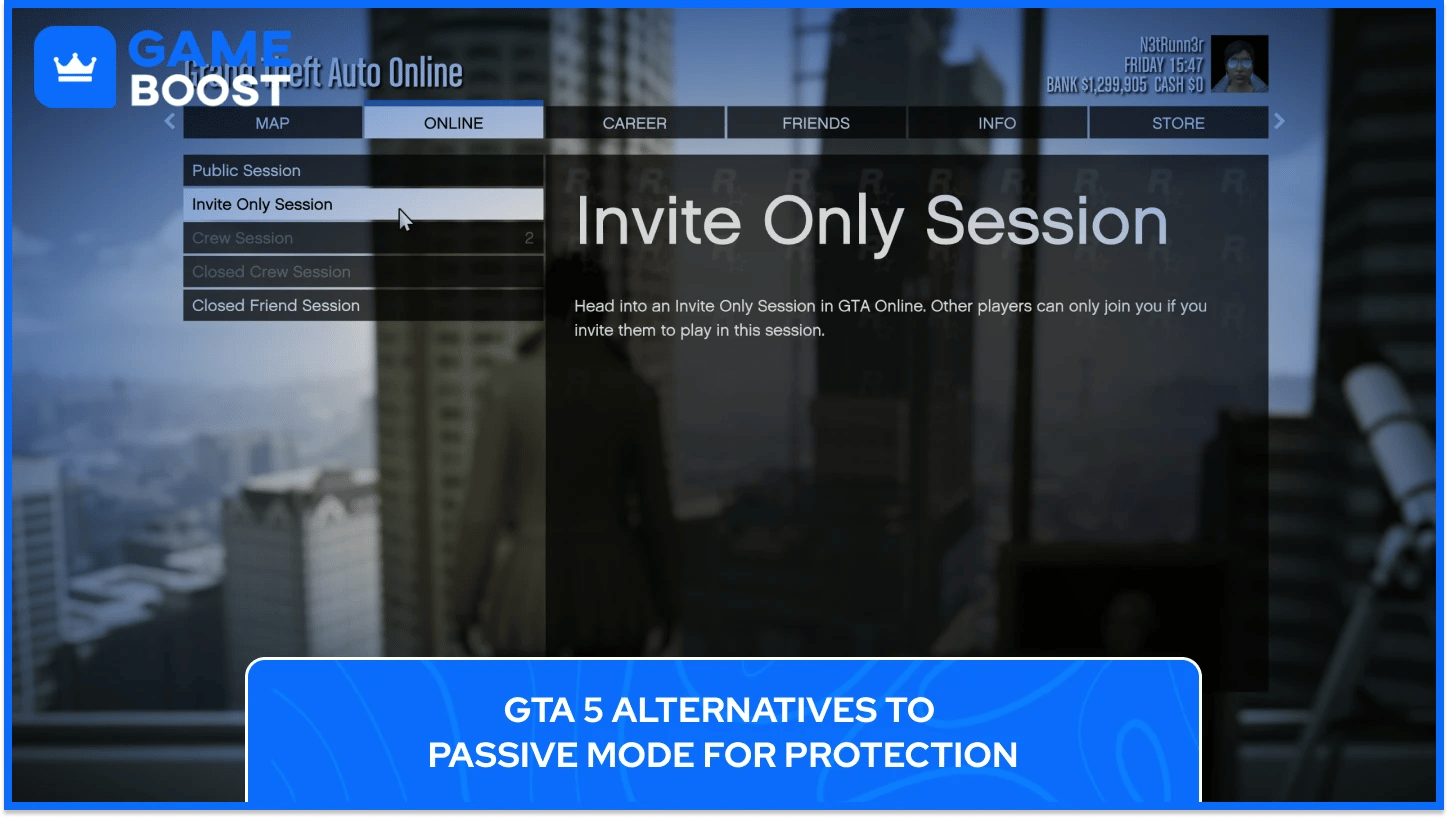
Players who can't use Passive Mode or want different protection options have several alternatives in GTA Online.
The following methods provide alternatives to GTA 5’s passive mode, with varying levels of protection and gameplay flexibility:
Invite-Only Sessions: These provide complete safety from random players. Since the December 2022 update, players can run almost all business activities in private sessions, eliminating griefing while still allowing money-making opportunities. Crew members and friends can join these sessions, creating a controlled multiplayer environment.
Solo Public Sessions: Players can create these by manipulating network settings to enter a public session alone. The method varies by platform but effectively removes other players while maintaining access to public session activities. This workaround exists in a grey area and isn't officially supported by Rockstar Games.
Off the Radar: This ability provides temporary invisibility through the SecuroServ menu for $500. Players become invisible on other players' maps and targeting systems for 1 minute. The duration is short but useful for quick escapes or repositioning during combat.
Ghost Organization: For $12,000, all CEO Organization members become invisible on the map for 3 minutes. This ability helps during sales missions or when multiple players need protection simultaneously.
Armored Vehicles: Defensive vehicles like the Nightshark, Insurgent, or MOC Cab can absorb significant damage while allowing players to fight back. These provide practical protection without the restrictions of Passive Mode.
Mission Lobby Method: Starting certain missions and immediately quitting can place players in low-population lobbies. This method requires more effort but creates safer environments for business work.
Each alternative has specific advantages depending on the situation. Players who need absolute peace should use Invite-Only Sessions, while those who want to fight back while staying protected benefit more from armored vehicles or temporary invisibility abilities.
Passive Mode remains one of the most misunderstood features in GTA Online, often dismissed as a tool only for beginners. However, knowing when to disable it strategically can mean the difference between completing a high-value cargo sale and losing hours of progress to an aggressive player.
The 5-minute cooldown timer adds weight to every decision, forcing players to think ahead rather than treating protection as a toggle switch. Smart players recognize that Passive Mode works best as part of a broader strategy that includes session selection, timing, and awareness of game mechanics.
The key isn't avoiding PvP combat entirely but choosing when to engage on your own terms. Disabling Passive Mode at the right moment, combined with knowledge of its restrictions and alternatives, gives players control over their experience in Los Santos.
GTA 5 Key
GTA 5 Enhanced Key
Buy GTA 5 Items
GTA 5 Accounts For Sale
View all GameBoost Accounts
View all GameBoost Boosting Services
View all GameBoost Currencies
View all GameBoost Game Keys
View all GameBoost Gift Cards
View all GameBoost Top Ups
View all GameBoost Items
Counter-Strike 2 Skins
“ Kristina joined GameBoost in 2024 as an SEO specialist and quickly became the go-to writer for third-person shooter and competitive games. She covers titles like Fortnite, Valorant, League of Legends, GTA 5, and Roblox, focusing on how-to guides, practical tips, and updates.”