


•Filip Premuš• 4 min read
GTA 5

GTA Online's Oppressor Mk2 arrived with the After Hours update and quickly became one of the most used vehicles in Los Santos. This futuristic hoverbike dominates everything from cargo runs to PvP combat, but buying it is only half the battle.
The real potential is unlocked through proper upgrades, which require specific properties and a clear understanding of what each modification does. This guide walks you through the requirements, upgrade options, and best configurations to get the most out of your Oppressor Mk2.
Also Read: Where to Buy GTA 5 Accounts?
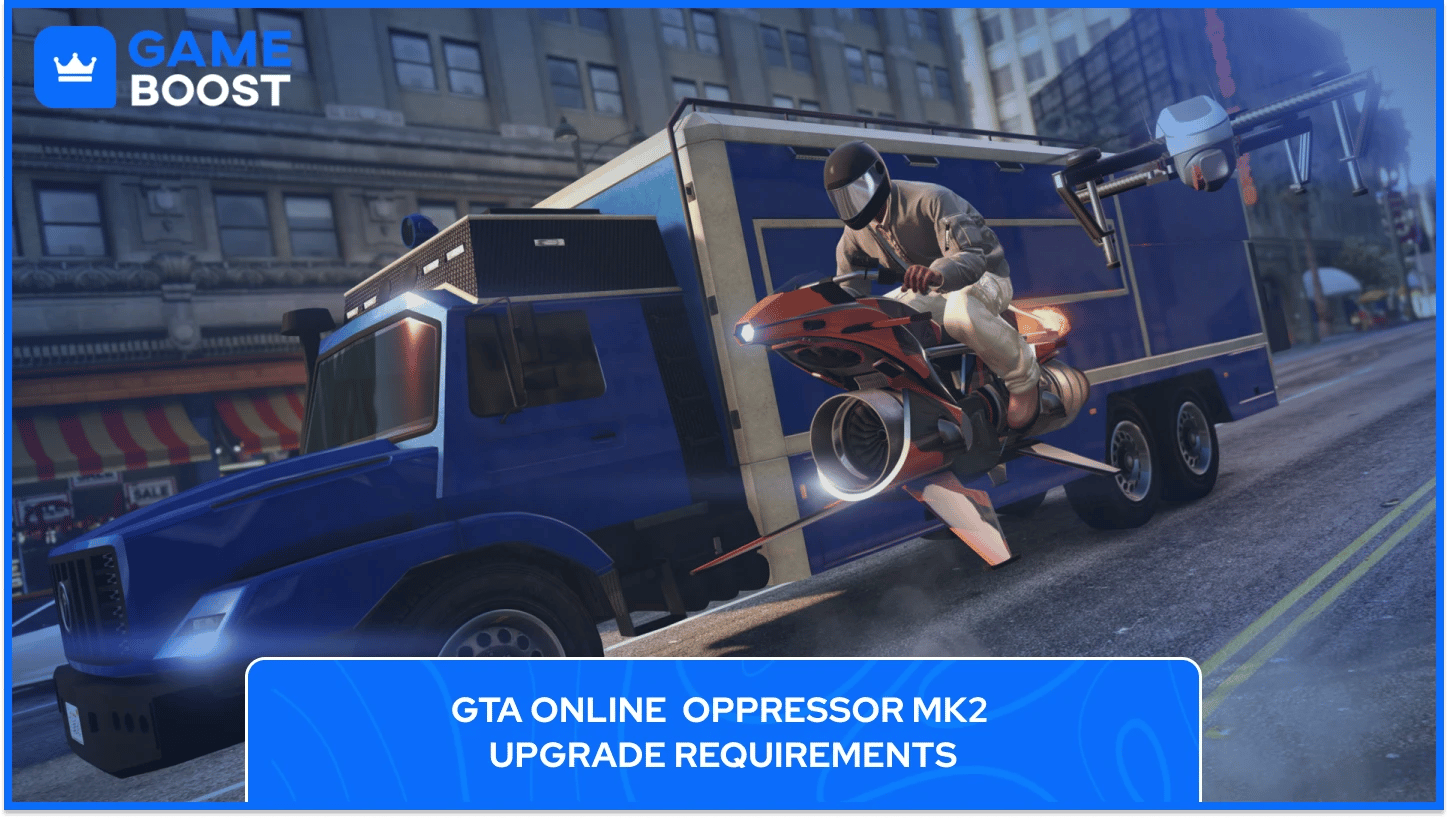
Before you can modify your Oppressor Mk2, you need to own specific properties and vehicles. The upgrade system isn't accessible through Los Santos Customs or your regular garage, which catches many players off guard.
You must own a Nightclub property to store the Terrorbyte. The cheapest Nightclub is Elysian Island for $1,080,000, though locations vary in price up to $1,670,000 for West Vinewood. The Nightclub itself doesn't need any upgrades or staff to function as a Terrorbyte storage facility. You're just using it as a garage for your mobile command center.
The Terrorbyte is the only place where you can upgrade the Oppressor Mk2. This mobile command center costs $1,375,000 from Warstock Cache & Carry. When purchasing it, you must add the Specialized Vehicle Workshop module for $495,000. Without this workshop module, the Terrorbyte is useless for Oppressor Mk2 upgrades.
Here's the total amount you will need to spend to upgrade your Oppressor Mk2 in GTA 5:
Nightclub property: $1,080,000 (Elysian Island minimum)
Terrorbyte vehicle: $1,375,000
Vehicle Workshop module: $495,000
Oppressor Mk2 base price: $3,890,000 (or $2,925,000 with trade price)
Upgrade costs: $345,000 to $545,000 (depending on choices)
Total investment: approximately $7,205,000 to $7,385,000 for the full setup with all upgrades. This doesn't include optional Terrorbyte upgrades or more expensive Nightclub locations.

Once you own a Nightclub and Terrorbyte with the workshop, call the Terrorbyte through your phone's Services menu. Select "Request Terrorbyte" and it spawns nearby.
Park the Terrorbyte somewhere safe before entering. Other players can destroy it, forcing you to wait through a cooldown. Walk to the back of the Terrorbyte and interact with the Vehicle Workshop prompt. Your Oppressor Mk2 appears automatically if it's stored inside the Terrorbyte.
The Terrorbyte only stores one specialized vehicle at a time. You can't modify an Oppressor Mk2 sitting in your apartment garage or any other property. Transfer it to the Terrorbyte first through the interaction menu.
Also Read: GTA 5 Helicopters: Spawn Locations, Cheats & Controls
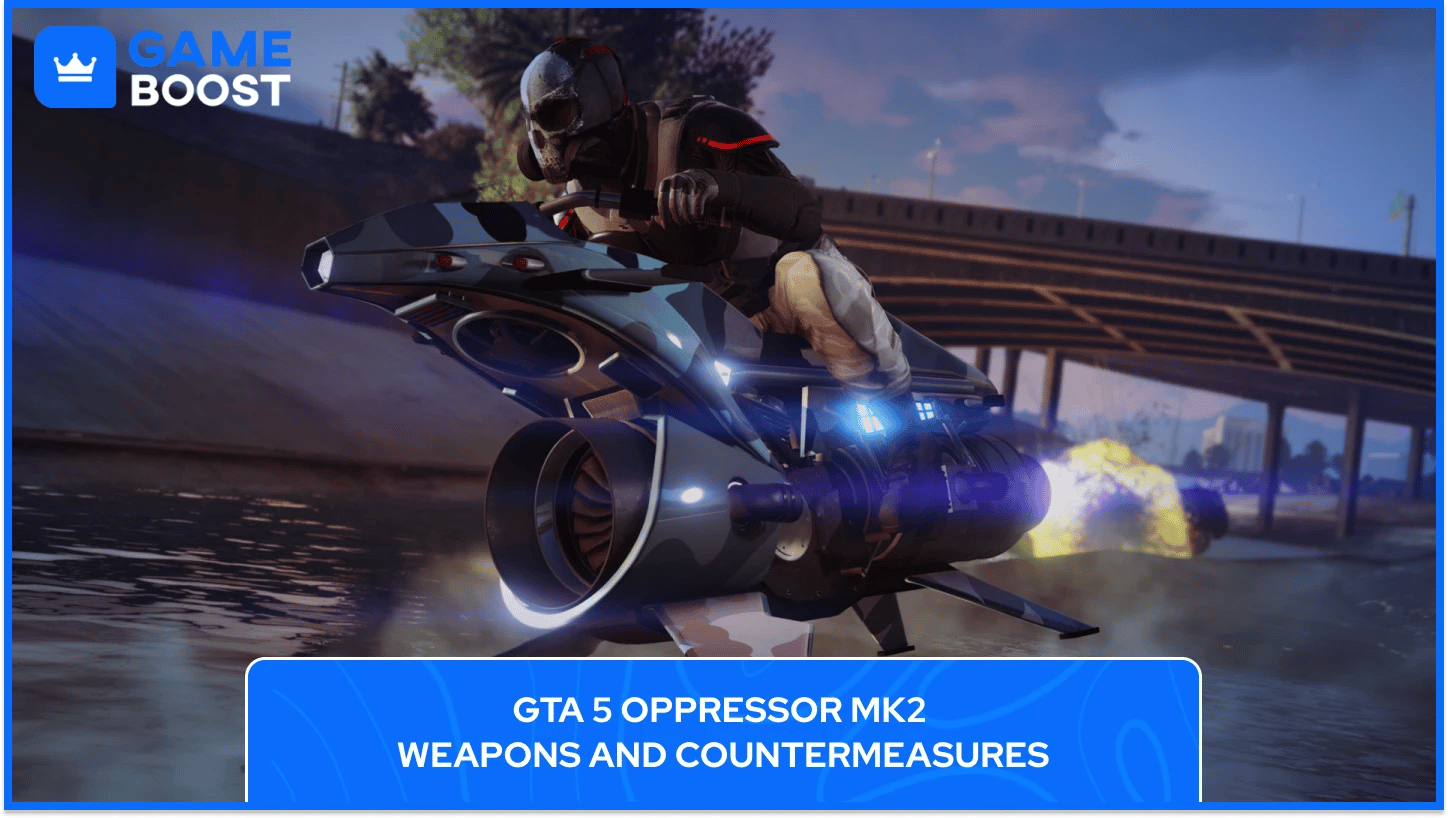
The Oppressor Mk2 starts with no weapons installed, so you'll choose between two weapon systems and one countermeasure type during the upgrade process.
You have two weapon options to choose from:
Machine Gun ($55,000): Fires standard bullets with manual aiming. The damage output is average compared to other vehicle weapons, and almost no one uses this option because the alternative performs significantly better in every scenario.
Homing Missiles ($180,000): Gives you 20 missiles with automatic lock-on tracking that regenerate after a short cooldown. The tracking accuracy rivals the Ruiner 2000, and these missiles lock onto vehicles, aircraft, and NPCs, making them the clear choice for missions and combat.
The homing missiles don't require Bunker research or any unlock process, so you can purchase them immediately after buying the Oppressor Mk2.
For countermeasures, you can equip one of the following:
Chaff ($125,000): Blocks incoming missile locks for a few seconds when activated. You need to activate chaff before enemies fire at you, because once a missile is already tracking, chaff won't help. This countermeasure works best when you predict attacks, making it ideal for experienced PvP players who can anticipate enemy behavior.
Flares ($110,000): Redirect missiles already in flight toward a decoy heat signature. You deploy flares after someone fires, making them more forgiving for reaction-based defense. The tradeoff is that flares don't prevent lock-ons, so enemies can fire again immediately after your flare succeeds.
Most players choose flares for the Oppressor Mk2 because the vehicle's speed and maneuverability help avoid follow-up shots. Chaff requires better timing and game sense, which isn't practical in fast-paced situations where you're reacting to multiple threats.
Performance modifications improve handling, speed, and survivability across all situations:
Engine Upgrade ($25,000): Boosts both acceleration and top speed during flight. The improvement isn't dramatic compared to some other vehicles, but maxed engine stats make the bike more responsive during combat and travel between mission objectives.
Armor Upgrade ($5,000 to $50,000): Choose 100% armor because the Oppressor Mk2 is fragile without it and can be destroyed by one RPG or sustained gunfire in seconds. Full armor gives you time to escape or counterattack when ambushed by other players or NPCs.
Turbo ($50,000): Adds extra acceleration when boosting away from danger or chasing targets. This upgrade makes escapes faster and improves mission efficiency by reducing travel time. Turbo is optional but recommended for frequent Oppressor Mk2 users who want maximum performance.
The Oppressor Mk2 doesn't have suspension, brake, or transmission options because of its hovering flight system. What you see in the performance menu is everything available for this vehicle.
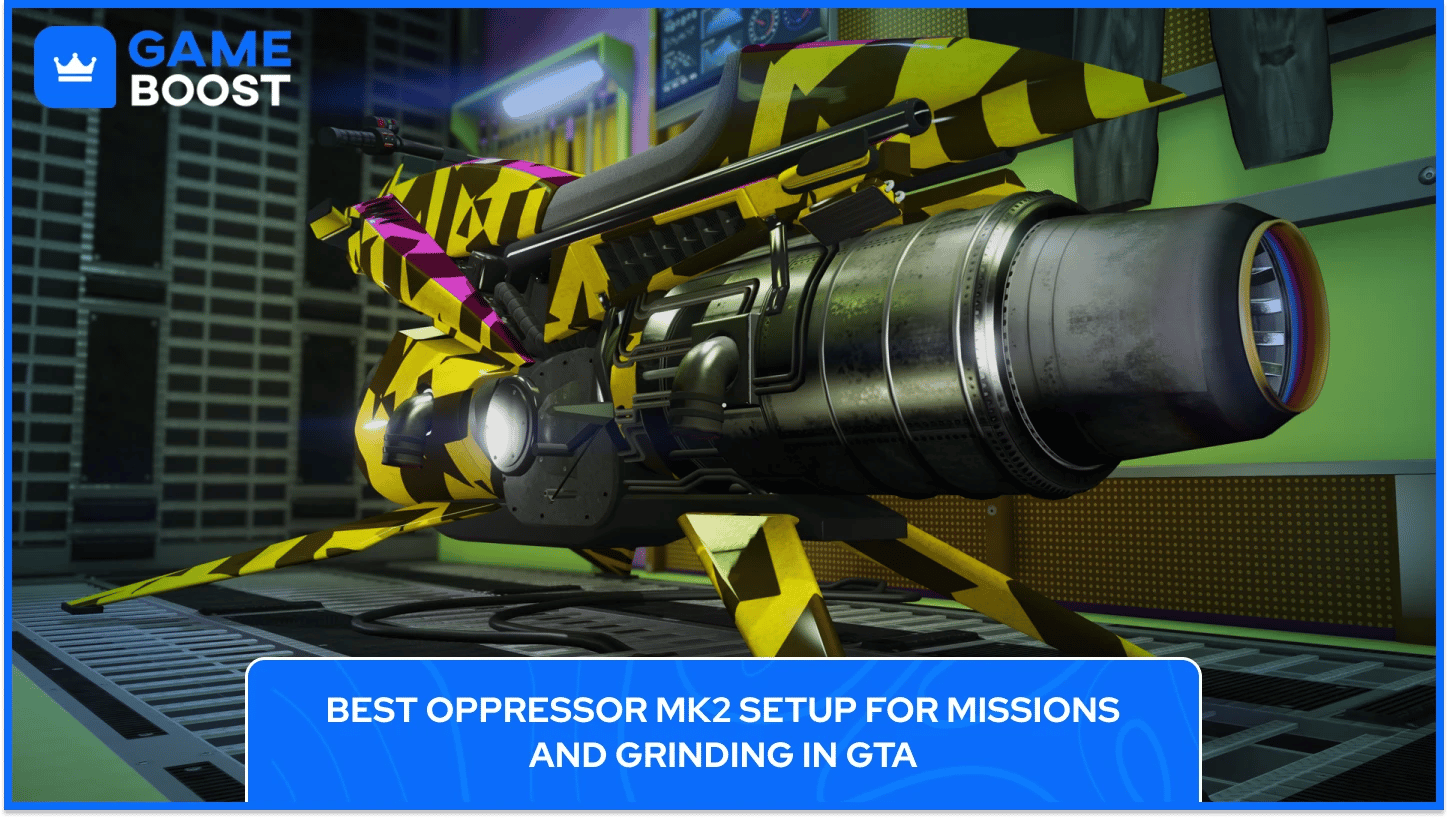
For cargo work, VIP missions, and general PvE content, this configuration maximizes efficiency:
Homing Missiles: Destroy mission targets and NPCs quickly without manual aiming
Flares: Counter NPC helicopters and jets during missions
Full Armor (100%): Survive crashes and enemy fire
Engine Upgrade (Level 4): Maximize acceleration and speed
Turbo: Reduce travel time between objectives
Total cost: approximately $470,000
This setup handles every PvE activity in GTA Online without any major weaknesses. The missiles clear enemies fast, flares protect against predictable NPC attacks, and the performance upgrades minimize downtime between mission objectives. Flares work better than chaff for PvE because NPC behavior is consistent and reactive rather than strategic.
Also Read: How to Get Free Car Wash in Grand Theft Auto V
For player combat and self-defense in populated lobbies, use this configuration:
Homing Missiles: Primary offensive weapon against other players
Flares or Chaff: Personal preference based on playstyle
Full Armor (100%): Survive initial attacks from other vehicles
Engine Upgrade (Level 4): Improve evasion and positioning during combat
Turbo: Better acceleration for dodging incoming fire
Total cost: approximately $470,000 to $485,000, depending on countermeasure choice
The PvP setup mirrors the mission setup except for countermeasures, which become more important against human opponents. Flares work better against average players who fire reactively when they get a lock. Chaff is superior against skilled opponents who pre-fire missiles based on prediction and positioning. Test both options to match your reaction speed and combat style.
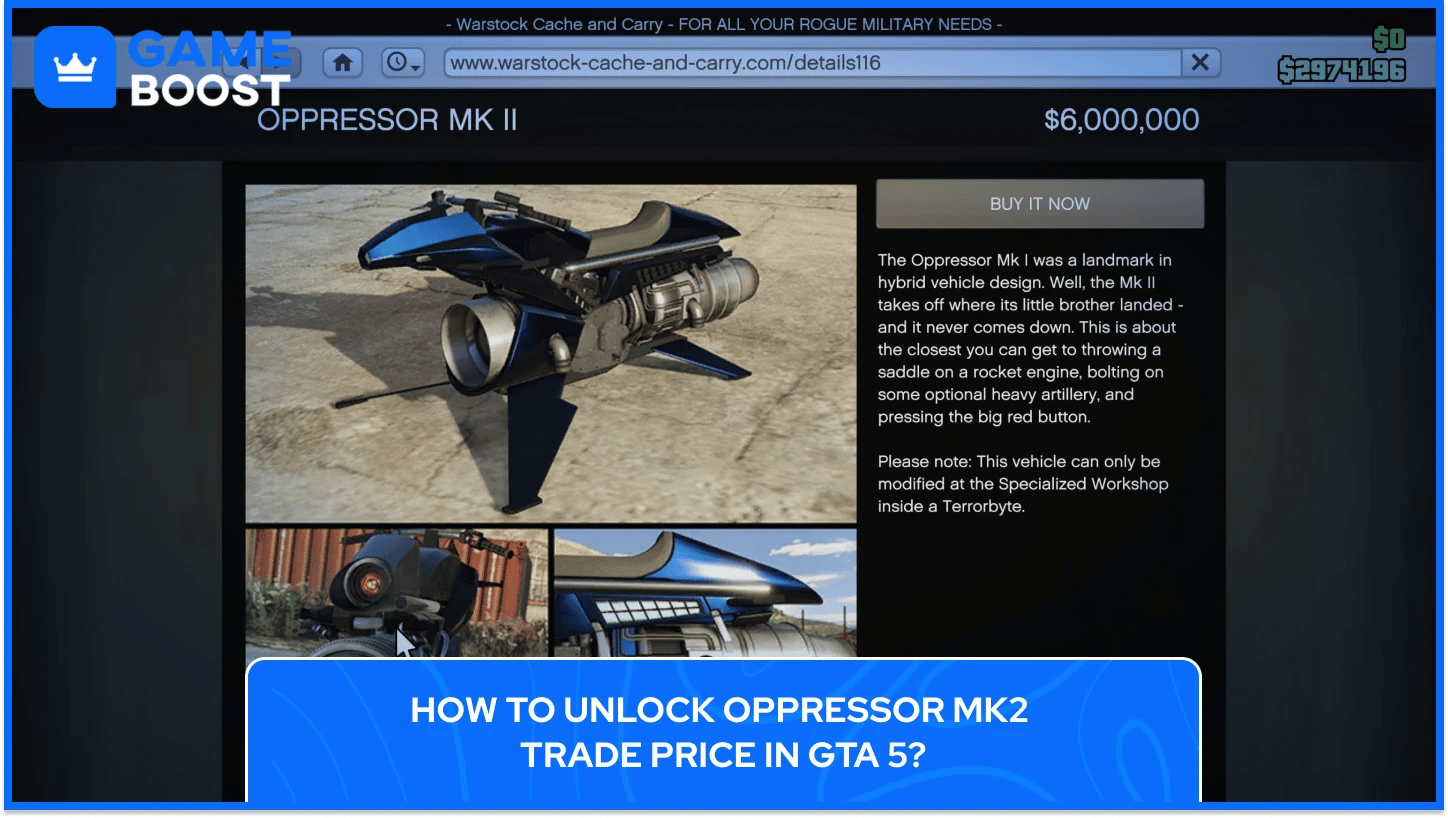
The standard Oppressor Mk2 price is $3,890,000 from Warstock Cache & Carry. Completing five Client Jobs from the Terrorbyte unlocks the trade price of $2,925,000, saving you $965,000 on the purchase.
Client Jobs are short missions launched from the Terrorbyte's command center that take between 4 to 6 minutes each. Recommended options include:
Diamond Shopping: Rob a jewelry store (approximately 5 minutes)
Robbery in Progress: Steal goods from a crime scene (approximately 4 minutes)
Data Sweep: Hack laptops across the map (approximately 6 minutes)
Each Client Job pays $30,000 to $35,000, earning you around $150,000 to $175,000 while unlocking the discount. The missions are soloable and relatively easy compared to heist setups or other cooperative content.
Buy properties in this order: Nightclub first, then Terrorbyte with workshop, complete five Client Jobs, and finally purchase the Oppressor Mk2 at the reduced price. This approach saves nearly $1 million compared to buying the vehicle at full price immediately.
Also Read: All Radio Stations in GTA 5
The Oppressor Mk2 remains one of the most versatile vehicles in GTA Online for good reason. Once fully upgraded, you'll notice the difference in how quickly you complete cargo runs, VIP work, and contact missions. The initial investment is steep at over $7 million for the complete setup, but the time saved on transportation alone justifies the cost within a few weeks of regular play.
However, Rockstar has nerfed the Oppressor Mk2 in recent updates by reducing its missile speed and adding a longer cooldown when destroyed. Despite these changes, it's still the go-to vehicle for efficient grinding and self-defense in hostile lobbies. The combination of speed, firepower, and compact size makes it irreplaceable for solo players who want to maximize their earnings per hour.
GTA 5 Key
GTA 5 Enhanced Key
Buy GTA 5 Items
GTA 5 Accounts For Sale
View all GameBoost Accounts
View all GameBoost Boosting Services
View all GameBoost Currencies
View all GameBoost Game Keys
View all GameBoost Gift Cards
View all GameBoost Top Ups
View all GameBoost Items
Counter-Strike 2 Skins
“ Kristina joined GameBoost in 2024 as an SEO specialist and quickly became the go-to writer for third-person shooter and competitive games. She covers titles like Fortnite, Valorant, League of Legends, GTA 5, and Roblox, focusing on how-to guides, practical tips, and updates.”