.webp?v=1790584058)
.png)

•Hamza Rashid• 9 min read
FC 27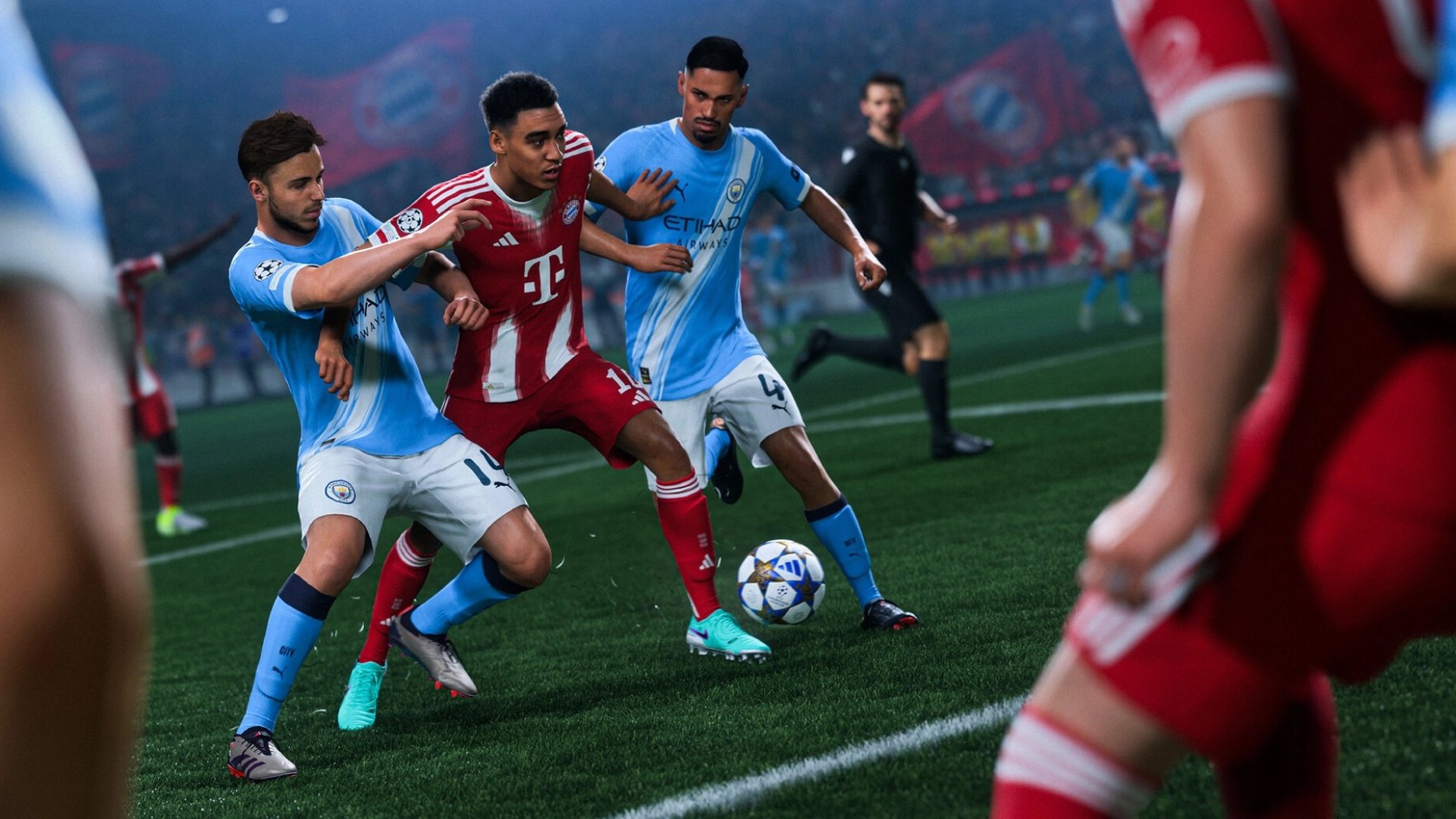

EA Sports FC 27 delivers 11v11 football matches where every pass, shot, and tackle depends on how the controller responds. The game offers dozens of assist options, and the best FC 27 controller settings determine how much the player controls each action and how much the game takes over.
Manual control sits at the center of Competitive gameplay, so a well-chosen setup shows up in every attack and every defensive stand. Small assist changes can decide if a pass reaches the right player or a tackle lands on time.
Below, a full settings table covers options to turn off and change across shooting, passing, defending, switching, layout, and dribbling, with a clear reason for each pick.
The Competitive preset holds core automation settings at competitive values in online play, and every other recommendation builds on that base.
Shot Assistance on Precision gives full manual control over placement, with Assisted as a steadier fallback.
Late Pass Receiver Lock keeps pass direction adjustable until the kick, and Assisted ground, cross, and lob passes keep delivery reliable.
Advanced Defending puts tackle choice in the player's hands, and Pass Block Assistance stays on for automatic interception attempts.
Air Balls and Loose Balls auto switching, Classic right stick switching, and Player Relative reference keep defender swaps predictable.
Analog Sprint Off and Simplified Skill Moves Off keep sprinting and skill moves consistent and fully manual.
The Classic layout, Right Stick Remap Off, and Trigger Effect Off keep mapping predictable, and a Right Stick Switching Sensitivity of 4 or 5 is a common starting point.
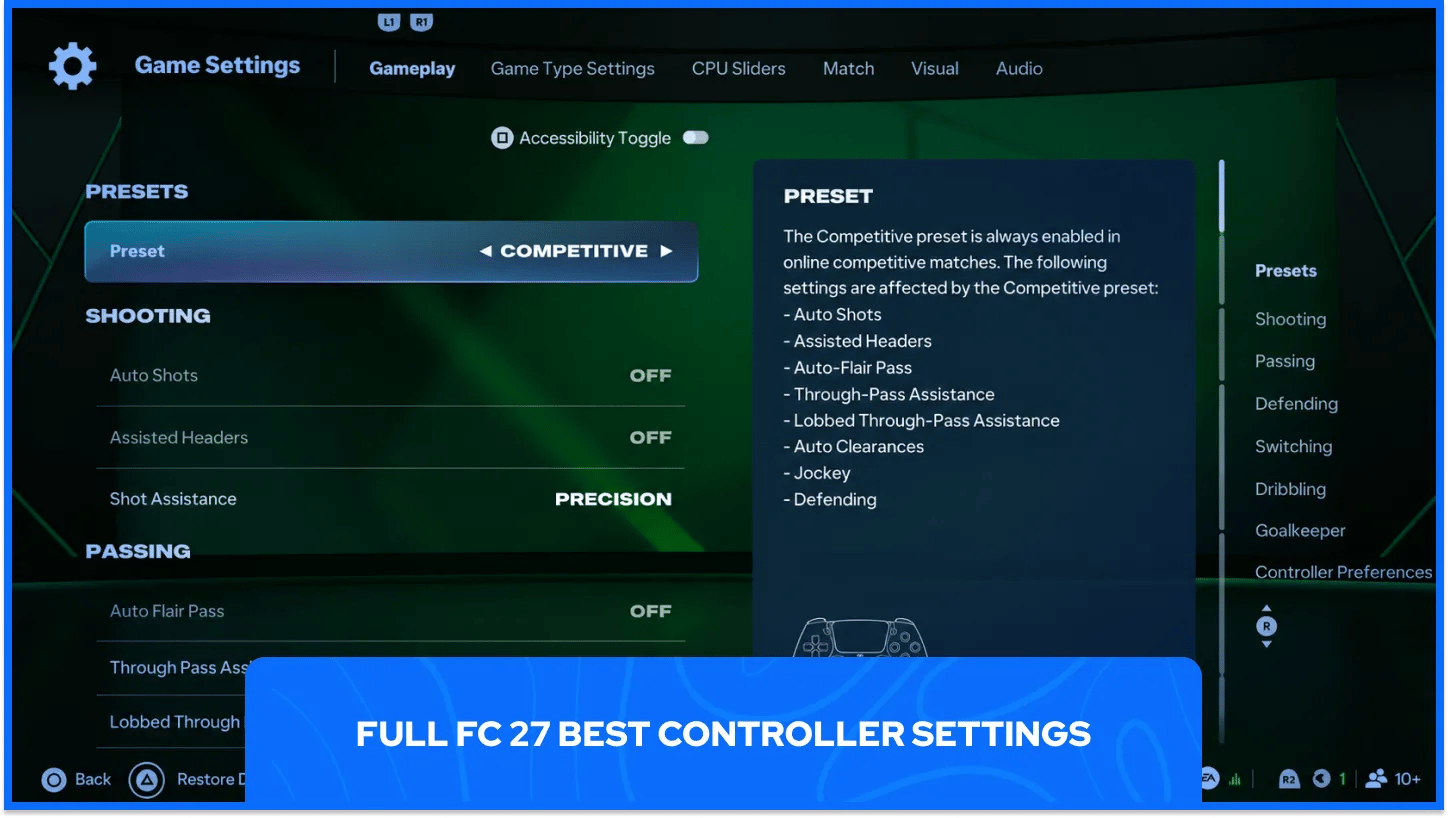
Every option lives in the Game Settings menu, reached through Settings on the main Football Club screen. Settings that the Competitive preset locks appear greyed out in online modes, so only the remaining rows need manual changes.
Every recommended value and the action behind it appear in one place below.
Category | Setting | Recommended Value | Action |
|---|---|---|---|
Preset | Controller Preset | Competitive | Turn on |
Shooting | Auto Shots | Off | Turn off |
Shooting | Assisted Headers | Off | Turn off |
Shooting | Shot Assistance | Precision (Assisted as a fallback) | Set |
Passing | Auto Flair Pass | Off | Turn off |
Passing | Through Pass Assistance | Semi | Set |
Passing | Lobbed Through Pass | Semi | Set |
Passing | Ground Pass Assistance | Assisted | Set |
Passing | Cross Assistance | Assisted | Set |
Passing | Lob Pass Assistance | Assisted | Set |
Passing | Pass Receiver Lock | Late | Set |
Passing | Precision Pass Sensitivity | Normal | Set |
Defending | Defending | Advanced Defending (Tactical for beginners) | Set |
Defending | Auto Clearances | Off | Turn off |
Defending | Clearance Assistance | Directional | Set |
Defending | Jockey | Manual | Turn off |
Defending | Pass Block Assistance | On | Turn on |
Defending | Professional Fouls | On | Turn on |
Switching | Auto Switching | Air Balls and Loose Balls | Set |
Switching | Auto Switching Move Assistance | None | Turn off |
Switching | Right Stick Switching | Classic | Set |
Switching | Right Stick Switching Reference | Player Relative | Set |
Switching | Right Stick Switching Sensitivity | 4 or 5 | Set |
Switching | Next Player Switching | Classic | Set |
Switching | Player Lock | Personal choice | Optional |
Switching | Reaction Time Calibration | Personal choice | Optional |
Dribbling | Simplified Skill Moves | Off | Turn off |
Movement | Analog Sprint | Off | Turn off |
Goalkeeper | Save Assistance | Assisted | Set |
Preferences | Right Stick Remap | Off | Turn off |
Preferences | L1/R1 and L2/R2 Remap | Off | Turn off |
Preferences | Trigger Effect | Off | Turn off |
Save Assistance only applies when the player controls the goalkeeper. Assisted saves balls close to the body automatically and leaves positioning and timing to the player on every other shot. Rows marked optional carry no fixed recommendation, as competitive setups split on both Player Lock and Reaction Time Calibration.
The Competitive preset sits underneath every other controller choice in FC 27. Online modes require it, and in FUT the preset stays locked on with no option to change it. Settings outside the preset remain open to adjustment, so the preset works as the starting point and individual options add the fine tuning. EA also names Through Pass Assistance, Lobbed Through Pass, and Defending as preset settings, and those three stay selectable.
The preset greys out the first five settings below and holds them at competitive values. The remaining settings below stay as manual choices for each player.
Auto Clearances stays Off: players perform clearances only after a direct button press and never on their own.
Auto Flair Pass stays Off: flair passes appear only when the player holds the flair modifier.
Auto Shots stays Off: players never shoot automatically, so every shot comes from a deliberate input.
Assisted Headers stays Off: headers use manual aiming, and attributes, pressure, and the match situation still affect accuracy.
Jockey stays Manual: jockeying carries no speed or directional assistance, which puts defensive positioning fully in the player's hands.
Auto Switching Move Assistance goes to None: the selected player drops the previous direction of movement, which gives immediate control after an automatic switch.
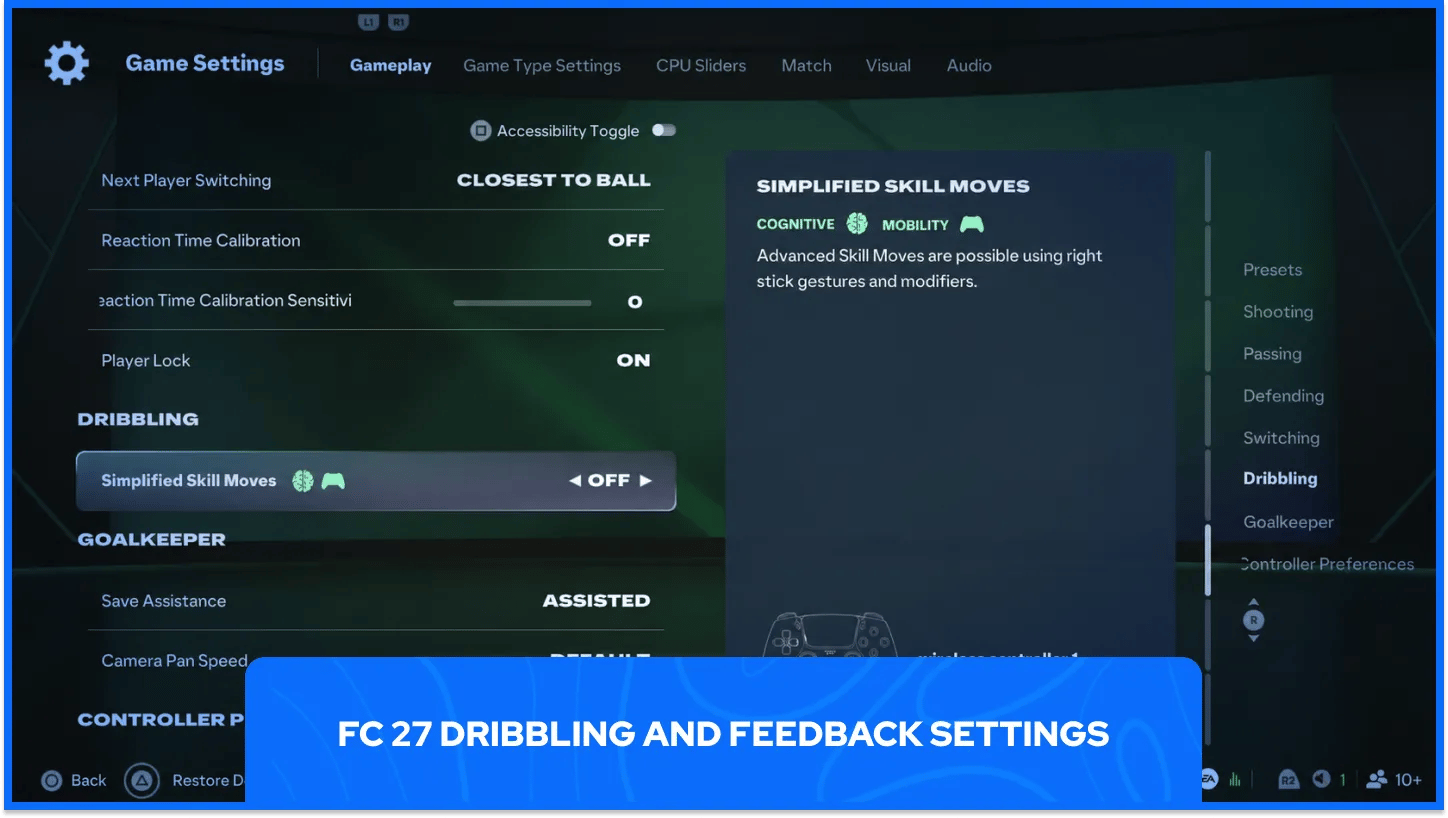
Simplified Skill Moves goes to Off: skill moves use traditional right stick gestures and button modifiers, so the game never selects a skill move on the player's behalf.
Analog Sprint goes to Off: the player reaches full sprint speed on every press of the sprint button, which keeps acceleration consistent.
Trigger Effect goes to Off: adaptive trigger resistance on DualSense controllers makes the sprint trigger harder to press, which works against smooth sprinting, especially with Analog Sprint On.
Right Stick Remap stays Off: the option moves right-stick actions elsewhere on the pad and helps players who struggle to flick and hold the stick at once.
L1/R1 and L2/R2 Remap stays Off: the option swaps the bumper and trigger pairs, which matters mainly for players with rear paddles, as the swap changes what each paddle copies.
Offline modes such as Career and Kick-Off default to the Authentic preset. Players can switch Competitive on in both modes to bring manual defending into offline matches. Wider gameplay changes around crossing, runs, and corners follow the same manual-control approach.
Manual heading stays mandatory across every FUT mode, every Clubs mode, Online Seasons, Co-Op Seasons, and Friendlies, so early practice pays off in every competitive queue. Players in other modes can match the Competitive profile by hand through individual settings, which keeps practice consistent with ranked rules.
EA tags both remap options as mobility aids, so they sit apart from the assist menus and change button placement without touching gameplay rules. Players who never struggle with flicking and holding at once can leave both on Off.
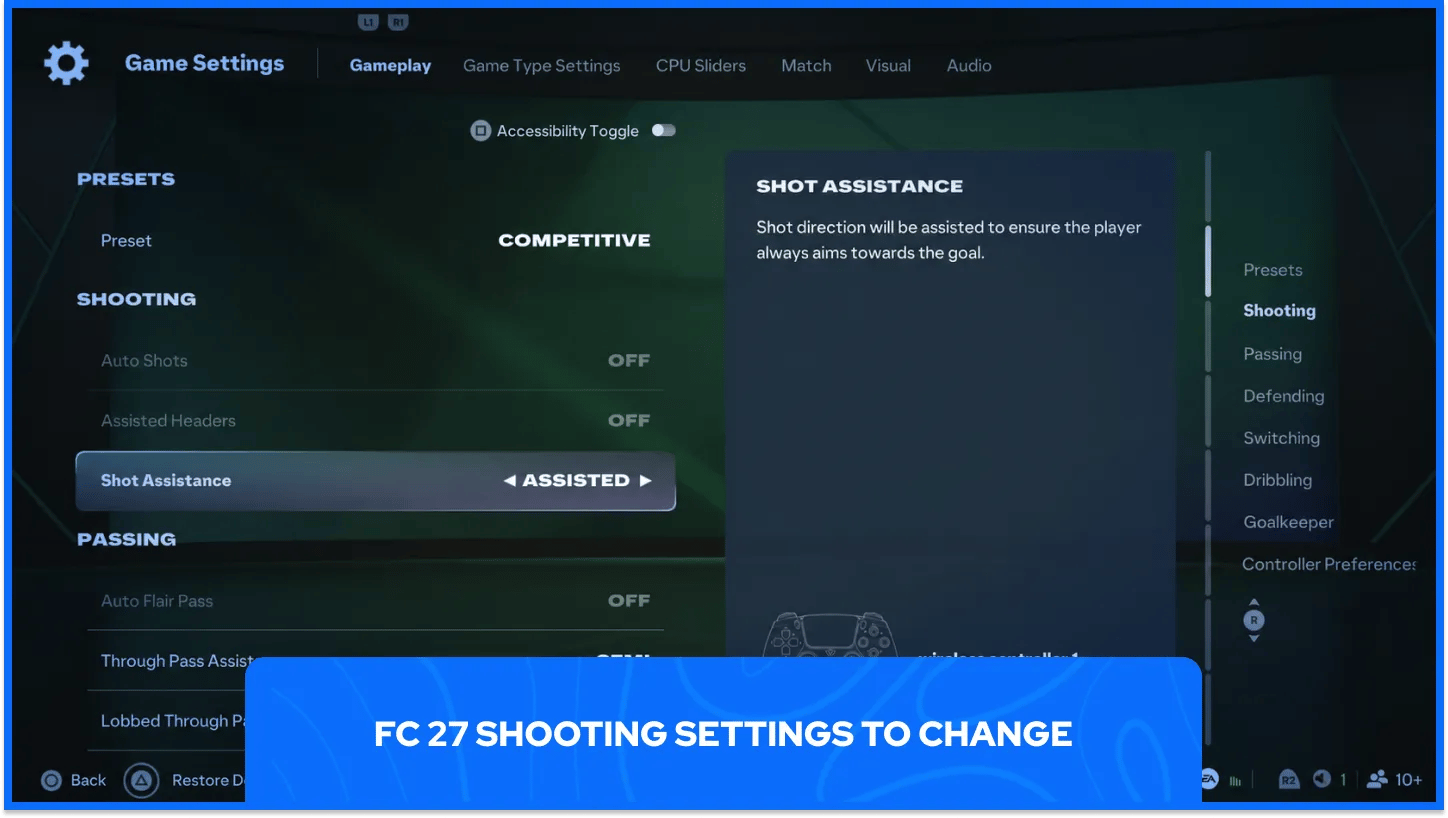
Finishing in FC 27 rewards deliberate aim and clean timing on every strike. Headers from crosses and corners demand greater precision for clean contact, and clean contact produces a more accurate finish.
Competitive finishing leans on the Shot Assistance options below.
Shot Assistance goes to Precision: the player controls the angle of every shot and earns a harder, flatter ball for accurate aim, and Precision takes more practice than Assisted.
Shot Assistance stays on Assisted as a fallback: the game aims every shot toward goal, which steadies placement for players who still drag shots wide from inside the box.
Switching from Assisted to Precision happens once: players who move over should commit to the change instead of toggling between the two, as constant swaps stop aim habits from settling.
Shot type matters as much as assistance. Holding R1 on PlayStation or RB on Xbox with Circle or B produces a finesse shot aimed across the goalkeeper, and pressing Circle or B a second time once the bar starts filling produces a low driven finish.
Finesse shots gain spin, animation speed, and off-angle effectiveness from the shooter's attributes, and low driven shots gain velocity from core shooting attributes and input strength. Players picking a striker can check the best attackers in FC 27 for options with strong finishing.
Passing in FC 27 depends heavily on aim. Ground and lobbed through passes follow the directional input strictly, and dinked passes run on a fully manual system where aim and strength decide the outcome.
Competitive play favors the passing values below.
Through Pass Assistance goes to Semi: partial help on direction and strength guides the ball toward the receiver's path and away from opponents.
Lobbed Through Pass goes to Semi: partial help on direction and strength guides lobbed through balls toward the receiver's path and leaves aim with the player.
Ground Pass Assistance goes to Assisted: the game adjusts pass strength and direction to raise the chance that a teammate receives the ball.
Cross Assistance goes to Assisted: crosses lean toward a teammate and aim at the front or back post areas.
Lob Pass Assistance goes to Assisted: lobbed passes avoid opponents and reach the intended target with better accuracy.
Pass Receiver Lock goes to Late: the receiver locks as late as possible, close to the kick, so pass direction stays adjustable until the final moment, which suits the delay felt in online play.
Precision Pass Sensitivity stays on Normal: Normal keeps aim slower but more precise, and High speeds the aim up at the cost of precision.
Strict directional input cuts both ways for every passer in FC 27. Passes that follow the aim exactly give manual defenders a fair chance to read the play and intercept, so careless aim costs possession.
Crossing follows the same manual logic as through passes and dinked passes. Crosses land in open space more often than directly on a player, and aim and strength have a large impact on where each delivery ends up, so a poorly placed cross can miss every teammate.
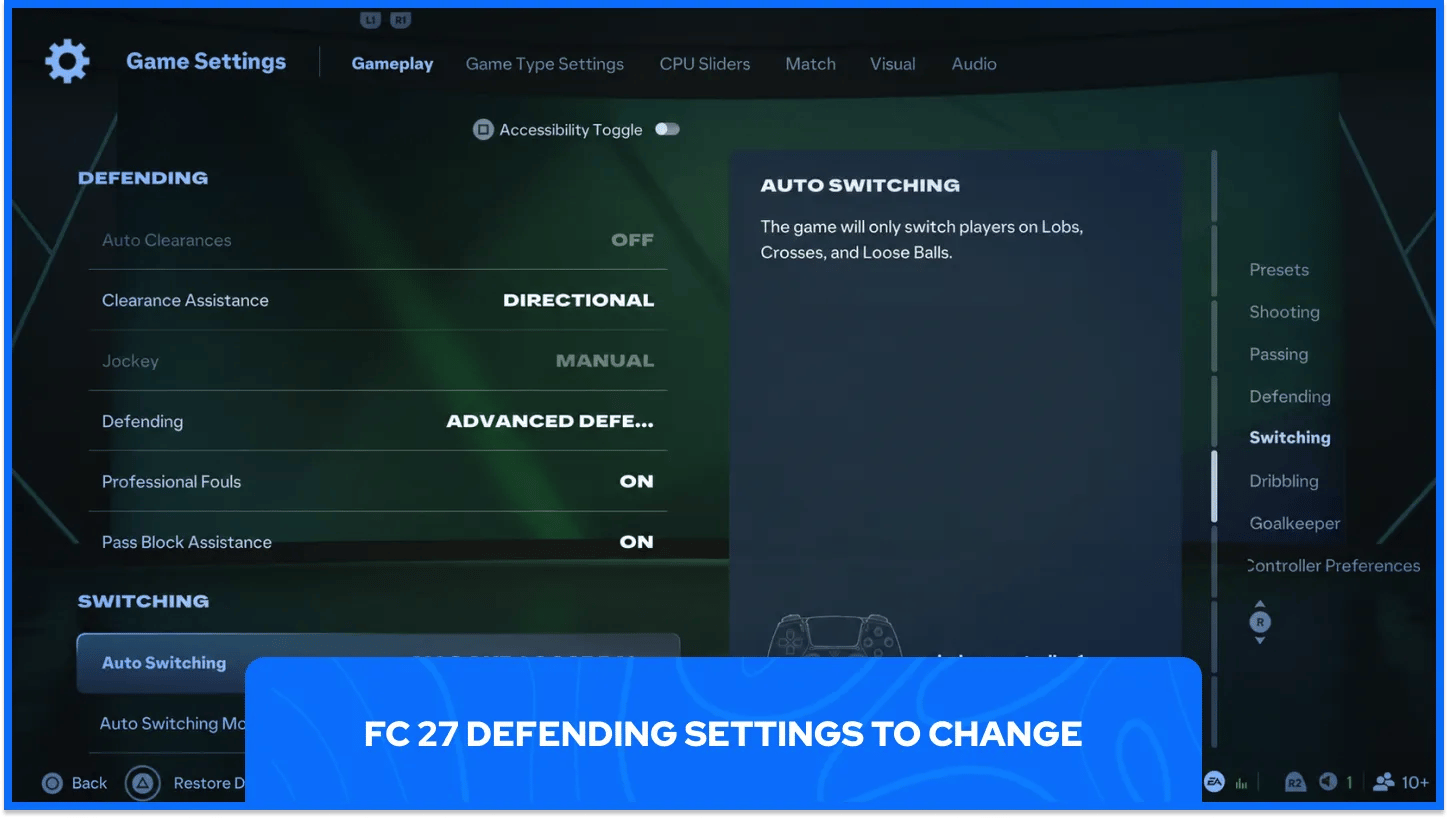
Defending in Competitive gameplay puts the decision to tackle with the player. AI teammates hold position and win loose balls within reach, and a manually controlled defender reaches further for interceptions than an AI defender. Manual jockeying and stand tackles carry strong speed and range, so reading the dribbler and picking the right defender pays off.
Competitive defending relies on the settings below in the controller menu.
Defending goes to Advanced Defending: the player chooses the tackle type instead of the game, which suits the manual focus of Competitive gameplay.
Clearance Assistance goes to Directional: clearances follow the direction of the stick input, and the game still assists the strength and picks the earliest contact point.
Professional Fouls stays On: a dedicated input of R1 plus X on PlayStation or RB plus A on Xbox lets the defender stop a dangerous attack deliberately, usually at the cost of a booking.
Pass Block Assistance stays On: controlled and AI players attempt to intercept nearby passes automatically, which adds interception chances and also risks missed blocks.
Legacy Defending tackles automatically whenever the player holds the button, and online modes do not offer it, so competitive matches always run Advanced or Tactical.
Strong defenders make the manual approach far easier to run. Players building a back line can check the best defenders in FC 27 for options that suit a manual style.
Defending style decides what each tackle button does, so the choice affects every challenge in a match. The two systems differ most in who picks the tackle type, the game or the player.
The inputs for each defending system work as follows.
Defending System | Button | Action |
|---|---|---|
Tactical Defending | Circle or B | Game picks a stand tackle or a more physical challenge based on position |
Tactical Defending | Cross or A | Contain |
Advanced Defending | Circle or B | Stand tackle |
Advanced Defending | Cross or A | Shoulder challenge or seal-out |
Tactical Defending suits players who want the game to choose between a stand tackle and a more physical challenge. The system keeps timing and positioning with the player and feels familiar and consistent, which makes it the safer starting point for players still learning manual defending.
Advanced Defending asks for sharper timing and rewards players who read the moment well. Tactical Defending costs fewer cards in the learning phase, so a player can begin there and move over once tackle timing feels reliable.
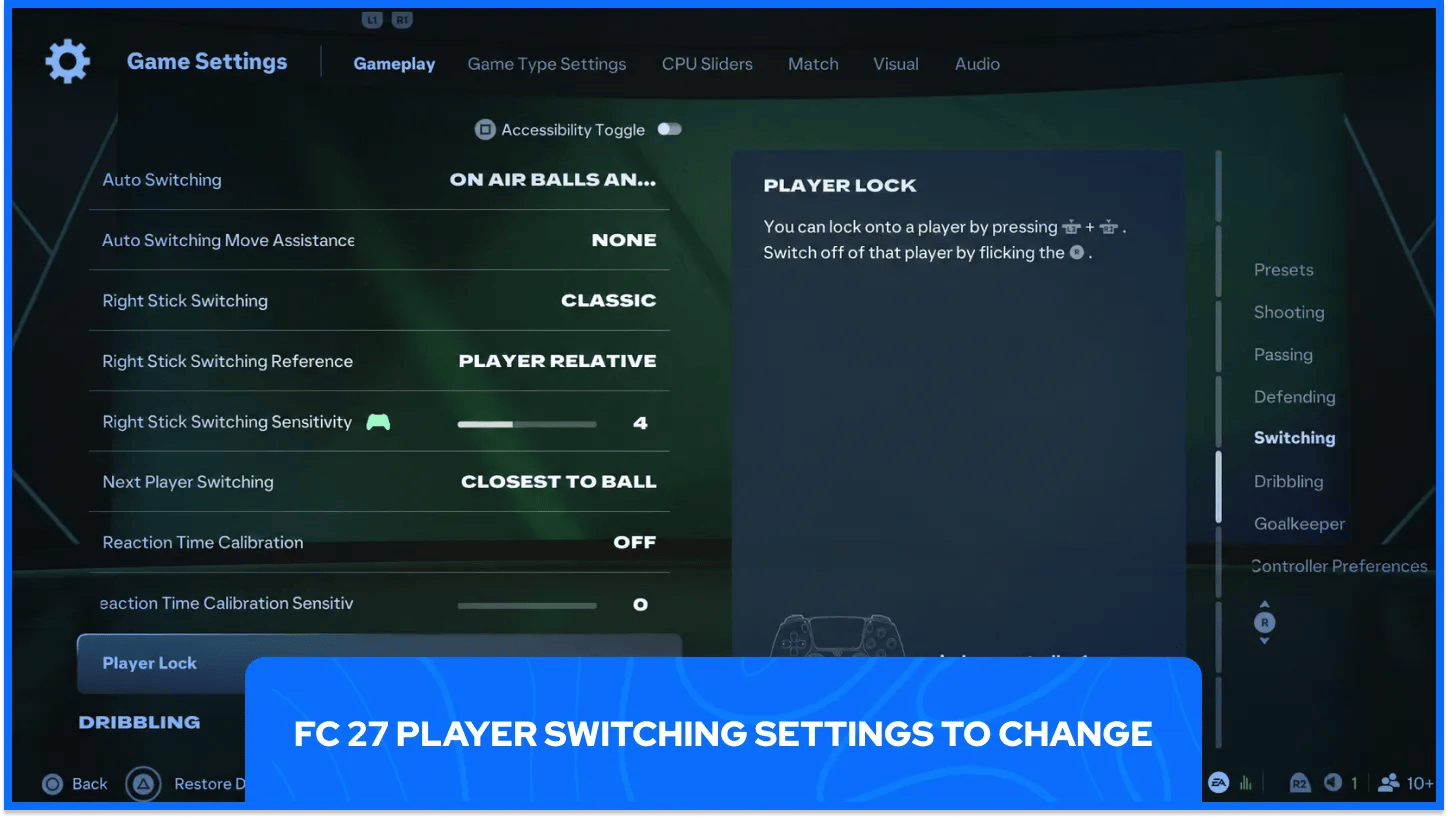
Switching decides which defender makes the tackle, and in Competitive gameplay a manually controlled defender reaches further than an AI teammate. Teammate Contain adds another reason to switch, as AI teammates mark the ball carrier from a slightly longer distance and leave the pressing to the player.
Predictable switching comes from combining the options below.
Auto Switching goes to Air Balls and Loose Balls: the AI switches only on lobs, crosses, and loose balls, and the player makes every other switch.
Right Stick Switching stays on Classic: flicking the right stick switches straight to the next player in the pointed direction.
Right Stick Switching Reference goes to Player Relative: the controlled defender becomes the center point for right stick directions, and Ball Relative centers those directions on the ball for players who find defender swaps slow.
Next Player Switching goes to Classic: L1 or LB switches to the next-best available defender, with the game weighing several factors to pick that player.
The Next Player Switch Indicator stays On by default and places an icon above the defender that L1 or LB will select, so the next switch never comes as a surprise.
Strong switching habits matter as much as the settings themselves. EA built manual defending to reward reading the dribbler and switching to the best-placed defender, so switching before the dribbler arrives gives the best chance of winning the ball.
The Classic layout stays the common starting point, since FC 27 control references are written around it. Classic also holds the inputs for manually triggered runs, with a tap of L1 and R1 (LB and RB on Xbox) sending a player on a curved run into space and L1, R1, and X (LB, RB, and A) starting Pass and Follow.
Right Stick Switching Sensitivity works best at 4 or 5 as a starting point. The scale runs from 0 to 10, higher values respect the pointed direction more closely, and lower values favor closer players, with competitive recommendations spanning 3 to 7.
Skill moves and switching both depend on a stick that returns to center, as a stick resting off-center triggers ball rolls that nobody asked for. Console-level dead zone and analog sensitivity options also affect responsiveness, so a quick drift test before ranked sessions pays off.
Off-balance dribbling gives dribblers with strong Balance, Agility, and Dribbling attributes control after a collision, bump, or shoulder challenge. The animation shows a stumbling dribbler who still accepts input, so the player can keep moving and take a touch in the chosen direction.
The feature runs on PlayStation 5, Xbox Series X and S, PC, and Nintendo Switch 2. Competitive setups often hide FC Trainer once the controls feel familiar, since on-pitch prompts can cover runs that matter.
Controller settings in FC 27 work best as a starting point that grows with every match played. Competitive gameplay leans on manual control, so assists that feel comfortable can come off one at a time as timing and aim improve, with a few matches of testing after each change. Squad quality matters alongside settings, and GameBoost covers FC 27 topics from player rankings to FUT rewards for players building a stronger lineup.
FC 27 Accounts For Sale
Buy Cheap FC 27 Coins
Buy FC 27 Points
Buy FC 26 Items
Buy FC 26 Coins
Buy FC 26 Accounts
View all GameBoost Accounts
View all GameBoost Boosting Services
View all GameBoost Currencies
View all GameBoost Game Keys
View all GameBoost Gift Cards
View all GameBoost Top Ups
View all GameBoost Items
“ Hamza is your average video game enthusiast who’s always looking for his next game to play. Whether he’s diving into a competitive multiplayer match, exploring a massive open world, or getting completely hooked on a new release, gaming has always been one of his favorite ways to spend his time. Over the years, his love for games has grown into a passion for understanding and sharing everything about them. Through his articles, Hamza aims to help gamers discover new games, improve their skills, stay up to date with the latest gaming news, and get the most out of their favorite titles.”