.webp?v=1790584058)
.png)

•Hamza Rashid• 9 min read
FC 27
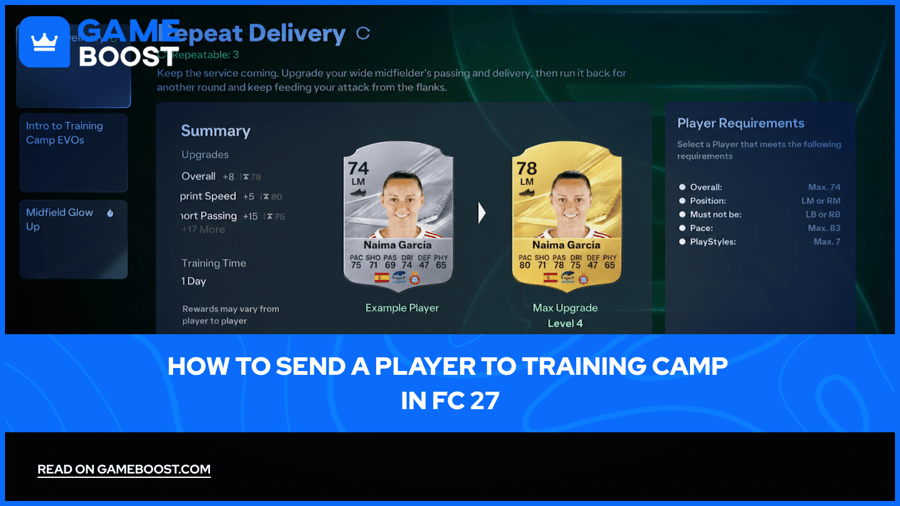
EA SPORTS FC 27 builds FUT squads around cards that grow through Evolutions, and Training Camp is the passive branch of that system. Players who want to send a player to Training Camp in FC 27 pick a card, start a session, and collect attribute upgrades when the timer ends.
Starting a session takes only a few menu taps, yet the entry rules, timers, and cancellation terms decide how much value each card returns. Menu steps, entry requirements, session timers, cancellation rules, and Evolution planning for Training Camp all follow below.
Training Camp Evolutions upgrade a player card passively, with no gameplay challenges, and suit lower-rated cards best.
Sending a card starts at Club, Evolutions, then Available Evolutions, where players pick a Training Camp and submit one eligible card.
Every slot lists player requirements, entry costs, and deadlines before the card goes in.
Sessions run from a few hours to more than 30 days, and longer sessions usually pay out higher-level rewards.
The card stays visible in the Club tab but remains unavailable until the timer ends.
Cancelling keeps earned upgrades only and refunds no FC Points or Coins.
Repeatable Evolutions accept the same card again, with a fresh requirement check and a separate payment each time.
Preview Evolution shows the finished stats and filters which Evolutions the card can enter afterward.
Training Camp is a category of Evolutions in FC 27 FUT that upgrades player cards on a timer. Standard Evolutions ask players to complete gameplay challenges before any upgrade lands. Training Camp replaces those challenges with a set period of waiting.
Each Training Camp Evolution carries its own attribute upgrades, entry rules, and duration. EA designs the category as an accessible entry point for lower-rated cards, so spare cards in a club gain a route into the Evolution system without gameplay requirements.
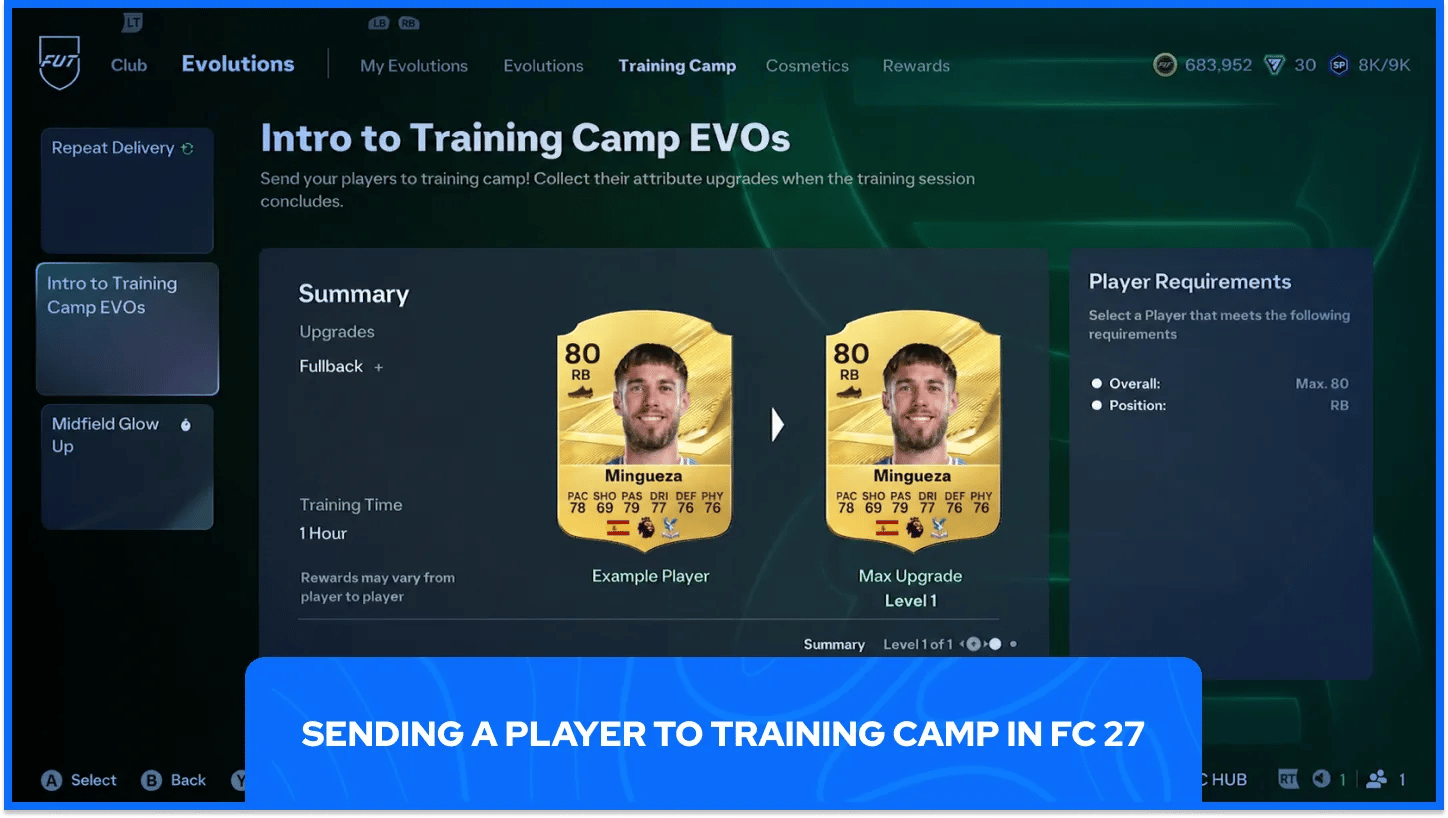
The whole process runs through the Evolutions menu in FUT, and starting it requires no match at all.
The steps below send a card to Training Camp from the main FUT screen.
Open FUT from the main menu: The Evolutions menu sits inside FUT, so the mode has to load before anything else.
Go to the Club tab and select Evolutions: The Evolutions option leads to every path the club can start, including Training Camp.
Choose Available Evolutions and pick a Training Camp: Training Camp slots share the list with standard Evolutions, and a training time on the slot identifies them.
Check the requirements and entry cost: Every slot lists what a card needs and what the session costs, so one look here prevents a wasted attempt.
Select one eligible card: Each Evolution accepts a single player, so the best-fitting card for the slot gets the spot.
Confirm the submission: Confirming sends the card into training and starts the countdown.
Evolutions earned through rewards, such as the Season Pass, appear in the Rewards tab at the top of the Evolutions screen instead of the Available list. Players who collect reward Evolutions should check that tab before searching the main list.
After submission, My Evolutions in the same menu tracks every Evolution in progress, including each Training Camp session. Players can open that screen at any point to check progress without disturbing the session.
Each Training Camp slot spells out what a card needs before it can enter. Positions, rating limits, and attribute thresholds vary from slot to slot, so a card can qualify for one session and miss another.
Every slot displays the following details before a card goes in.
Detail | What It Controls |
|---|---|
Player requirements | The position, rating, and attribute limits a card must meet |
Entry cost | The Coins or FC Points a slot charges, when it charges any |
Get Within X Days | The deadline to activate the slot |
Expires In X Days | The deadline to finish the Evolution and earn its upgrades |
Slots do not always carry both deadlines. Some show one, some show both, and some show neither, so a missing deadline means no countdown applies to that slot.
Cards that meet the requirements come from several routes inside FUT. Players can claim free packs or buy specific cards on the Transfer Market, and either route fills a slot without touching the main squad.
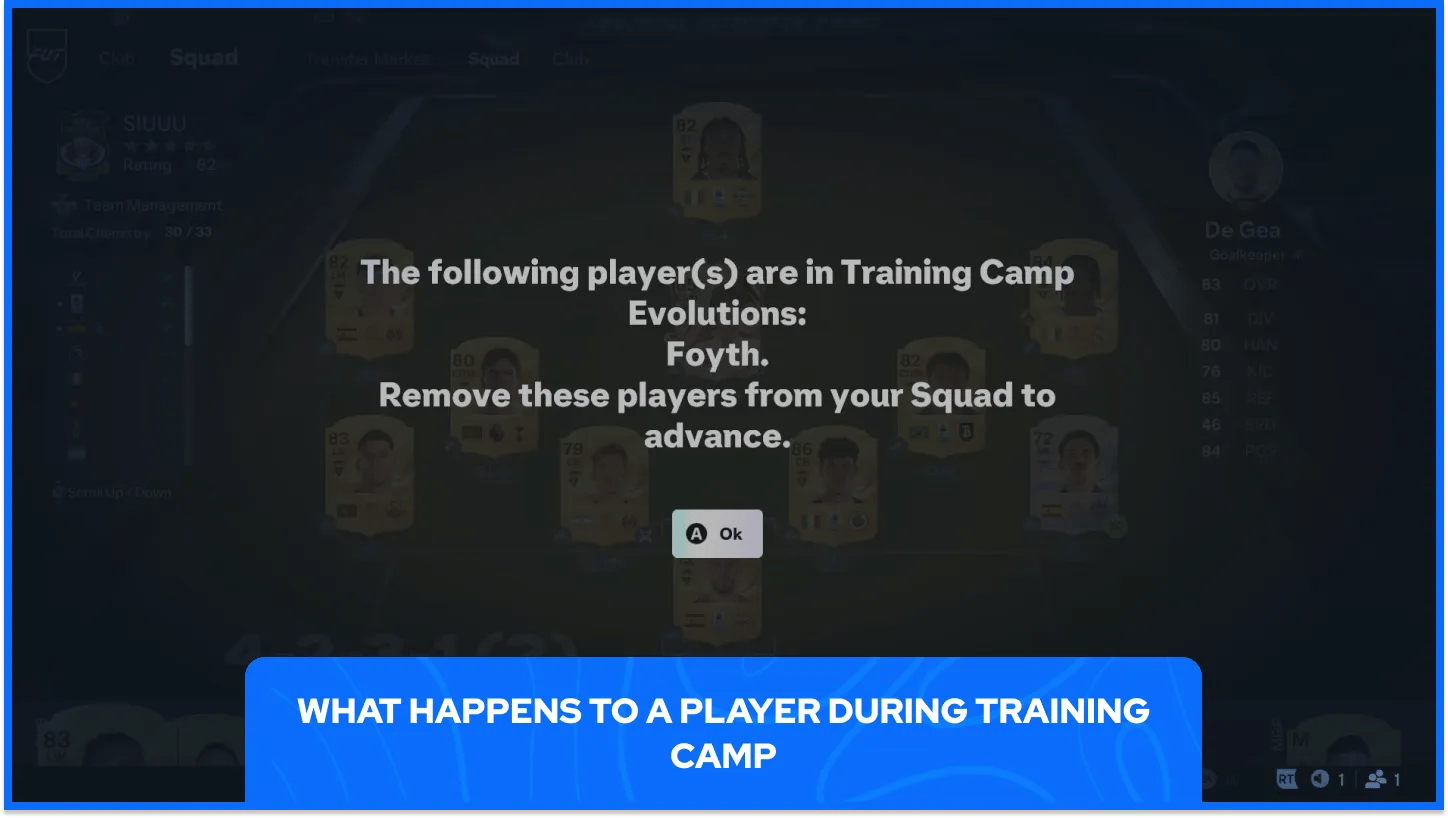
A card in training stays visible in the Club tab but remains out of action for the full set time. EA describes the player as unavailable, so the card cannot join matches or other Evolutions until the session ends.
Session length runs from a few hours to more than 30 days. Rewards reflect the time a session needs, so Evolutions with higher-level rewards tend to run longer. When the timer ends, players claim the upgrades and use the card again, including in another Evolution. Long sessions suit spare cards, and squad starters fit only the shortest sessions.
A submitted Training Camp stays flexible, since players can cancel a session or run a repeatable one again. Each option follows its own set of rules and costs.
The rules below cover both options after a card enters training.
Cancelling keeps only earned upgrades: A cancelled session pays nothing for the remaining levels, and the FC Points or Coins spent on entry never return.
Repeatable Evolutions accept the same card again: The card needs to meet the entry requirements at the moment of the second submission.
Paid slots charge on every repeat: Paying once buys one entry and does not cover later repeats.
Cooldowns can delay the next run: Some repeatable Evolutions make the card wait after completion before another session can start.
Levels already finished keep their upgrades, so cancelling removes only the unfinished levels from the payout. The cost of cancelling shrinks as more levels finish, which makes late cancellations cheap and early ones expensive.
Upgrades from one run can change a card's stats, so the entry requirements deserve a fresh check before every repeat. A card that crossed a rating or attribute limit no longer qualifies, and the slot rejects it.
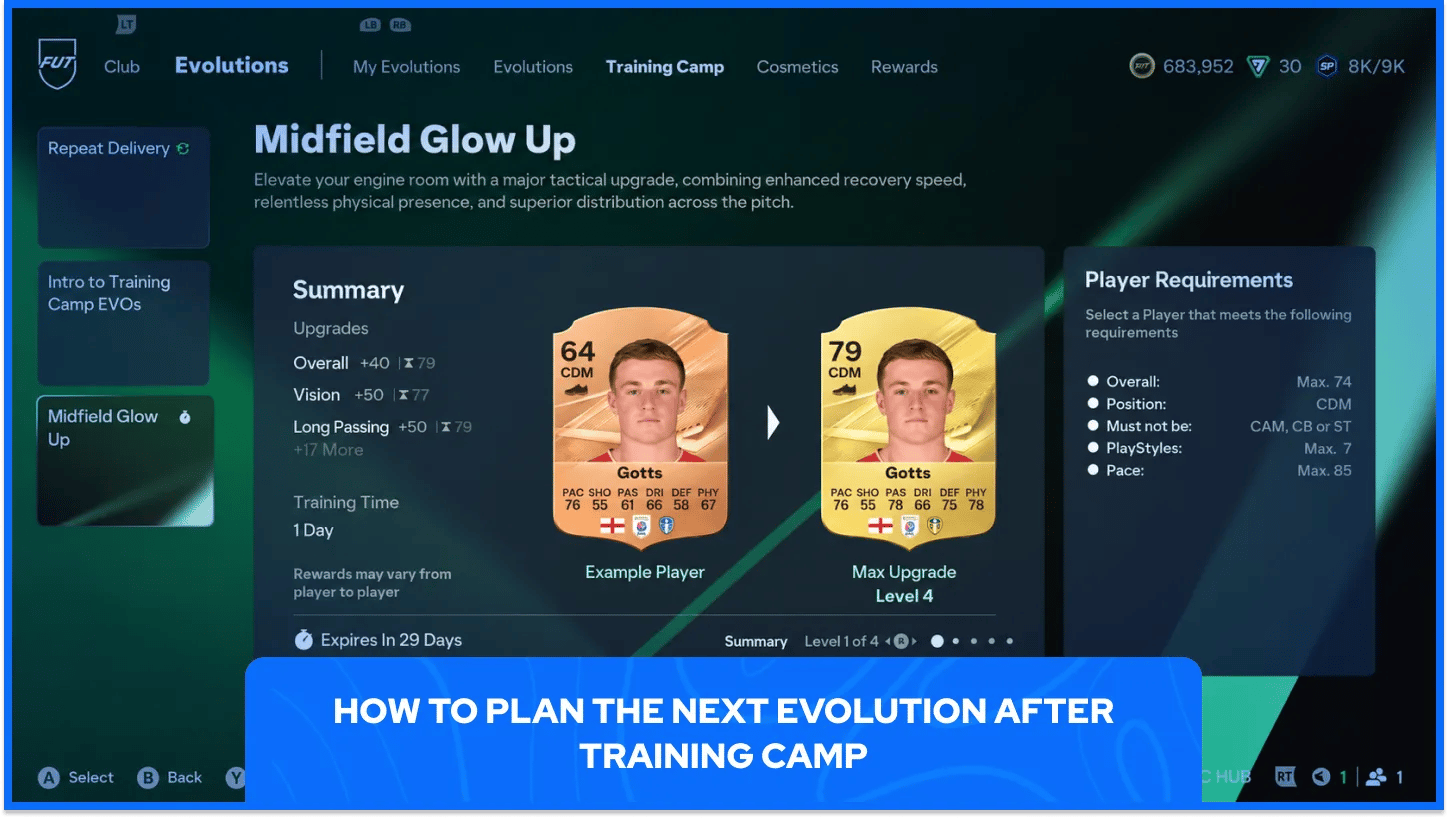
A claimed card can enter another Evolution, so planning the route before the first submission avoids dead ends. EA builds Evolutions with positional and attribute requirements that preserve a player's on-pitch identity, and cards tend to follow routes that match their position.
Previewing happens before any submission, so no card commits during planning. The steps below preview a full route.
Select the Evolution to preview: Start with the first Evolution in the planned route.
Select a player card: The preview applies to that card's current stats.
Choose Preview Evolution: The screen shows how the card looks after the Evolution.
Select another Evolution to preview: The list filters to the Evolutions the card still qualifies for under its resulting stats.
Confirm to continue the chain: Confirming lets the preview carry on from the card's resulting stats.
Some Evolutions offer a choice between rewards at a level. Players can compare the options and switch freely until they complete the level and claim the reward.
Selected Evolutions branch into Pathways with different upgrade directions, such as dribbling gains paired with the Technical PlayStyle or defensive awareness paired with Jockey. Linear Evolutions still exist, so not every slot offers a branch.
Training Camp rewards patience more than skill, which makes it one of the lowest-effort ways to grow a FUT club. Spare cards from packs, rewards, and market purchases all become Evolution material, and a timer does the work as matches go toward other goals.
Players who plan the route from the first submission turn a cheap card into a long-term squad piece with very little extra effort, and each claimed session leaves that card ready for whatever Evolution comes next.
FC 27 Accounts For Sale
Buy Cheap FC 27 Coins
Buy FC 27 Points
Buy FC 26 Items
Buy FC 26 Coins
Buy FC 26 Accounts
View all GameBoost Accounts
View all GameBoost Boosting Services
View all GameBoost Currencies
View all GameBoost Game Keys
View all GameBoost Gift Cards
View all GameBoost Top Ups
View all GameBoost Items
“ Hamza is your average video game enthusiast who’s always looking for his next game to play. Whether he’s diving into a competitive multiplayer match, exploring a massive open world, or getting completely hooked on a new release, gaming has always been one of his favorite ways to spend his time. Over the years, his love for games has grown into a passion for understanding and sharing everything about them. Through his articles, Hamza aims to help gamers discover new games, improve their skills, stay up to date with the latest gaming news, and get the most out of their favorite titles.”