

•Filip Premuš• 4 min read
Brawl Stars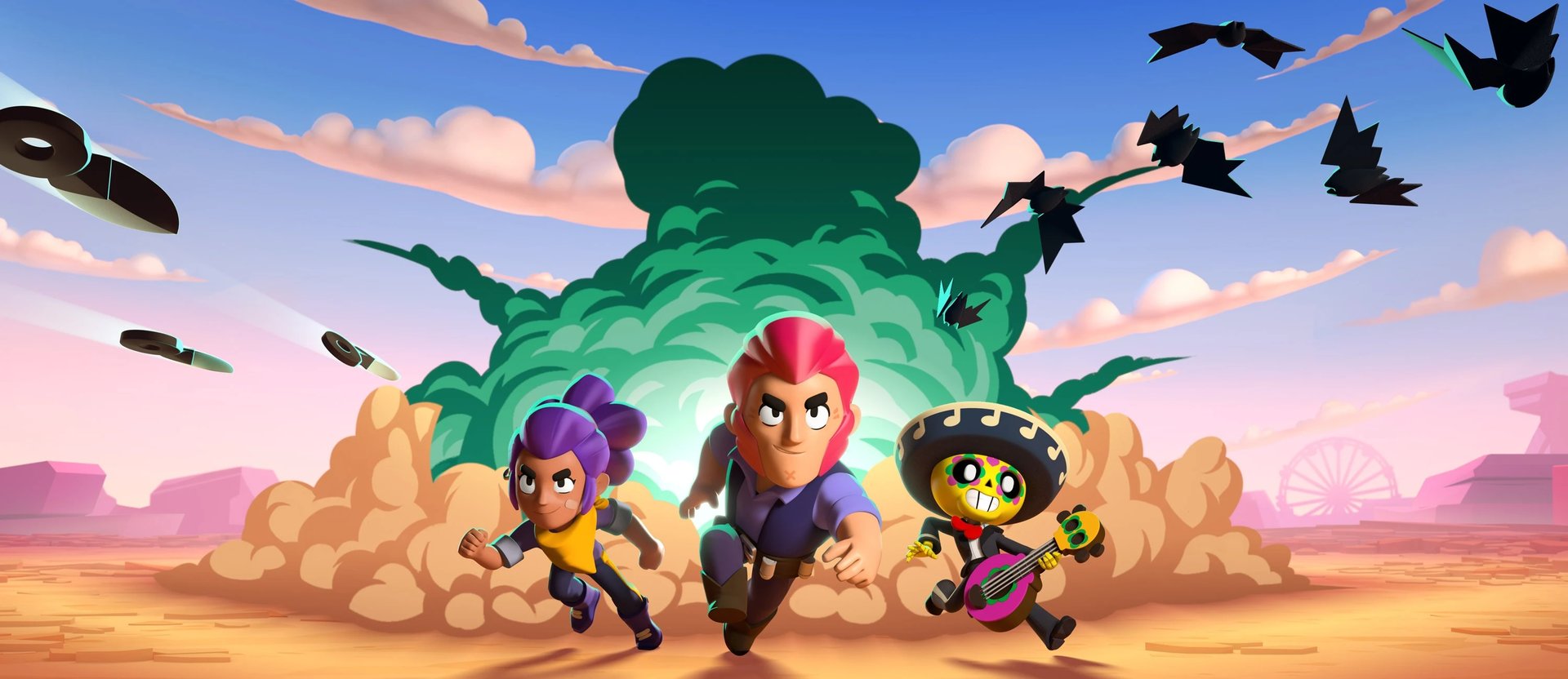

Brawl Stars throws you into fast, chaotic three-minute matches where picking the right Brawler and knowing the objective can be the difference between a win and an embarrassing loss. The roster keeps growing, the game modes rotate regularly, and there's enough depth in the progression system to keep you busy for a long time.
However, none of that is accessible until your account is properly set up. Creating and setting up your Brawl Stars account correctly from the start means your progress stays safe across devices, you won't lose anything if you reinstall, and switching phones down the line becomes a non-issue.
This article walks through the full process of creating Brawls Stars account, from downloading the game to linking your Supercell ID.
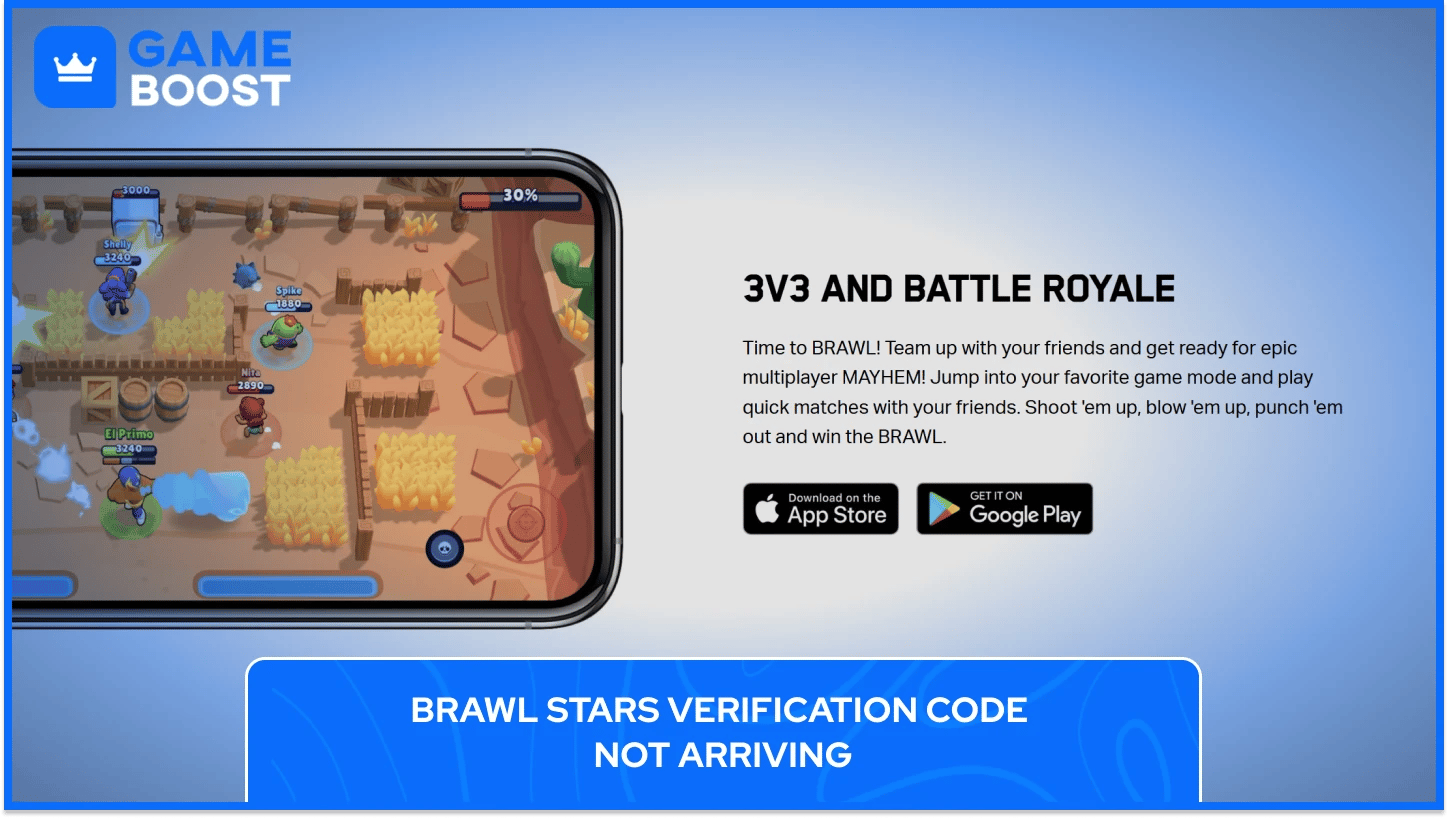
Brawl Stars is free to download and available on both Google Play Store for Android and the Apple App Store for iOS. Finding it on either platform takes seconds; just search "Brawl Stars" and tap install. The download comes in at around 1GB to 1.3GB, depending on your device, so it's worth making sure you've got enough free storage before you start, since the game can grow to around 1.5GB to 2GB once it's fully set up with all its assets.
On the requirements side, your device needs to be running at least iOS 11 or Android 7.0 for the game to function, as Supercell no longer supports earlier versions. Most phones from the last several years will clear that bar without any issue, so it's rarely something players run into.
For those who prefer playing on a larger screen, Brawl Stars can also be run on PC through an Android emulator like BlueStacks. It's not an official Supercell solution, but it's widely used and works reliably for most players. Just keep in mind that using modified or unofficial versions of the game to get around regional restrictions or unlock content violates Supercell's terms of service and can result in a permanent account ban.
The first time you open Brawl Stars, the game doesn't drop you straight into matches. Instead, it runs you through a mandatory tutorial that covers the core mechanics before anything else. You'll play as Shelly, the default starter Brawler, and get walked through the basics: how to move using the left joystick, how to attack with the right, and how to aim. There are two aiming options from the start, auto-aim and manual aim, and the tutorial gives you a feel for both.
From there, you'll be put into a practice match against AI bots. The results don't count toward any stats or rankings, so it's purely there to let you get comfortable with the controls before real matches begin. Once that's done, the game opens up fully, and you're free to start playing.
At this point, your progress exists only on your device. There's no account attached to it yet, and the game doesn't prompt you to create one. That part is up to you, but it's worth creating the Brawl Stars account sooner rather than later since everything you earn from here on is at risk until it's properly saved.
When you finish the tutorial, one of the first things you should do before playing another match is set up a Supercell ID. It's Supercell's free account system that ties your Brawl Stars progress to an email address, and it's the main thing standing between you and potentially losing everything if something happens to your device.
Creating a Brawl Stars Account With Supercell ID takes about a minute and only requires a valid email address. Here's how to do it:
Open Brawl Stars and tap the gear icon in the top right corner to access settings
Tap "Connect" and select "Supercell ID" from the options
Choose "Register New" and enter your email address
Check your inbox for the 6-digit verification code Supercell sends you
Enter the code in the app, and your account is saved
No password is needed at any point in creating your Brawl Stars account. Every time you log in, Supercell simply sends a fresh verification code to your email and you use that to authenticate.
Brawl Stars doesn't automatically back up your progress unless it's tied to an account. Without a Supercell ID, everything sits locally on your device, which means uninstalling the game, losing your phone, or switching devices wipes your progress completely. Linking your account is what keeps your Brawlers, trophies, skins, currency, and rank safe regardless of what happens to the device.
Getting back into your account on a new device follows the same process as the initial setup. Install the game, go to settings, tap "Connect," select Supercell ID, enter your email, and use the verification code Supercell sends you. Your account syncs instantly, and it works the same way across both Android and iOS.
Also Read: Brawl Stars: How to Switch Accounts on Android and iOS?
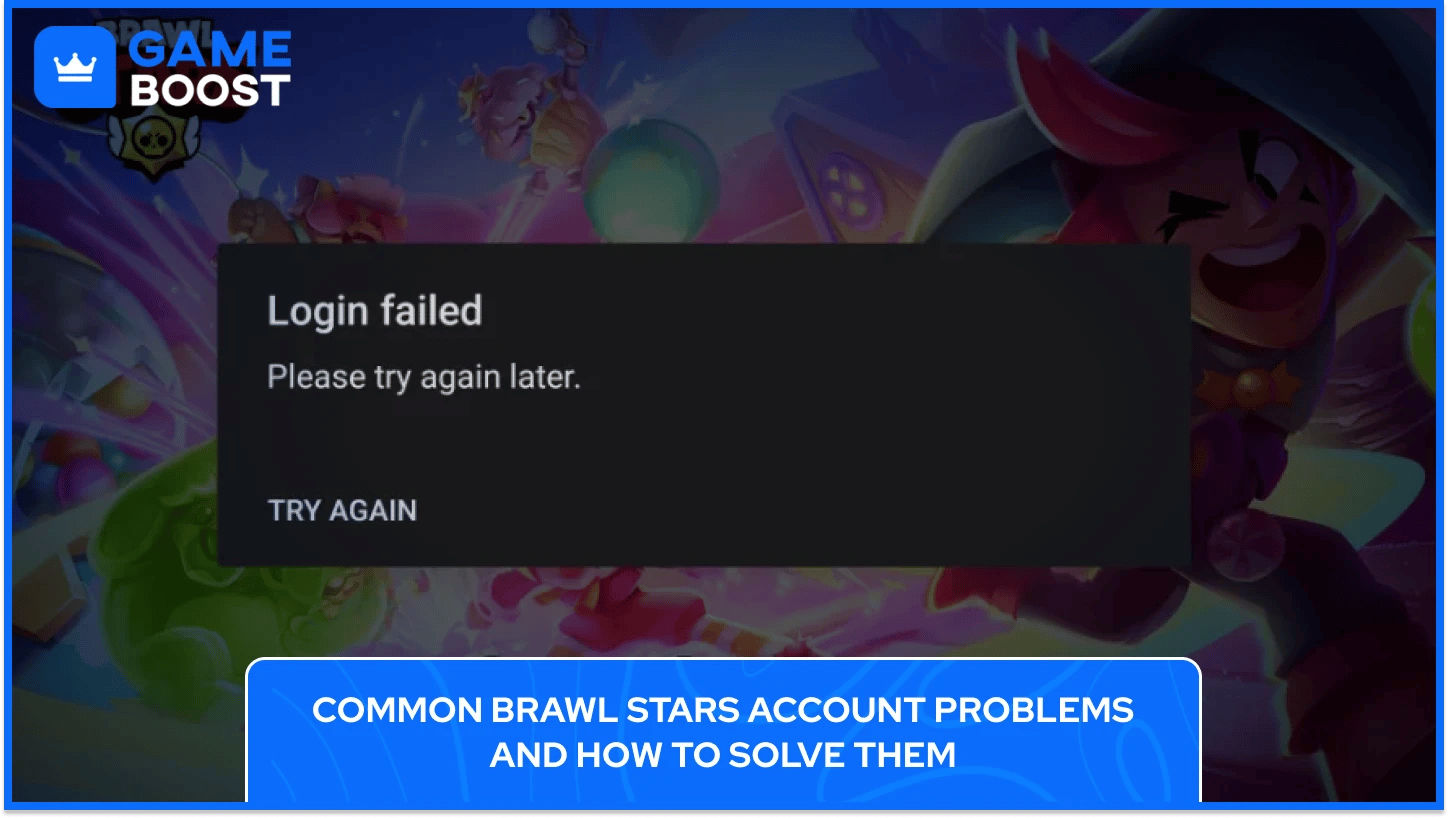
Most account issues in Brawl Stars come down to a handful of recurring situations.Here are the most common issues players face when creating a Brawl Stars account, along with solutions for each:
The verification code not arriving in your inbox is probably the most common issue players run into when setting up or logging into their Brawl Stars account. Before assuming something is broken, check your spam or junk folder first, since Supercell's emails get filtered there more often than you'd expect.
If the verification code is not there, search your inbox for "Supercell ID" to make sure it hasn't landed somewhere else. Also, confirm you're entering the correct email address, as a simple typo during registration is easy to miss. If you've requested multiple codes, remember that only the most recent one will work, so any previous codes are already expired by the time a new one is sent. Ticking "Remember me on this device" during login avoids this issue entirely for future sessions.
Losing access to an account that was never linked to a Supercell ID is a significantly harder problem to solve, and the recovery options are limited depending on how the account was originally set up.
On Android, the game may have been tied to your Google Play account, and on iOS, it may have synced with Game Center, so checking those first is worth doing. If neither works, your best path is contacting Supercell directly through the Help and Support option inside the game, selecting "Lost Account," and submitting a support ticket. Supercell will typically ask for details like your player tag, in-game name, and account level to verify ownership.
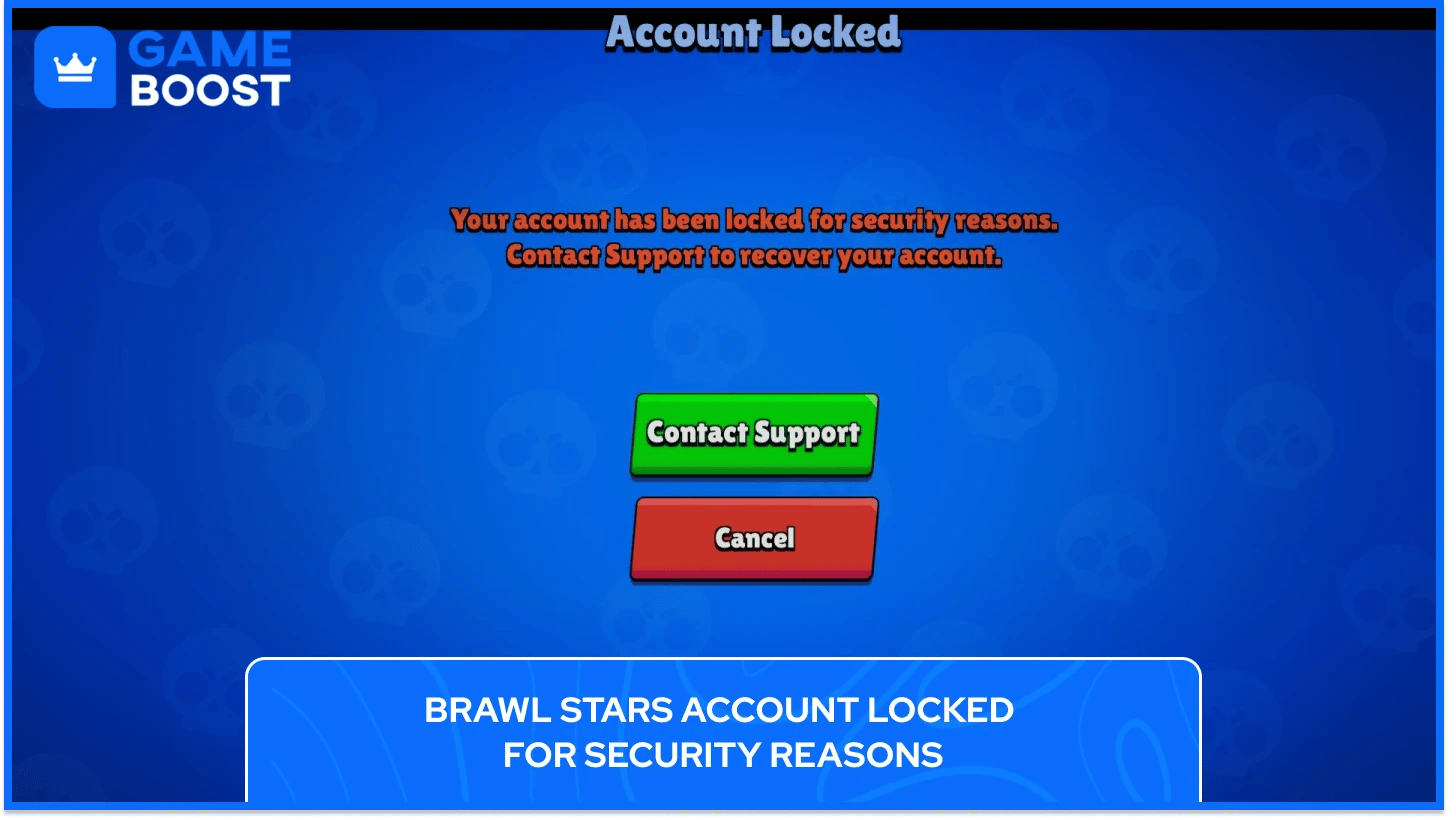
Supercell occasionally locks accounts that get flagged for suspicious activity, and if this happens, you'll see an explicit message when trying to log in rather than a standard login screen. If you see a message saying your account has been locked, do not attempt to log in repeatedly, as that can complicate the recovery process.
Go through the in-game Help and Support menu and submit a ticket explaining the situation. Supercell's support team handles these on a case by case basis and will usually ask for identity verification before restoring access.
Getting back into your account on a new device is easy if your Supercell ID is properly linked, but the process breaks down quickly if you've lost access to the email address you registered with. The only thing that tends to trip people up here is not having access to the email address they registered with. If that email no longer exists or you've lost access to it, contact Supercell support with as much account information as you can provide. Recovery in this case isn't guaranteed, which is another reason to keep your registered email active.

Playing Brawl Stars without a Supercell ID is possible, but it leaves your entire account vulnerable since all your progress is stored locally on your device with no way to recover it if something goes wrong.
A single Supercell ID works across all Supercell titles including Clash of Clans and Clash Royale, so if you already have one from another game, you can connect your Brawl Stars account using the same email without registering again.
Supercell doesn't use passwords at all, and every login is handled through a 6-digit verification code sent to your registered email address. Selecting "Remember me on this device" during login means you won't need to enter a fresh code every single time you open the game.
Losing access to the email tied to your Supercell ID means you can no longer receive login codes, which effectively locks you out of your account until the situation is resolved. Your best option is to contact Supercell support through the in-game Help and Support menu and provide as much account information as possible, including your player tag, in-game name, and trophy count. Recovery isn't guaranteed in this situation, which is why keeping your registered email active matters.
Getting your Brawl Stars account set up correctly takes maybe five minutes total, but saves you a significant amount of frustration down the line. Losing progress on a game you've invested time into is genuinely annoying, and it's almost always avoidable with a properly linked Supercell ID.
Brawl Stars keeps evolving with regular updates, new Brawlers, and seasonal content, so there's always something fresh to come back to regardless of how long you've been playing. Getting the account side of things right from the beginning means you can focus entirely on the game itself rather than dealing with access issues or lost progress down the road.
Brawl Stars Boosting
Buy Brawl Stars Gems
Brawl Stars Accounts For Sale
View all GameBoost Accounts
View all GameBoost Boosting Services
View all GameBoost Currencies
View all GameBoost Game Keys
View all GameBoost Gift Cards
View all GameBoost Top Ups
View all GameBoost Items
Buy CS2 Skins
“ Kristina joined GameBoost in 2024 as an SEO specialist and quickly became the go-to writer for third-person shooter and competitive games. She covers titles like Fortnite, Valorant, League of Legends, GTA 5, and Roblox, focusing on how-to guides, practical tips, and updates.”